Voxo Django Theme

Welcome to Voxo!

When you unpack downloaded archive from ThemeForest.net you'll get folder containing 2 folders.

  1. Documentation - Documentation for Voxo HTML site template
  2. THEME - Voxo Main Folder
  • Voxo-django
    • accounts
      • admin.py
      • apps.py
      • get_username.py
      • managers.py
      • models.py
      • signals.py
    • currency
      • admin.py
      • apps.py
      • models.py
    • order
      • admin.py
      • apps.py
      • models.py
      • signals.py
    • payment
      • admin.py
      • apps.py
      • models.py
      • signals.py
    • product
      • admin.py
      • apps.py
      • models.py
      • signals.py
    • static
      • assets
        • scss
          • vendors
            • slick
              • slick-theme.css
              • slick.css
            • bootstrap.css
            • feather-icon.css
            • font-awesome.css
          • demo1.css
          • demo1_dark.css
          • demo2.css
          • demo2_dark.css
          • demo3.css
          • demo3_dark.css
          • demo4.css
          • demo4_dark.css
          • demo5.css
          • demo5_dark.css
          • demo6.css
          • demo6_dark.css
    • voxo
      • asgi.py
      • context_processors.py
      • settings.py
      • urls.py
      • wsgi.py
    • voxoapp
      • static
        • admin
          • css
            • vendor
              • select2
                • select2.css
            • autocomplete.css
            • base.css
            • changelists.css
            • dark_mode.css
            • dashboard.css
            • demo.css
            • fonts.css
            • forms.css
            • login.css
            • nav_sidebar.css
            • responsive_rtl.css
            • responsive.css
            • rtl.css
            • widgets.css
          • fonts
          • img
          • js
            • admin
            • vendor
              • jquery
              • select2
              • xregexp
        • assets
          • css
            • swiper
            • vendors
            • backend.css
            • demo1.css
            • demo1_dark.css
            • demo2.css
            • demo2_dark.css
            • demo3.css
            • demo3_dark.css
            • demo4.css
            • demo4_dark.css
            • demo5.css
            • demo5_dark.css
            • demo6.css
            • demo6_dark.css
            • landing-page.css
            • magnific-popup.css
            • pagination.css
            • style.css
          • fonts
          • images
            • banner
            • brand
            • demo-image
            • electronics
              • banner
              • instagram
              • product
                • png
              • slider
            • fashion
              • banner
              • blog
              • bundle
              • category
              • instagram
              • product
              • slider
              • user
            • favicon
            • flower
              • banner
              • categories
              • new
              • offer
              • offer-1
              • popular
              • poster
              • product
            • furniture-images
              • banner
              • deal
              • new-arrival
              • poster
              • product
              • shop
              • slider
              • special-offer
            • gif
            • inner-page
              • faq
              • product
              • review-image
            • landing-image
              • core
              • future
              • home
              • icon
              • pages
              • use-tools
            • list-grid
            • logos
            • payment-icon
            • shoes
              • category
              • deal
              • latest-product
              • new
              • other
              • png
              • poster
              • poster2
              • product
            • shop
            • social-icon
            • svg
            • vegetable
              • banner
              • category
              • fresh
              • fruit
              • offer
              • offer-1
              • poster
              • update
          • js
            • bootstrap
              • bootstrap-notify.min.js
              • bootstrap.bundle.min.js
            • feather
              • feather.min.js
            • slick
              • custom_slick.js
              • slick-animation.min.js
              • slick.js
            • vendors
              • swiper
                • swiper-bundle.min.js
            • ajax-custom.js
            • cart_modal_resize.js
            • check-box-select.js
            • count-down-timer.js
            • custom.js
            • custome-threesixty.js
            • filter.js
            • handle-quick-view.js
            • helper.js
            • home-script.js
            • infinite-scroll.js
            • ion.rangeSlider.min.js
            • isotope.pkgd.min.js
            • jquery.elevatezoom.js
            • jquery.magnific-popup.min.js
            • jquery-3.5.1.min.js
            • lazysizes.min.js
            • newsletter.js
            • portfolio.js
            • portfolio-grid.js
            • price-filter.js
            • pwa.js
            • script.js
            • sticky-cart-bottom.js
            • sw.js
            • theme-setting.js
            • threesixty.js
            • timer.js
            • timer1.js
            • timer2.js
            • timer3.js
            • typeahead.bundle.min.js
            • typeahead.jquery.min.js
            • zoom-filter.js
          • scss
            • base
              • _reset.scss
              • _typography.scss
            • components
              • _alert.scss
              • _breadcrumb.scss
              • _button.scss
              • _dropdown.scss
              • _form.scss
              • _label.scss
              • _lazyload.scss
              • _modal.scss
              • _ratio.scss
              • _slider.scss
              • _tab.scss
              • _tap_to_top.scss
              • _timer.scss
              • _title.scss
              • _touchspin.scss
            • layout
              • _arrivals.scss
              • _banner.scss
              • _category.scss
              • _code.scss
              • _cookie_bar.scss
              • _footer.scss
              • _header.scss
              • _home_slider.scss
              • _nav.scss
              • _offer.scss
              • _poster.scss
              • _product.scss
              • _service.scss
              • _slick-slider.scss
              • _subscribe.scss
            • pages
              • _coming_soon.scss
              • _inner_page.scss
              • _product_details.scss
              • _shop_page.scss
            • themes
              • _dark.scss
              • _responsive.scss
              • _rtl.scss
            • utils
              • mixin
                • _animation.scss
                • _breakpoints.scss
                • _category.scss
                • _common.scss
              • _dark_variables.scss
              • _variables.scss
            • vendors
              • bootstrap
                • forms
                  • _floating-labels.scss
                  • _form-check.scss
                  • _form-control.scss
                  • _form-range.scss
                  • _form-select.scss
                  • _form-text.scss
                  • _input-group.scss
                  • _labels.scss
                  • _validation.scss
                • helpers
                  • _clearfix.scss
                  • _colored-links.scss
                  • _position.scss
                  • _ratio.scss
                  • _stretched-link.scss
                  • _text-truncation.scss
                  • _visually-hidden.scss
                • mixins
                  • _alert.scss
                  • _border-radius.scss
                  • _box-shadow.scss
                  • _breakpoints.scss
                  • _buttons.scss
                  • _caret.scss
                  • _clearfix.scss
                  • _color-scheme.scss
                  • _container.scss
                  • _deprecate.scss
                  • _forms.scss
                  • _gradients.scss
                  • _grid.scss
                  • _image.scss
                  • _list-group.scss
                  • _lists.scss
                  • _pagination.scss
                  • _reset-text.scss
                  • _resize.scss
                  • _table-variants.scss
                  • _text-truncate.scss
                  • _transition.scss
                  • _utilities.scss
                  • _visually-hidden.scss
                • utilities
                  • _api.scss
                • vendor
                  • _rfs.scss
                • _accordion.scss
                • _alert.scss
                • _badge.scss
                • _bootstrap.scss
                • _bootstrap-grid.scss
                • _bootstrap-reboot.scss
                • _bootstrap-utilities.scss
                • _breadcrumb.scss
                • _button-group.scss
                • _buttons.scss
                • _card.scss
                • _carousel.scss
                • _close.scss
                • _containers.scss
                • _dropdown.scss
                • _forms.scss
                • _functions.scss
                • _grid.scss
                • _helpers.scss
                • _images.scss
                • _list-group.scss
                • _mixins.scss
                • _modal.scss
                • _nav.scss
                • _navbar.scss
                • _offcanvas.scss
                • _pagination.scss
                • _popover.scss
                • _progress.scss
                • _reboot.scss
                • _root.scss
                • _spinners.scss
                • _tables.scss
                • _toasts.scss
                • _tooltip.scss
                • _transitions.scss
                • _type.scss
                • _utilities.scss
                • _variables.scss
              • feather-icon
                • _feather-icon.scss
              • font-awesome
                • _animated.scss
                • _bordered-pulled.scss
                • brands.scss
                • _core.scss
                • _fixed-width.scss
                • fontawesome.scss
                • _icons.scss
                • _larger.scss
                • _list.scss
                • _mixins.scss
                • regular.scss
                • _rotated-flipped.scss
                • _screen-reader.scss
                • _shims.scss
                • solid.scss
                • _stacked.scss
                • v4-shims.scss
                • _variables.scss
              • slick
                • slick-theme.scss
                • slick.scss
              • bootstrap.scss
              • feather-icon.scss
              • font-awesome.scss
              • slick.scss
            • backend.scss
            • demo.scss
            • demo1.scss
            • demo1_dark.scss
            • demo2.scss
            • demo2_dark.scss
            • demo3.scss
            • demo3_dark.scss
            • demo4.scss
            • demo4_dark.scss
            • demo5.scss
            • demo5_dark.scss
            • demo6.scss
            • demo6_dark.scss
            • landing-page.scss
          • svg
        • ckeditor
          • ckeditor
          • file-icons
          • galleriffic
          • ckeditor-init.js
        • django_extensions
          • css
          • img
          • js
        • jazzmin
          • css
            • main.css
          • img
          • js
            • change_form.js
            • change_list.js
            • main.js
            • related-modal.js
            • ui-builder.js
          • plugins
        • js
          • sw.js
        • json
          • manifest.json
        • mptt
          • draggable-admin.js
        • vendor
          • adminlte
            • css
            • img
            • js
          • bootstrap
            • js
              • bootstrap.min.js
              • bootstrap.min.js.map
          • bootswatch
          • fontawesome-free
          • select2
        • gulpfile.js
      • templates
        • admin
          • index.html
        • authentication
          • change_password.html
          • forgot.html
          • log-in.html
          • reset_password_email.html
          • sign-up.html
          • update_password.html
          • update_profile.html
          • verify_token.html
        • base
          • base-electronics.html
          • base-flower.html
          • base-furniture.html
          • base-shoes.html
          • base-vegetables.html
          • base.html
        • components
          • banner-section
            • banner-section-1.html
            • electronics-banner-section.html
            • furniture-banner-image.html
            • furniture-tab-banner-section.html
            • vegetables-banner-section.html
          • banner-section-2
            • banner-section-2-1.html
            • electronics-banner-section-2.html
            • vegetables-banner-section-2.html
          • banner-section-3
            • banner-section-3-1.html
            • vegetables-banner-section-3.html
          • blog-section
            • flower-blog-section.html
          • brand-section
            • electronics-brand-section.html
          • category-section
            • category-section-1.html
            • shoes-category-section.html
          • deal-of-the-day
            • flower-deal-of-the-day.html
            • furniture-deal-of-the-day.html
            • shoes-deal-of-the-day.html
          • footer
            • footer-1.html
            • shoes-footer.html
          • header
            • components
              • search-header.html
            • electronics-header.html
            • flower-header.html
            • furniture-header.html
            • header-1.html
            • shoes-header.html
            • vegetables-header.html
          • home-section
            • electronics-home-section.html
            • flower-home-section.html
            • shoes-home-section.html
            • vegetables-home-section.html
          • instagram-shop-section
            • electronics-instagram-shop-section.html
            • furniture-instagram-shop-section.html
            • instagram-shop-section-1.html
          • mobile-fix-menu
            • mobile-fix-menu-1.html
            • mobile-fix-menu-2.html
          • new-arrival-section
            • flower-new-arrival-section.html
            • furniture-new-arrival-section.html
            • shoes-new-arrival-section.html
            • vegetables-new-arrival-section-2.html
            • vegetables-new-arrival-section.html
          • poster-section
            • shoes-poster-section.html
          • product-section
            • electronics-product-section.html
            • flower-product-section.html
            • furniture-product-section.html
            • furniture-product-slider-section.html
            • index.html
            • product-section-1.html
            • shoes-product-section.html
            • vegetables-product-section.html
          • product-section-2
            • demo-product-section-2-1.html
            • electronics-product-section-2.html
            • product-section-2-1.html
          • promo-code-section
            • vegetables-promo-code-section.html
          • service-section
            • electronics-service-section.html
            • service-section-1.html
            • service-section-2.html
          • slidebar-section
            • furniture-slidebar-section.html
            • slidebar-section-1.html
          • subscribe-section
            • shoes-subscribe-section.html
          • tab-banner-section
            • electronics-tab-banner-section.html
        • includes
          • alerts.html
        • layout
          • footer.html
          • footer-electronics.html
          • footer-flower.html
          • footer-furniture.html
          • footer-shoes.html
          • footer-vegetables.html
          • header.html
          • header-electronics.html
          • header-flower.html
          • header-furniture.html
          • header-shoes.html
          • header-vegetables.html
          • nav-link.html
          • voxo-logo.html
        • pages
          • blog
            • blog-details.html
            • blog-infinite-scroll.html
            • blog-left-sidebar.html
            • blog-listing.html
            • blog-masonary.html
            • blog-no-sidebar.html
            • blog-right-sidebar.html
            • single-blog.html
          • home
            • electronics
              • electronics.html
            • fashion
              • fashion.html
            • flower
              • flower.html
            • furniture
              • furniture.html
            • shoes
              • shoes.html
            • vegetables
              • vegetables.html
          • pages
            • 404.html
            • breadcrumb-order-success.html
            • breadcrumb-section.html
            • cart.html
            • checkout.html
            • coming-soon.html
            • compare.html
            • contact-us.html
            • faq.html
            • order-success.html
            • order-tracking.html
            • pages-base.html
            • review.html
            • search.html
            • user-dashboard.html
            • wishlist.html
          • product
            • breadcrumb-section.html
            • image_4.html
            • product-360-view.html
            • product-base.html
            • product-bundle.html
            • product-left-slidebar.html
            • product-left-thumbnail.html
            • product-no-sidebar.html
            • product-right-sidebar.html
            • product-right-thumbnail.html
            • product-section.html
            • product-sticky.html
            • product-video-thumbnail.html
          • shop
            • breadcrumb-section.html
            • canvas-filter.html
            • filter-base.html
            • shop-base.html
            • shop-category-slider.html
            • shop-filter-hide.html
            • shop-left-slidebar.html
            • shop-list.html
            • shop-list-infinite.html
            • shop-no-sidebar.html
            • shop-right-sidebar.html
            • shop-top-filter.html
            • shop-with-category.html
            • subscribe-section.html
      • templatetags
        • custom_templatetags.py
      • admin.py
      • apps.py
      • frontend.py
      • helpers.py
      • middleware.py
      • models.py
      • signals.py
      • urls.py
      • views.py
    • db.sqlite3
    • manage.py
    • requirements.txt

For Windows

Install Python

Django is a Python web framework, thus requiring Python to be installed on your machine.

To install Python on your machine , follow the link https://python.org/download/, and download a Windows MSI installer for Python or you can download from microsoft store. Once downloaded, run the MSI installer and follow the on-screen instructions.

Once the installation is complete, open the command prompt and check the Python version by executing this command

You can check it in your terminal window using these commands.

python --version

Install Django

Now we have everything we need to install in Django. We can easily install Django by running this command in the command prompt.

You can check it in your terminal window using these commands.

pip install Django

Installing packages

For Linux

Updating System

Update your system by executing the below given command in your terminal.

You can check it in your terminal window using these commands.

sudo apt-get update

Install Python

Although you already have python installed in your system, as it is included while installing any linux based os, but if it is not included run the following command to install python.

You can check it in your terminal window using these commands.

sudo apt-get install python3

Check the version of python through this command.

python3 -v

Install pip

Pip is included with the python versions above 3.4. So if you have installed python version which is above 3.4 then you can skip this step

Run this command in the terminal to install pip.

sudo apt-get install python3-pip

Install Django

Now we are all set to install Django in our system. Run this command in the terminal.

pip install Django.

Installing packages

In Voxo theme, google fonts have been used. google fonts are open source and easy to use. Voxo have used following fonts:

You can use different google fonts. following are the steps

  1. Go to Google Fonts.
  2. Use the filters on the left-hand side to display the kinds of fonts you want to choose and choose a couple of fonts you like.
  3. To select a font family, press the ⊕ button alongside it.
  4. When you've chosen the font families, press the [Number] Families Selected bar at the bottom of the page.
  5. In the resulting screen, you first need to copy the line of HTML code shown and paste it into the head of your HTML file. Put it above the existing element, so that the font is imported before you try to use it in your CSS
  6. You then need to copy the CSS declarations listed into your CSS as appropriate, to apply the custom fonts to your HTML.

In Voxo theme, we have used 6 colors or 6 styles. following are the colors:

from above you need to choose any color and set that css to your html pages in your head(see below) and delete or remove othere files.

<!-- Theme css -->

<link id="change-link" rel="stylesheet" type="text/css" href=../assets/css/demo2.css">

every style has different dark style which you need to change so for example you are using style.css, has dark.css with it, if you are using demo1.css it has demo1_dark.css so remove other style/dark.css.

Voxo have mainly used FontAwesome Icons. FontAwesome icons available in FontAwesome.com/icons, other icons are available in assets/images/icon

how to use FontAwesome font

for example:

<i class="fas fa-camera"></i> <!-- this icon's 1) style prefix == fas and 2) icon name == camera -->
<i class="fas fa-camera"></i> <!-- using an <i> element to reference the icon -->
<span class="fas fa-camera"></span> <!-- using a <span> element to reference the icon -->

how to use Feather Icon

for example:

<i data-feather="circle"></i>

how to use Theme Icon

If you want RTl theme, changes are below:

<!-- Add direction rtl in html tag -->
<html lang="en" dir="rtl"
<link id="rtl-link" rel="stylesheet" type="text/css" href="assets/css/vendors/bootstrap.rtl.css">

If you want Dark theme, changes are below:

<!-- Replace style.css with demo1_dark.css -->
<link id="change-link" rel="stylesheet" type="text/css" href="../assets/css/demo1_dark.css">
<!-- add class dark in html tag -->
<body class="dark">

We need a mechanism to change the data in the database now that we have built the tables there. Although the admin panel in Django makes this task easier, it can also be done using the terminal.

You must first create an admin account via the terminal in order to access the Django Admin in the Django theme.

For instructions on how to create an admin account, see below.

Step 1:

Open the python terminal by typing python3 (if you are a linux user) or python (if you are a windows user) in the terminal and pressing enter. Make sure that you have navigated to the Voxo-django folder.

Step 2:

For creating superuser(admin),first reach the same directory as that of manage.py and run the following command:

python3 manage.py createsuperuser
Then enter the Username of your choice and press enter.
Username: admin
Then enter the Email address and press enter.(It can be left blank)
Email address: example@gmail.com
Next, enter the Password in-front of the Password field and press enter.Enter a strong password so as to keep it secure.
Password: ******  
Then again enter the same Password for confirmation.
Password(again): ****** 
Superuser created successfully if above fields are entered correctly.

Step 3:

Now we can login into our Django Admin page by running the command python manage.py runserver . Then, open a Web browser and go to “/ admin/” on your local domain e.g., http://127.0.0.1:5000/admin/ and then enter the same Username and Password.


Info about all modules
  1. User
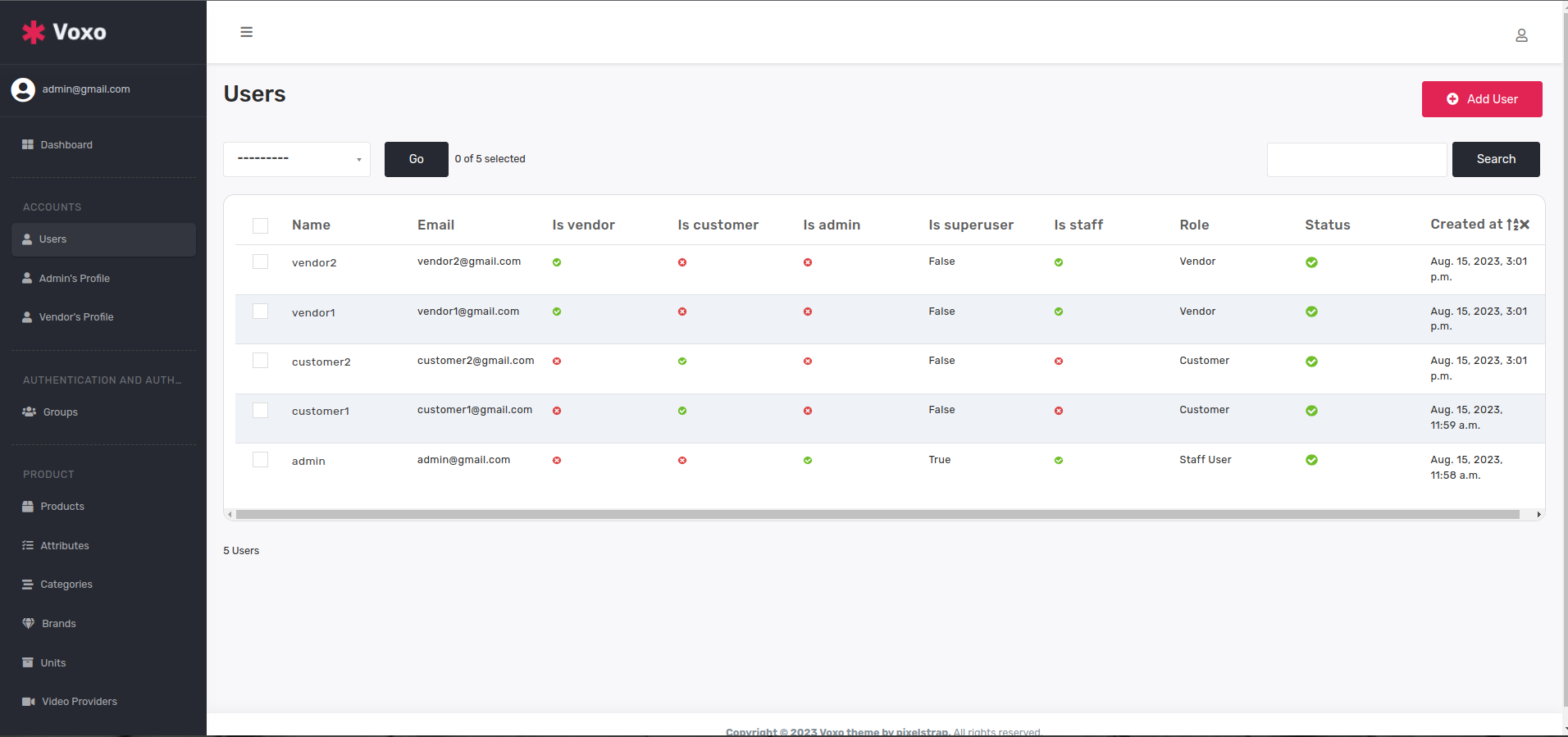
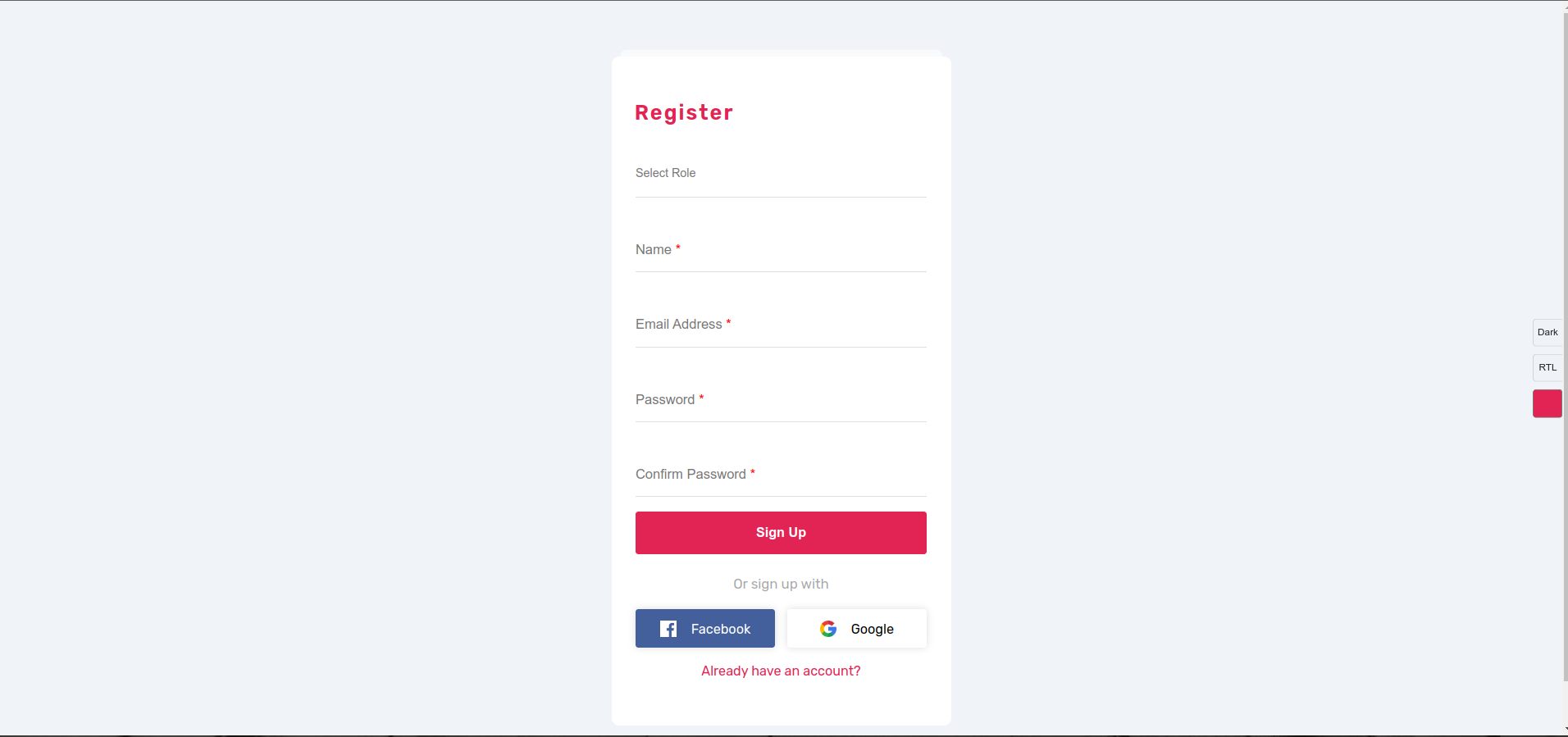
    • Now here you show all module tables.Let's see about User table.here you can see all users category(role) wise, next you show product table and attribute table,which both are connect to products.
    • Register New User

      Users-table

  2. Product
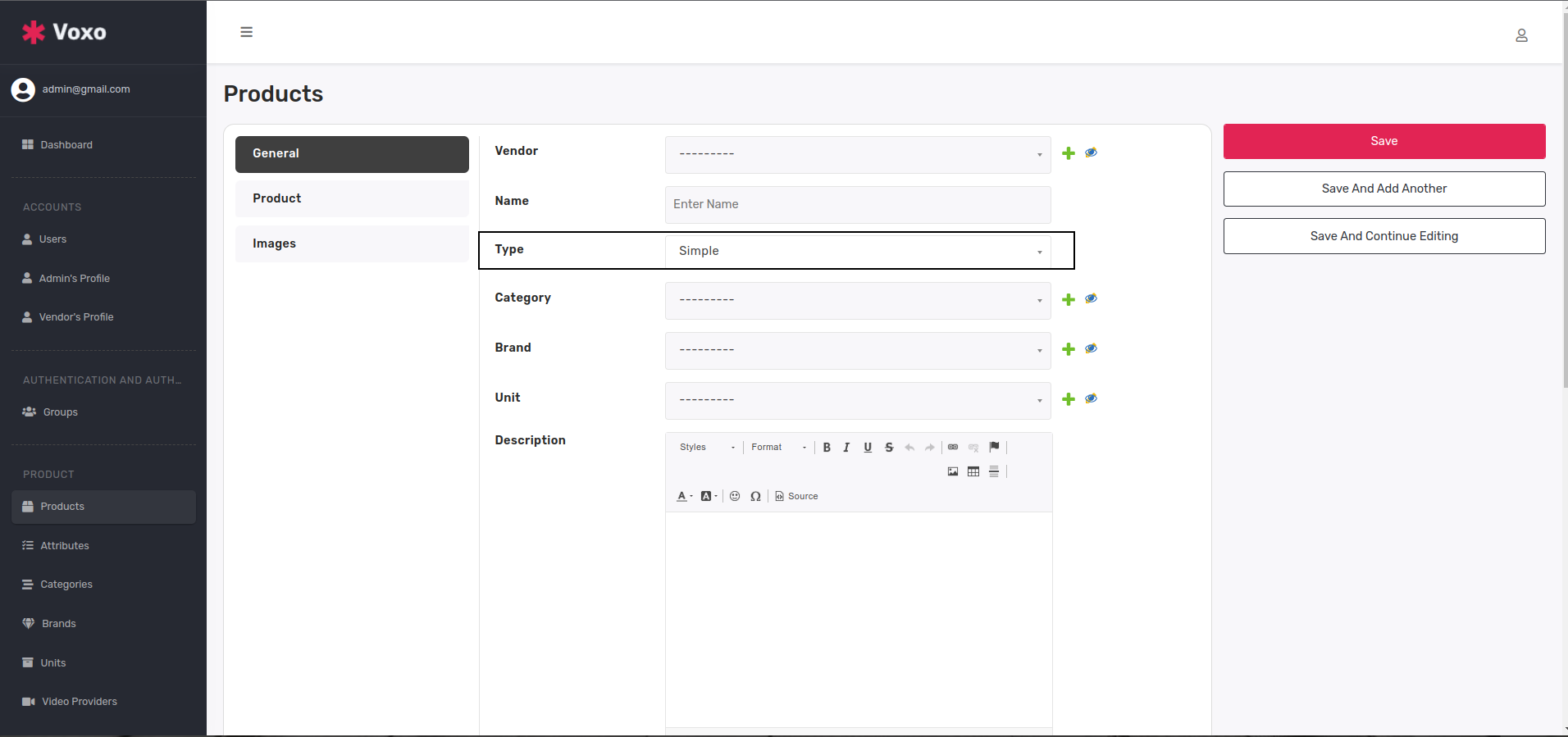
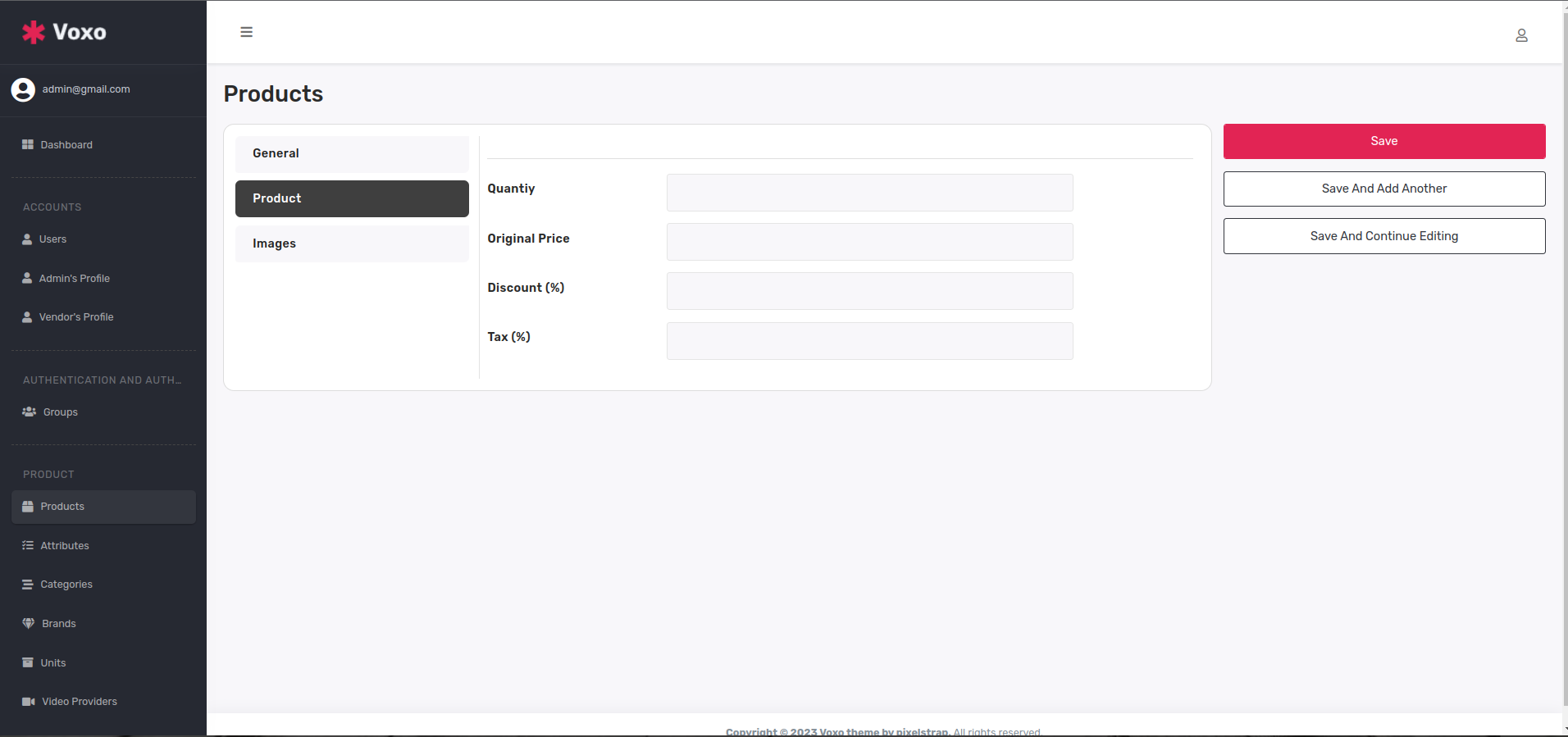
    • If you will add simple product then there is no required to add attributes,you can see below examples.
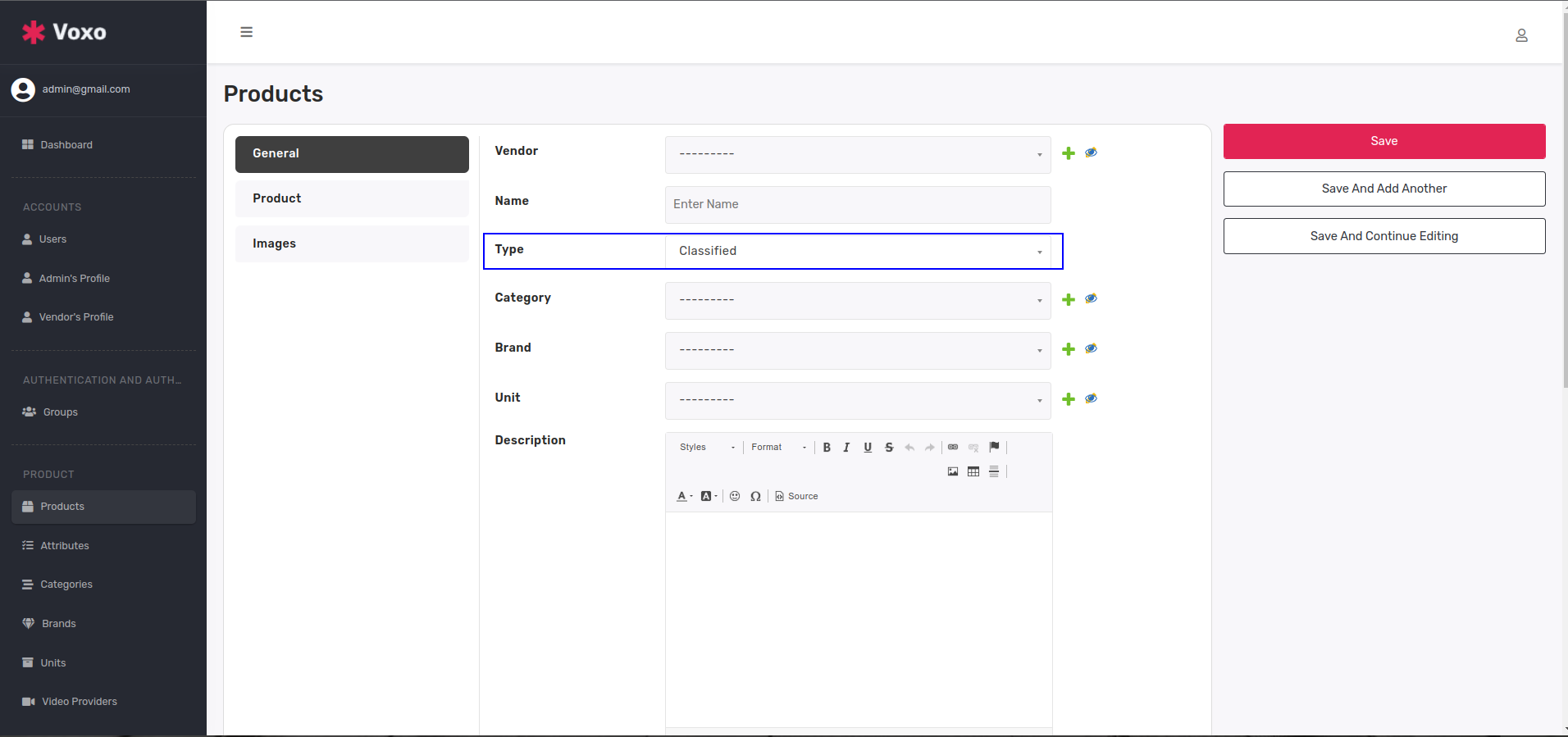
    • Type-Simple

      No attribute field

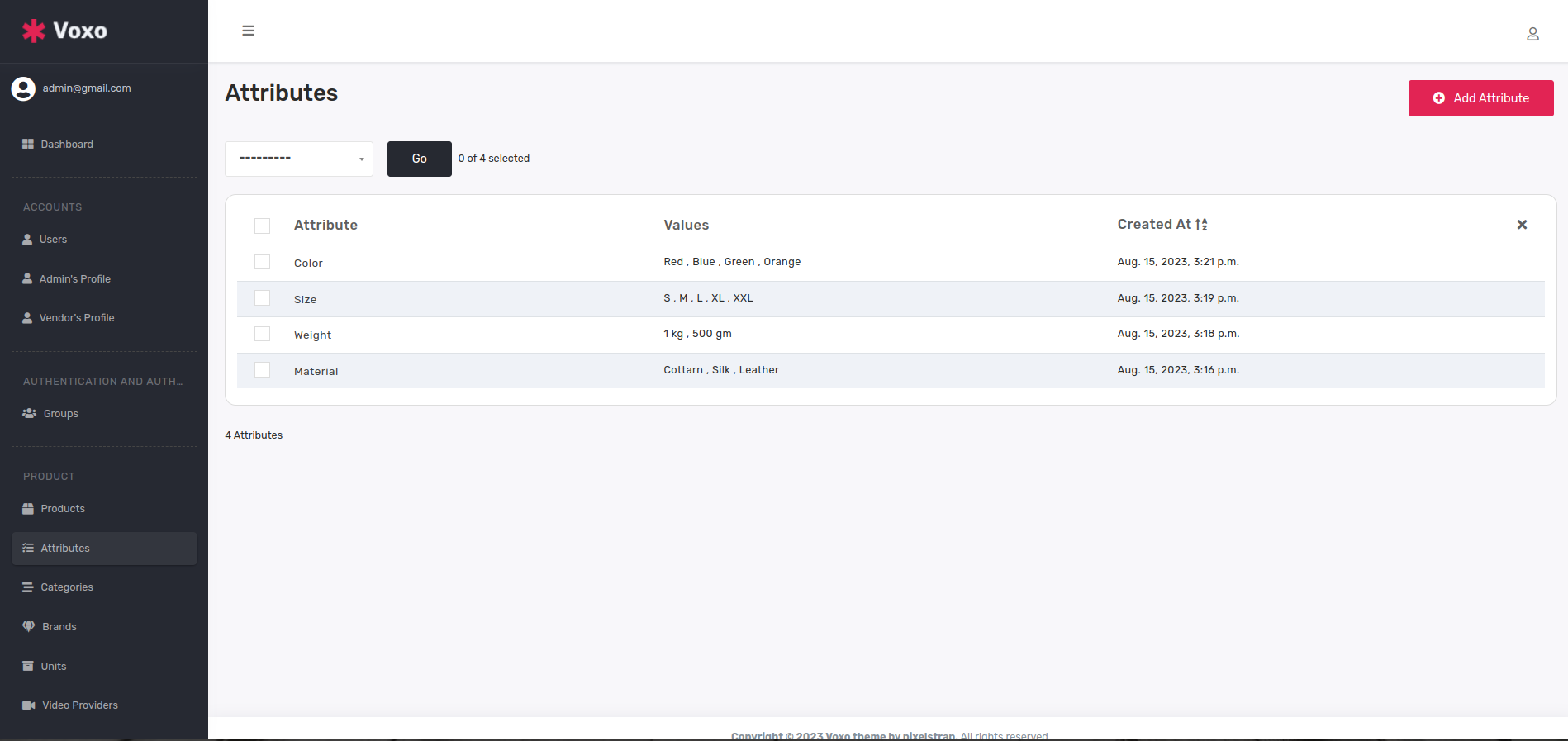
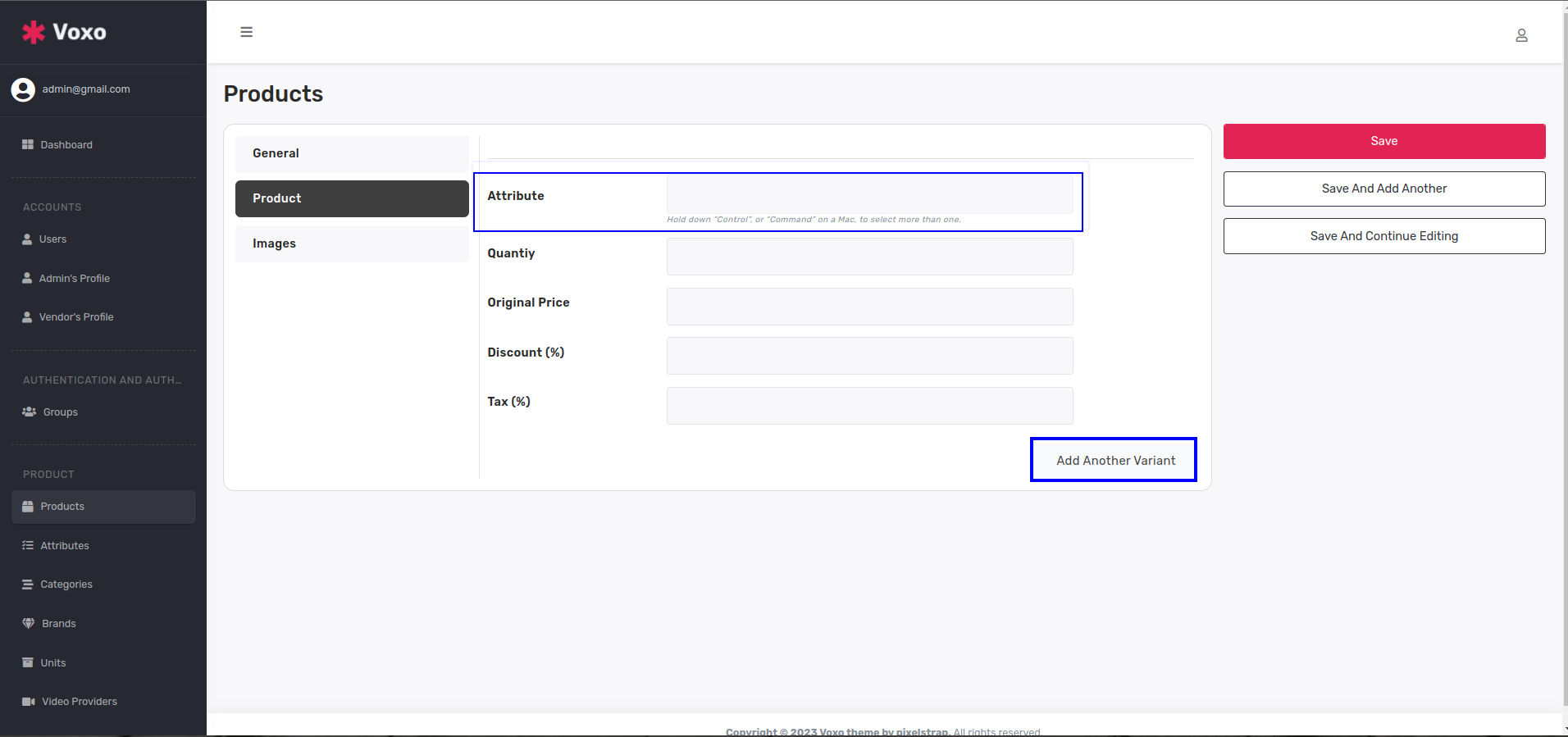
    • If you'll add classified product then you will add attributes before add product and you will add also more another variant.
    • Attribute Table

      Type-Classified

      Attribute field

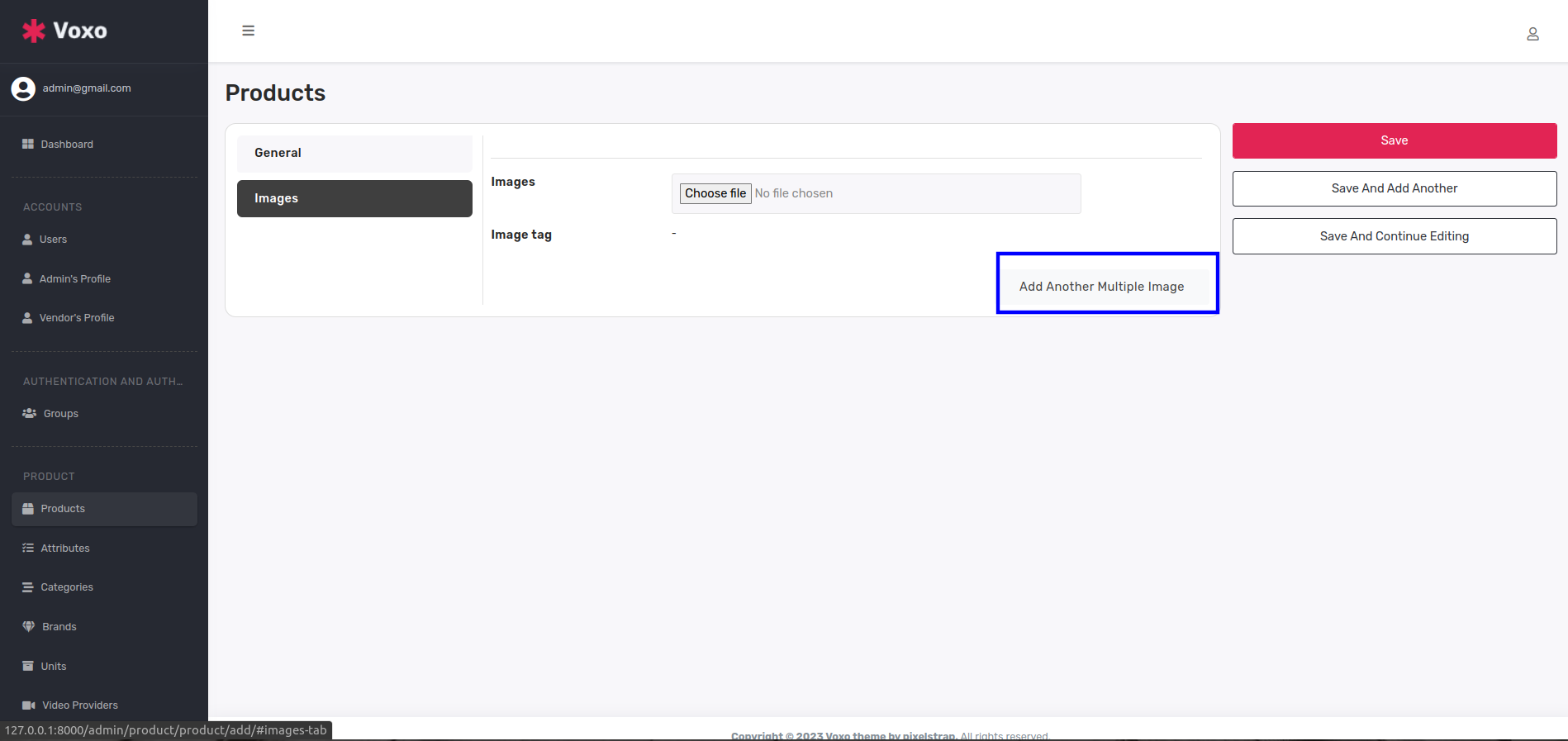
    • you can add multiple images of product in both types simple and classified.
    • Multiple Image

  3. Category
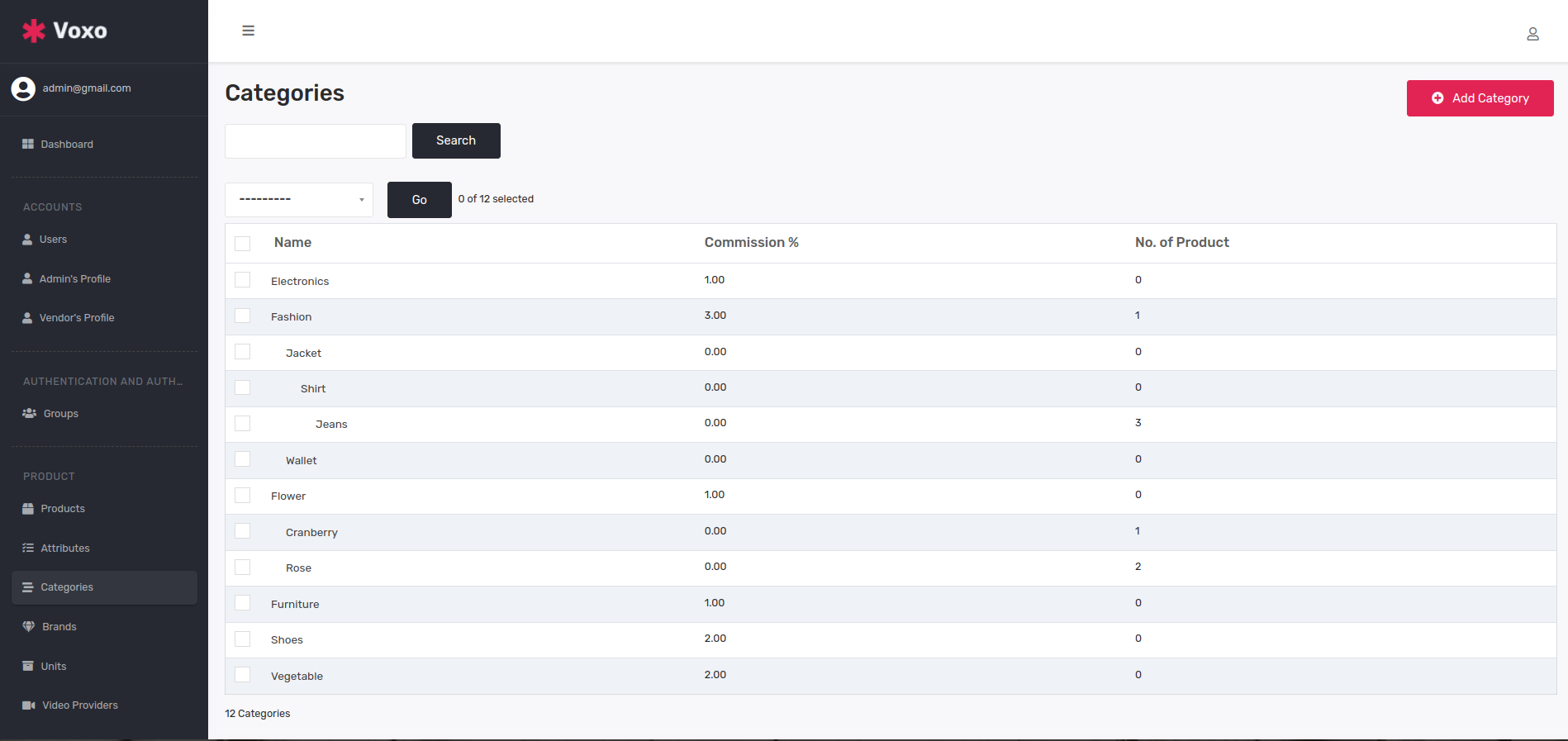
    • Now you'll add product related categories,subcategories,etc.you can see below categories table.
    • Categories

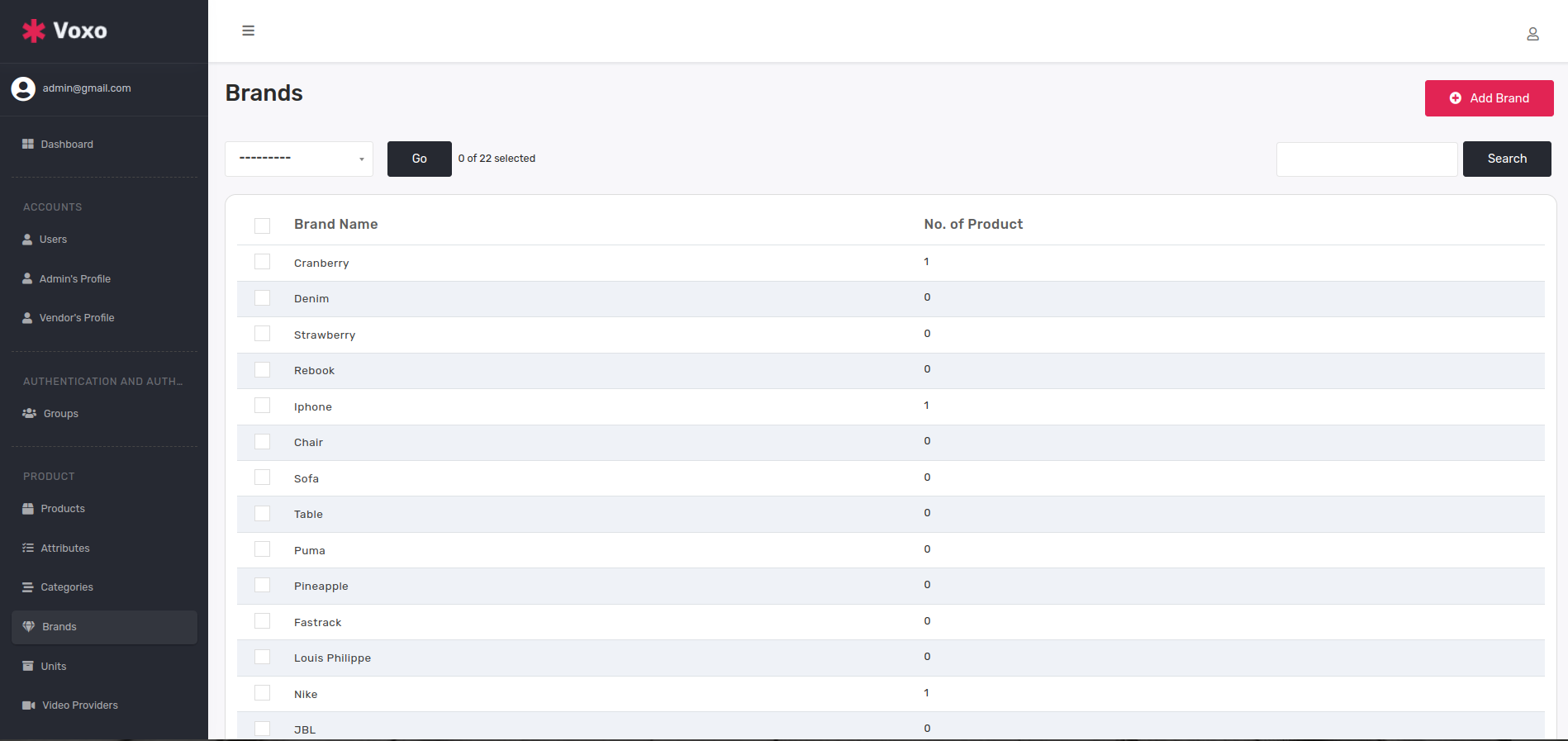
  4. Brand
    • Here is brand table and you can see all brands.you can add any number of brands.
    • Brands

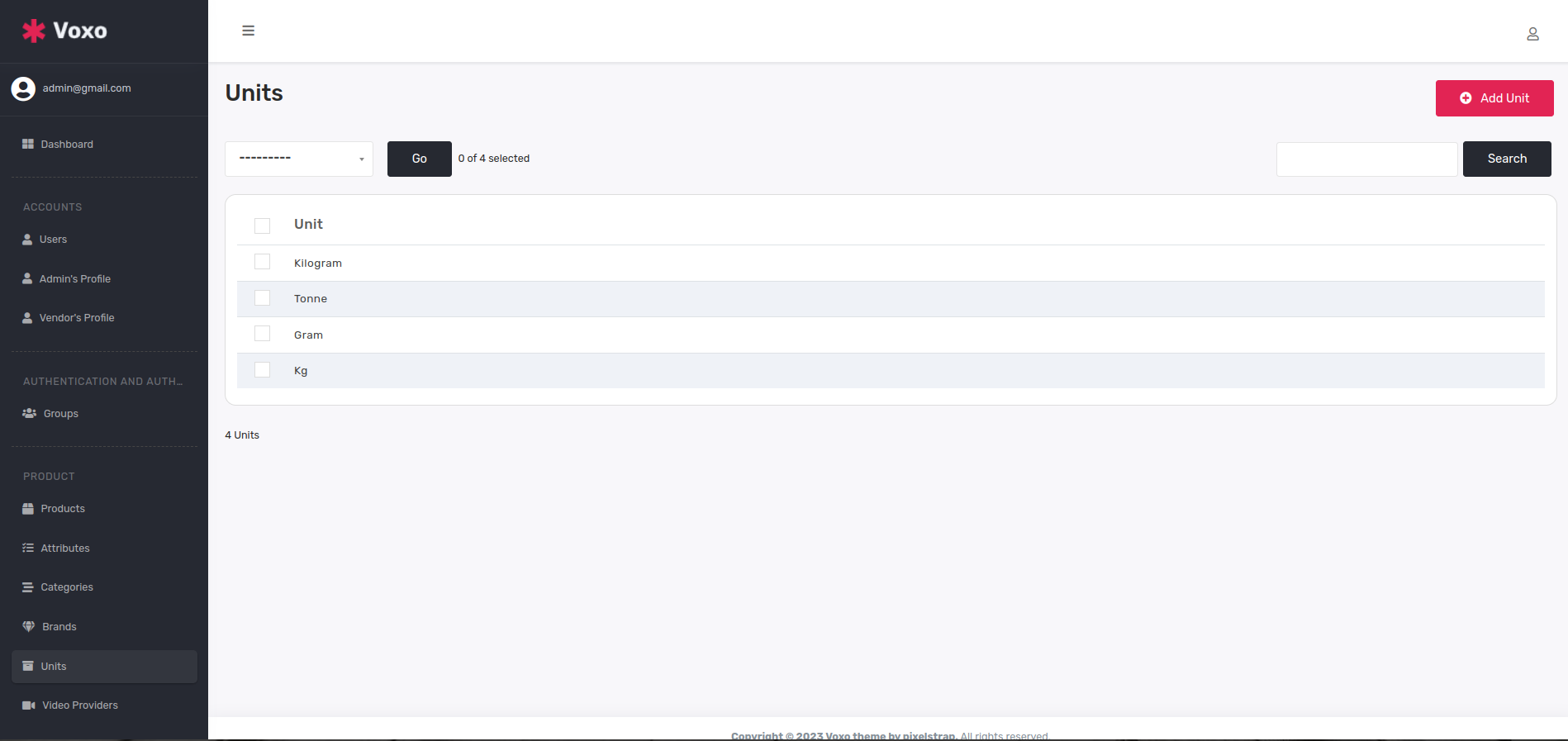
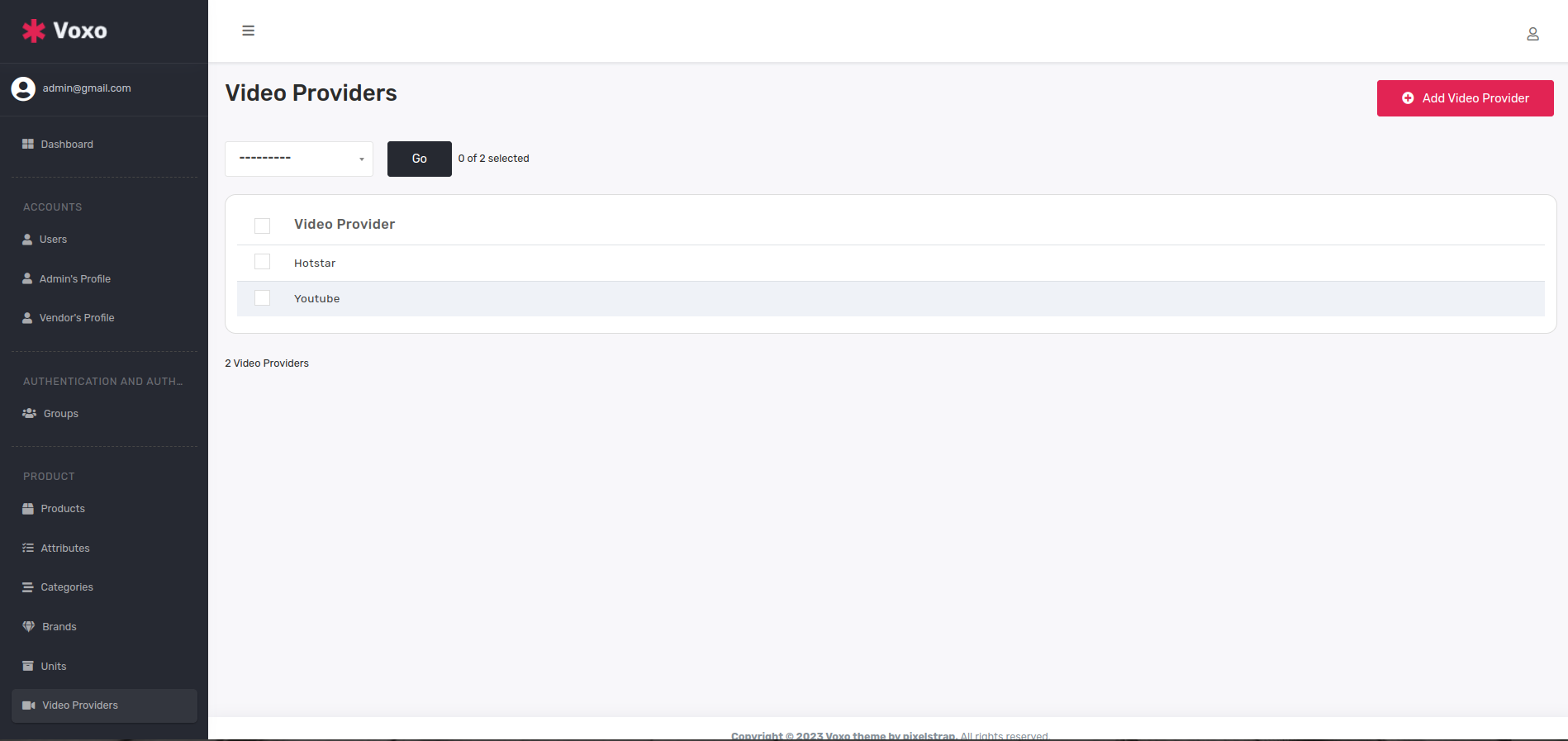
  5. Unit and Video Provider
    • Here is Unit and video providers table where you can add any numbers of unit and video provider platform
    • Units

      Video Provider

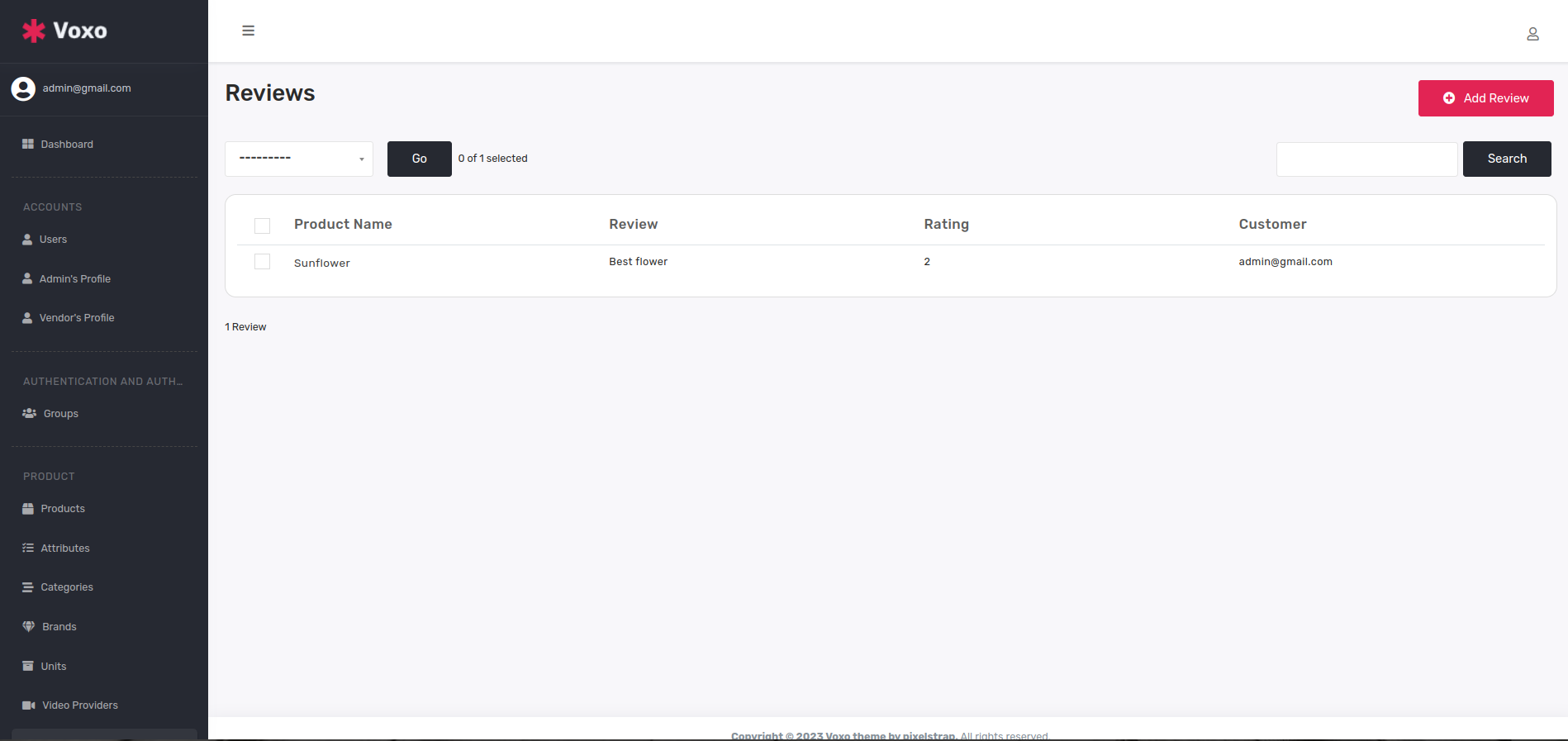
  6. Review
    • Here you can see all review and rating inside review table.
    • Reviews

  7. Themes
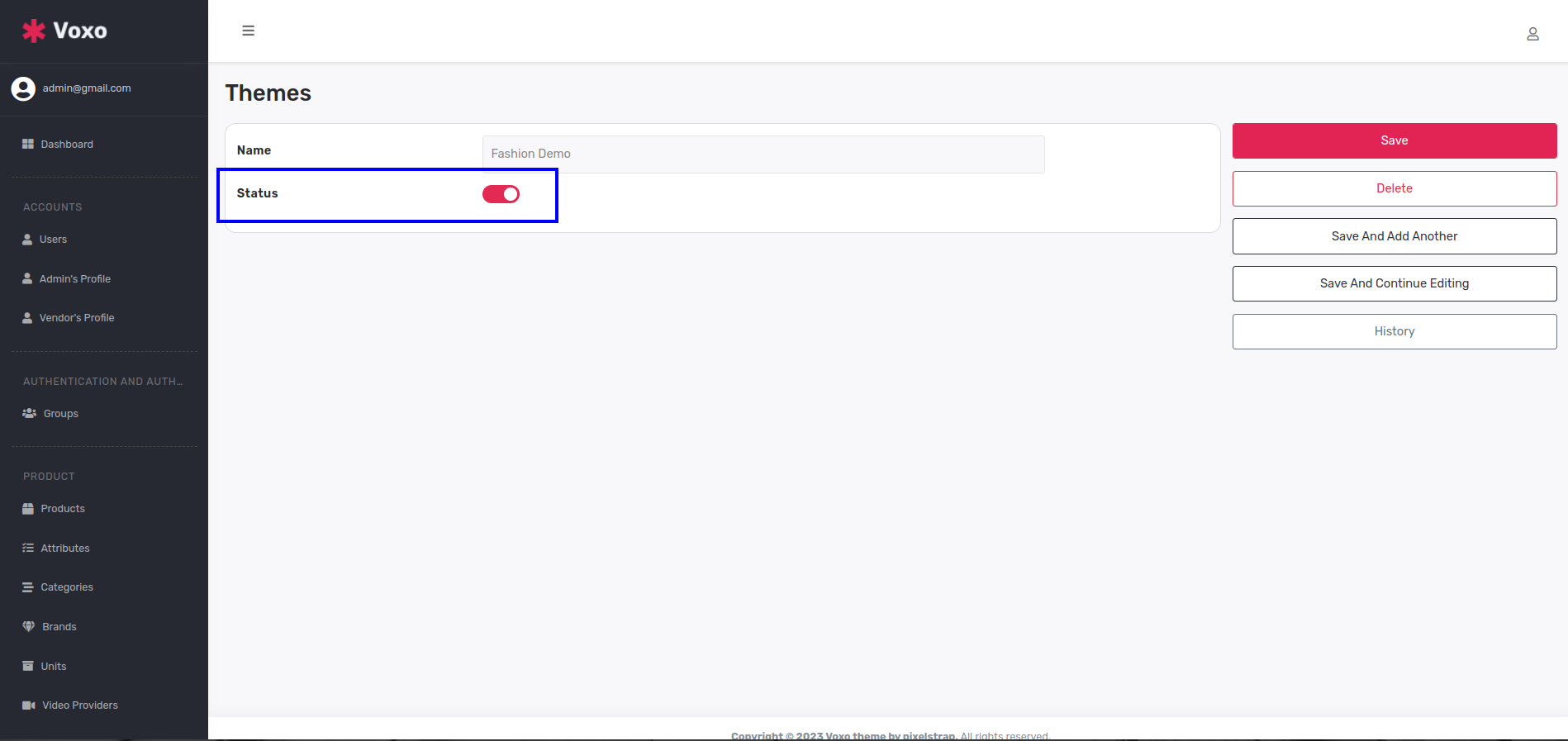
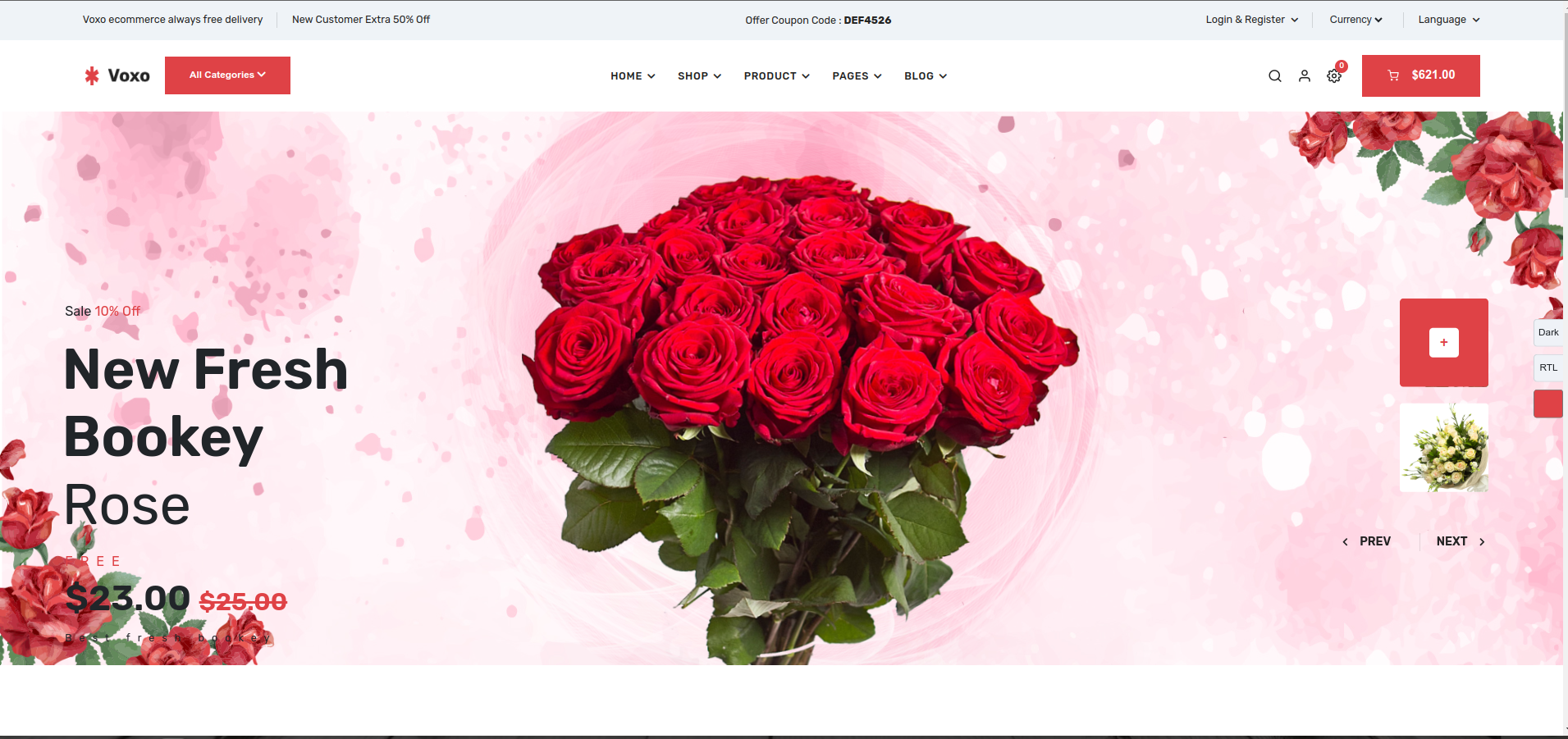
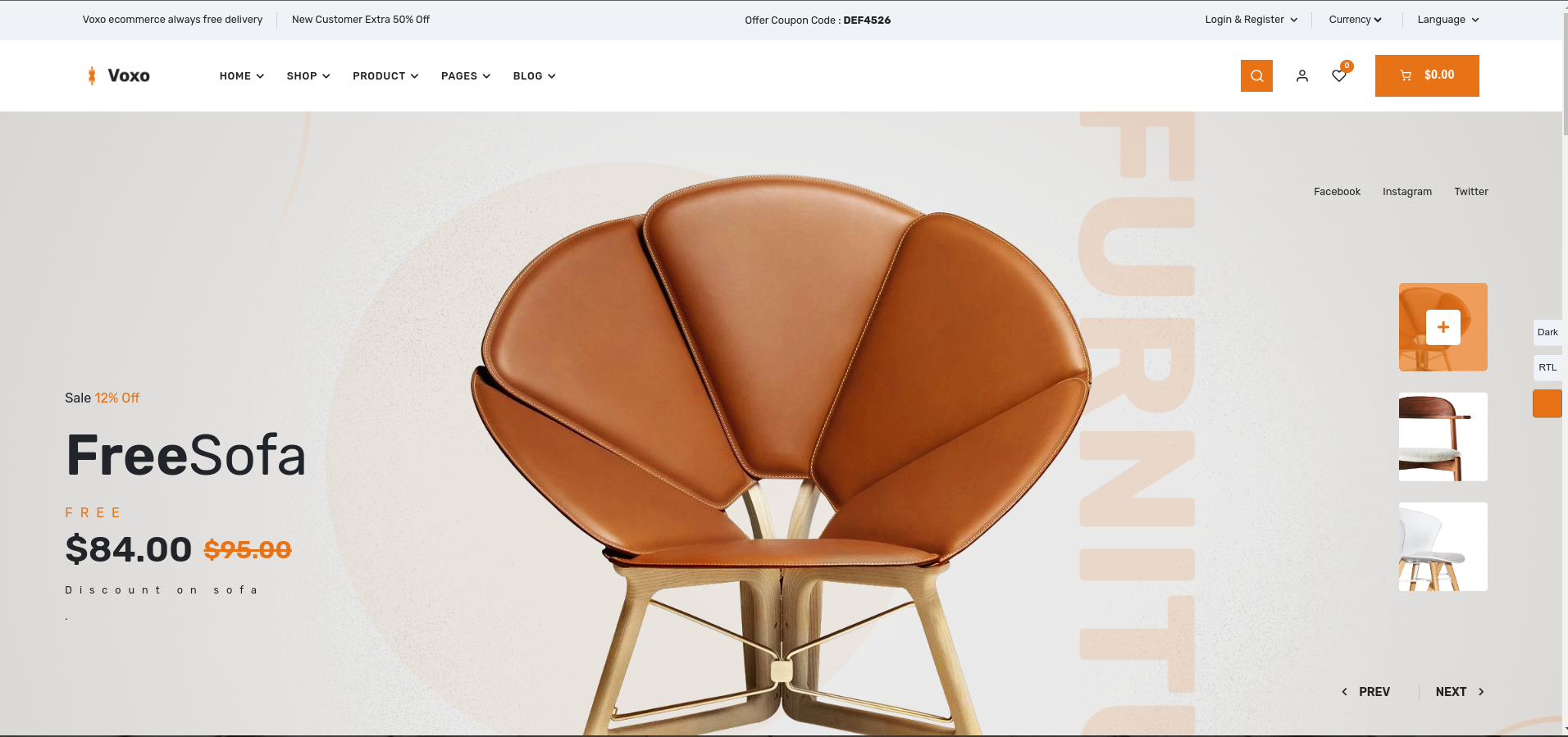
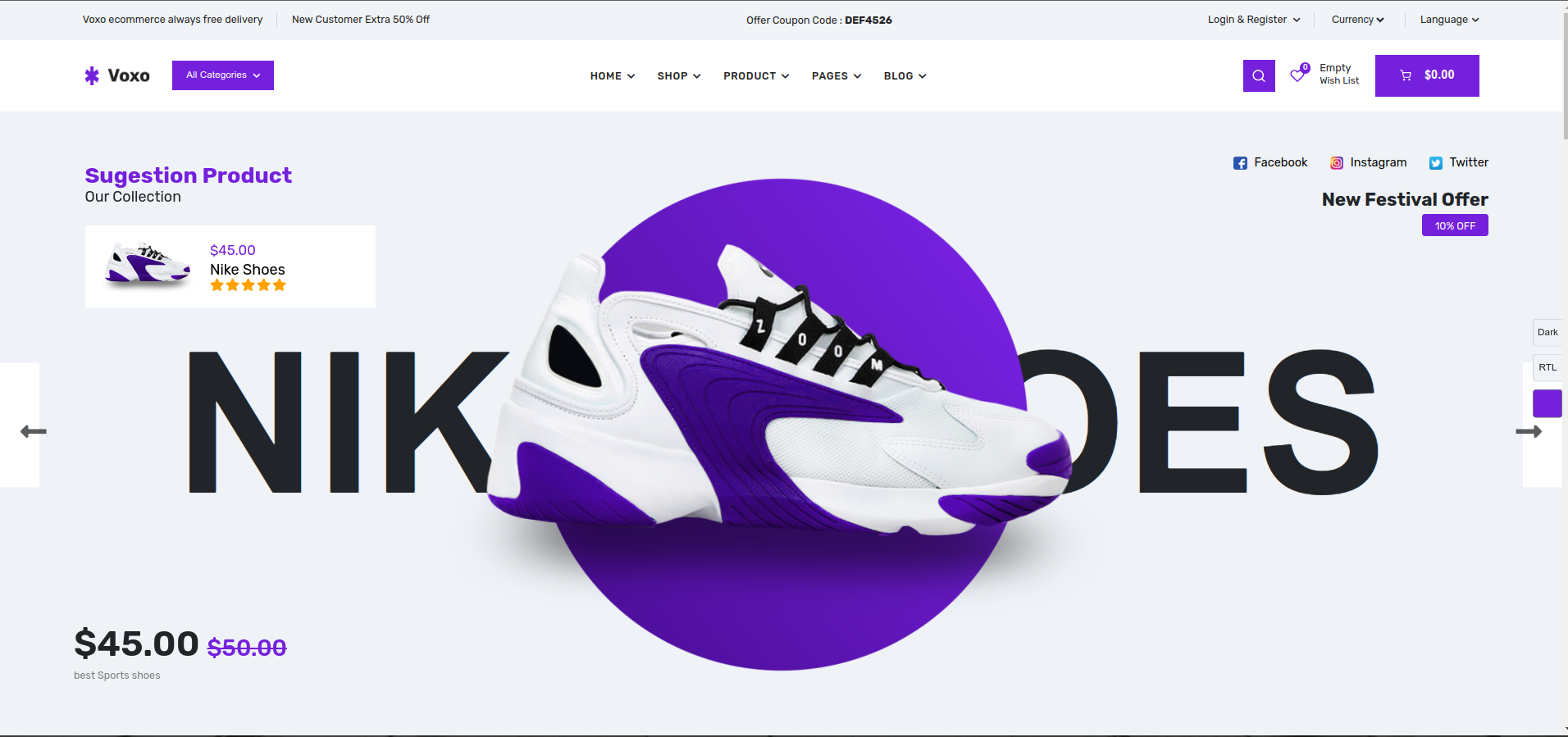
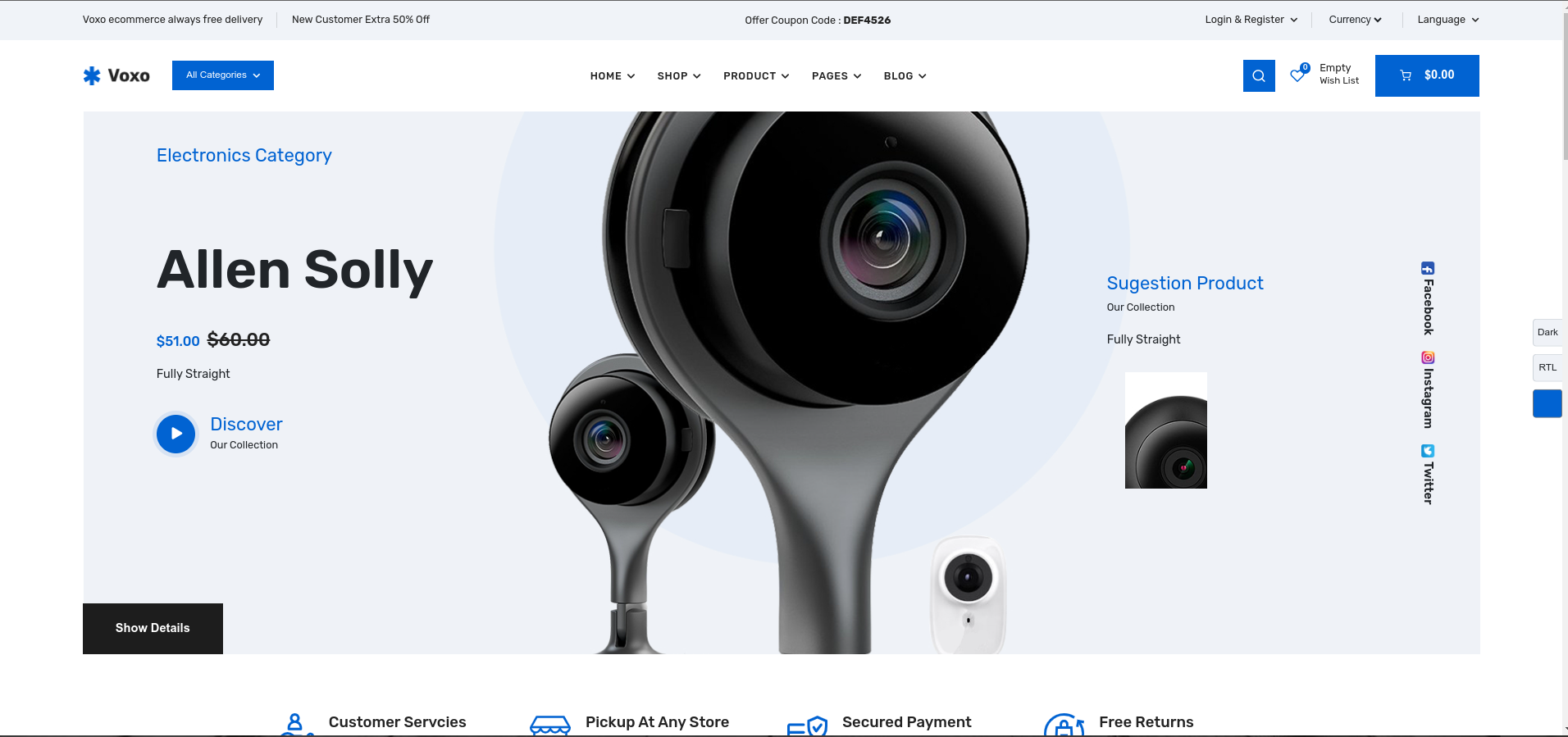
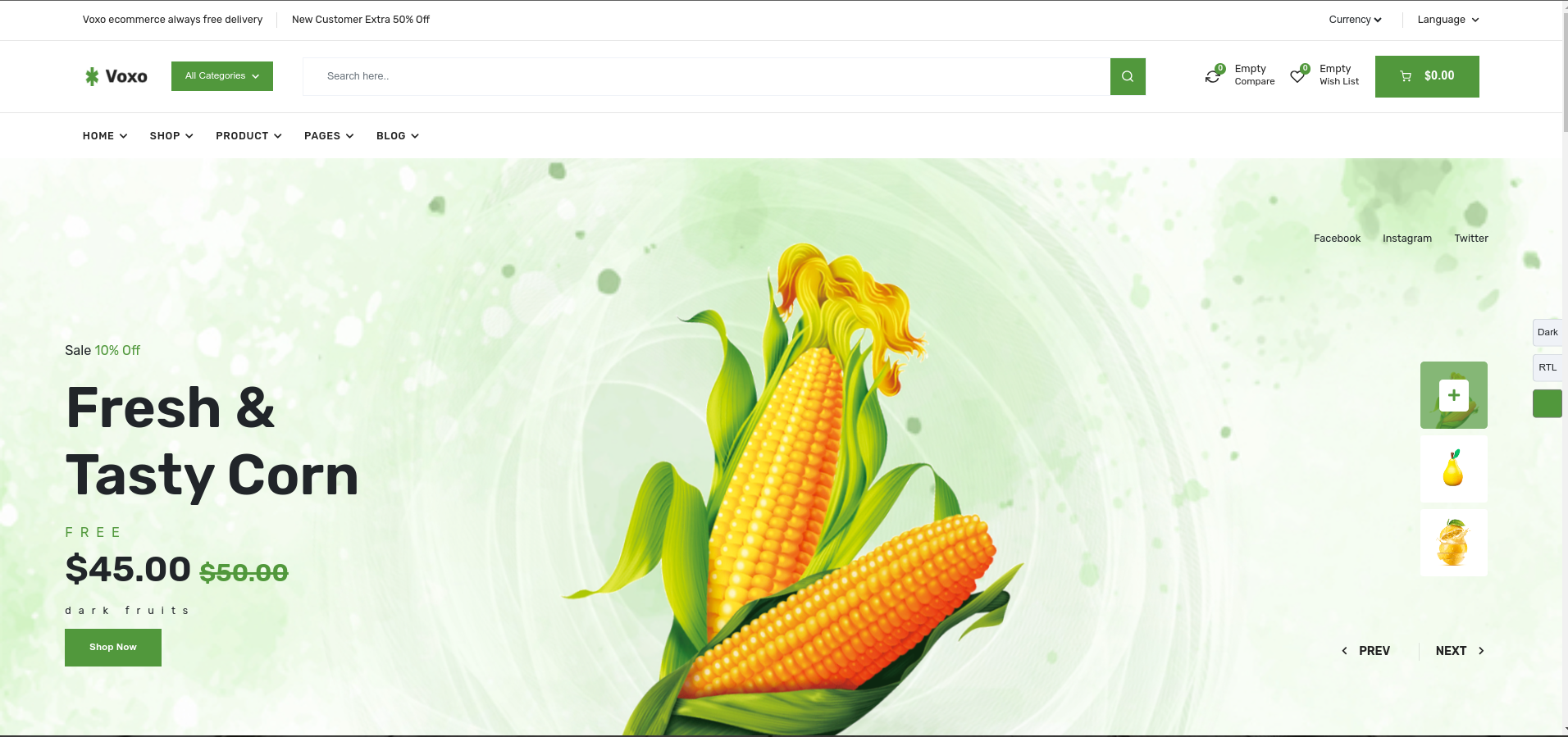
    • Now here is themes table and inside this table six theme demo added.if your theme-demo status is active then only you can see particular theme demo in frontend.here below i saw you examples.
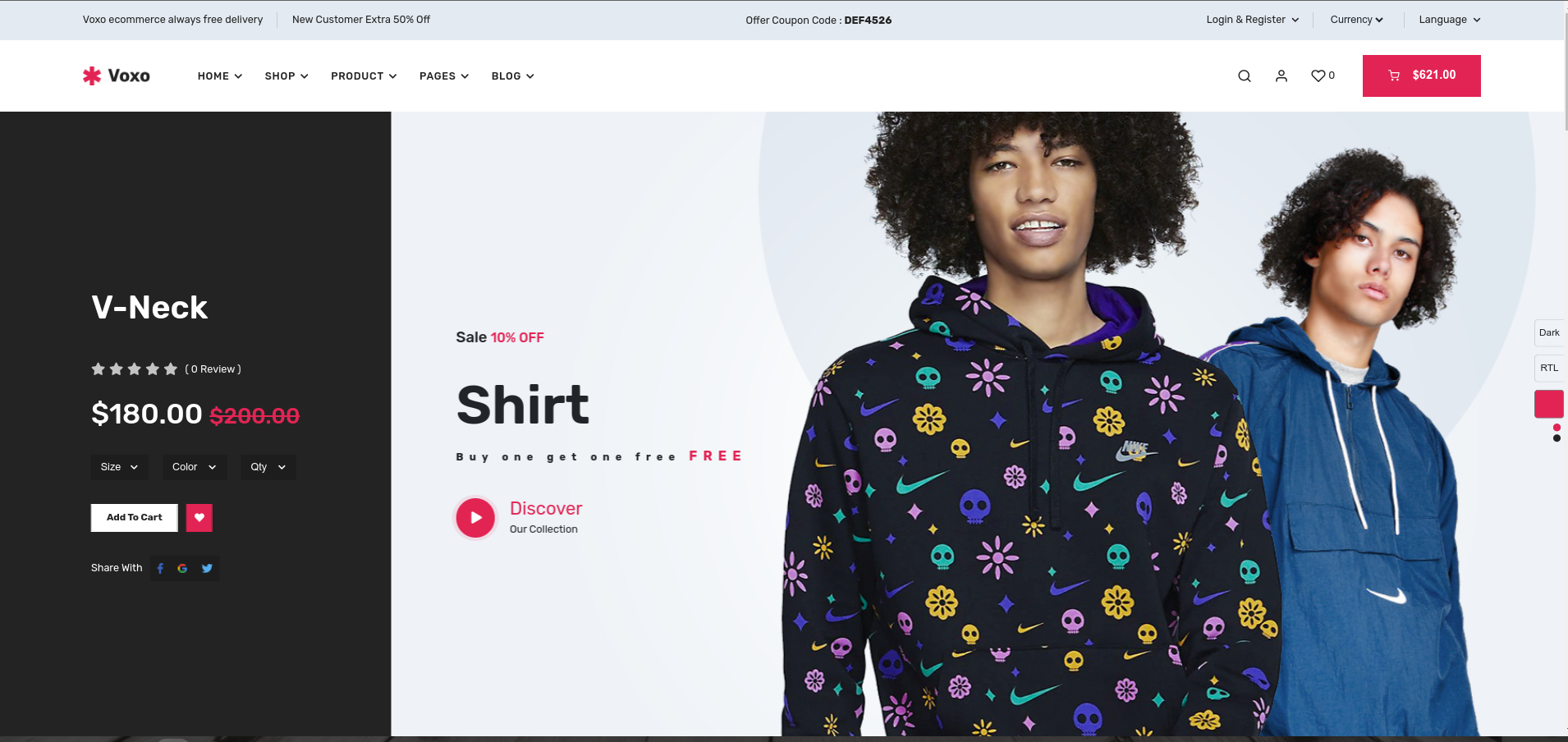
    • Fashion Demo

    • Here you can see theme-demo home pages
    • Fashion Demo

      Flower Demo

      Furniture Demo

      Shoes Demo

      Electronics Demo

      Vegetable Demo

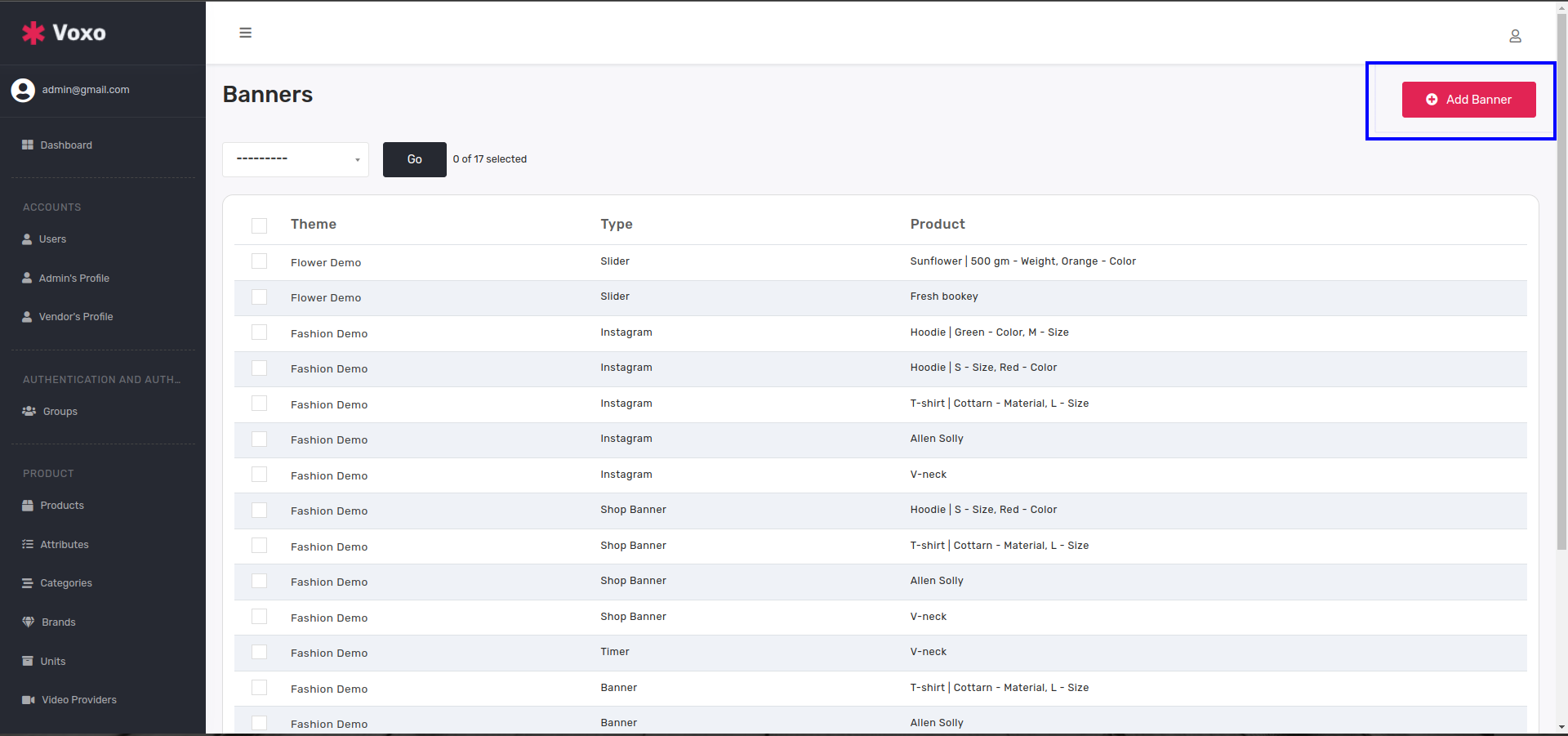
  8. Banners
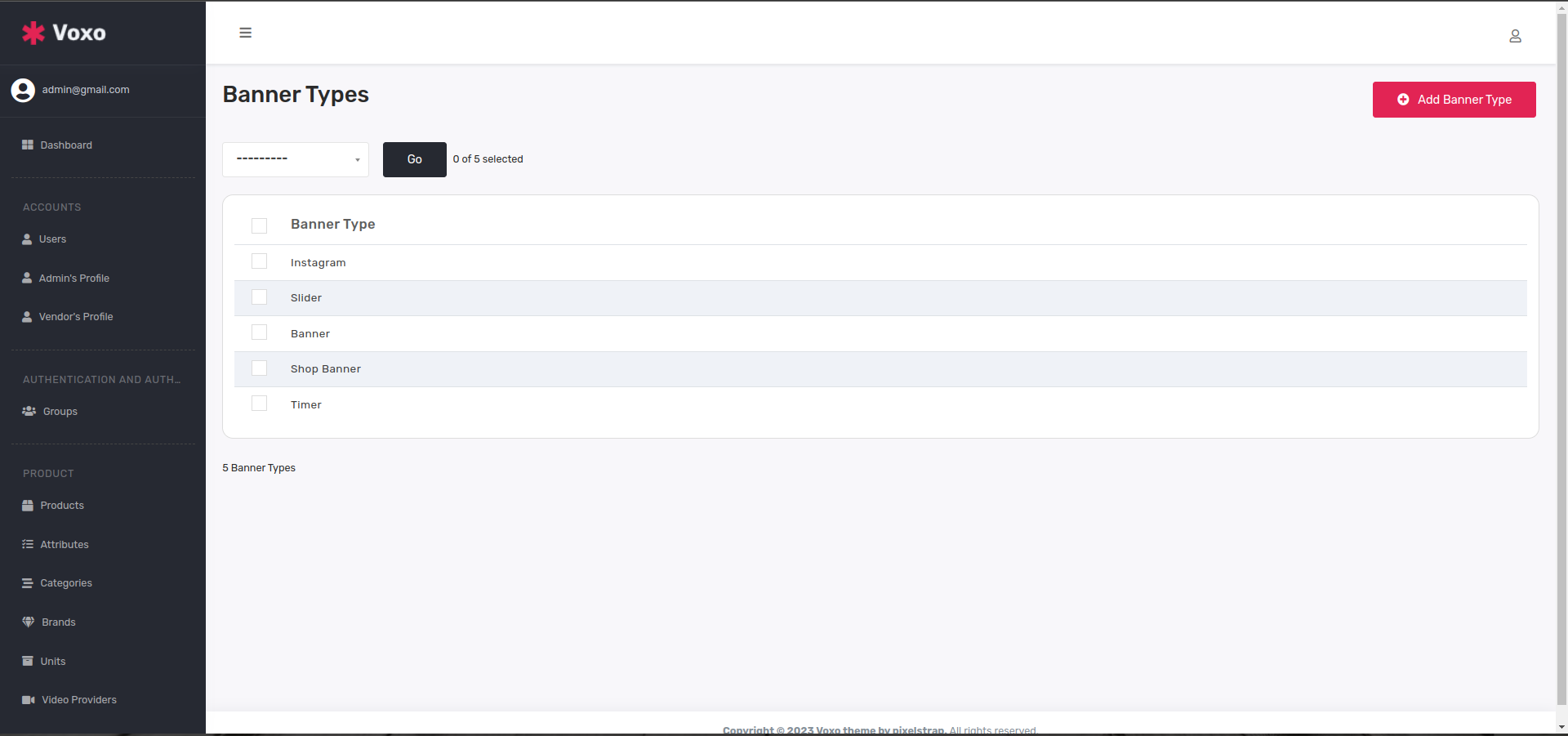
    • Now here is BannerType table which contains all types of banner like Slider,Banner,Shop Banner,Timer,Instagram,etc.
    • Banner Types

    • Now here is Banner table which shows all type of banners and also you can add banner from here directly.
    • Banners

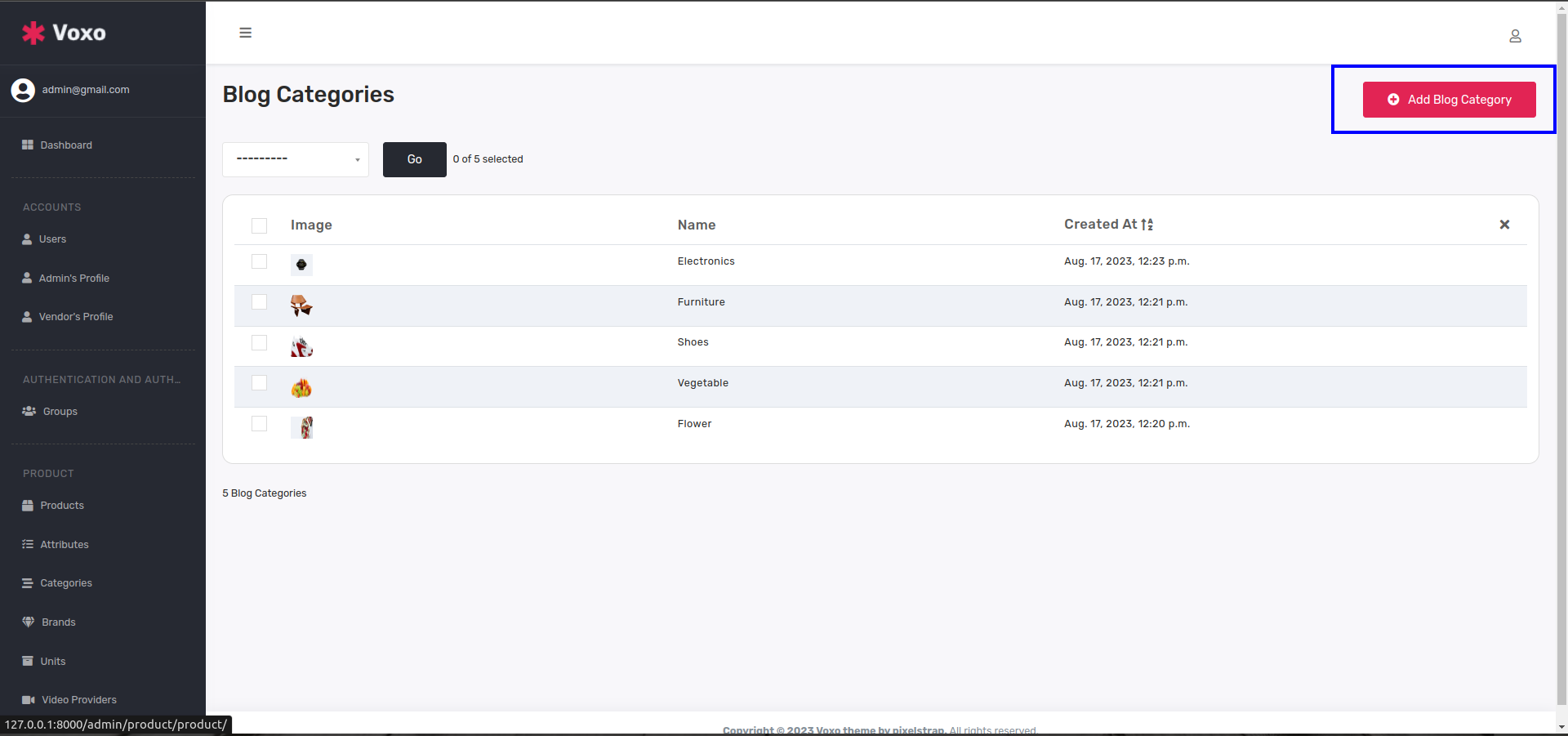
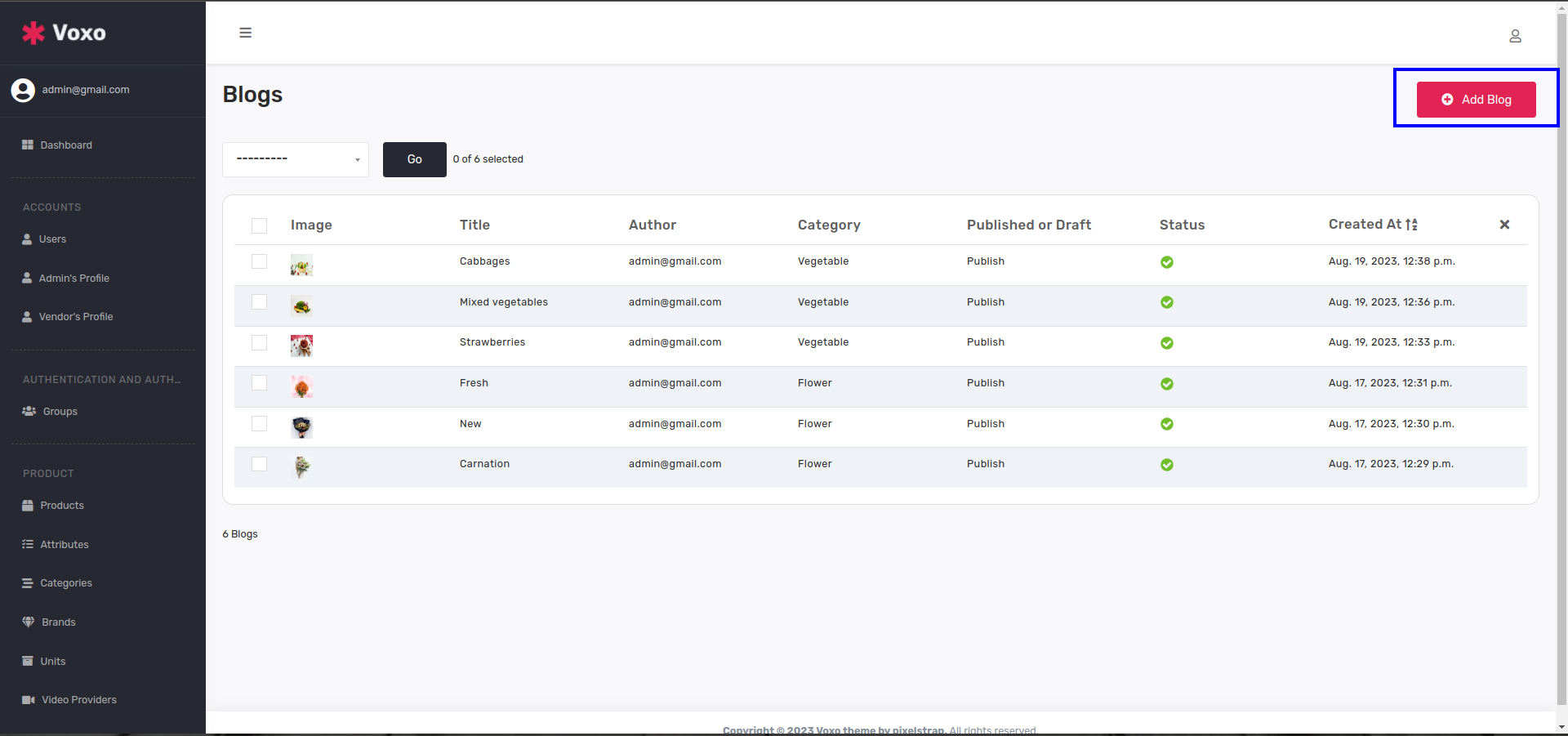
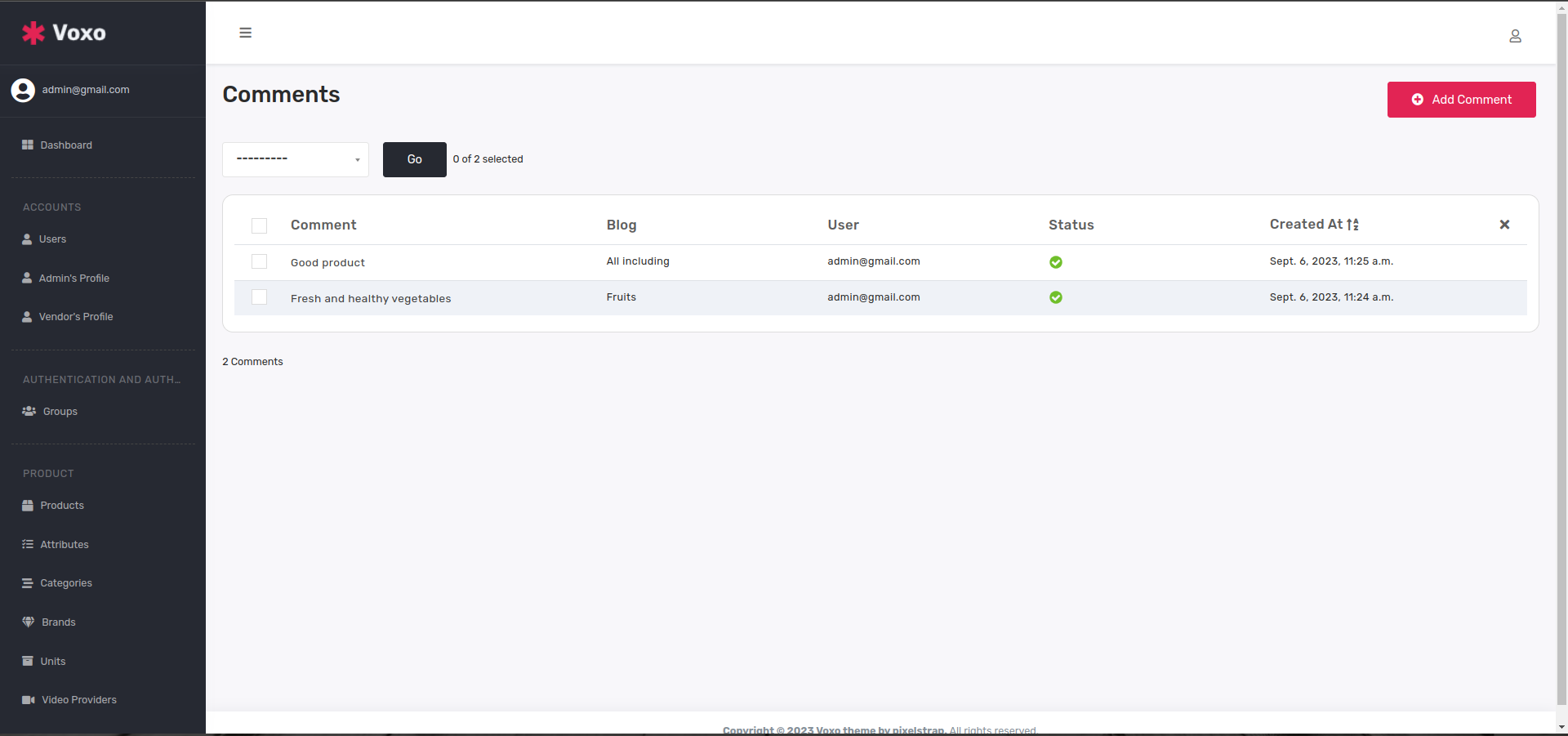
  9. Blogs
    • Now here is Blog categories table which shows all blog categories and also you can add new blog category from click on add blog category button.
    • categories

    • Now here is Blog table which shows all blogs and also you can add new blog from click on add blog button.
    • Blog

    • Now here is Comment table which shows all blog comments.
    • Comments

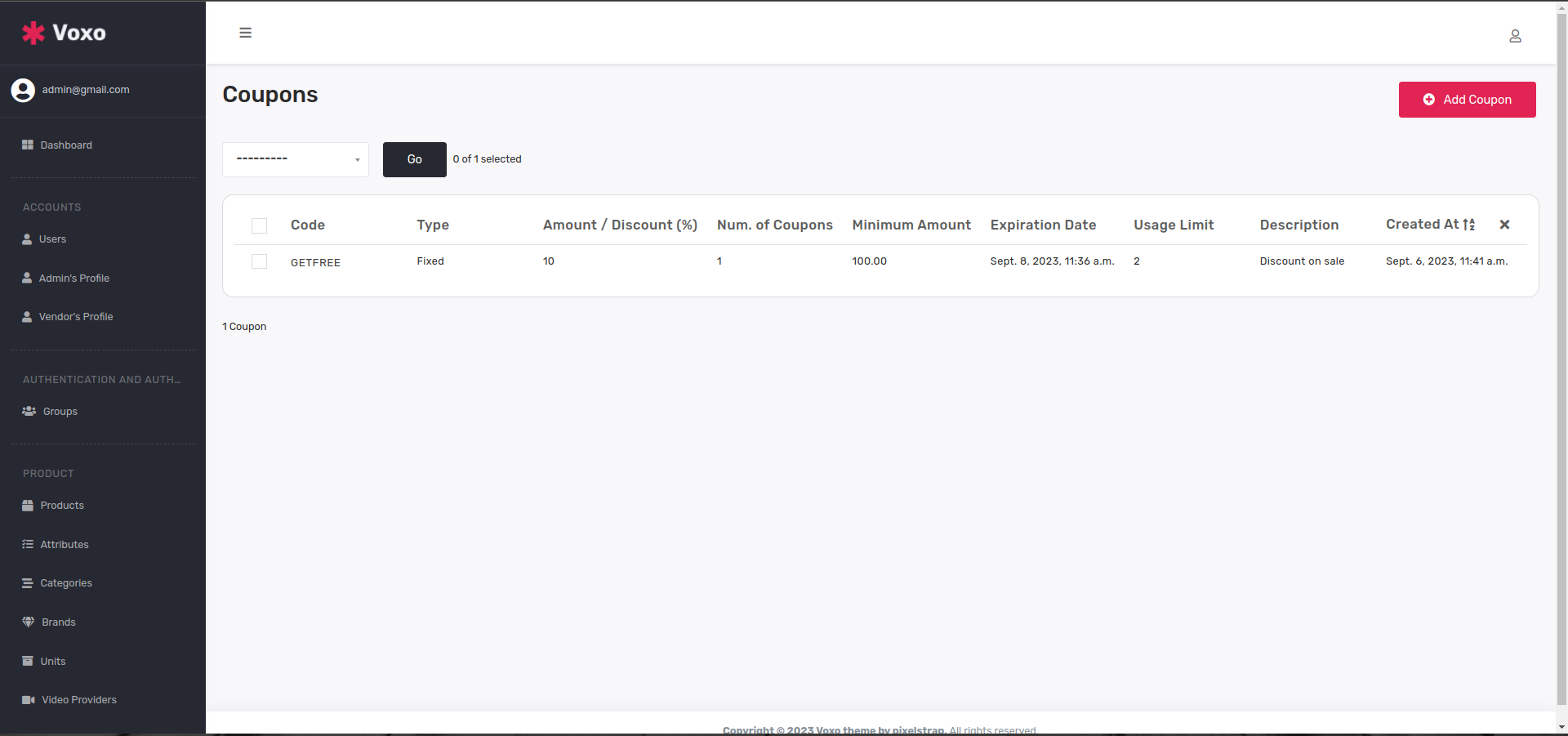
  10. Coupons
    • You can see coupons table where you can add coupon with your essential like amount,description,discount,expiry,etc.and you can see all coupon histories inside Coupon History table
    • Coupon

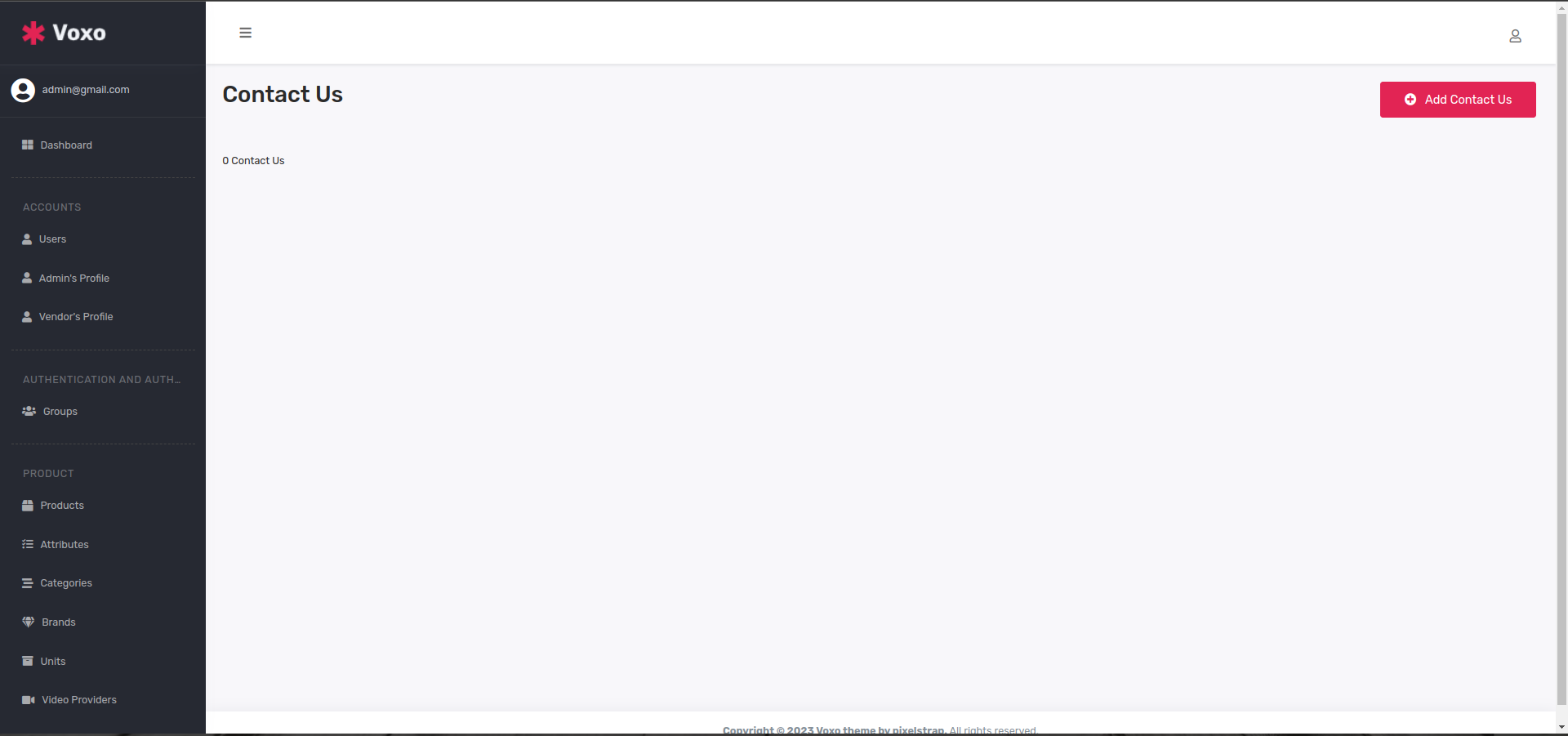
  11. Contact Us
    • Last in you can see contact us table where shows all user details which is contacted to you
    • Contact us

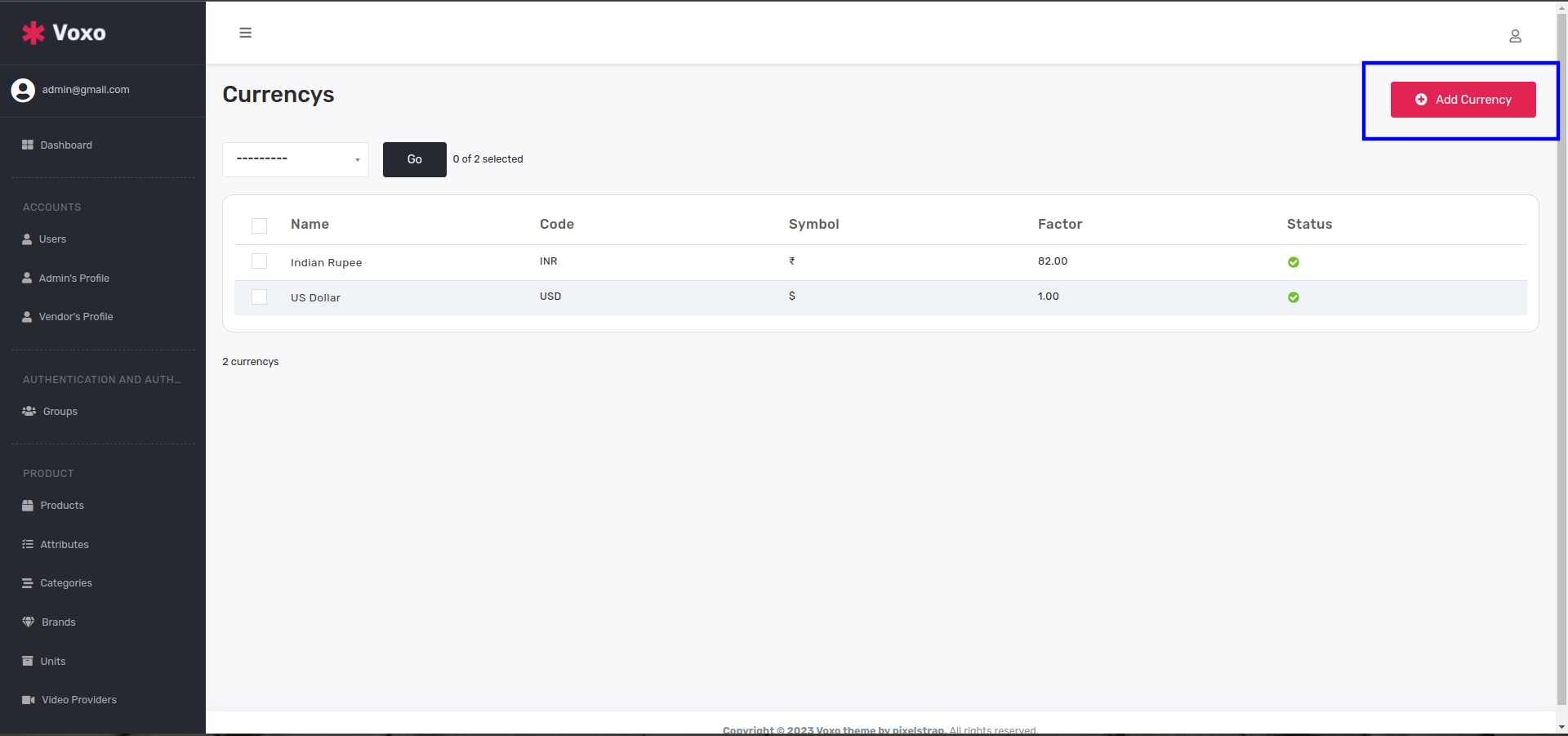
  12. Currency
    • Here you can see currency table and also you can add your currency from add currency button.
    • Currency

RTL button is for demo purpose only, following is the steps to remove that buttons:

  1. Remove code from HTML file, you can find it (btn btn-sm rtl-button) and you can remove that button from those html file which you want.
  2. You can find (Remove RTL local storage setting js) inside theme-setting.js file and you can see bottom of the page and remove code.

Our theme won't be complete without these plugins.

open source plugins

Once again thank you for purchasing one of our django-theme,if you like our theme please rate us

Best Regards, Pixelstrap