
Sidebar Options
There are 2 Sidebar Settings in our theme:
- Default
- Fill Icon
Lets look at them one by one.
Default Sidebar:
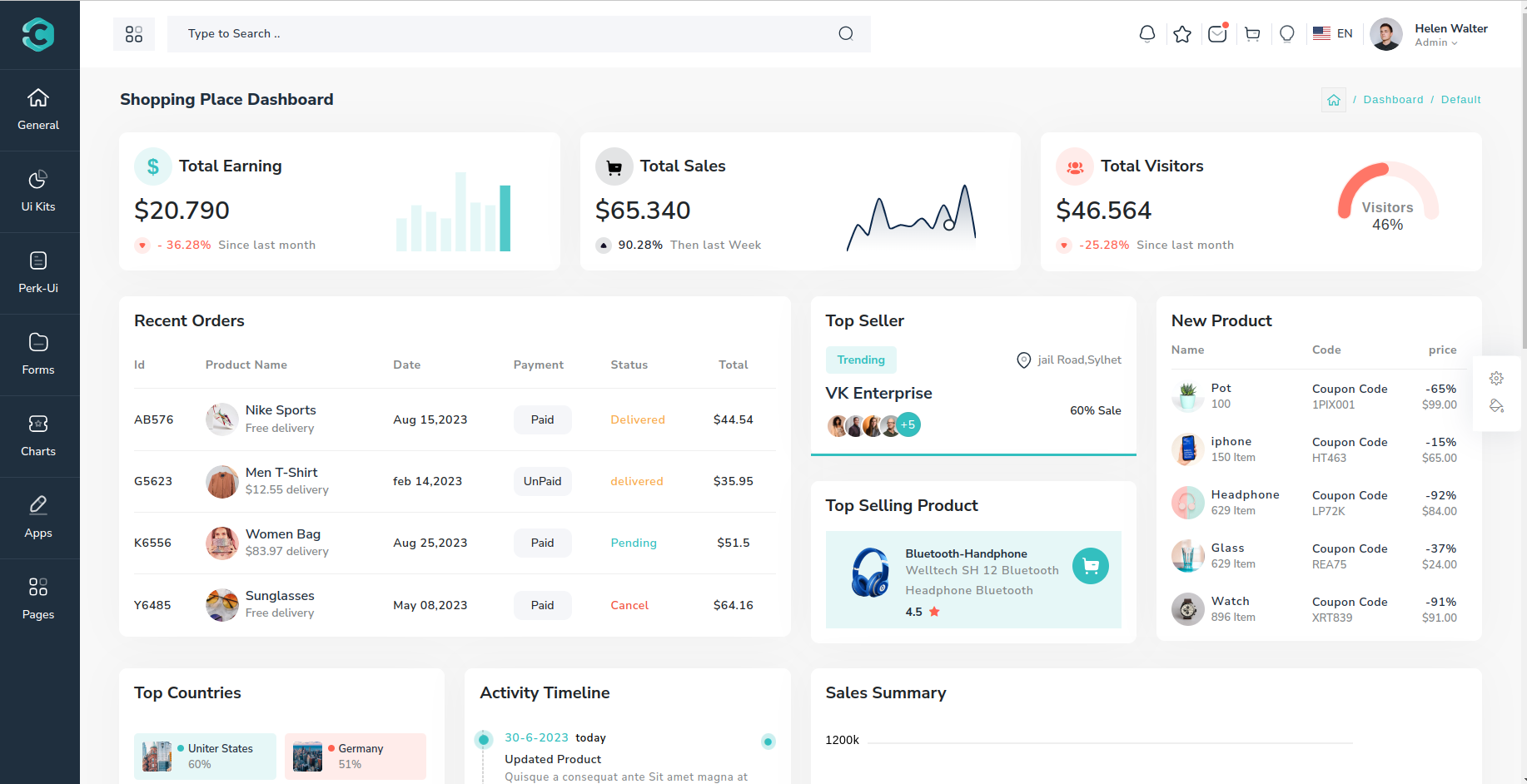
Fill Icon Sidebar:

These changes are applied by changing the value of icon property in the sidebar component.
If you like a particular type of sidebar and want to use that one in you website, then just copy the sidebar.scss file and add the necessary class to the sidebar-layout property in theme>src>shared>services>layout.service.ts file.