
Sidebar Options
There are 3 Sidebar Settings in our theme:
-
1.) Default Sidebar
-
2.) Horizontal Sidebar
-
3.) Fill Icon Sidebar
Lets look at them one by one.
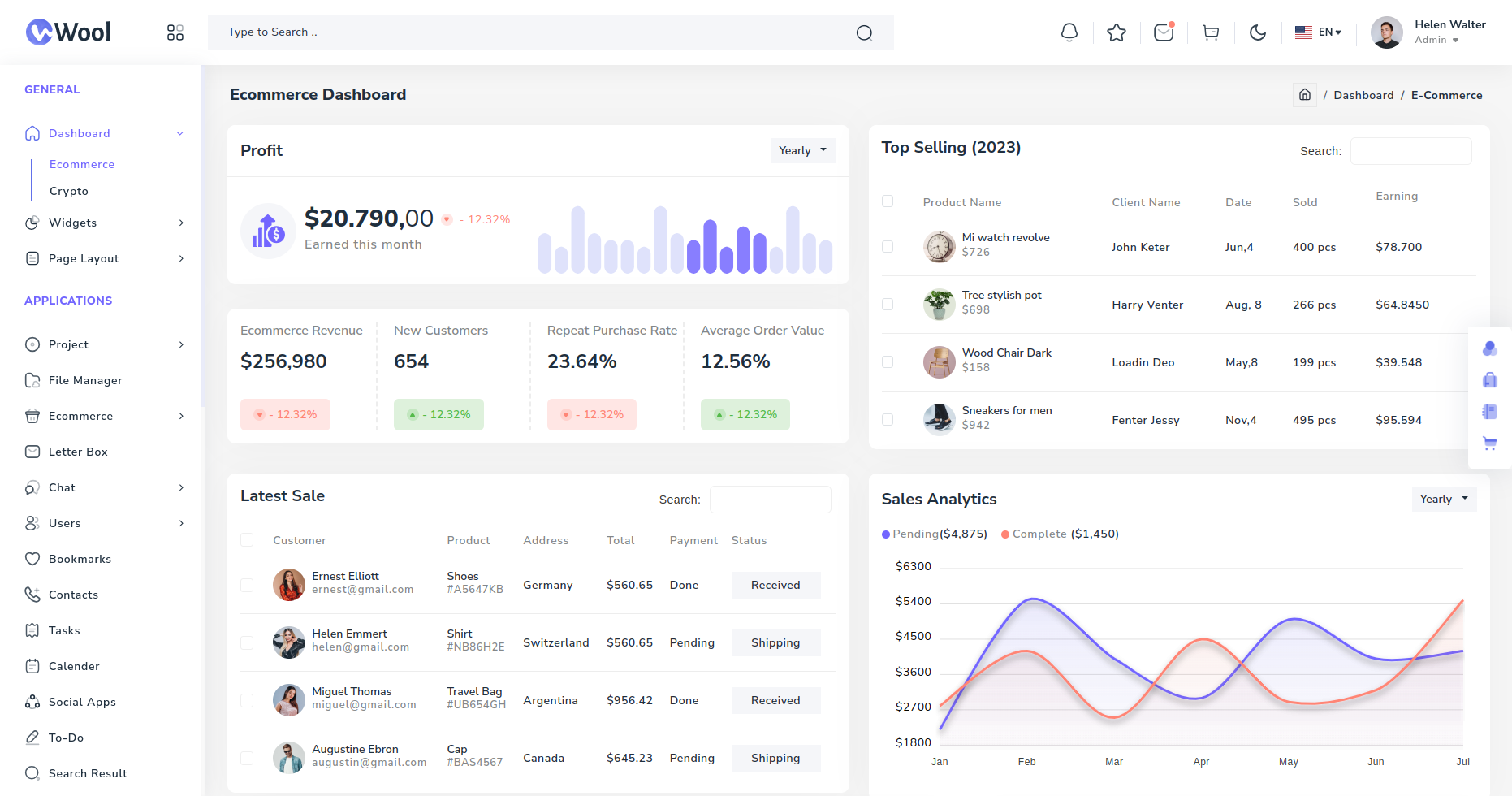
Default Sidebar:
Shows the sidebar with Default style.
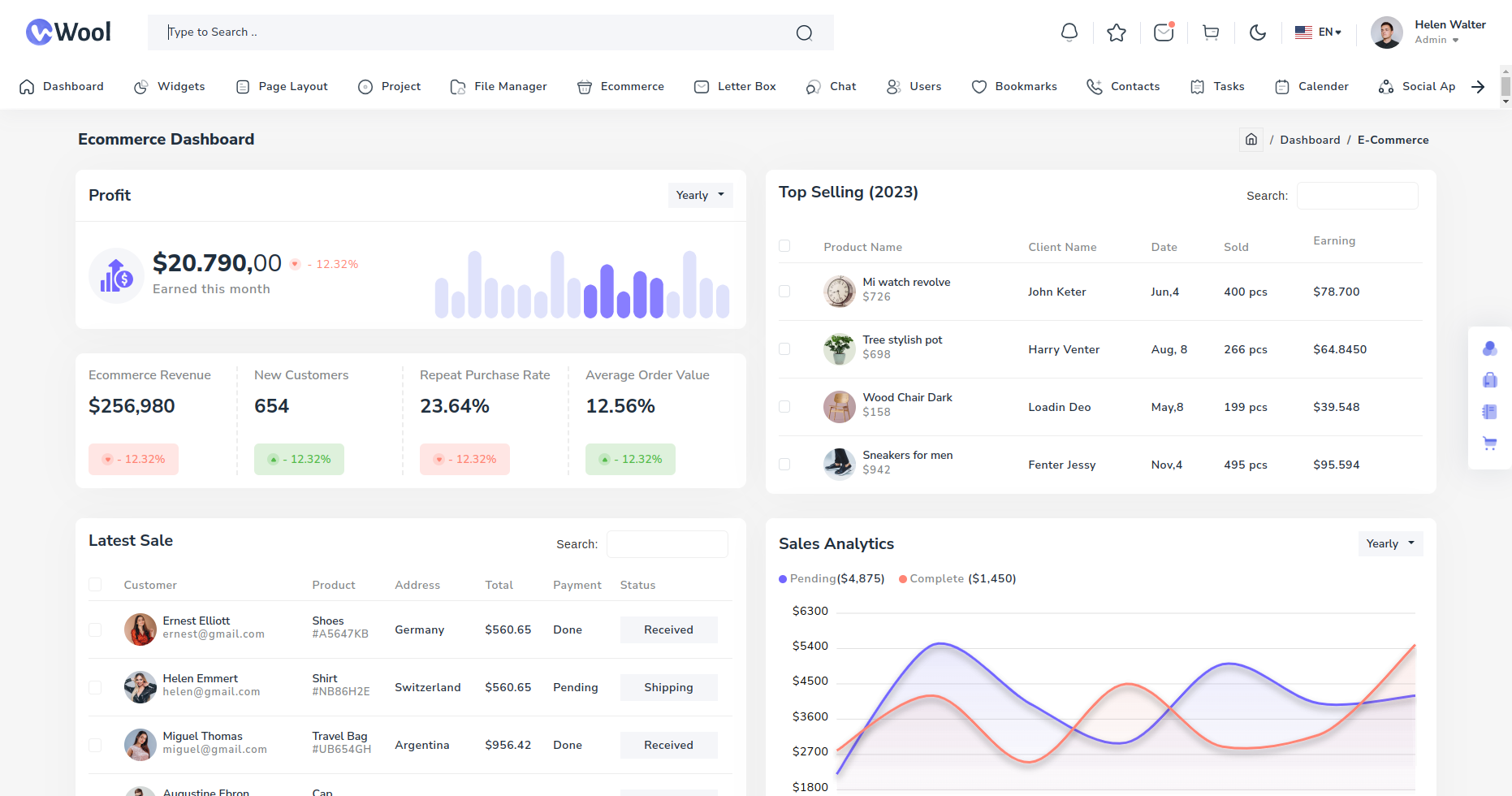
Horizontal Sidebar:
Shows the sidebar with Horizontal style.
Fill Icon Sidebar:
Shows the sidebar with Fill Icon.
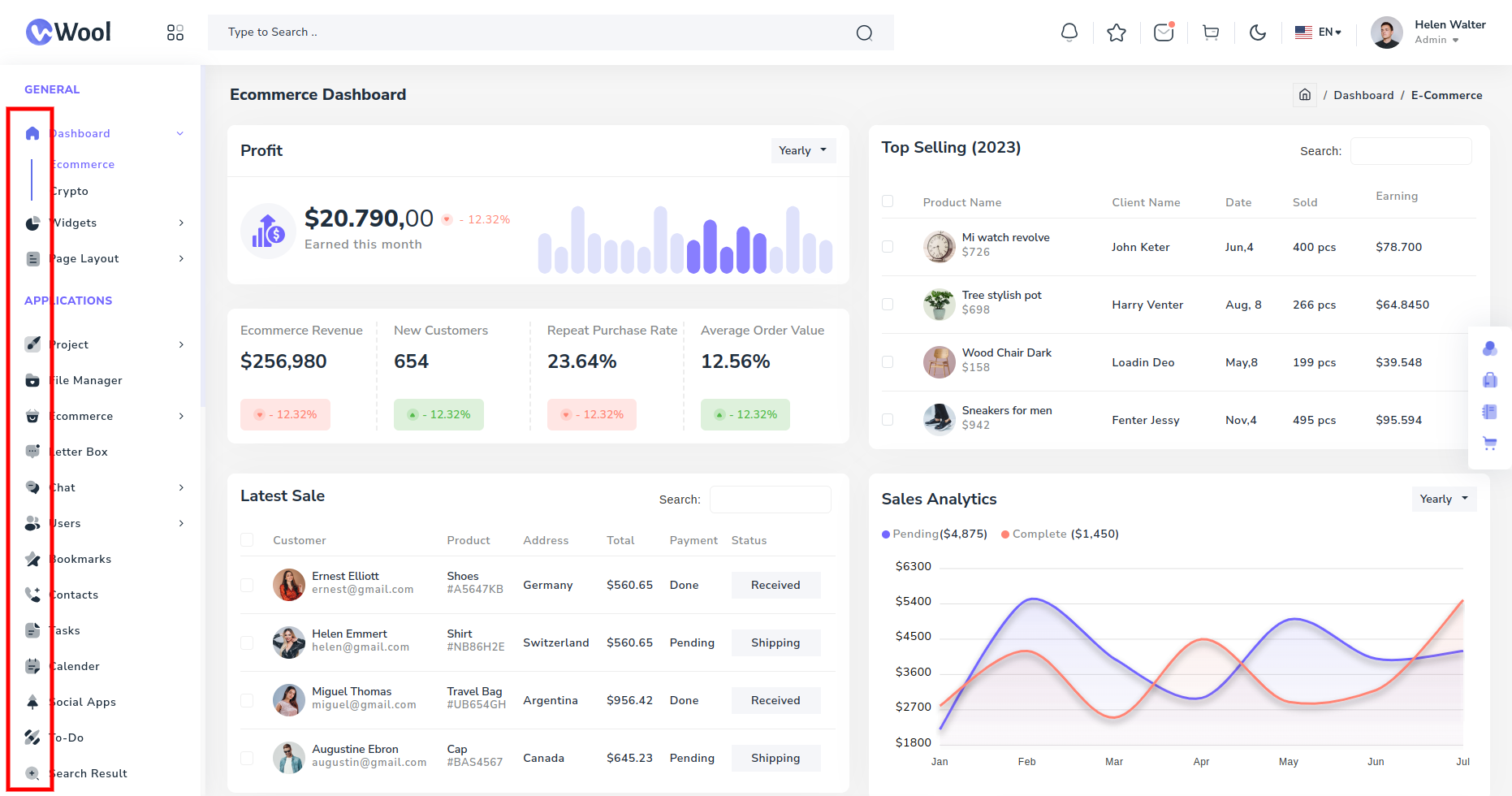
These changes are applied by changing the value of icon property in the sidebar component.
If you like a particular type of sidebar and want to use that one in you website, then just copy the sidebar.scss file and add the necessary class to the sidebar-layout property in theme>src>shared>services>layout.service.ts file.
-
Stroke Icon = 'stroke-svg' for the default sidebar icon.
-
Fill Icon = 'fill-svg' for the fill svg icons in sidebar.