
 Keyword Trigger (Message Bot)
Keyword Trigger allows you to set up automatic replies that are sent when specific keywords are detected in incoming messages from campaigns or customers.
Keyword Trigger Overview
Trigger automatic replies using specific keywords. This feature helps provide instant automated responses to common customer queries received in the Inbox from Email, SMS, or WhatsApp campaigns.
Keyword Trigger Dashboard
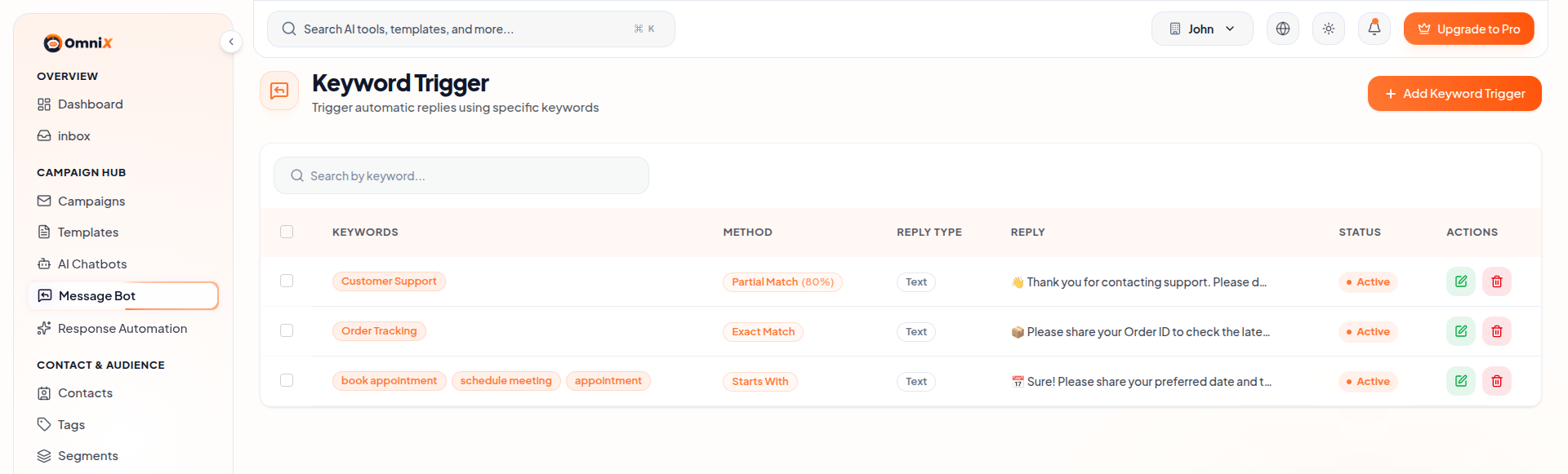
View all your configured keyword triggers in a table format. You can search, edit, activate/deactivate, or delete triggers from here.
- Add Keyword Trigger — Create new automated reply rules.
- Keywords — List of trigger words/phrases.
- Matching Method — Exact Match, Partial Match, Starts With, etc.
- Reply — The automatic message sent when keyword matches.
- Status — Active or Inactive.
1. Create New Keyword Trigger
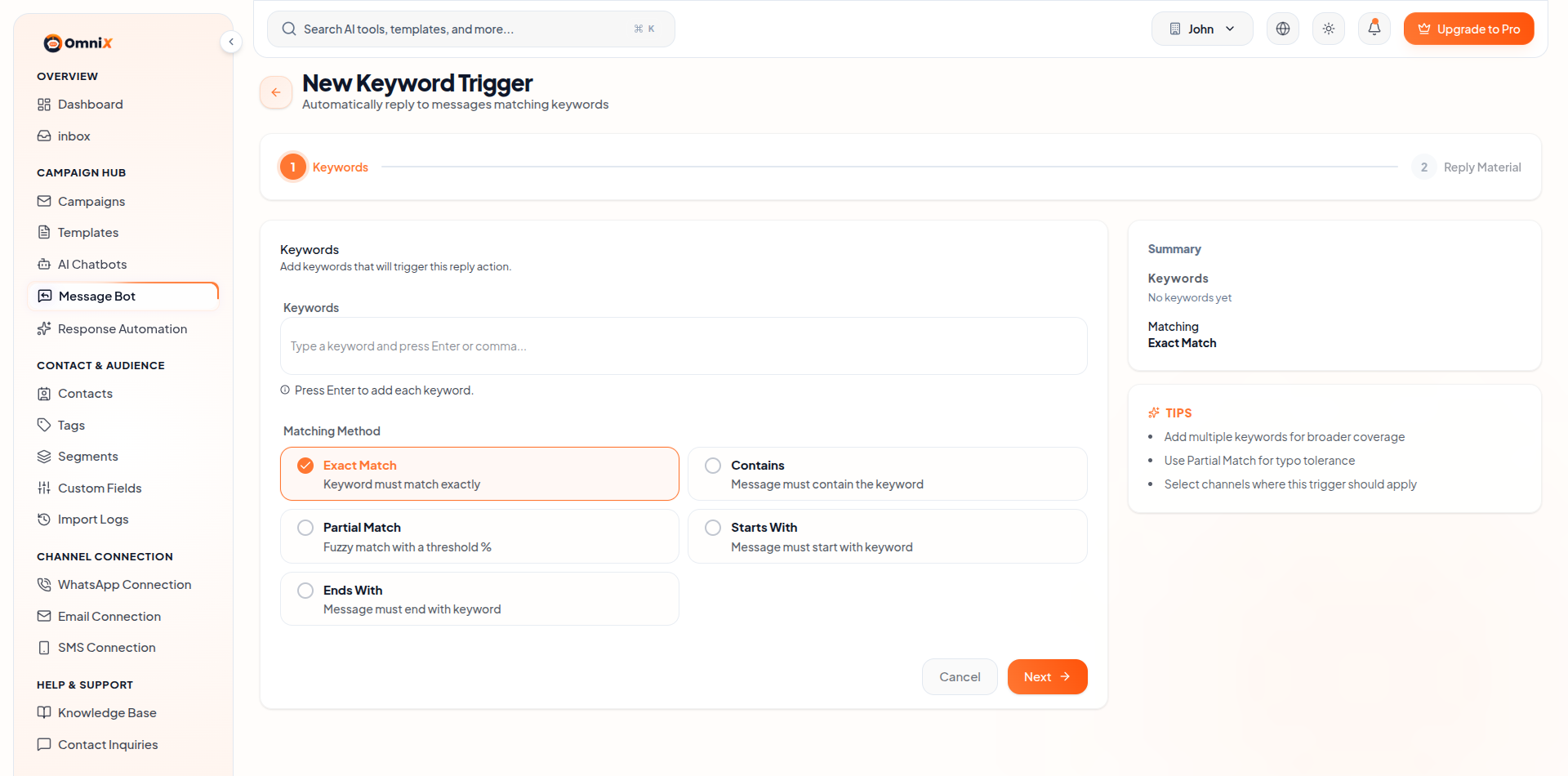
Step 1: Keywords
- Add one or more keywords that will trigger the reply.
- Choose matching method:
- Exact Match
- Contains
- Partial Match (with tolerance %)
- Starts With
- Ends With
Step 2: Reply Material
- Channels : Select Email, SMS, and/or WhatsApp
- Reply Message : Write the automatic reply text
- Attachments : Optionally upload files
- Status : Enable or disable the trigger
2. Edit Keyword Trigger
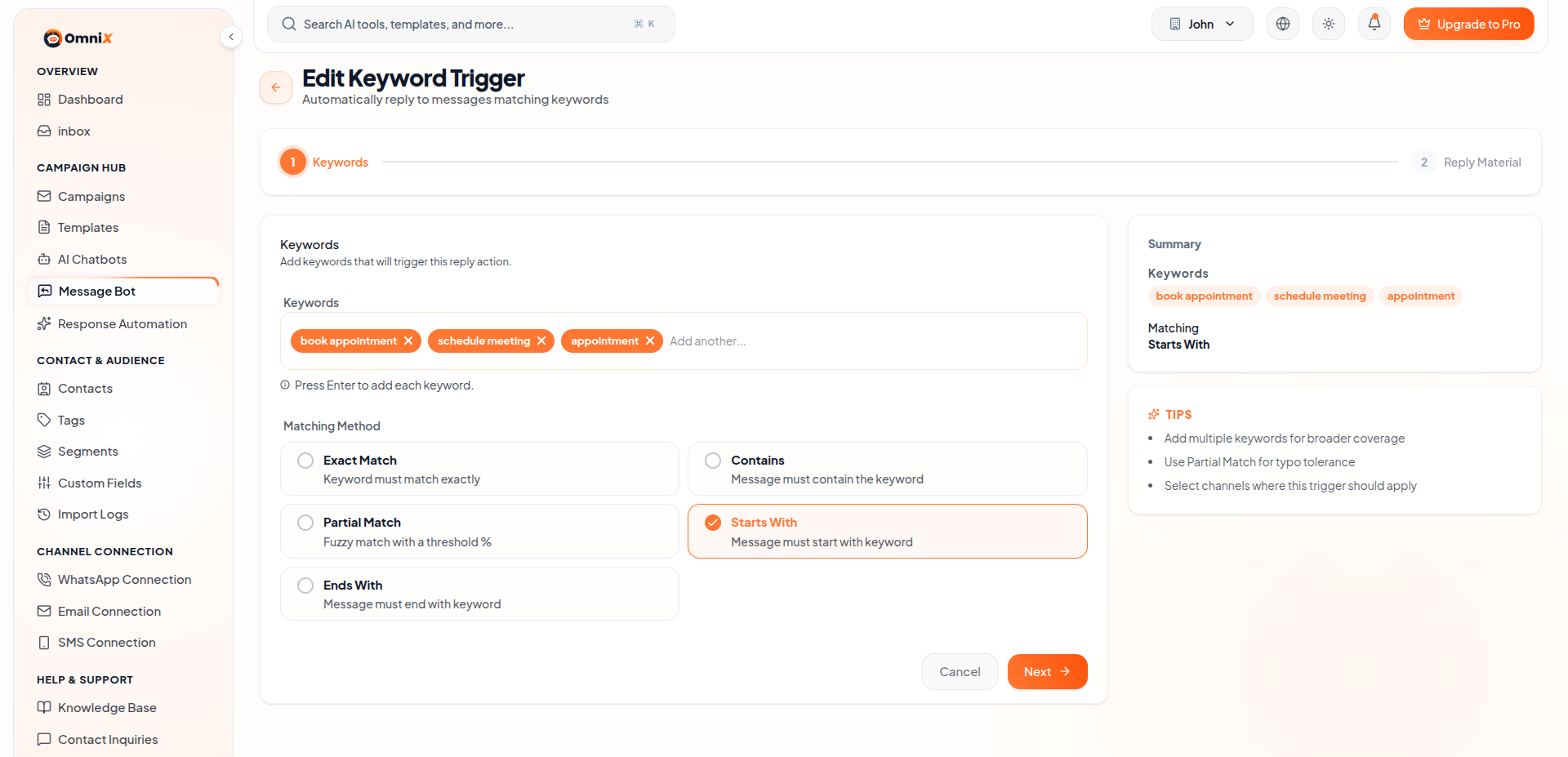
Click the edit icon on any trigger to modify keywords, matching method, reply message, or channels.
3. Delete Keyword Trigger
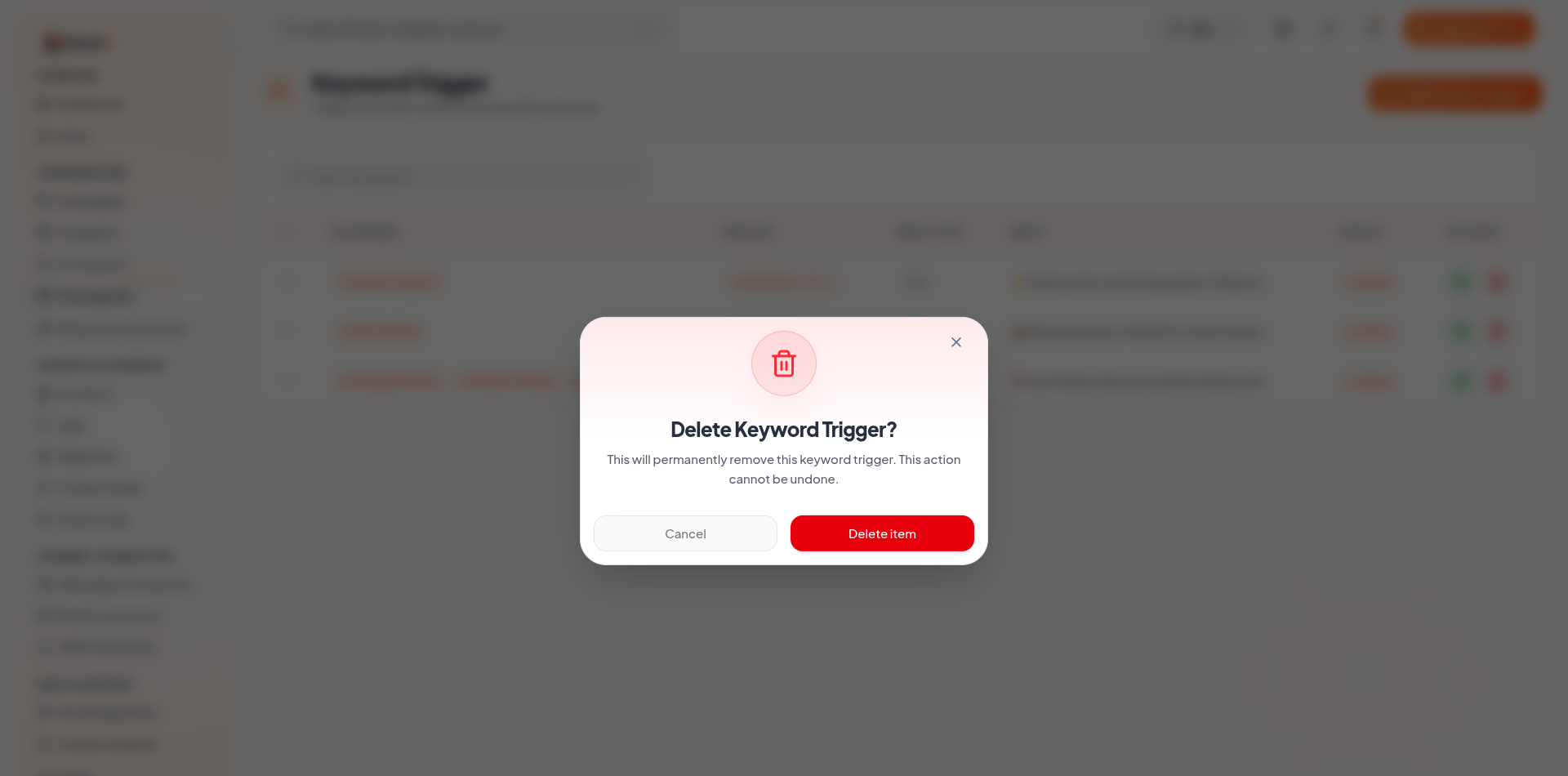
Click the delete icon to remove a trigger. A confirmation dialog will appear. This action cannot be undone.
Key Features of Keyword Trigger
- Automatically send replies when specific keywords are detected.
- Support for multiple channels (Email, SMS, WhatsApp).
- Flexible matching methods including Partial Match and Starts With.
- Easy management of multiple automated reply rules.
What's Next?
Continue exploring the Admin Module tools.


