 Change Your Project App Icon :
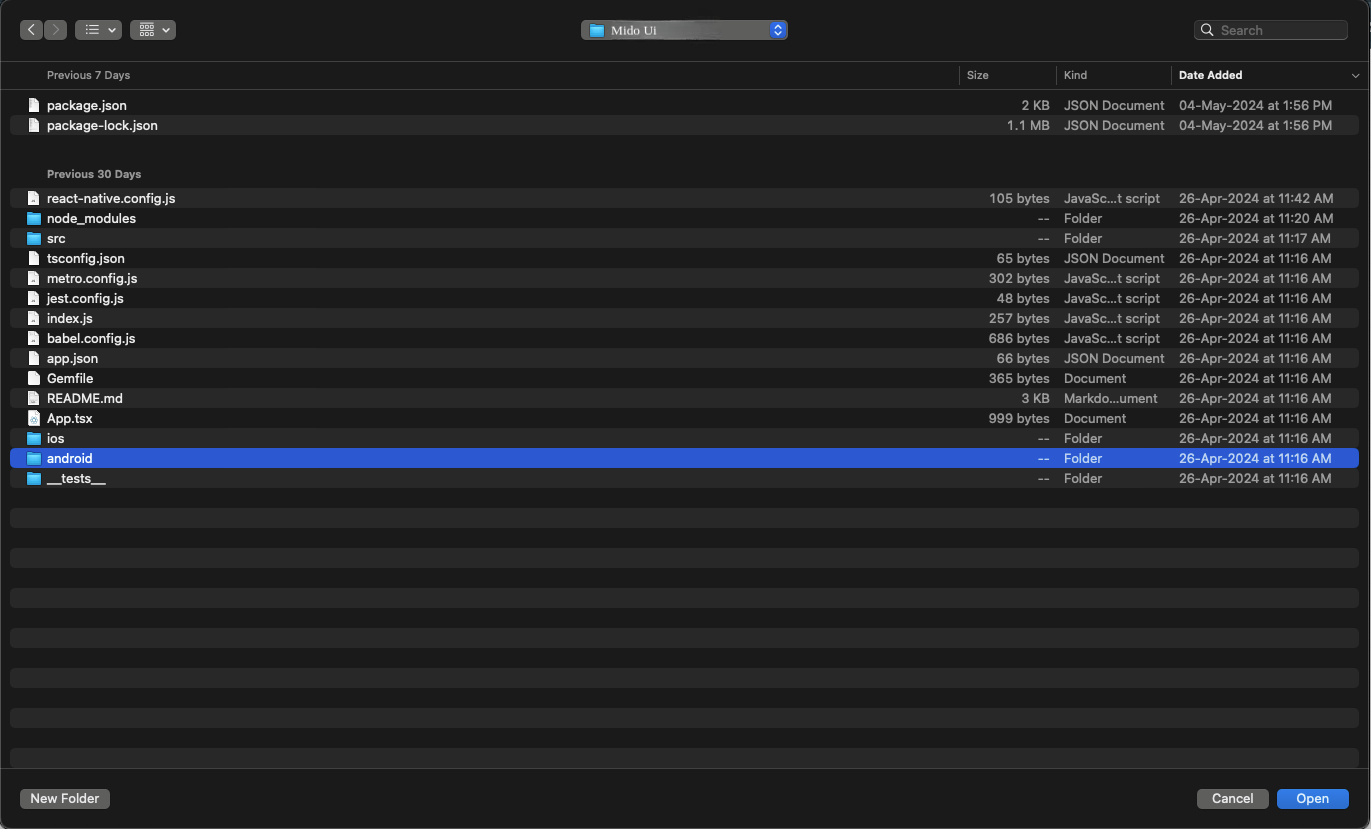
- Open Your Android folder in android studio, right click on android ->
click
on Open Android module in Android Studio

- Or else click on File -> Open -> go to your project android location -> click
on Open
(For Mac) and click on Ok(For Windows).
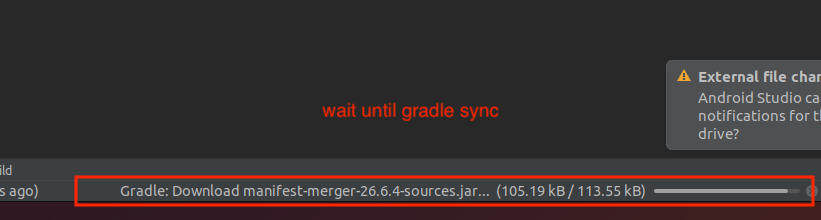
- Now wait until your gradle build
- Now click on app -> New -> select Image Assets

- On pop-up will appear in that select you app icon image path in Foreground
Layer
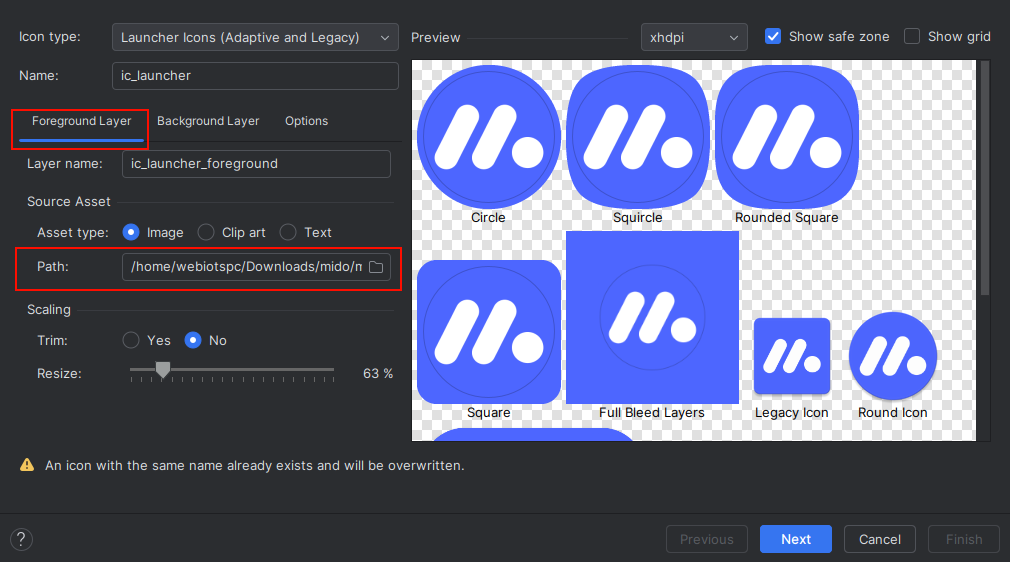
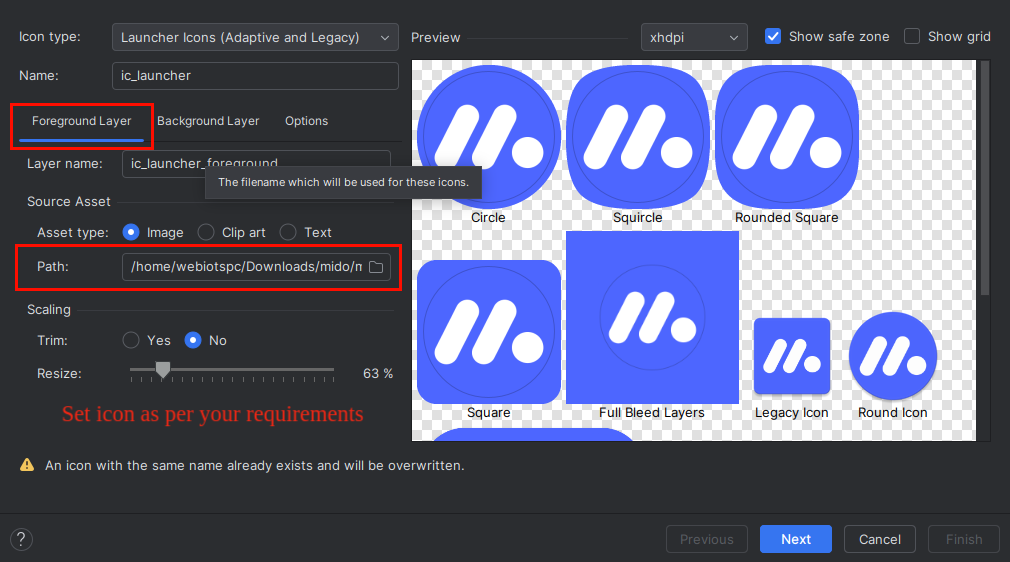
- Resize icon as per your requirement.
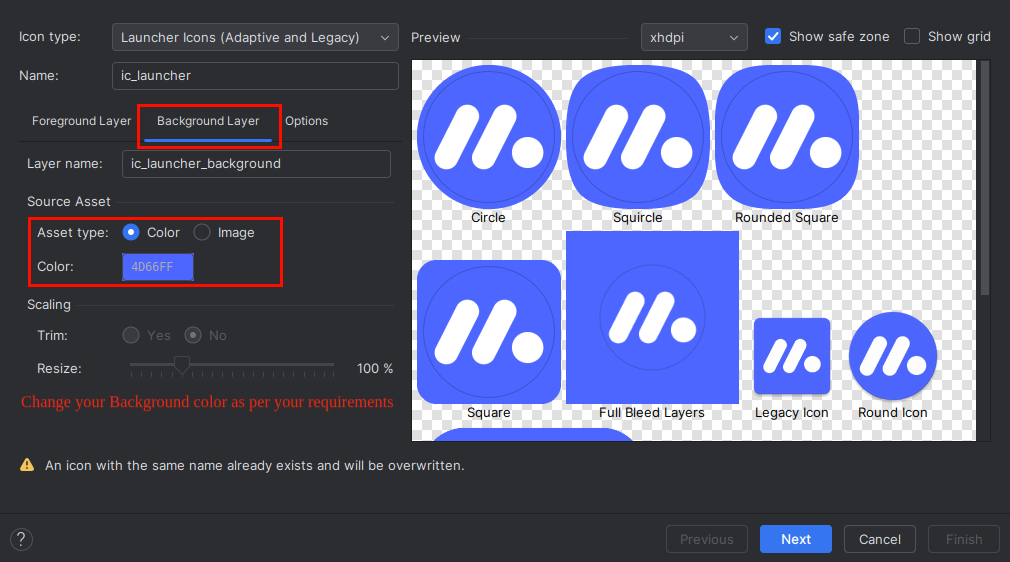
- Now click on Background Layer tab, and select background color as per
your
requirement.
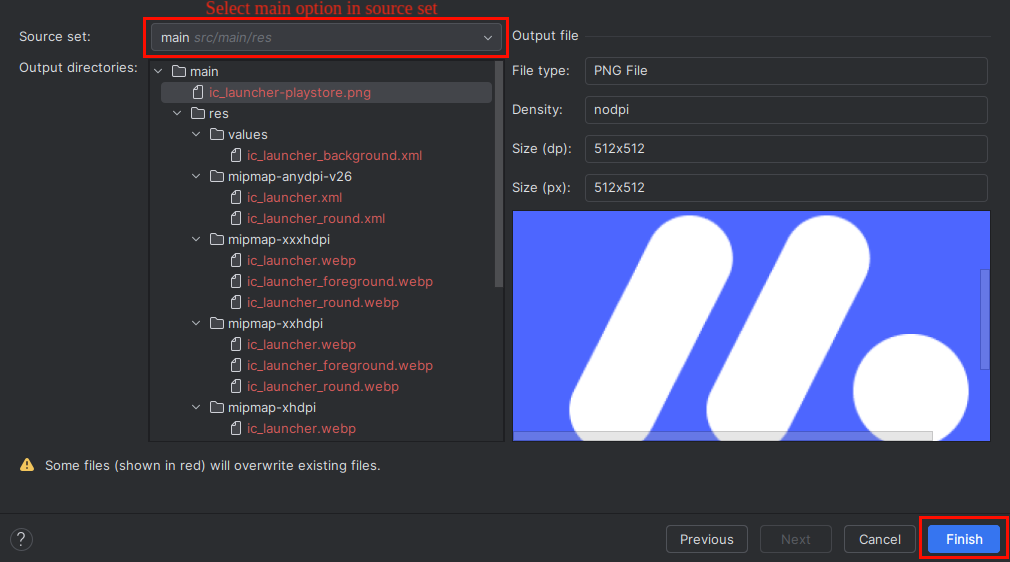
- Now select release in Res directory and click on Finish
button.
- After finish process, open your project and run it again.