
Advance UI Elements
Scrollable Offical link Preview link
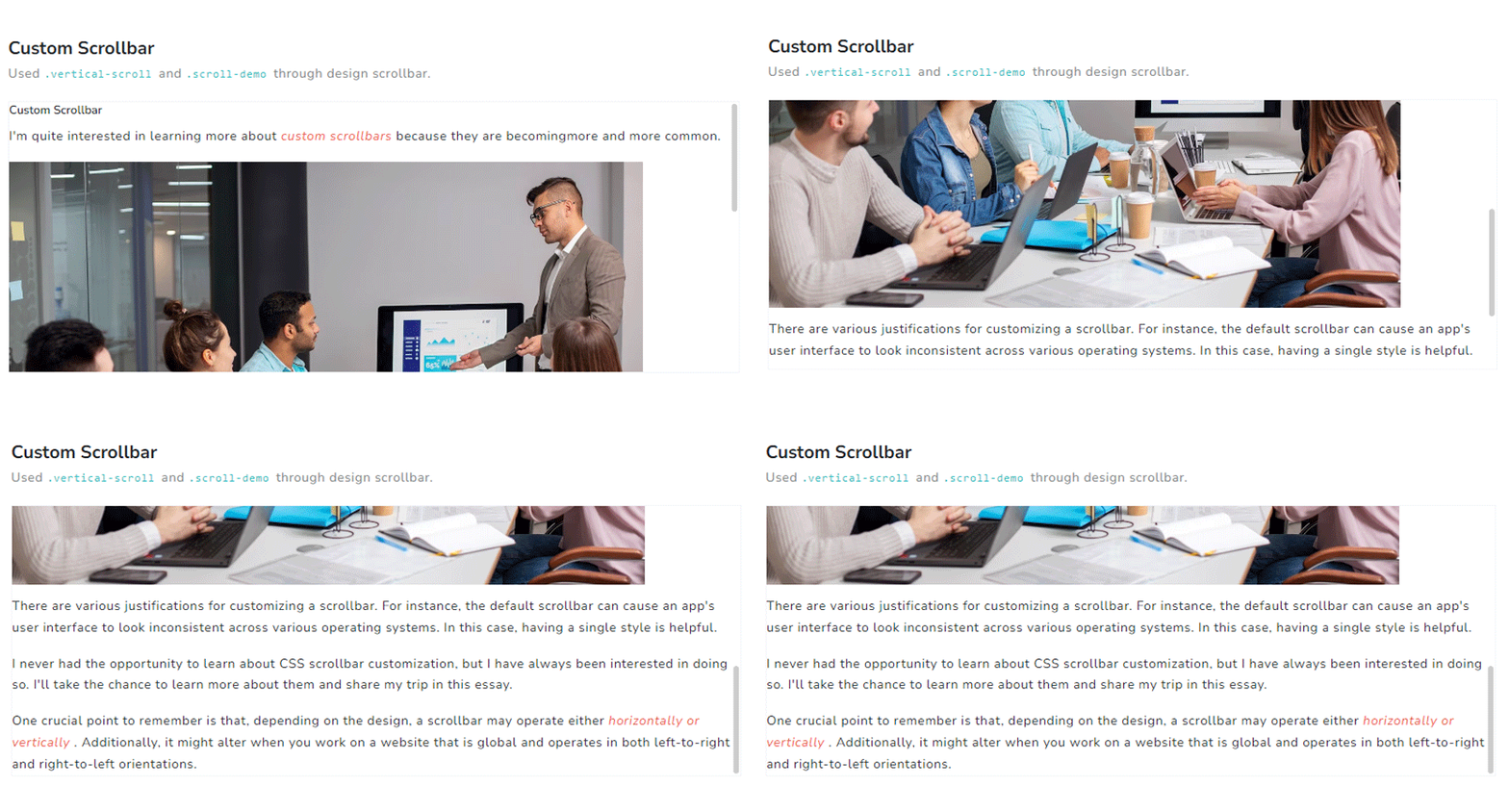
npm i vue3-perfect-scrollbarIn your main.ts file all the following code:
import PerfectScrollbar from 'vue3-perfect-scrollbar'
import 'vue3-perfect-scrollbar/dist/vue3-perfect-scrollbar.css'
.use(PerfectScrollbar)
Inside Your template tags add
<perfect-scrollbar class="scrollbar-margins large-margin scroll-demo p-0"   v-once :settings="settings3">
<img :src="getImgUrl('banner/1.jpg')" alt="girl" width="800" height="600" >
</perfect-scrollbar>
Inside Your script tags add
import { getImgUrl } from "@/composables/commen/imgMixin"
import { ref } from "vue"
const settings3 = ref({
maxScrollbarLength: 60
})
In your composables imgMixin.ts file all the following code:
export function getImgUrl(path: string) {
return require('@/assets/images/' + path);
}
Tree Offical link Preview link
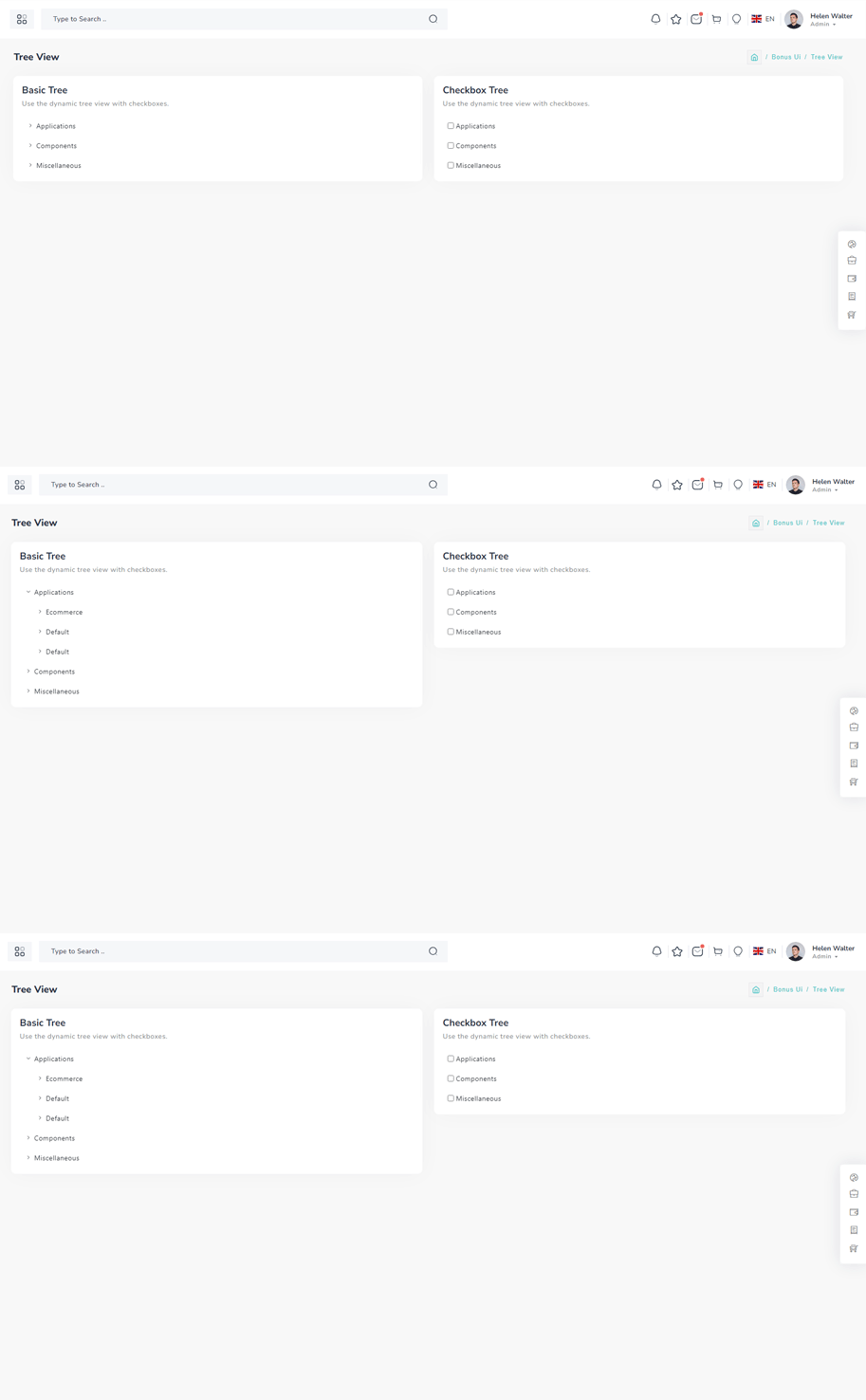
npm i vue3-treeInside Your template tags add
<Tree :nodes="menu" :use-icon="true" />
Inside Your script tags add
import Tree from "vue3-tree";
import "vue3-tree/dist/style.css";
import { menu } from "@/composables/commen/treeView"
In your composables treeView.ts file all the following code:
import { ref } from "vue"

export const menu = ref([
{
id: 1,
label: "Admin",
nodes: [
{
id: 2,
label: "Assets",
nodes: [
{
id: 3,
label: "CSS",
nodes: [
{
id: 4,
label: "Css One",
},
{
id: 5,
label: "Css Two",
},
],
},
{
id: 6,
label: "Js",
nodes: [
{
id: 7,
label: "Js One",
},
{
id: 8,
label: "Js Two",
},
],
},
{
id: 9,
label: "Scss",
nodes: [
{
id: 10,
label: "Sub Child",
nodes: [
{
id: 11,
label: "Sub File",
},
{
id: 12,
label: "Sub File",
},
],
},
{
id: 13,
label: "Scss Two",
},
],
},
],
},
{
id: 14,
label: "Default",
nodes: [
{
id: 15,
label: "Dashboard",
},
{
id: 16,
label: "Typography",
},
],
},
],
},
{
id: 17,
label: "index file",
},
])
Toast Offical link Preview link

npm i vue3-toastifyInside Your template tags add
import { Toast, ToastBody, Button } from "reactstrap";

      <class="btn btn-success " type="button" @click="success" variant="success">Success</Button>
Inside Your script tags add
import { toast } from 'vue3-toastify';
 import 'vue3-toastify/dist/index.css';
 function success() {
  toast.success(' New order has been placed ', {
      hideProgressBar: true, autoClose: 2000, theme: 'colored', position: 'top-right'
  });
}
Dropzone Offical link Preview link

npm i dropzone-vueInside Your template tags add
<DropZone
:maxFileSize="Number(60000000)"
:uploadOnDrop="true"
:dropzoneMessageClassName="customClass" :maxFiles="1">
</DropZone>
Inside Your script tags add
import DropZone from "dropzone-vue";
Inside Your style tags add
@import 'dropzone-vue/dist/dropzone-vue.common.css';
Tour Offical link Preview link

npm i @globalhive/vuejs-tourIn your main.ts file all the following code:
import VueJsTour from '@globalhive/vuejs-tour';
import '@globalhive/vuejs-tour/dist/style.css';
.use(VueJsTour)
Inside Your template tags add
<img img class="img-fluid" alt="" src="@/assets/images/user/7.jpg" data-intro="This is Profile image">
<router-link class="icon-wrapper" id="update-profile-tour" to="/users/edit">
<i class="icofont icofont-pencil-alt-5" data-intro="Change Profile image here"  id="update-profile-tour" ></i>
</router-link>
<VTour ref="tour" :steps="steps" autoStart/>
Inside Your script tags add
import { ref, onMounted } from "vue"
const tour = ref()
const steps = ref([
    {
        target: "#profile-tour",
        content: "This is Profile image",
    },
    {
        target: "#update-profile-tour",
        content: "Change Profile image here",
    },
])
onMounted(() => {
    tour.value.resetTour();
})
Sweetalert Offical link Preview link

npm i sweetalert2Inside Your template tags add
<button class="btn btn-danger sweet-5" type="button" v-on:click="basic_warning_alert" >Warning alert</button>Inside Your script tags add
import Swal from 'sweetalert2'
function basic_warning_alert() {
Swal.fire({
icon: 'warning',
title: "Are you sure?",
text: 'Once deleted, you will not be able to recover this imaginary file!',
showCancelButton: true,
confirmButtonText: 'Ok',
confirmButtonColor: '#3e5fce',
cancelButtonText: 'Cancel',
cancelButtonColor: '#efefef',
}).then((result) => {
if (result.value) {
Swal.fire({
icon: 'success',
text: 'Poof! Your imaginary file has been deleted!',
confirmButtonColor: '#3e5fce',
});
} else {
Swal.fire({
text: 'Your imaginary file is safe!',
confirmButtonColor: '#3e5fce',
});
}
});
}
Range slider Offical link Preview link

npm i vue-slider-componentInside Your template tags add
<VueSlider v-model="one.value" :data="one.data" :tooltip="'always'" :tooltip-placement="'top'" ></VueSlider>Inside Your script tags add
import VueSlider from 'vue-slider-component'
 import 'vue-slider-component/theme/antd.css'
 import { ref } from "vue"
 const one = ref({
     value: 10,
     data: [10, 100]
 })
Image cropper Offical link Preview link
npm i vue-cropperjsInside Your template tags add
<vue-cropper
vue-cropper ref="cropper"
:guides="true"
:view-mode="viewmodeselected"
drag-mode="crop"
:aspectRatio="aspectRatioselected"
:auto-crop-area="0.5"
:min-container-width="250"
:min-container-height="180"
:background="true"
:rotatable="true"
:movable="true"
:src="getImgUrl(myimgSrc)"
alt="Source Image"
:ready="ready"
:crop="cropImage"
img-preview=".img-preview"
:img-style="{ width: '800px', height: '500px' }">
</vue-cropper>
Inside Your script tags add
import VueCropper from 'vue-cropperjs';
import 'cropperjs/dist/cropper.css';
import { Tooltip } from "bootstrap";
import { getImgUrl } from "@/composables/commen/imgMixin"
import { ref, onMounted } from "vue"
const myimgSrc = ref<string>('other-images/img-cropper.jpg')
const imageData = ref<any>({})
const containerData = ref<string>('')
const putData = ref<string>('')
const viewmodeselected = ref<number>(0)
const cropImg = ref<string>('')
const aspectRatioselected = ref<number>(1.7777777777777777)
const cropper = ref()
const convertNumber = (num?: number) => num != null ? Math.round(num) : undefined
function ready() {
containerData.value = cropper.value.getContainerData();
}
function cropImage() {
imageData.value = cropper.value.getData();
cropImg.value = cropper.value.getCroppedCanvas().toDataURL();
}
onMounted(() => {
imageData.value = cropper.value.getData();
new Tooltip(document.body, {
selector: "[data-bs-toggle='tooltip']",
})
})