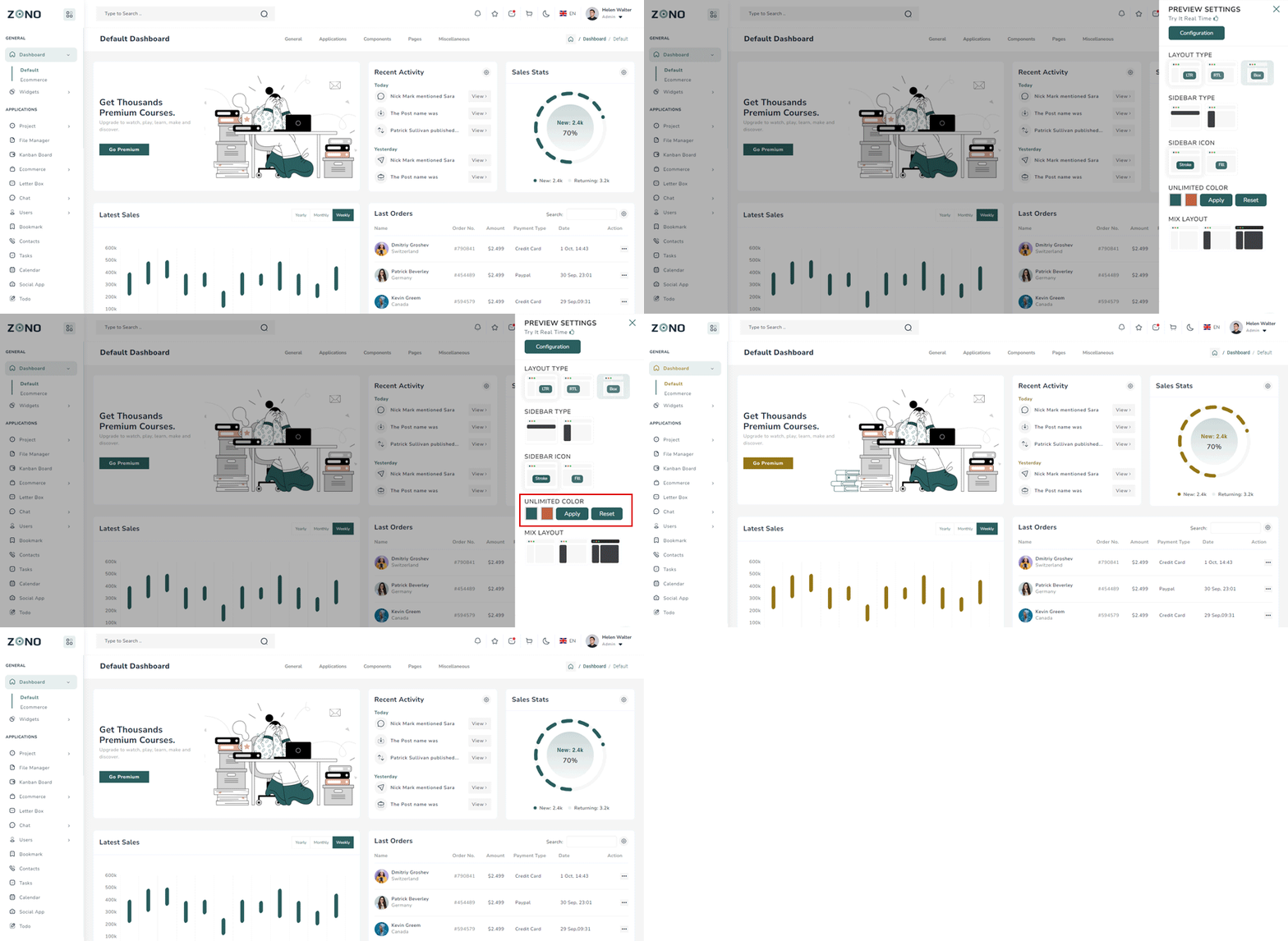
Template color settings
For the whole template main color change,
go to your scss folder and then find _variables.scss file in utils
folder
you need to change $primary-color and $secondary-color
variables hex
code
// template colors variables
$primary-color: #2b5e5e;
$secondary-color: #c06240;style.scss file from the scss folder :root {
--theme-deafult: #2b5e5e;
--theme-secondary:#c06240;
}above 2 css color variables also change
Make sure your template-default and $primary-color code should be
same.
similar change for secondary also
Unlimited Colors
To try different color combinations we have provided a color selector so that you could tweak the colors are per your needs and from the template itself and when you are satisfied with the changed color, you can set the primary and secondary color in the scss file.