Application
E-commerce
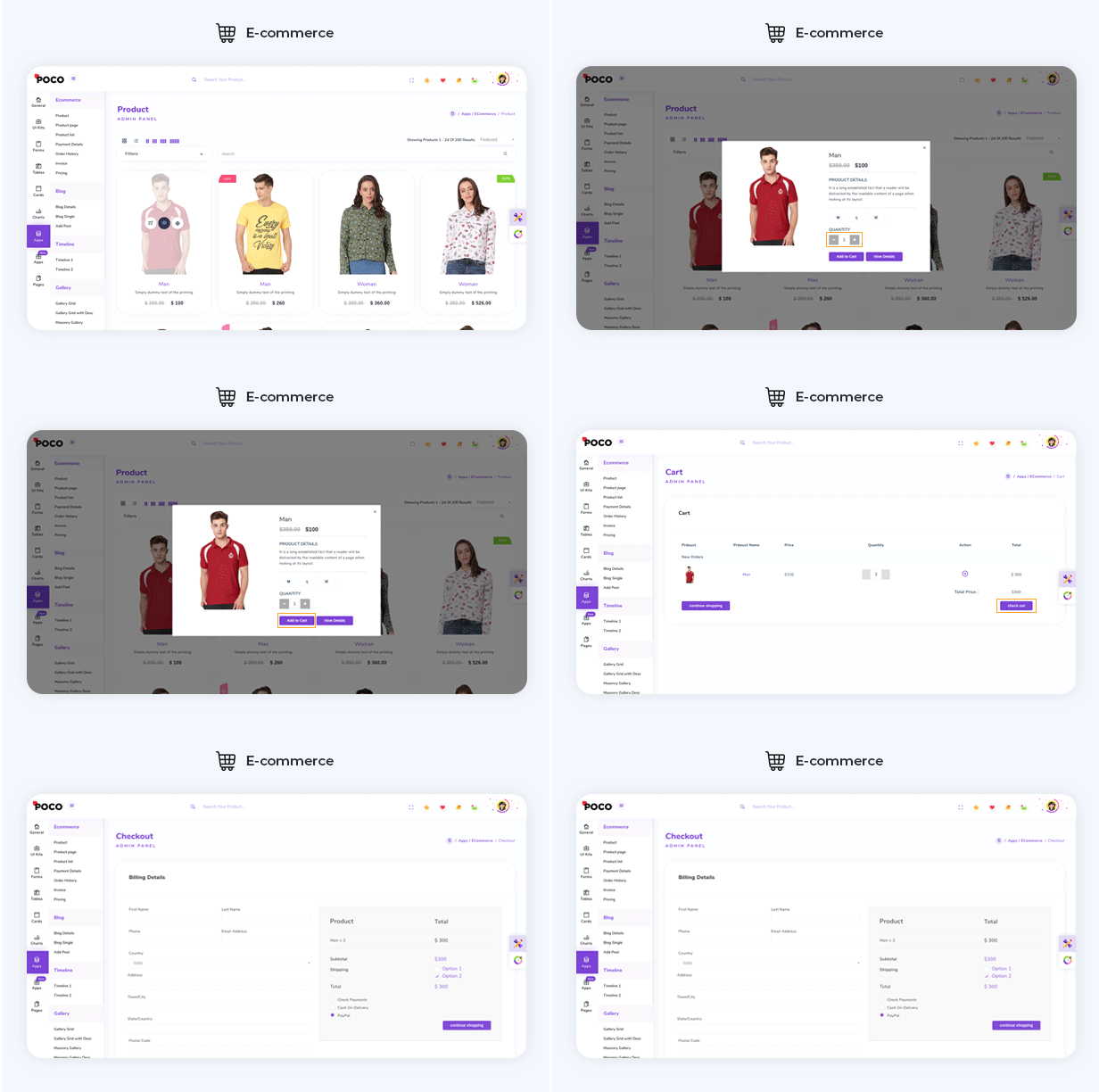
You can directly use complete E-commerce app to manage your E-commerce with readymade functionality of Add to cart,Quickview, and Checkout with Stripe as well as Paypal. Apart from that if you want it to use it in your frontend application then you just need to change your json with your API data and you get complete workable E-commerce for your frontend.
Chat
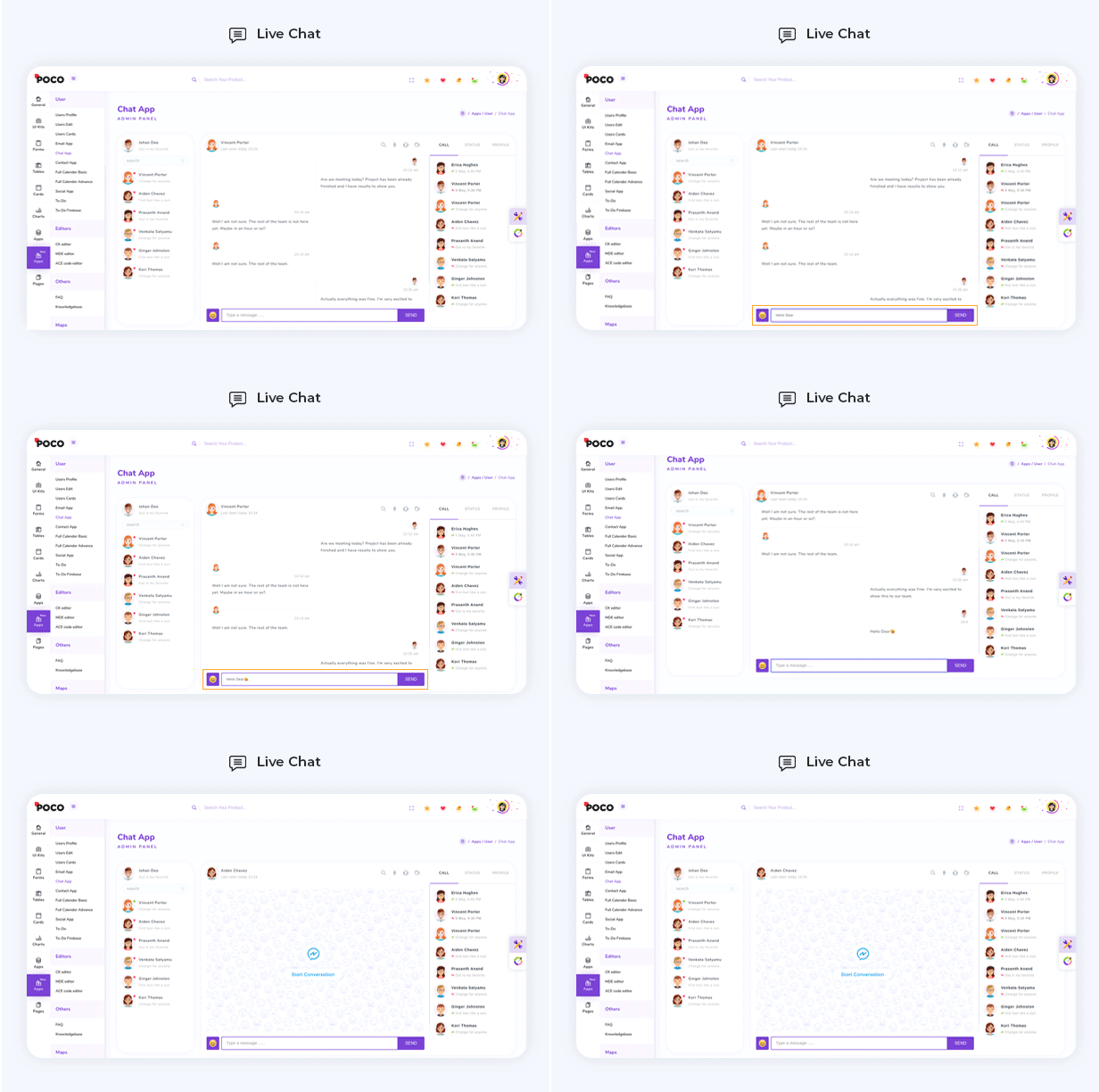
In Chat application we provide complete chat designing with basic feature like chat with a people.
Gallery
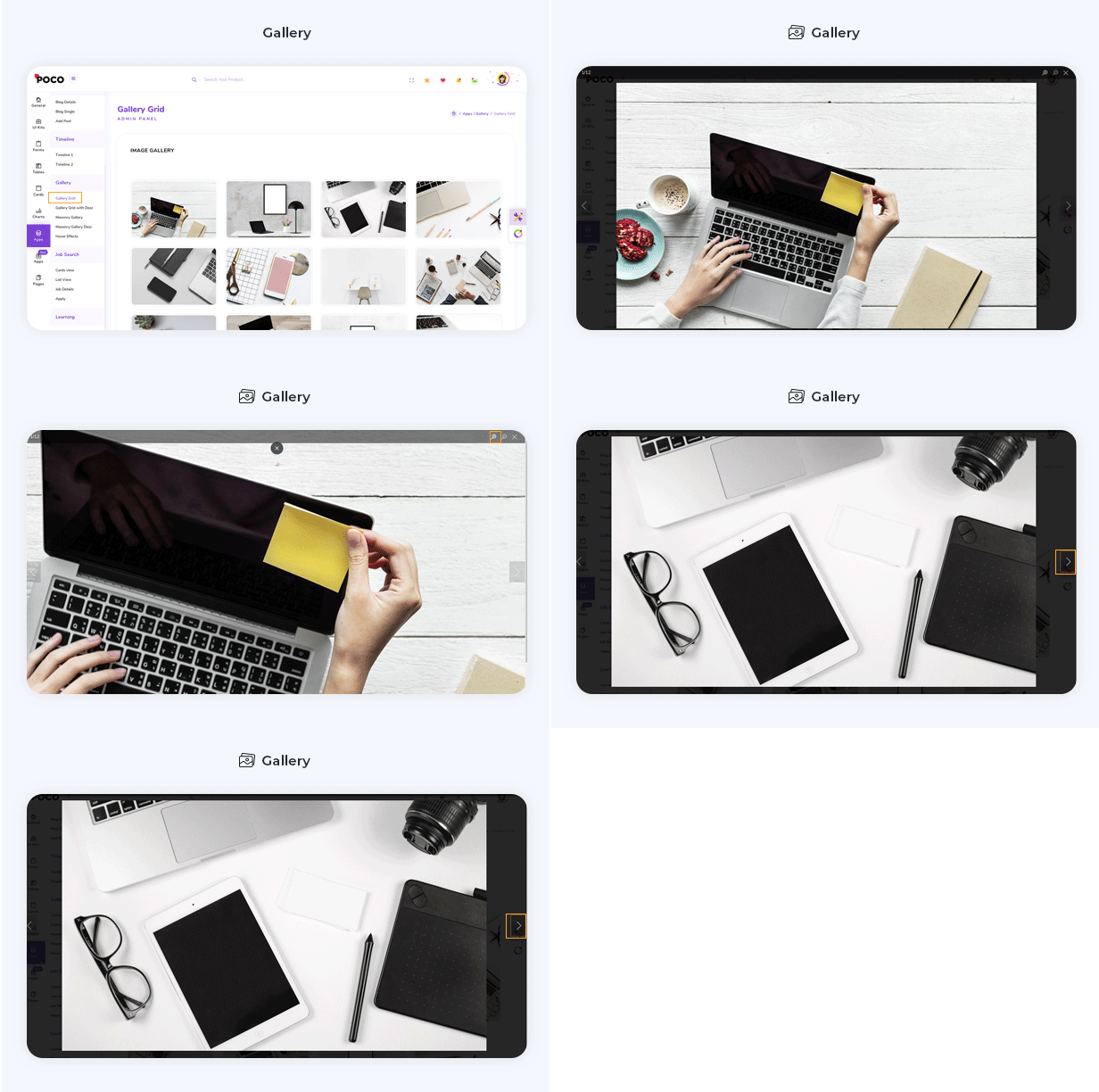
Present your amazing ideas and images using our smooth and attractive gallery
To-Do
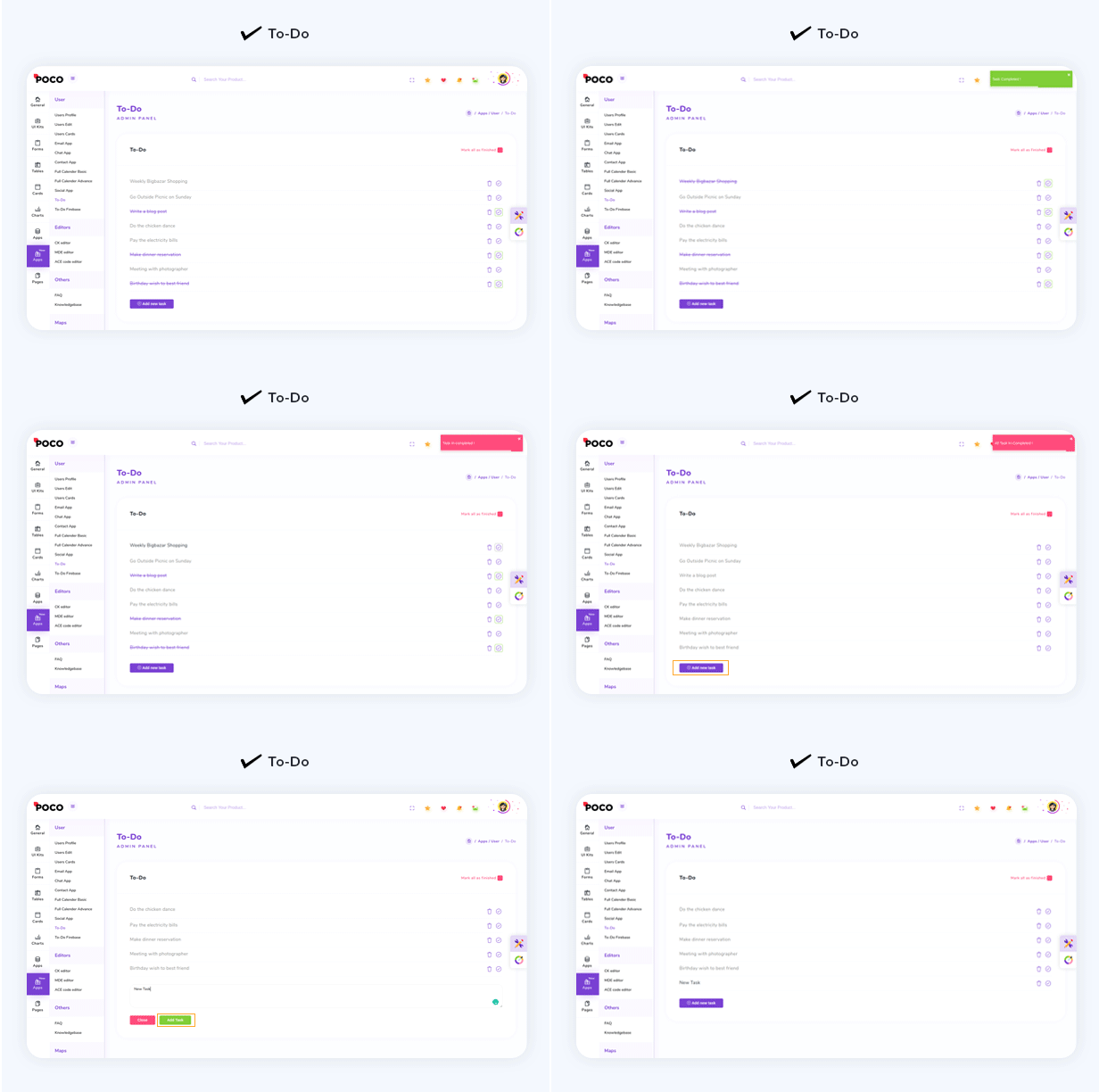
Now it's time to Decrease your burden by listing your daily task in our To-do app and feel relax.
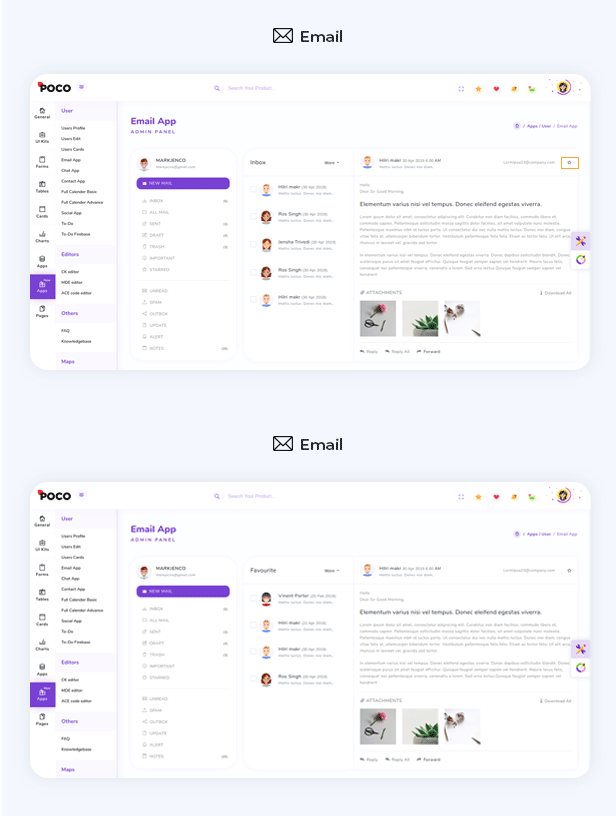
Use our Email application design to build complete email app
Bookmark Search
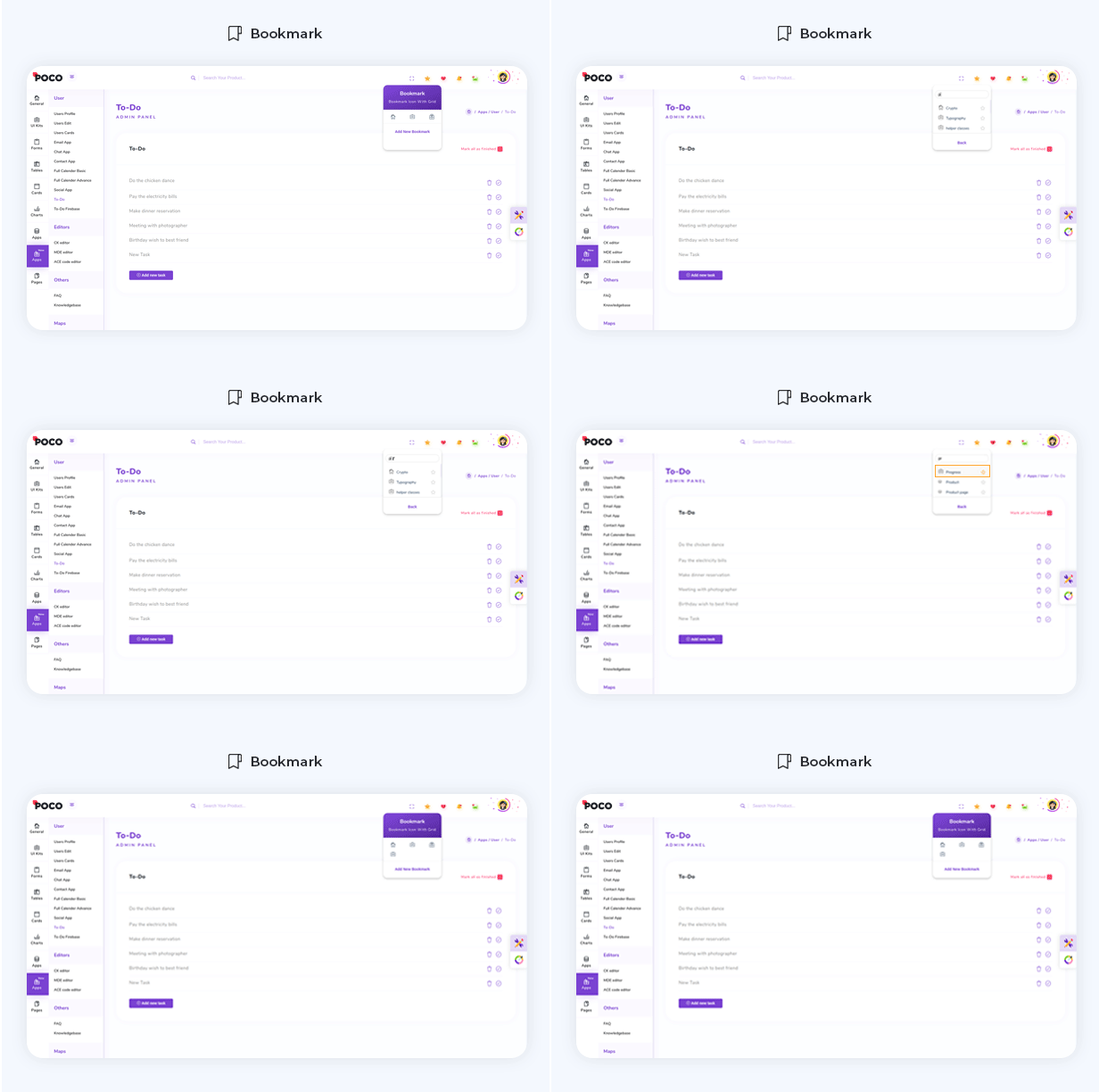
You can Bookmark your Favioute application and pages using search bookmark so you can reach to your favioute app quickly.
Calender
Installing and usage
npm i angular-calendar
  <mwl-calendar-month-view [viewDate]="viewDate" [events]="events" [refresh]="refresh"
      [activeDayIsOpen]="activeDayIsOpen" (dayClicked)="dayClicked($event.day)"
      (eventClicked)="handleEvent('Clicked', $event.event)" (eventTimesChanged)="eventTimesChanged($event)">
    </mwl-calendar-month-view>
  import { JsonPipe } from '@angular/common';
  import { Component, inject, TemplateRef, viewChild } from '@angular/core';
  import { FormsModule } from '@angular/forms';

  import { NgbModal } from '@ng-bootstrap/ng-bootstrap';
  import {
    CalendarEvent,
    CalendarEventAction,
    CalendarEventTimesChangedEvent,
    CalendarModule,
    CalendarView,
  } from 'angular-calendar';
  import { FlatpickrModule } from 'angularx-flatpickr';
  import { EventColor } from 'calendar-utils';
  import {
    addDays,
    addHours,
    endOfDay,
    endOfMonth,
    isSameDay,
    isSameMonth,
    startOfDay,
    subDays,
  } from 'date-fns';
  import { Subject } from 'rxjs';

  const colors: Record = {
    red: {
      primary: '#ad2121',
      secondary: '#FAE3E3',
    },
    blue: {
      primary: '#1e90ff',
      secondary: '#D1E8FF',
    },
    yellow: {
      primary: '#e3bc08',
      secondary: '#FDF1BA',
    },
  };

  @Component({
    selector: 'mwl-demo-component',
    templateUrl: './calender.html',
    styleUrls: ['./calender.scss'],
    styles: [
      `
        h3 {
          margin: 0 0 10px;
        }

        pre {
          background-color: #f5f5f5;
          padding: 15px;
        }
      `,
    ],
    imports: [CalendarModule, FormsModule, FlatpickrModule, JsonPipe],
  })
  export class Calender {
    public readonly modalContent = viewChild.required>('modalContent');

    view: CalendarView = CalendarView.Month;

    CalendarView = CalendarView;

    viewDate: Date = new Date();

    modalData: {
      action: string;
      event: CalendarEvent;
    };

    actions: CalendarEventAction[] = [
      {
        label: '',
        a11yLabel: 'Edit',
        onClick: ({ event }: { event: CalendarEvent }): void => {
          this.handleEvent('Edited', event);
        },
      },
      {
        label: '',
        a11yLabel: 'Delete',
        onClick: ({ event }: { event: CalendarEvent }): void => {
          this.events = this.events.filter(iEvent => iEvent !== event);
          this.handleEvent('Deleted', event);
        },
      },
    ];

    refresh = new Subject();

    public events: CalendarEvent[] = [
      {
        start: subDays(startOfDay(new Date()), 1),
        end: addDays(new Date(), 1),
        title: 'A 3 day event',
        color: { ...colors['red'] },
        actions: this.actions,
        allDay: true,
        resizable: {
          beforeStart: true,
          afterEnd: true,
        },
        draggable: true,
      },
      {
        start: startOfDay(new Date()),
        title: 'An event with no end date',
        color: { ...colors['yellow'] },
        actions: this.actions,
      },
      {
        start: subDays(endOfMonth(new Date()), 3),
        end: addDays(endOfMonth(new Date()), 3),
        title: 'A long event that spans 2 months',
        color: { ...colors['blue'] },
        allDay: true,
      },
      {
        start: addHours(startOfDay(new Date()), 2),
        end: addHours(new Date(), 2),
        title: 'A draggable and resizable event',
        color: { ...colors['yellow'] },
        actions: this.actions,
        resizable: {
          beforeStart: true,
          afterEnd: true,
        },
        draggable: true,
      },
    ];

    activeDayIsOpen: boolean = true;

    private modal = inject(NgbModal);

    dayClicked({ date, events }: { date: Date; events: CalendarEvent[] }): void {
      if (isSameMonth(date, this.viewDate)) {
        if (
          (isSameDay(this.viewDate, date) && this.activeDayIsOpen === true) ||
          events.length === 0
        ) {
          this.activeDayIsOpen = false;
        } else {
          this.activeDayIsOpen = true;
        }
        this.viewDate = date;
      }
    }

    eventTimesChanged({ event, newStart, newEnd }: CalendarEventTimesChangedEvent): void {
      this.events = this.events.map(iEvent => {
        if (iEvent === event) {
          return {
            ...event,
            start: newStart,
            end: newEnd,
          };
        }
        return iEvent;
      });
      this.handleEvent('Dropped or resized', event);
    }

    handleEvent(action: string, event: CalendarEvent): void {
      this.modalData = { event, action };
      this.modal.open(this.modalContent(), { size: 'lg' });
    }

    addEvent(): void {
      this.events = [
        ...this.events,
        {
          title: 'New event',
          start: startOfDay(new Date()),
          end: endOfDay(new Date()),
          color: colors['red'],
          draggable: true,
          resizable: {
            beforeStart: true,
            afterEnd: true,
          },
        },
      ];
    }

    deleteEvent(eventToDelete: CalendarEvent) {
      this.events = this.events.filter(event => event !== eventToDelete);
    }

    setView(view: CalendarView) {
      this.view = view;
    }

    closeOpenMonthViewDay() {
      this.activeDayIsOpen = false;
    }
  }
Others
There are many others application in Puba which is help you in improve your knowledge and solve your issues.
- Knowledge Base
- Job Search
- Learning
- Social App