
Maps
Google Maps Offical link Preview link
you have to install google map
npm i @angular/google-maps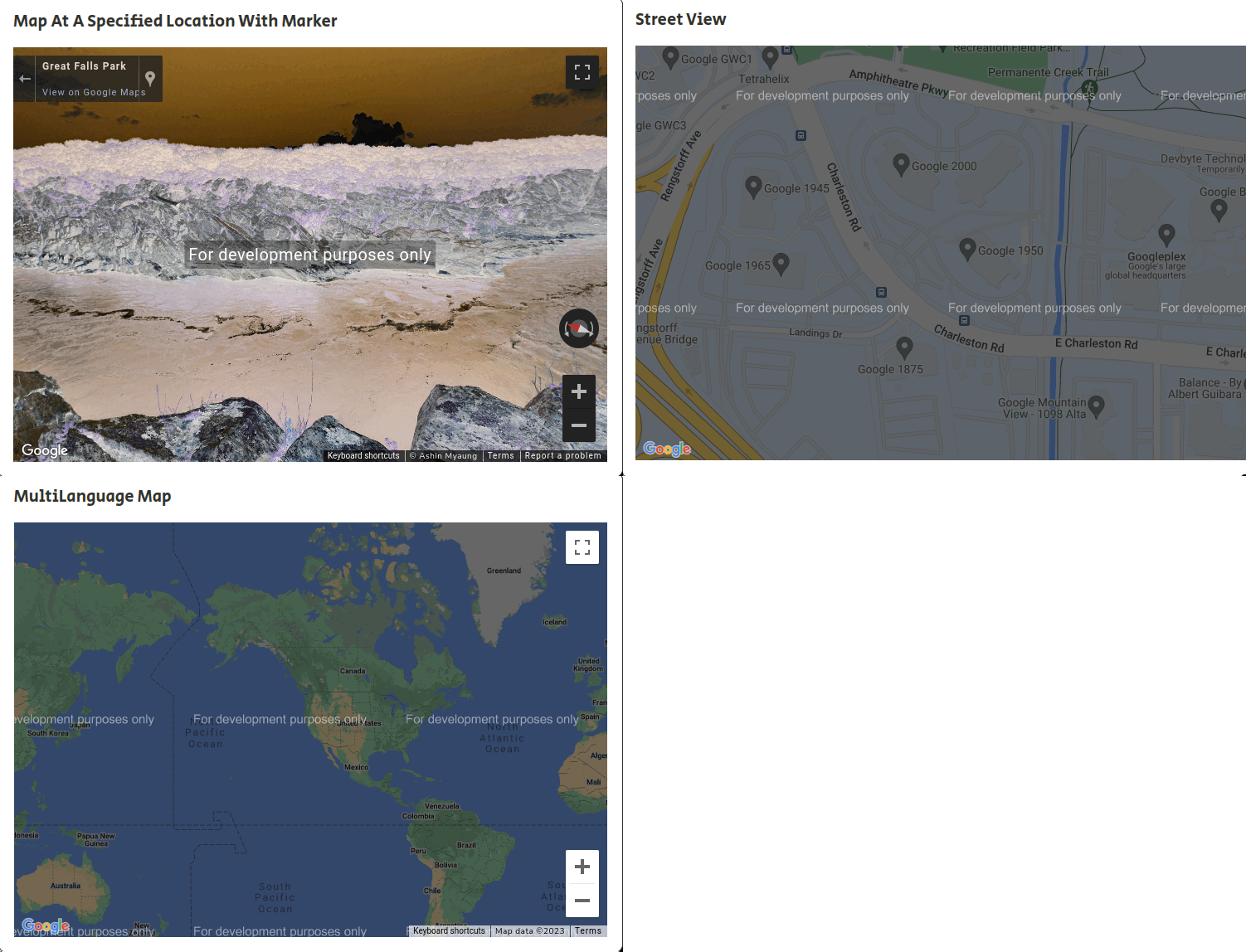
<!-- Map html start -->
<google-map width="100%" height="450px" [zoom]="zoom">
  <map-marker *ngFor="let marker of markers" [position]="marker.position" [label]="marker.label">
  </map-marker>
</google-map>
To use google map following type script files
import { Component, ViewChild } from '@angular/core';
import { GoogleMap, GoogleMapsModule } from '@angular/google-maps';

@Component({
  selector: 'app-google-map',
  templateUrl: './google-map.html',
  styleUrls: ['./google-map.scss'],
  imports: [GoogleMapsModule]
})

export class GoogleMap implements OnInit {

  public markers: any[];
  public zoom: number;

  constructor() {
    this.markers = [];
    this.zoom = 2;
  }

ngOnInit() {
  this.markers.push({
    position: {
      lat: 35.717,
      lng: 139.731
    },
    label: {
      color: "black",
      text: "Madrid"
    },
    Option:{
      draggable: true,
      animation: google.maps.Animation.DROP,
    }
  });
}
}
Leaflet Maps Offical link Preview link
you have to install Leaflet map
npm i @bluehalo/ngx-leaflet
<!-- Map html start -->

<div style="height: 300px;" leaflet [leafletOptions]="options"></div>
To use Leaflet Maps following type script files
import { Component } from '@angular/core';
import { LeafletModule } from '@bluehalo/ngx-leaflet';
import * as L from 'leaflet';

@Component({
  selector: 'app-leaflet-map',
  templateUrl: './leaflet-map.html',
  styleUrls: ['./leaflet-map.scss'],
  imports: [LeafletModule]
})

export class LeafletMap implements OnInit {

constructor(private http: HttpClient) { }

//First map options
options1 = {
layers: [
L.tileLayer('http://{s}.tile.openstreetmap.org/{z}/{x}/{y}.png', { maxZoom: 18, attribution: '...' })
],
zoom: 5,
center: L.latLng(46.879966, -121.726909)
};
}