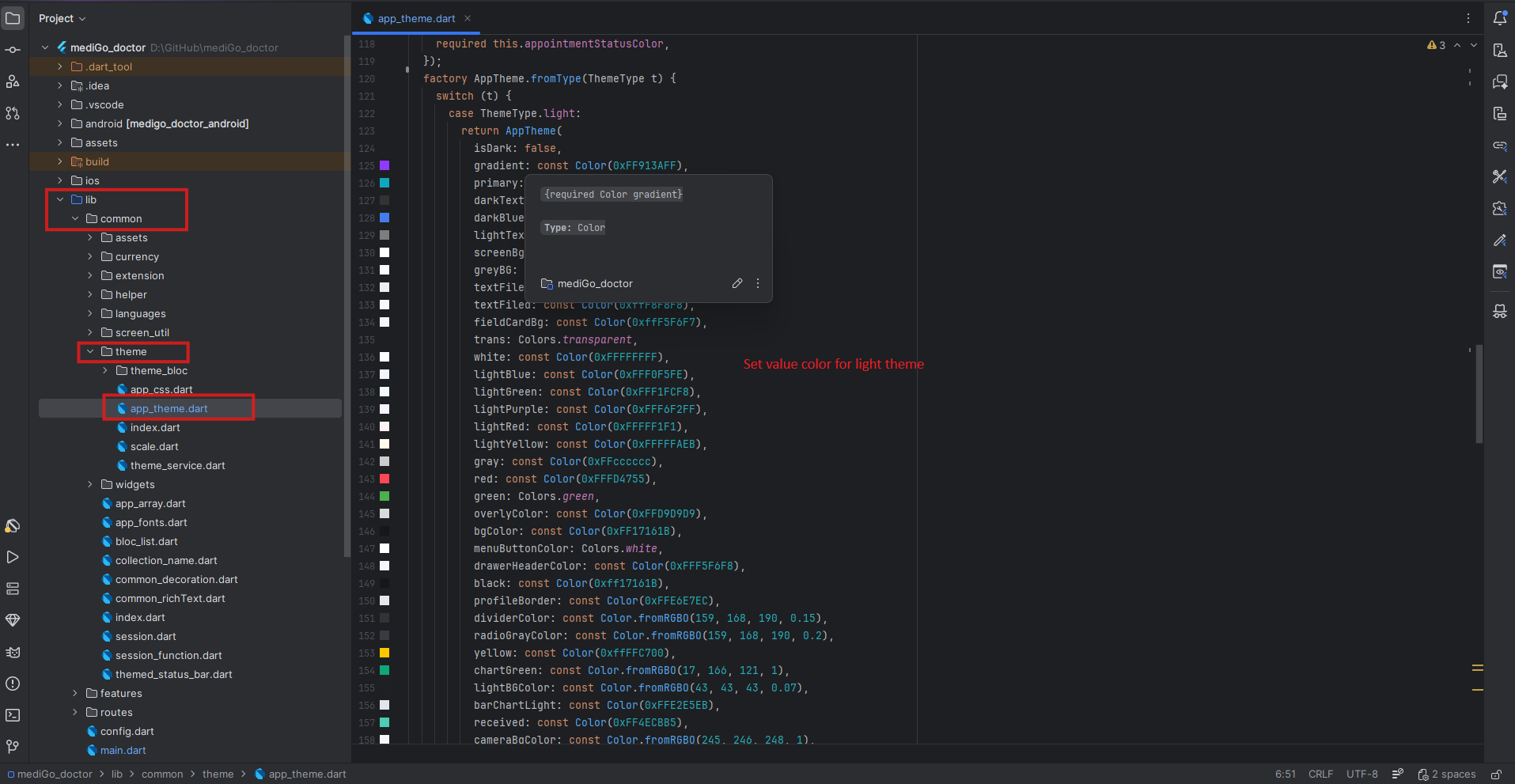
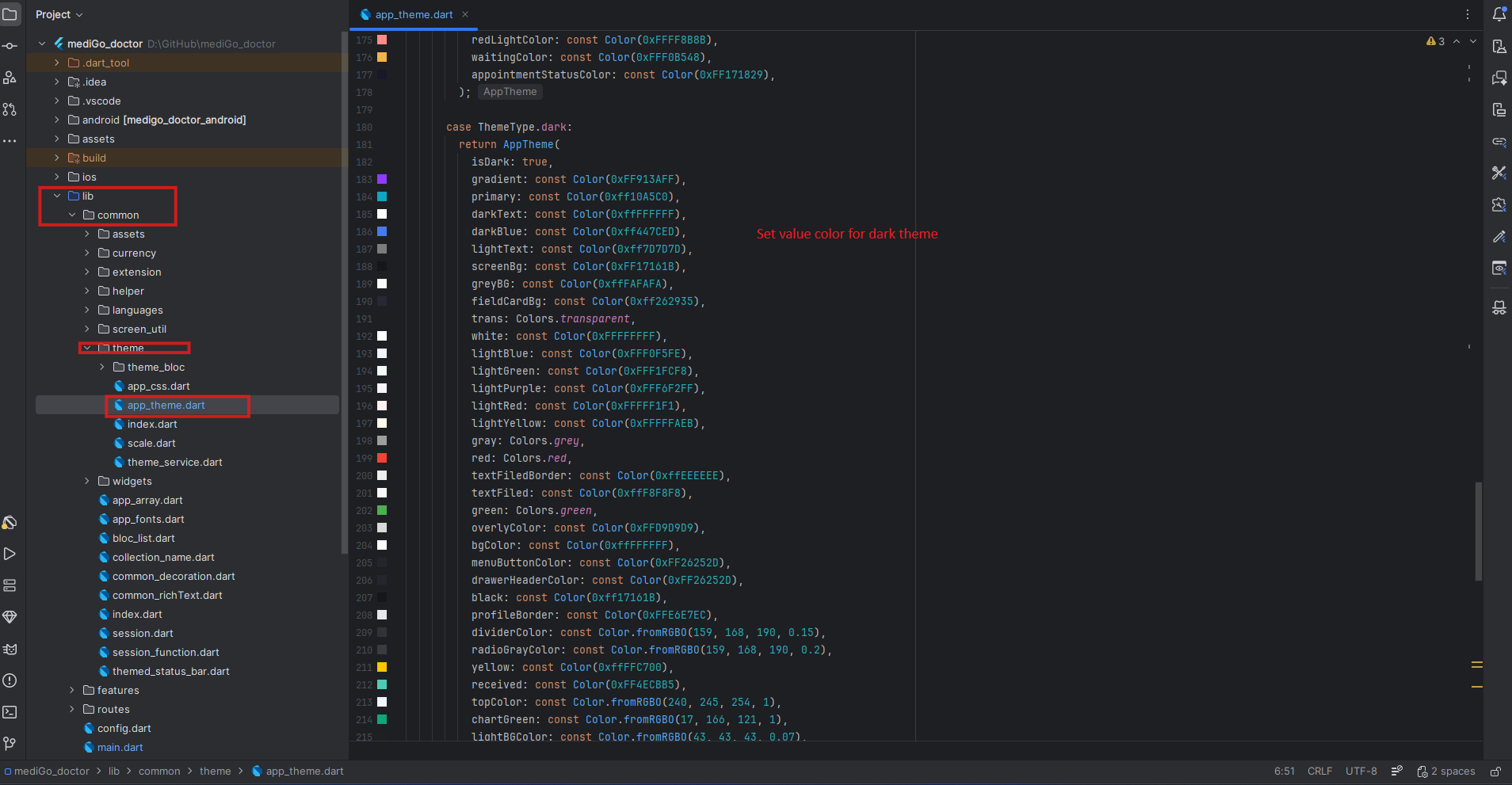
How to Modify the App Color in the User App:
Notes:
When you adjust the color settings for either light or dark themes, the color will automatically update wherever it is used. If there are specific areas where you prefer not to use the updated color, you can introduce a new color by editing the app_theme.dart file.
- To begin, open your project and navigate to lib -> main.dart. Here, you'll find the theme settings already configured for both dark mode and light mode.
- To change the primary color, text color, or button color for either dark or light mode, go to lib -> common -> theme -> app_theme.dart.
- When changing the primary color, ensure you update it in both the light and dark themes. If you
wish to have different colours for light and dark modes, set them accordingly.
Example :
If the primary color is black in light mode and white in dark mode, set the primary color to black in the light theme and to white in the dark theme.