 Home Page
To make this theme according to your preferences we have provided a customizer bar, where you can tweak colors and layout type of the page, primary and secondary colors of the theme, and the layout of the sidebar. We have also provided a configure button from where you can copy the settings and paste in the layout.json file and get the customised layout by as the default layout.
You can find Home Page on the right side of every page.
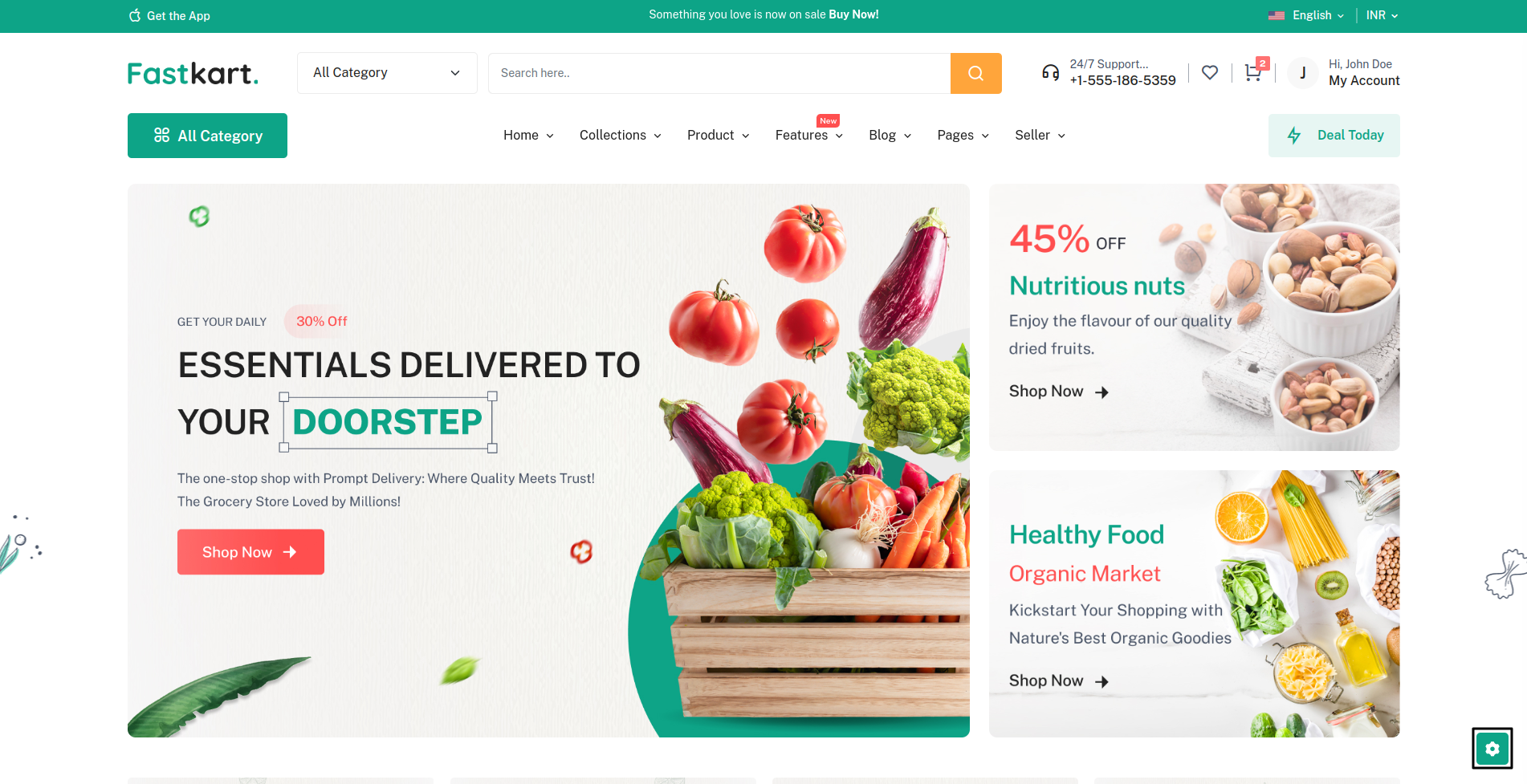
There are multiple customizations, we will talk about all individually.
Layout Types:
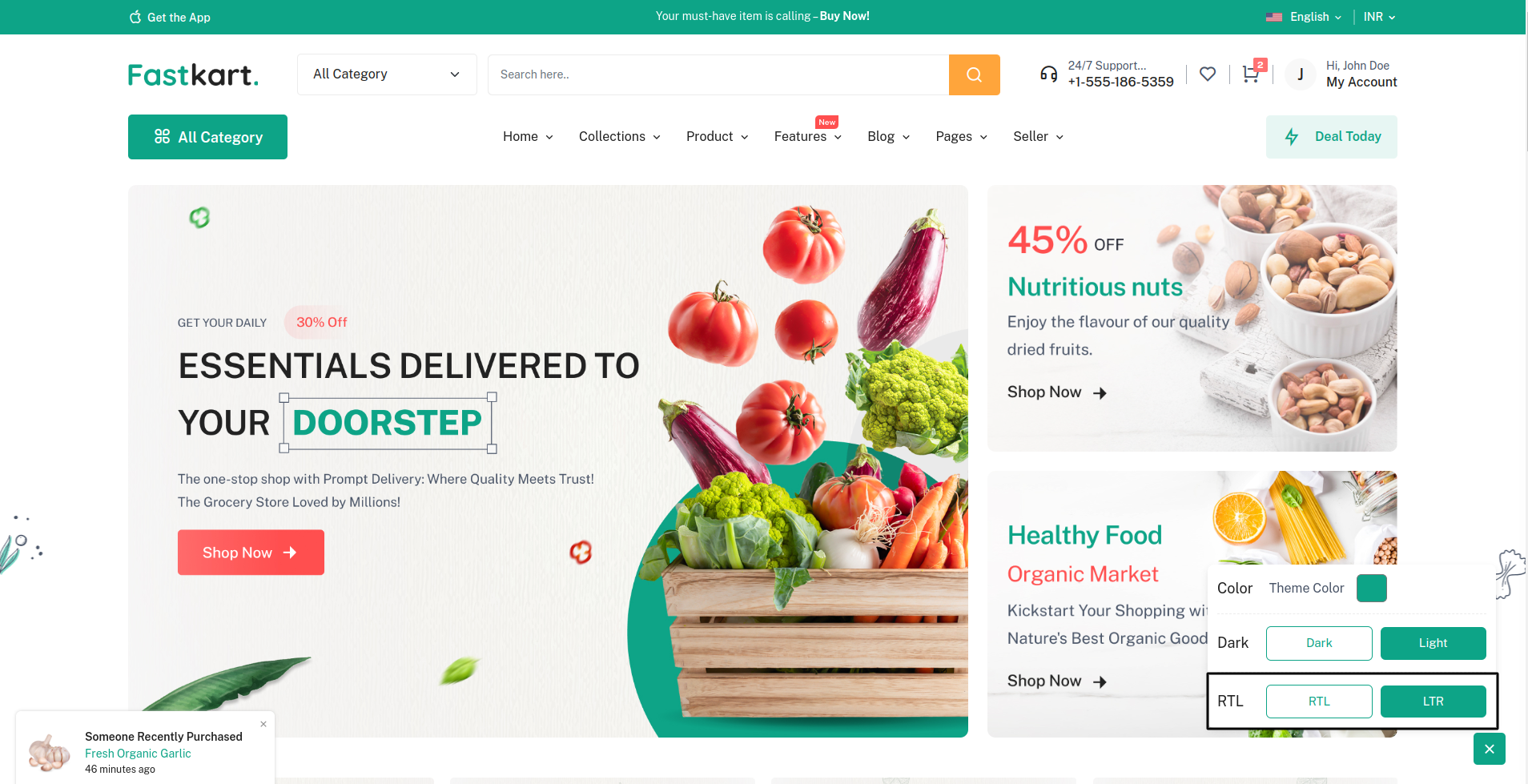
There are 2 layout types in our theme: LTR and RTL layout.
Info: Why RTL & LTR? Through out the world, there are many languages and some of them are written from right to left. So taking that into consideration we have given the option to change to Right To Left mode.
LTR:
It will show content from left to right.
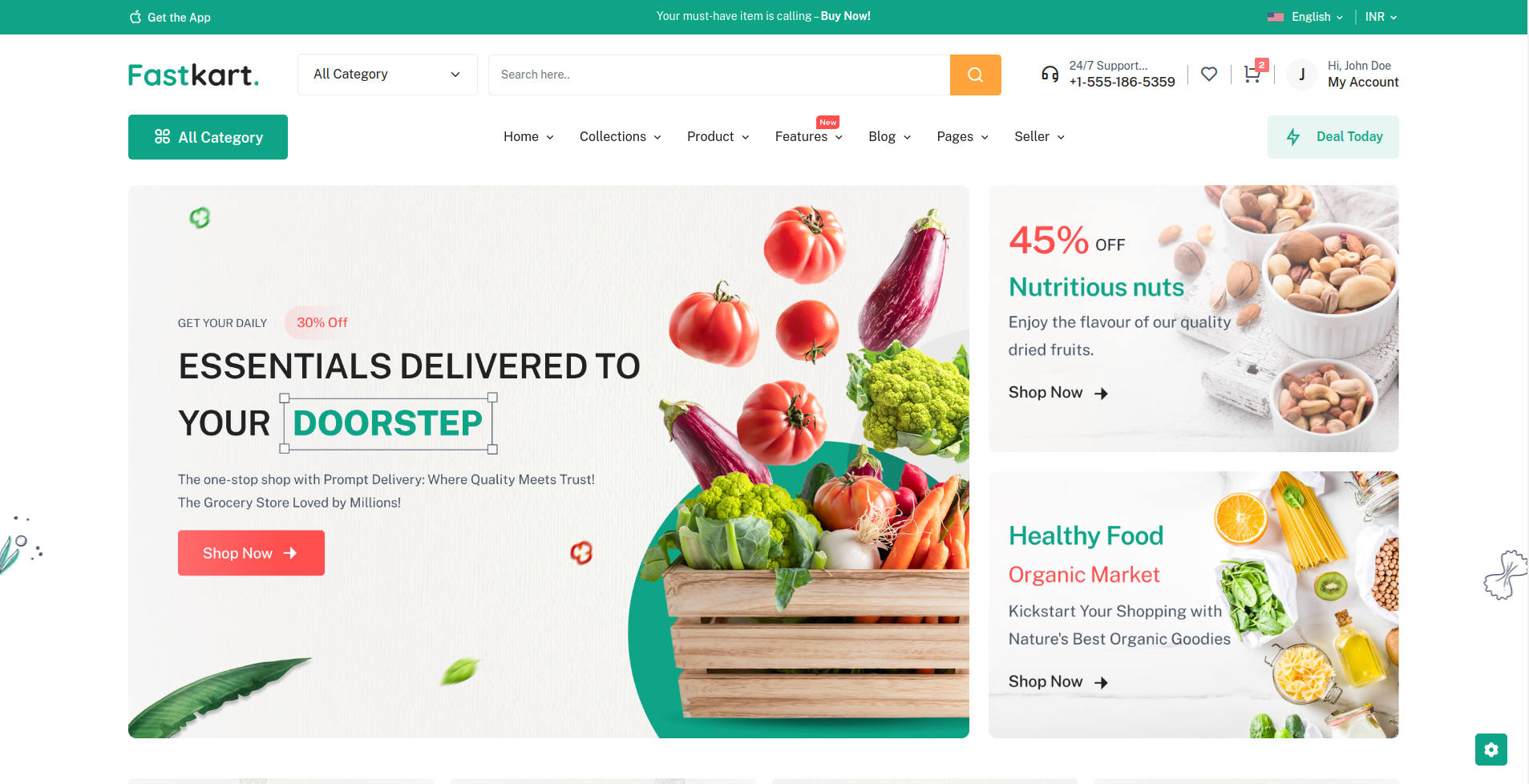
RTL:
Languages like Arabic, Urdu, Persian etc.. are written from right to left. For the users using these languages rtl option is provided.
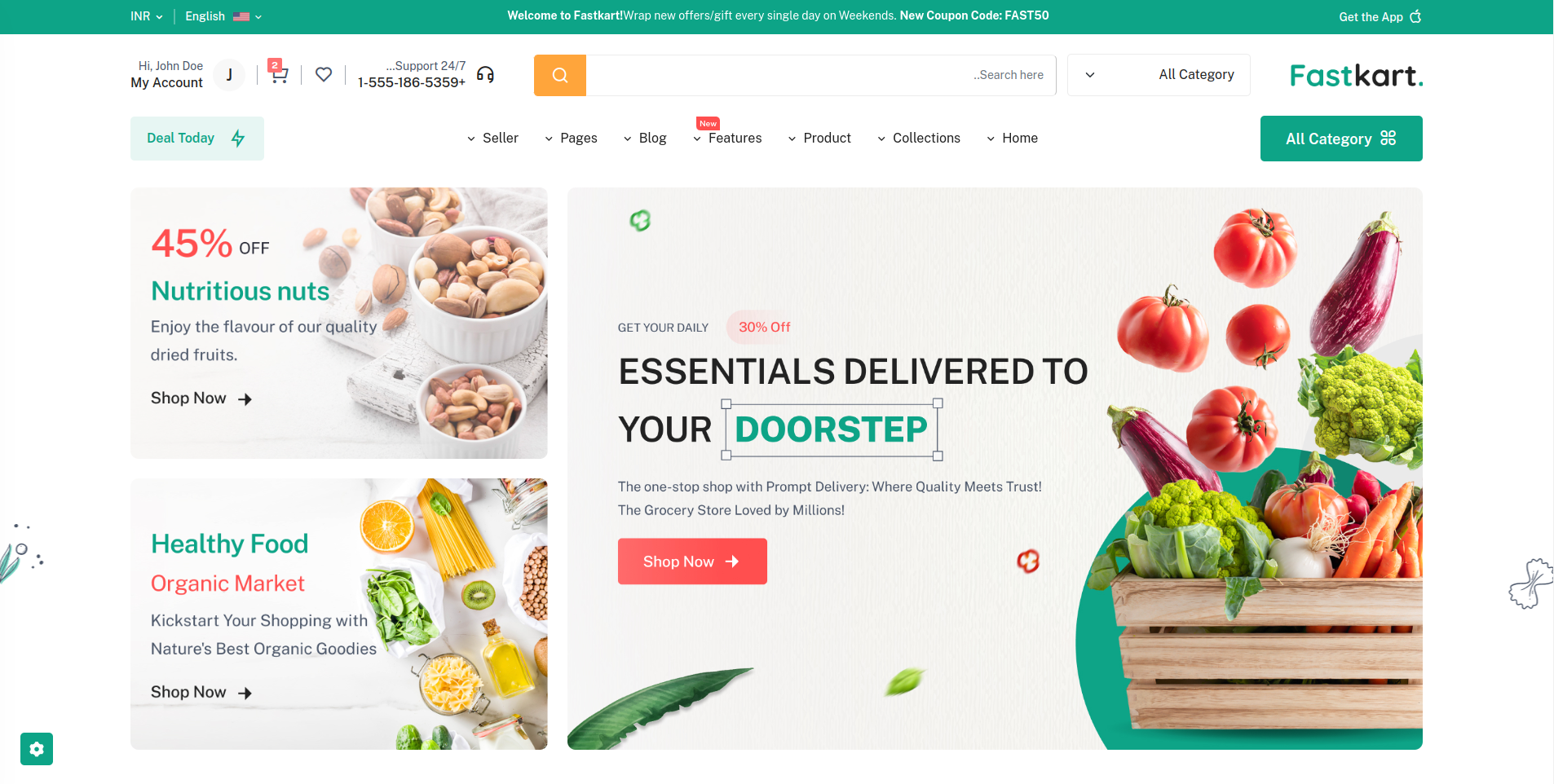
- dir='ltr' for the LTR layout.
- dir='rtl' for the RTL layout.
Note: Make sure to import the necessary scss files or else the styles won't apply.
Set Default Layout Setting
Step 1: Locate the JSON file at the path "/src/app/api/themeOption/themeOption.json."
Step 2: Open the JSON file using a text editor or a code editor.
Step 3: Find the "language_direction" field within the JSON file. It should look something like this:
{
    "language_direction": "ltr",
    // Other JSON fields
}
Step 4: Change the value of "language_direction" from "ltr" to "rtl," like this:
{
    "language_direction": "rtl",
    // Other JSON fields
}
Step 5: Save the changes to the JSON file.
How to remove customizer?
Step 1. Remove Component
<SettingBox /> Locate the component src >
Layout > TapTop > index.jsx
Step 2. Remove SettingBox component