Firebase
Setup
Firebase
Setup
- The app uses Firebase to handle and display notifications received from OneSignal.
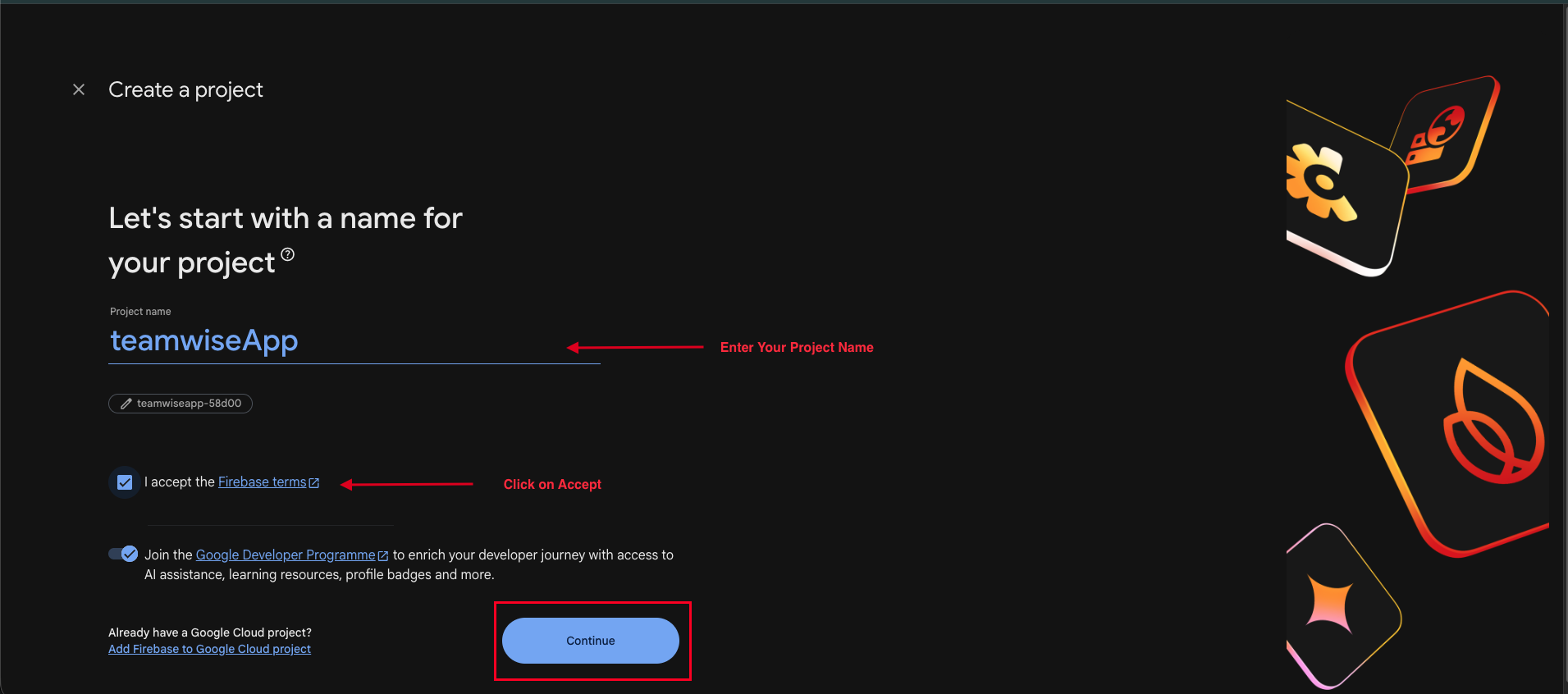
- Create a Firebase project by entering your project name, accepting the Firebase terms, and clicking Continue.
- Open the Firebase setup page and continue with the configuration process.
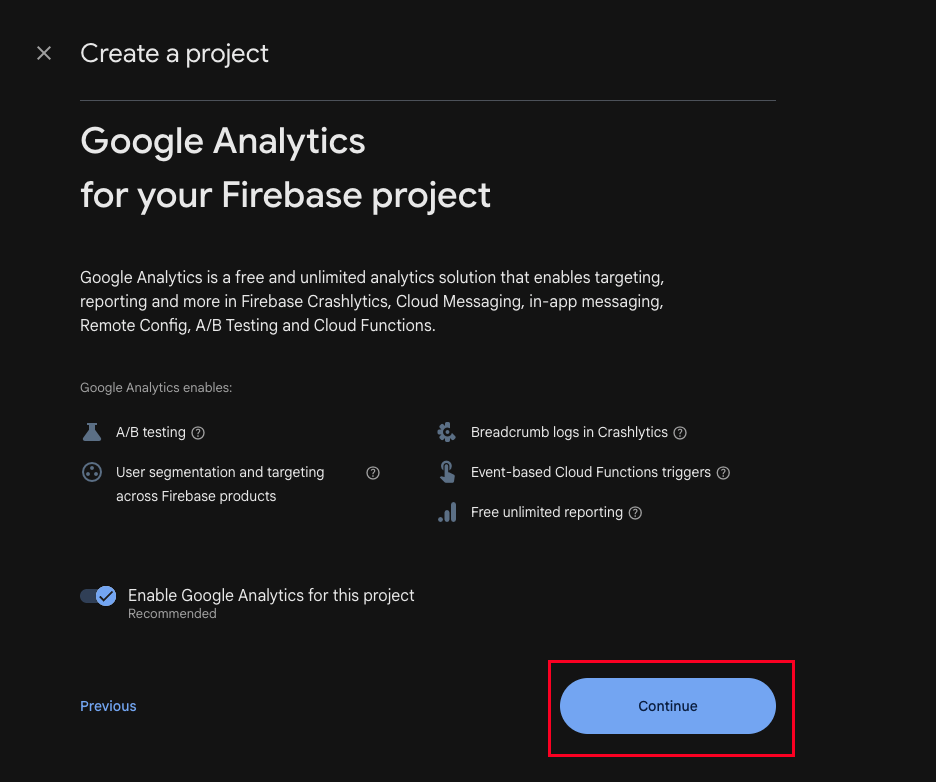
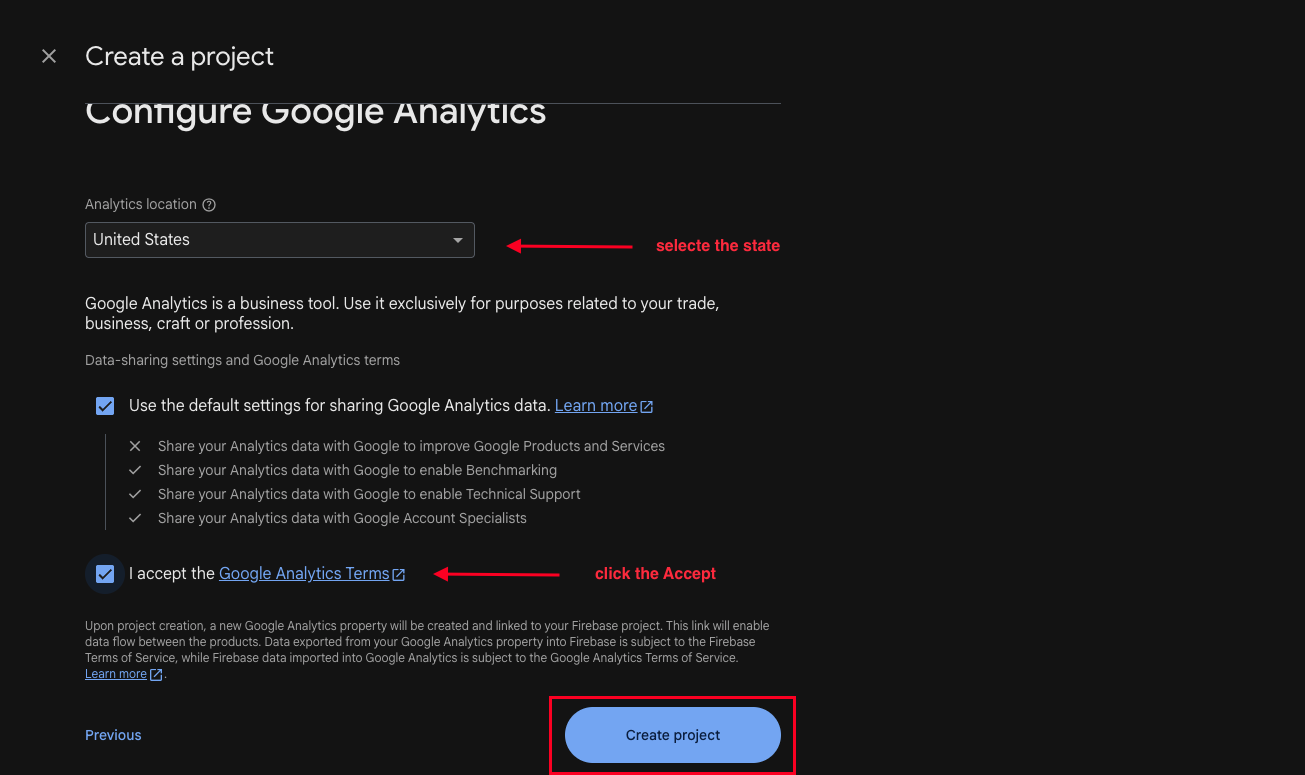
- Enable Google Analytics if required and click Continue.
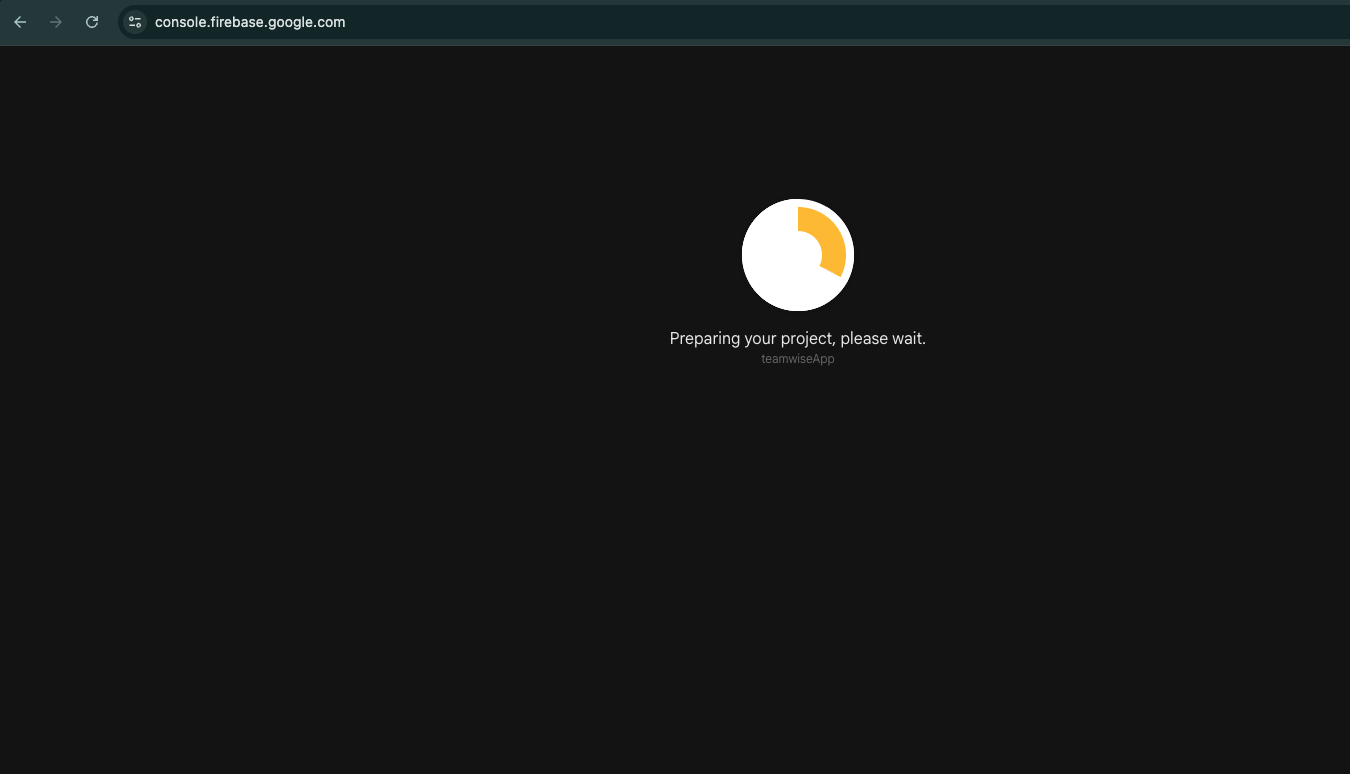
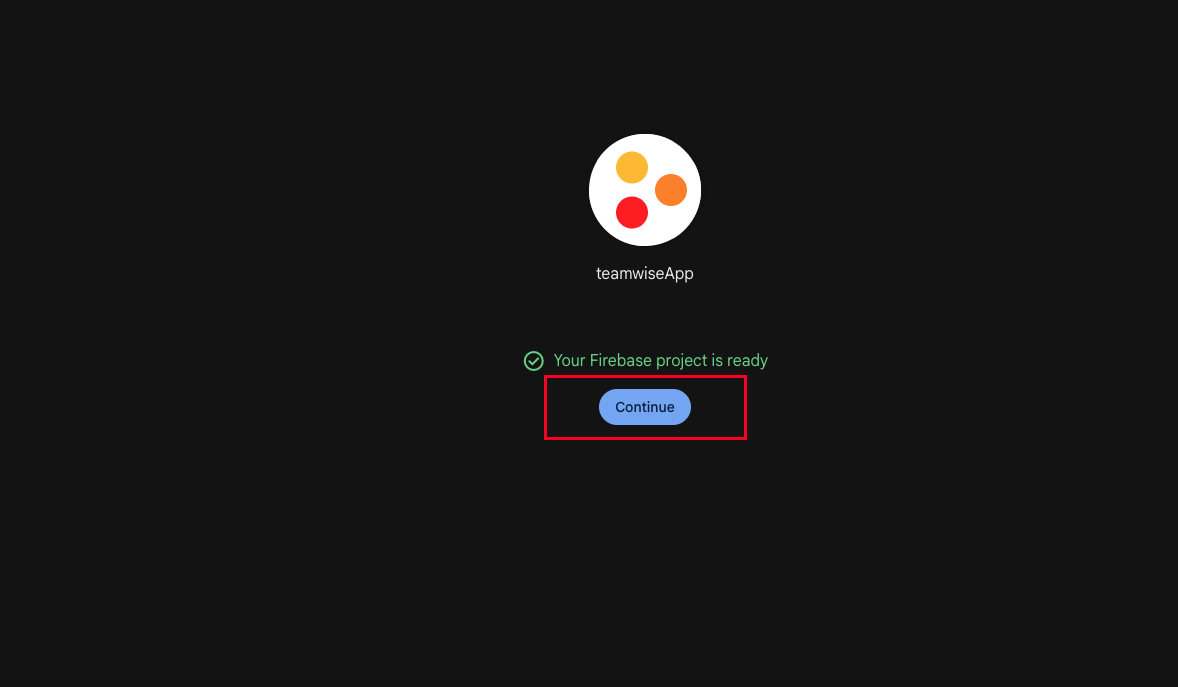
- Wait until Firebase finishes creating your project.
- Navigate to the project overview to continue the setup.
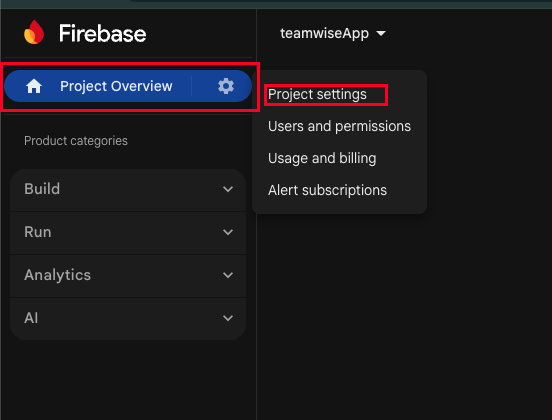
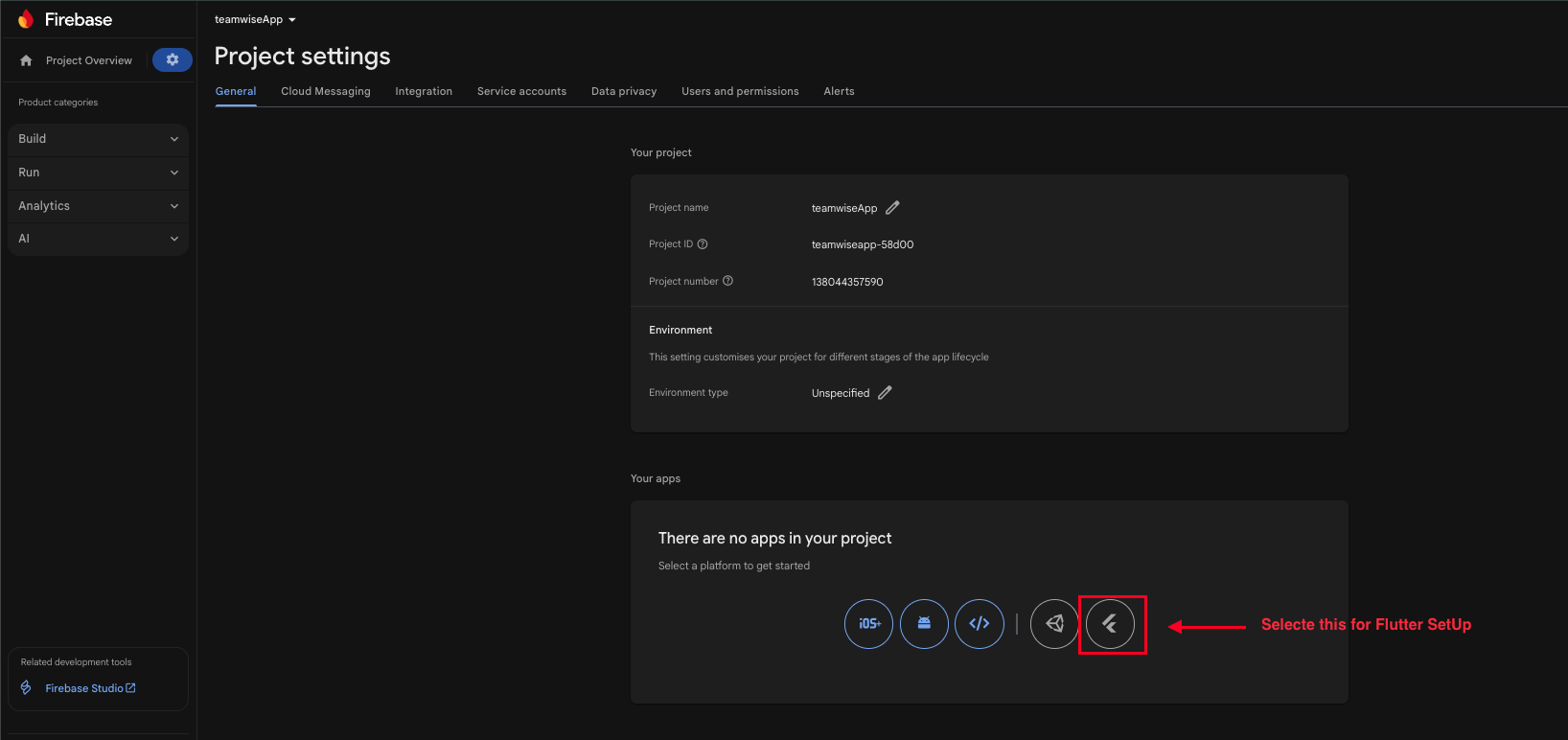
- Click on Project Overview and then open Project Settings.
- Select the Flutter icon to begin the Flutter project setup.
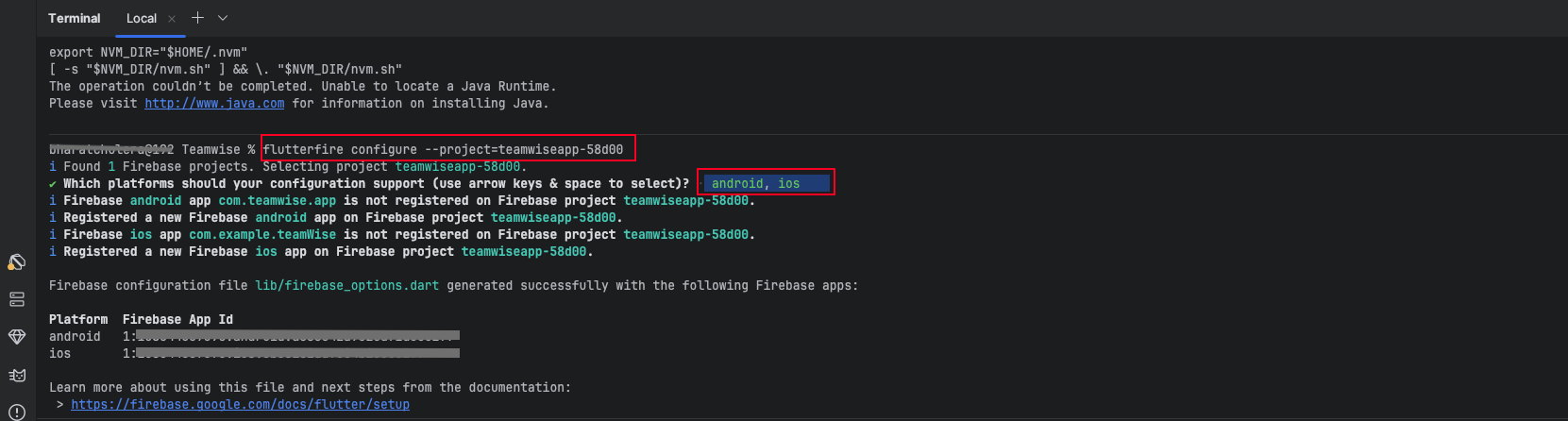
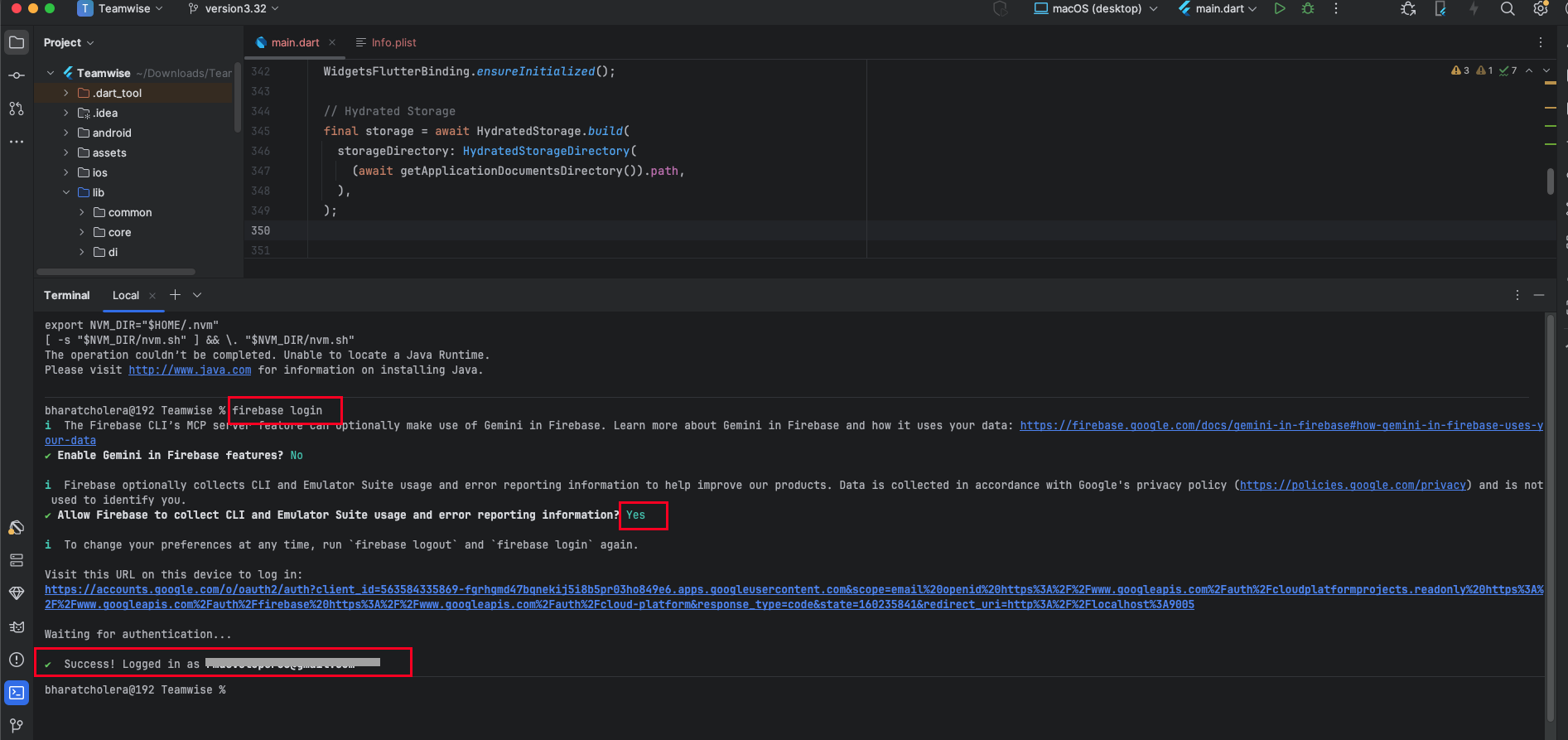
- Run the command in your project terminal.
- Complete platform integration steps and proceed to the next setup page.
- Install FlutterFire CLI globally using Dart.
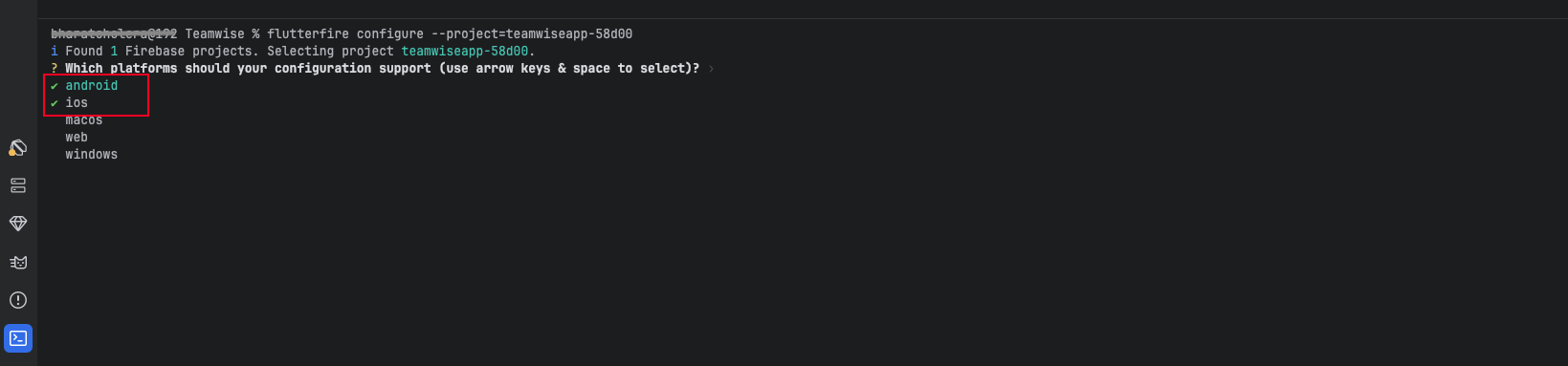
- Select the Android and IOS
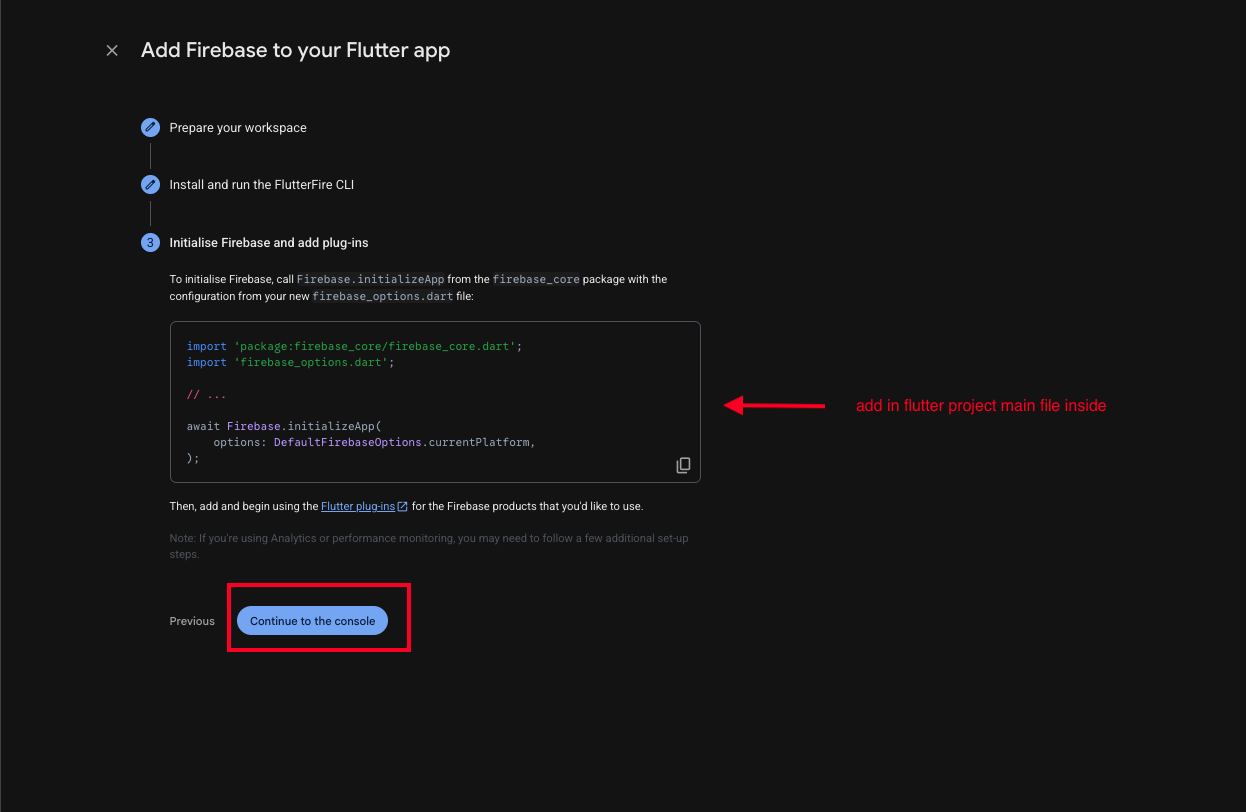
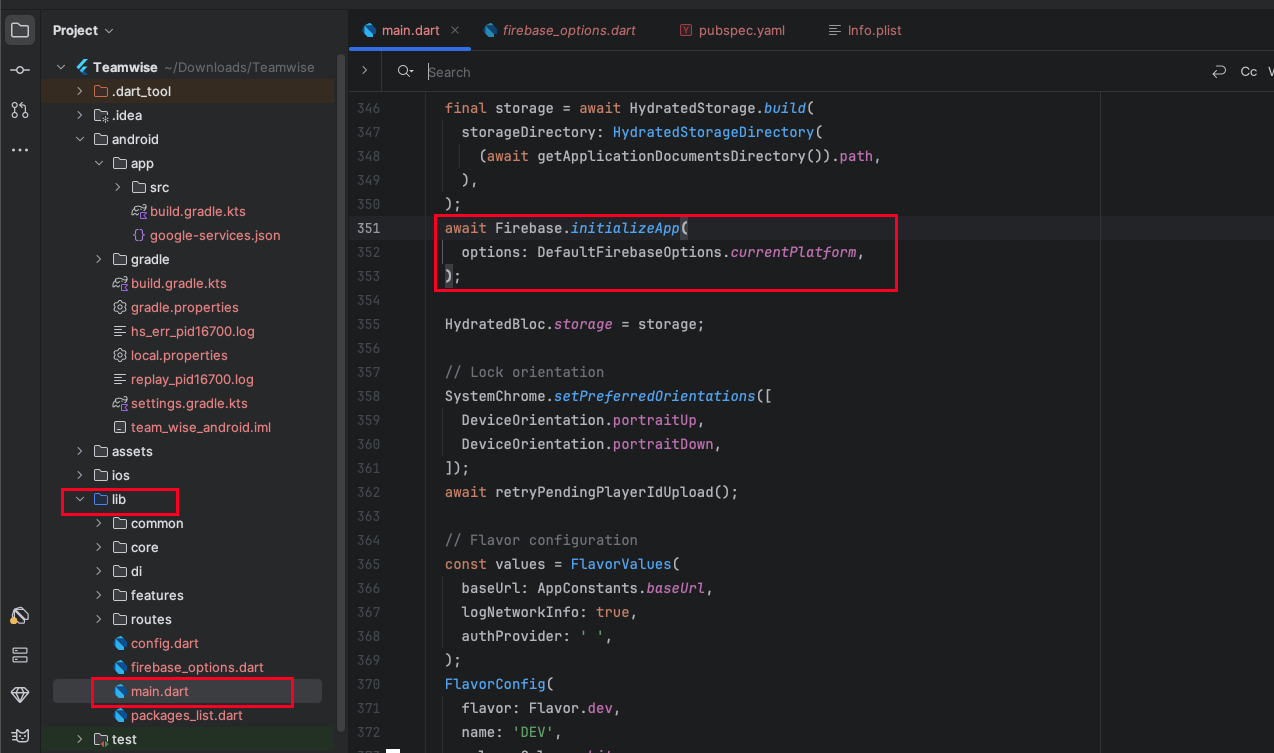
- Add the code to your Flutter main.dart file, which you get from Firebase.
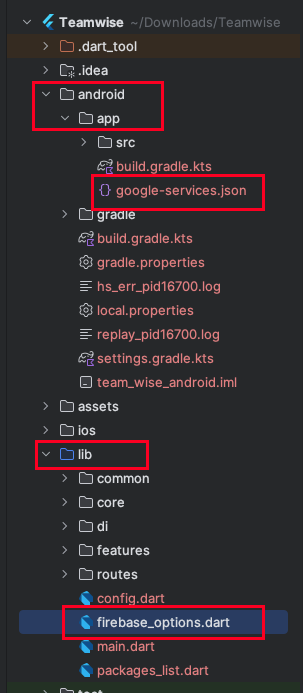
- Check that the google-services.json and firebase_options.dart files have been added. Once they are in place, your Firebase setup is complete.
Notes:
firebase login 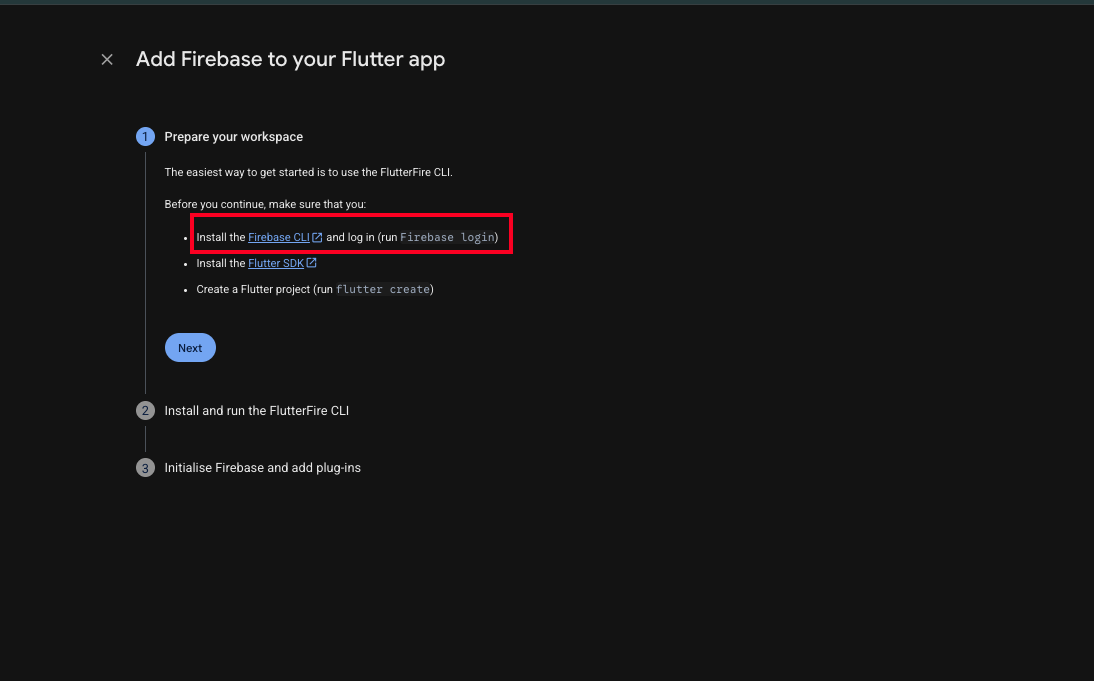
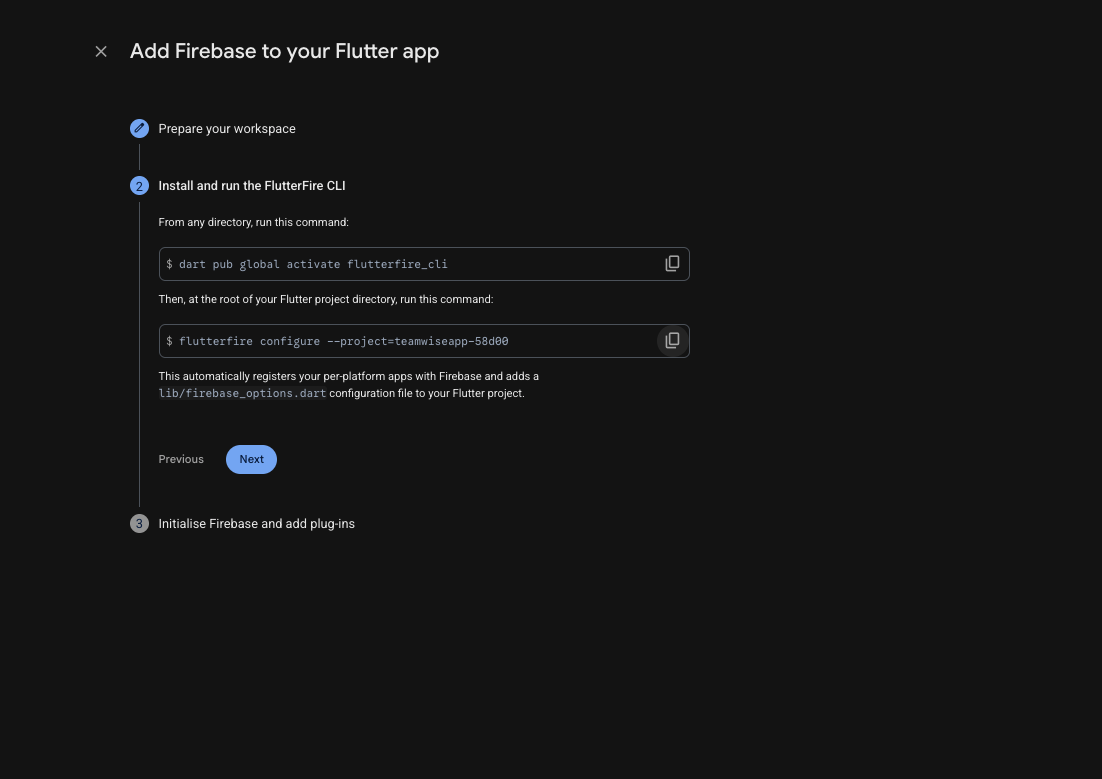
dart pub global activate flutterfire_cli
flutterfire configure --project=teamwiseapp-58d00