OneSignal
Setup for
App
OneSignal
Setup for
App
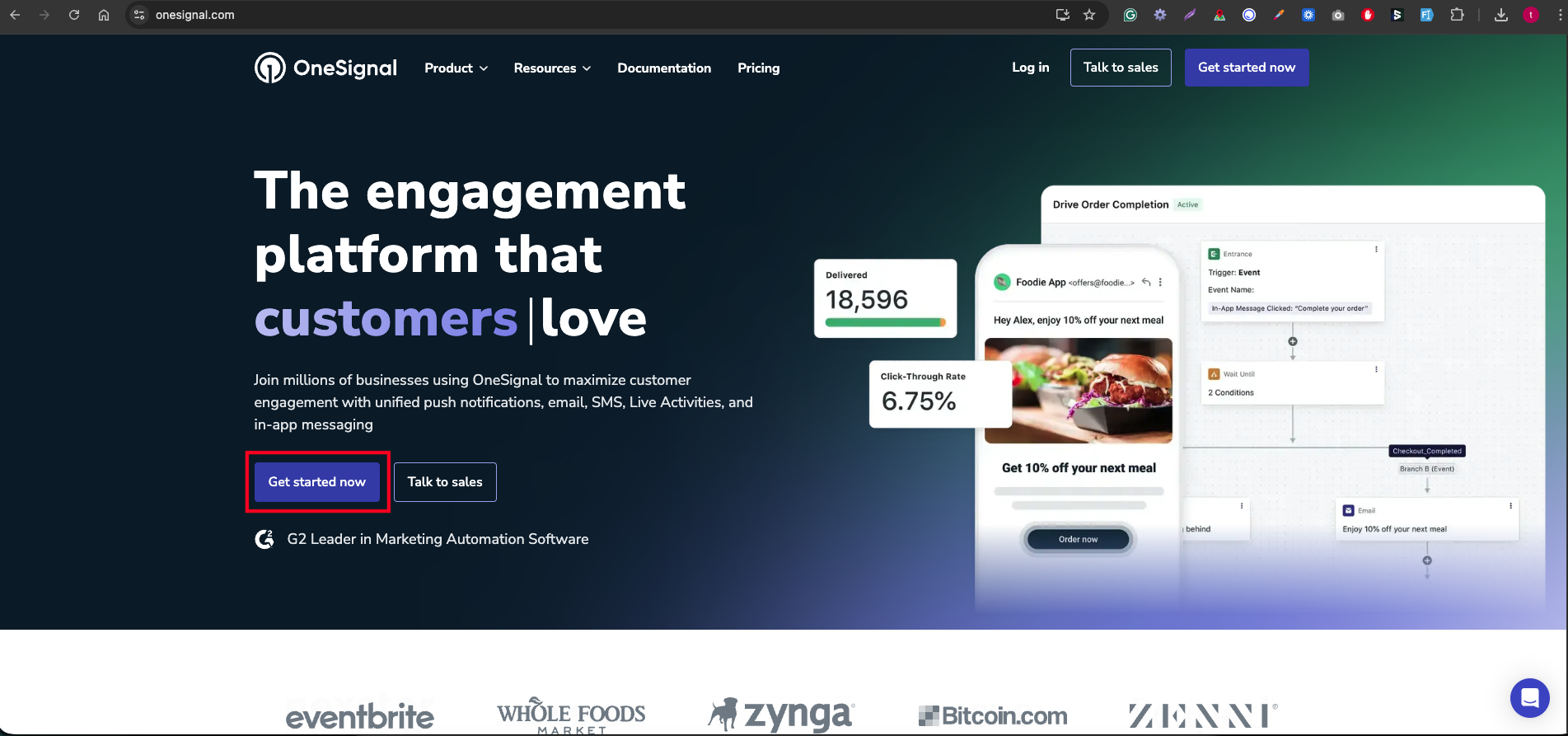
- Open the official OneSignal website: https://onesignal.com/ Then click on the Get Started Now button.
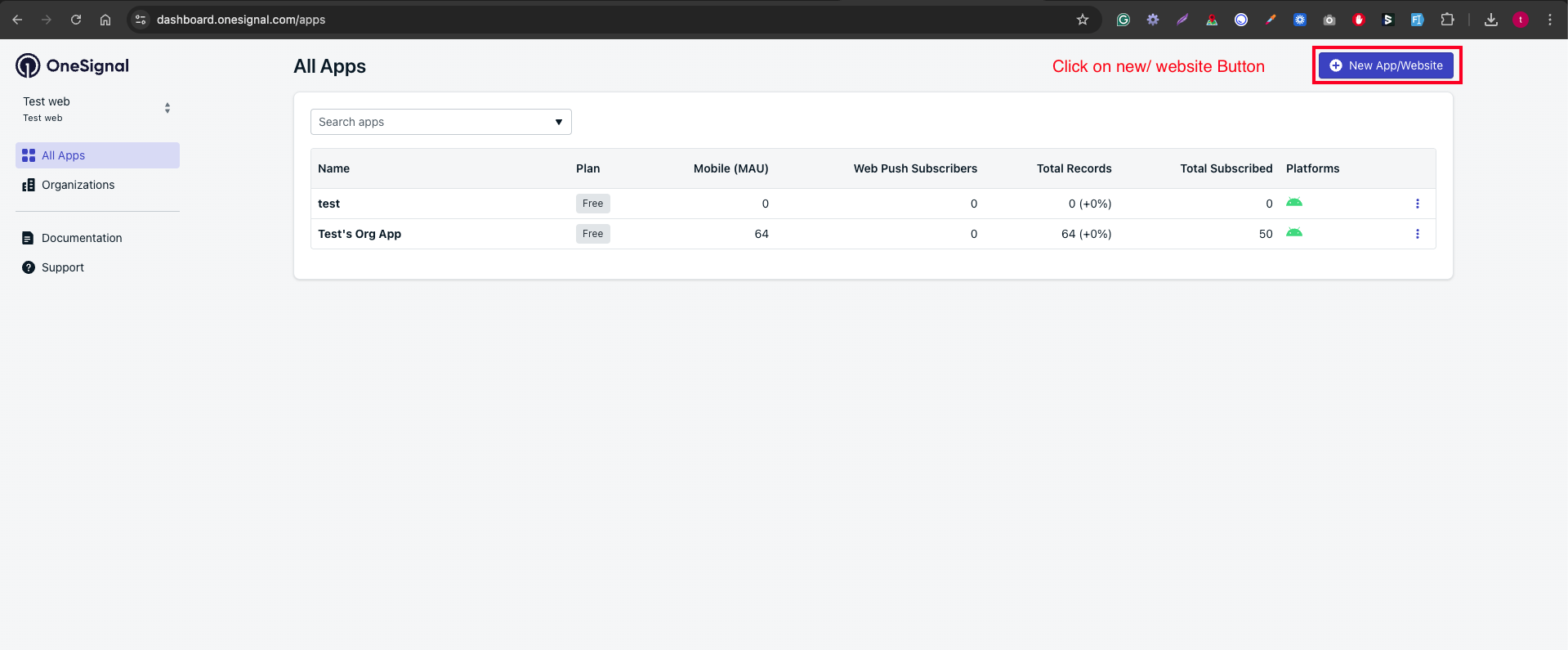
- Following Below Steps:
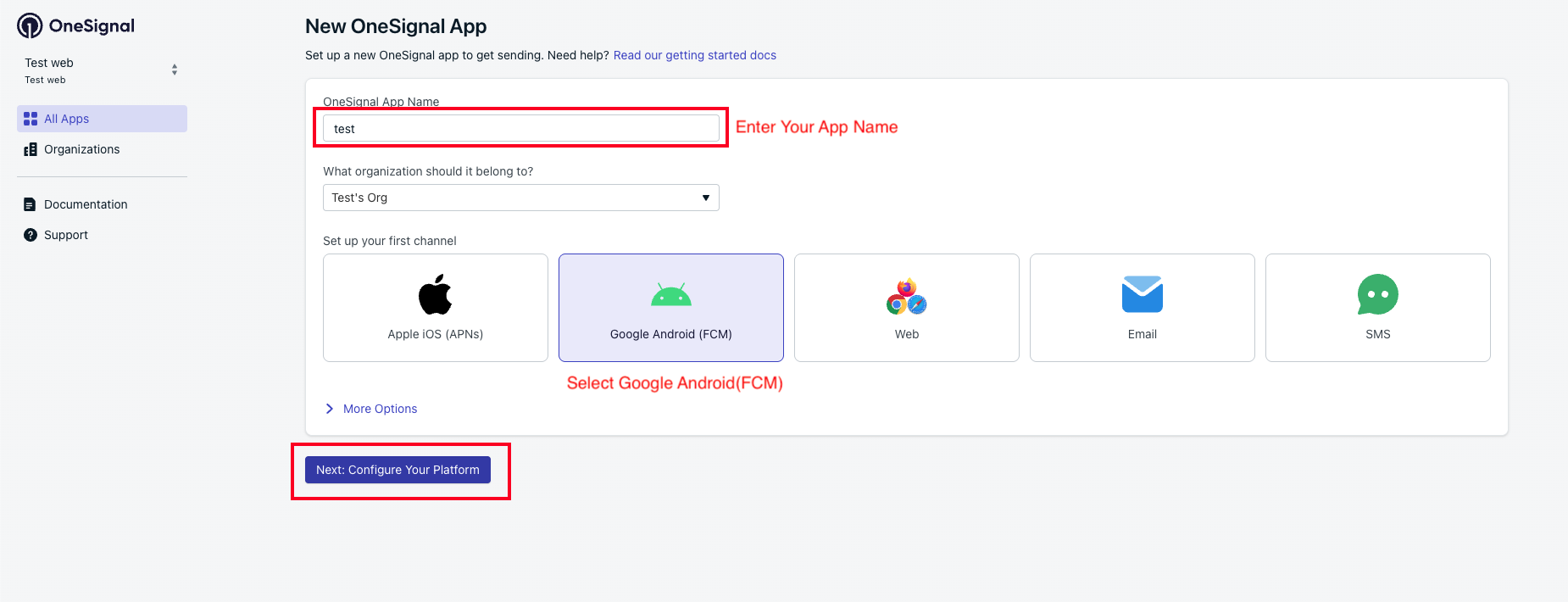
- Enter your OneSignal app name and select the setup for your first channel.
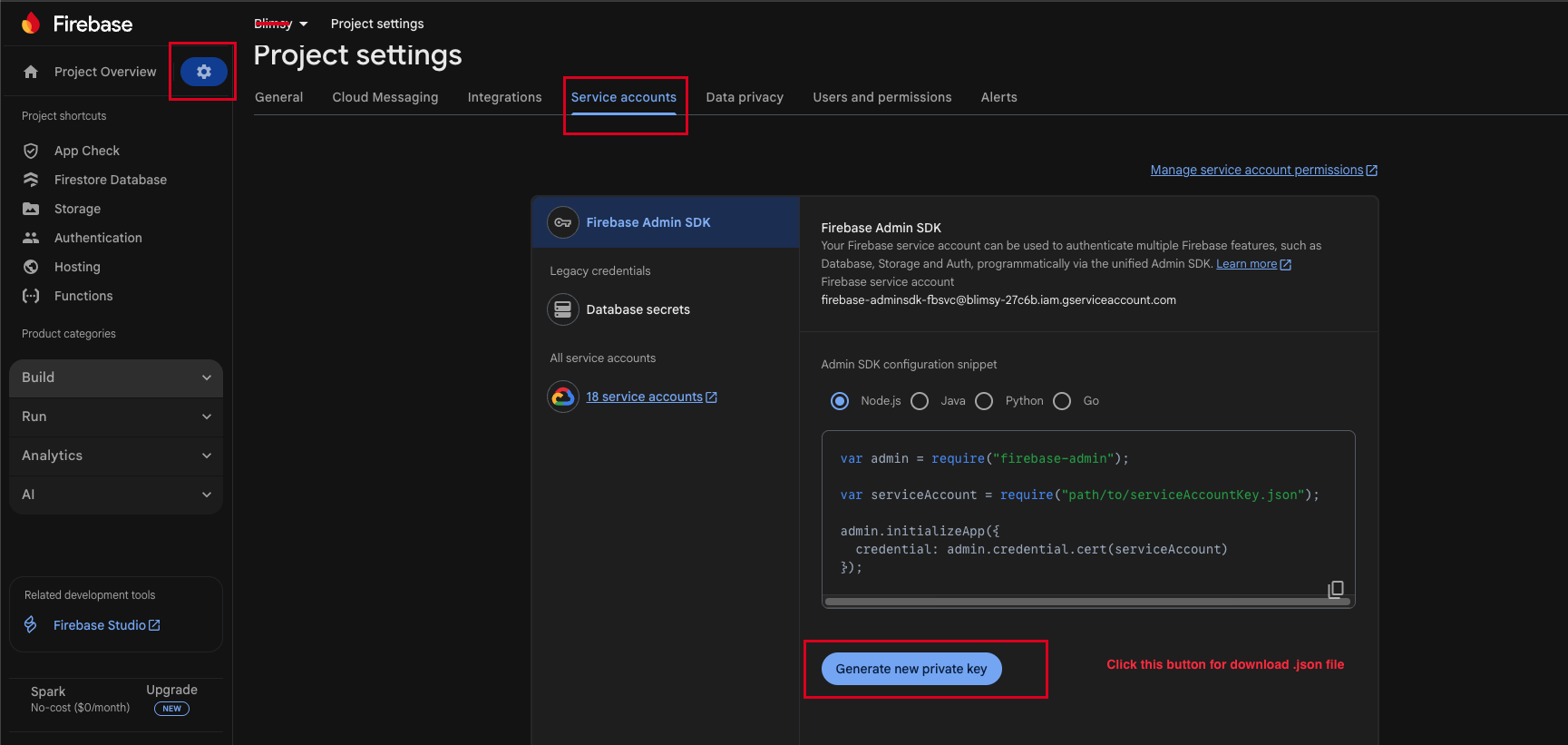
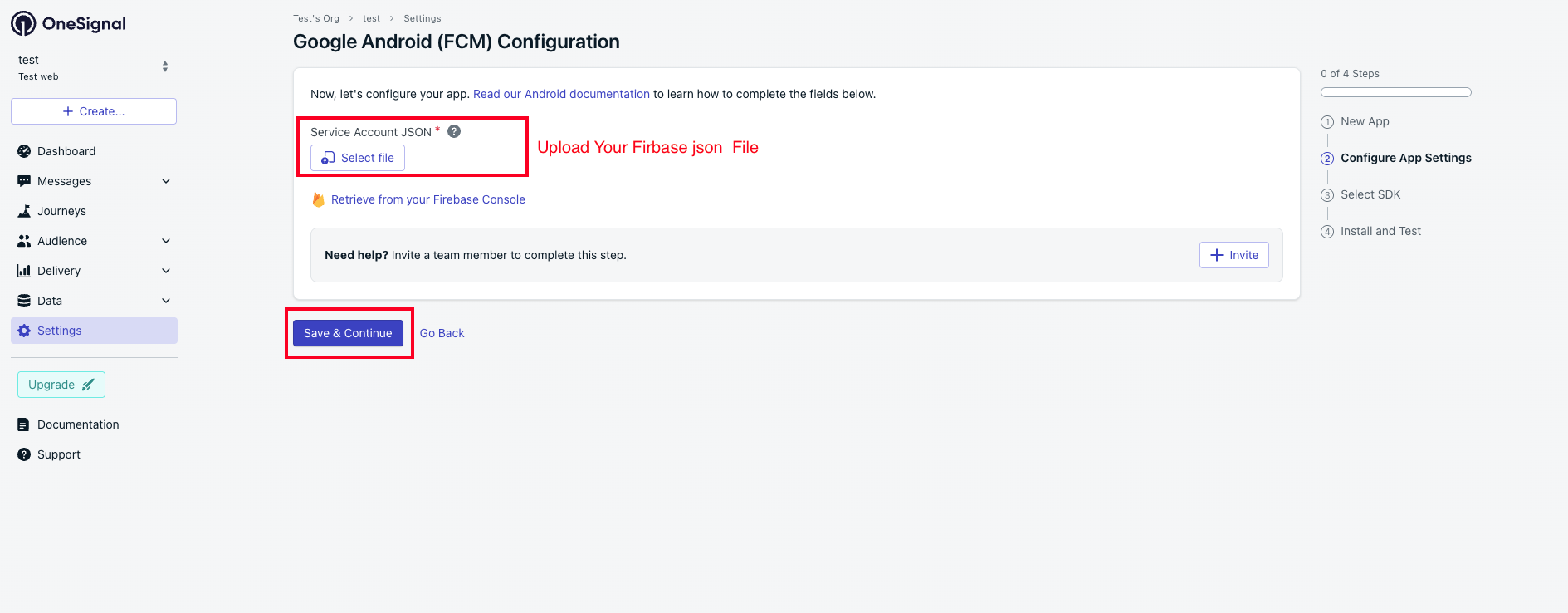
- Select your Firebase project, go to Project Settings, open the Service Accounts tab, and click Generate New Private Key to download the `.json` file.
Reference URL: https://documentation.onesignal.com/docs/en/android-firebase-credentials - Upload the Firebase `.json` file, then click the Save and Continue button.
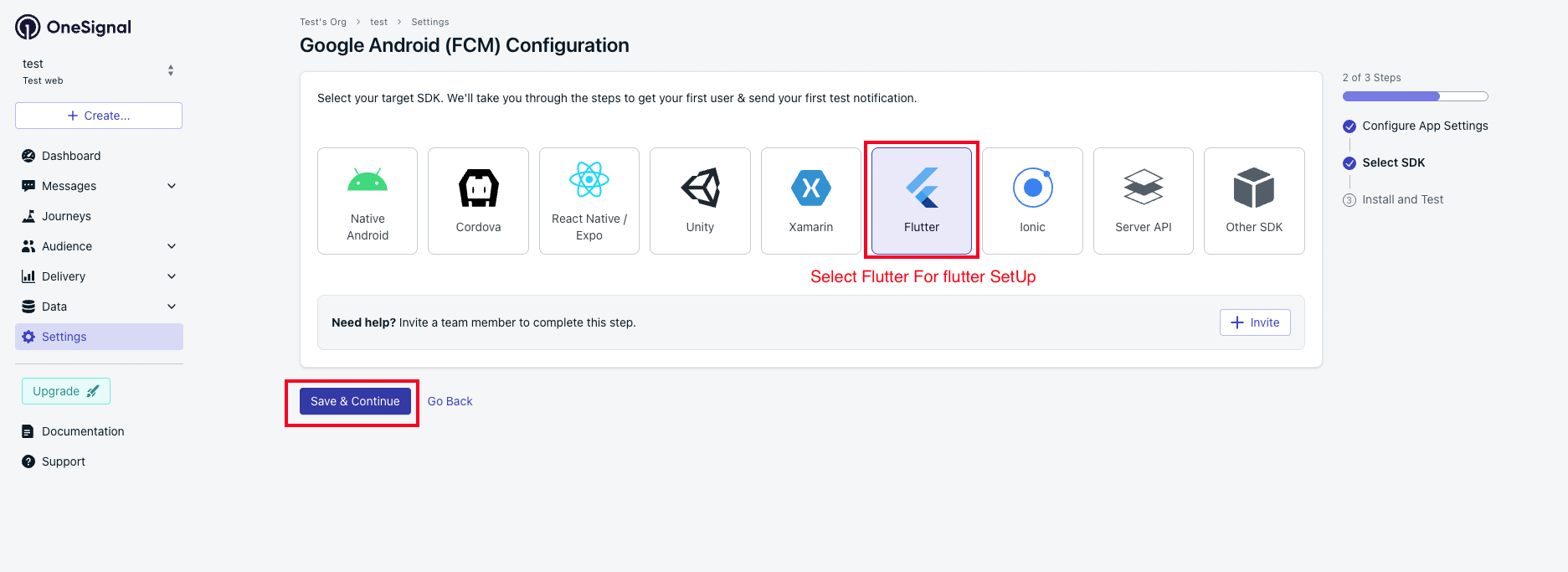
- Select Flutter for the Flutter app setup, then click Save and Continue
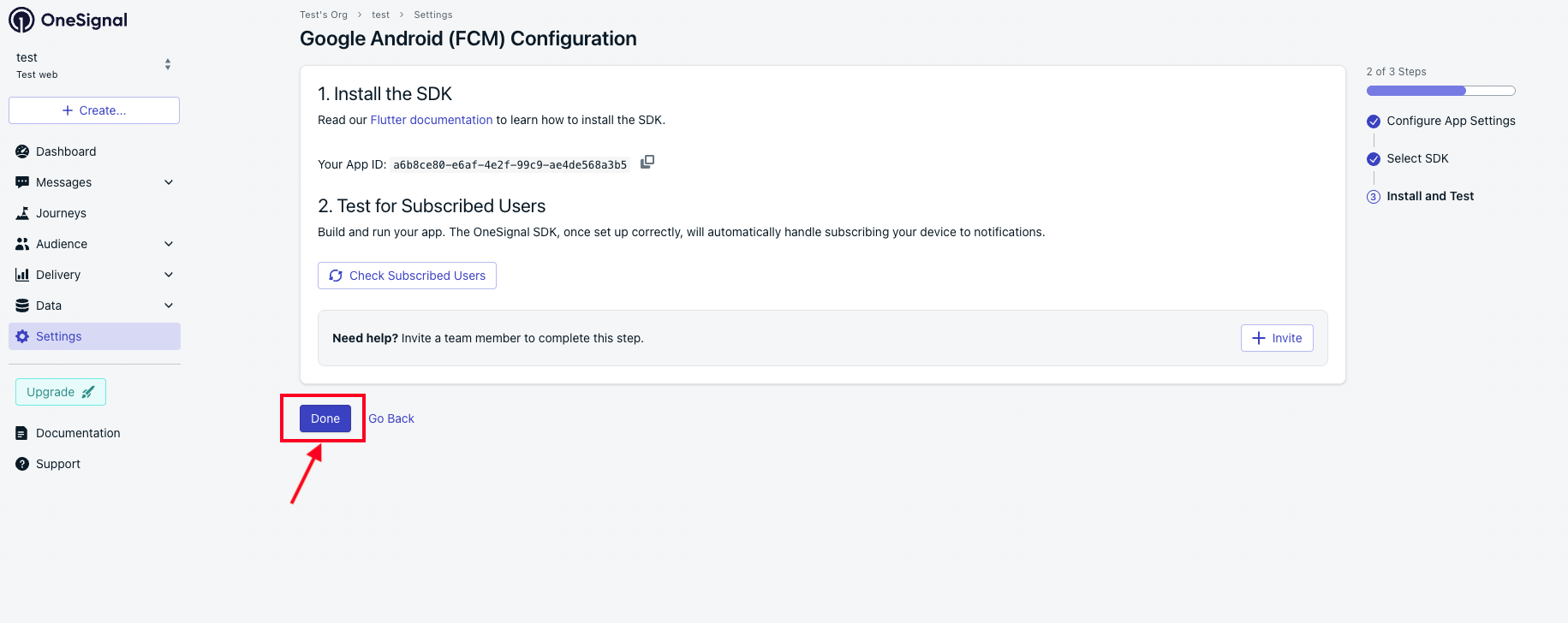
- Click the Done button.
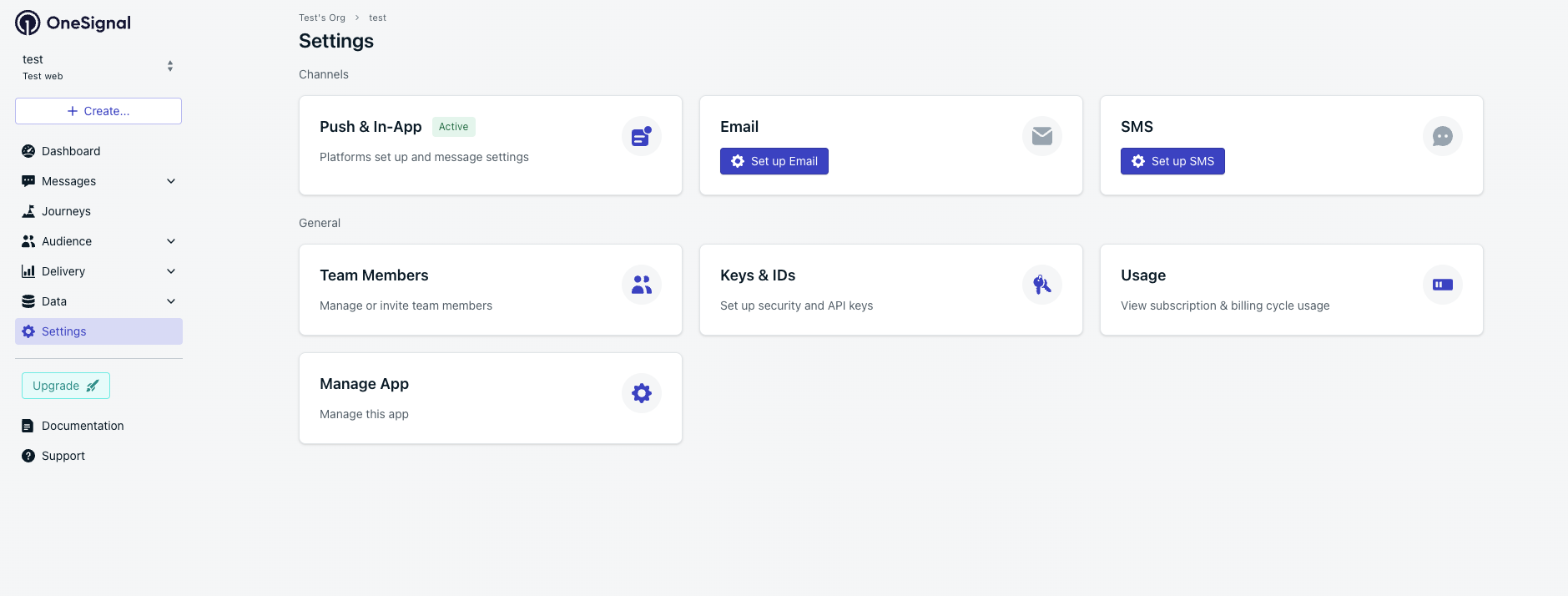
- OneSignal setup is now completed.
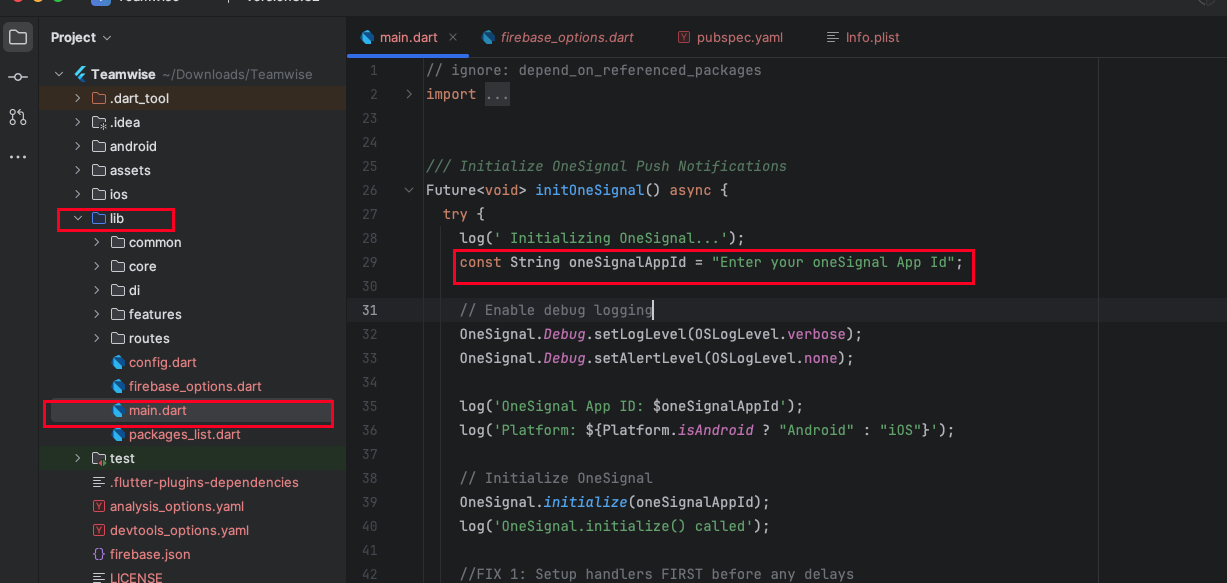
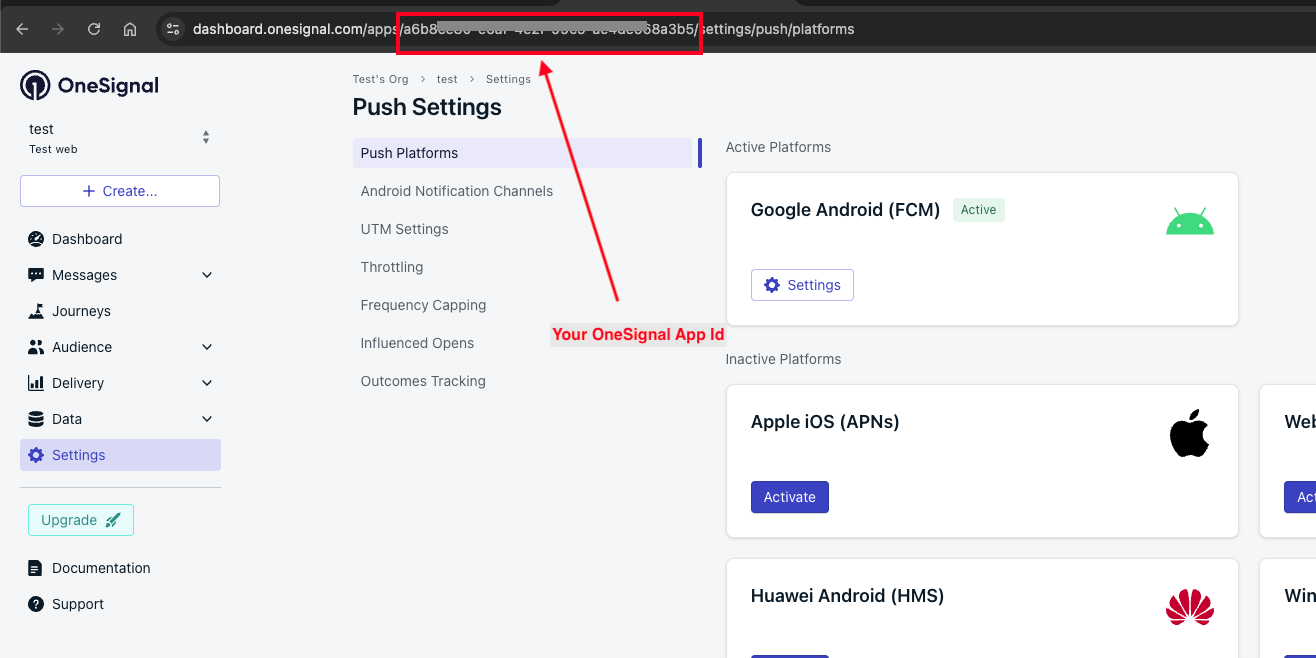
- To update the OneSignal App Id navigate to the lib -> main.dart file in. Replace the existing oneSignal App Id with your new oneSignal App Id