Home
The Home Tab provides a variety of fields and options for customizing the Home Section of the front-end landing page.
Home Section
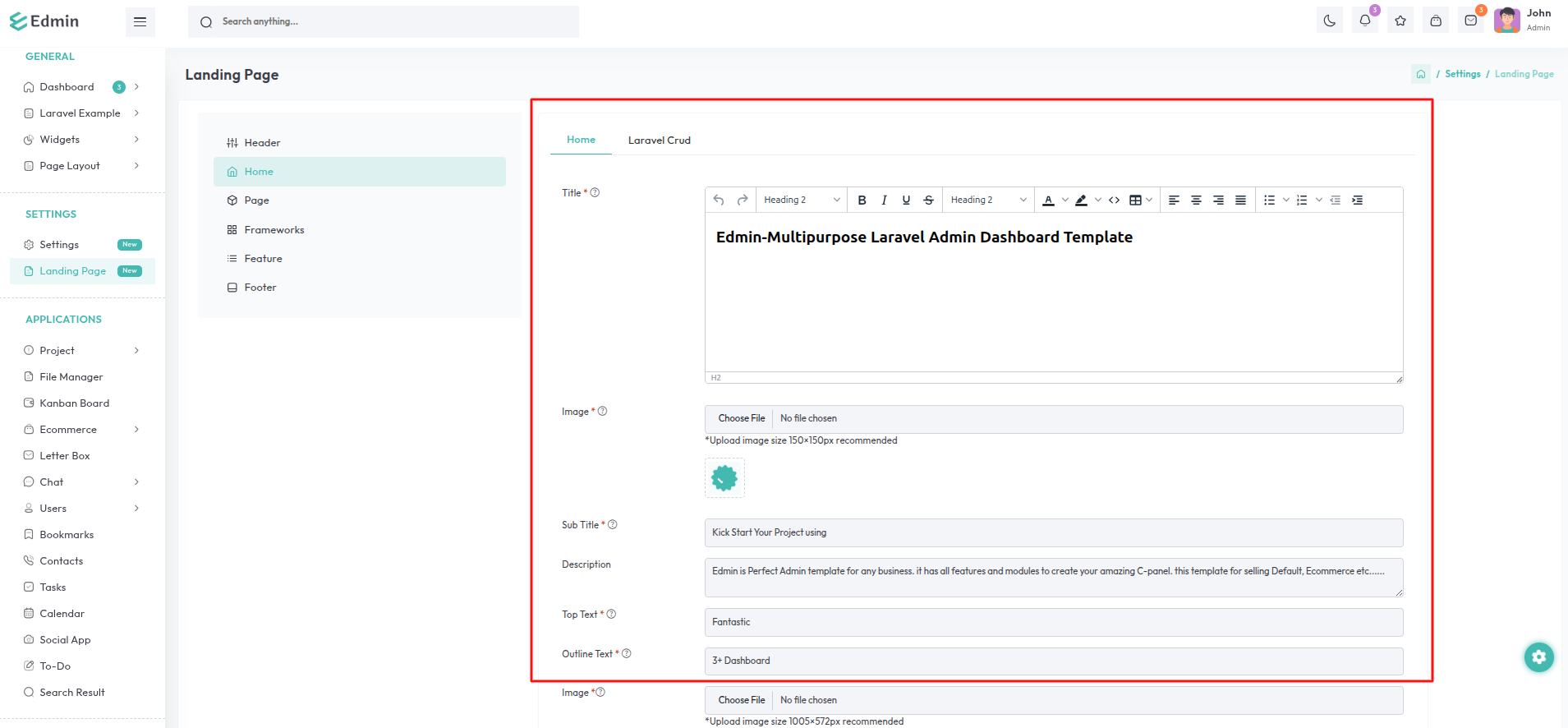
Navigate to the Landing Page option in the sidebar, select the Home Tab, and then choose the Home sub-tab.
Title: Provide a descriptive title for the home section.
Image: Upload an image to be displayed on the subtitle in the home section.
(Recommended dimensions: 150×150 pixels)
Sub Title: Provide a descriptive sub title for the home section.
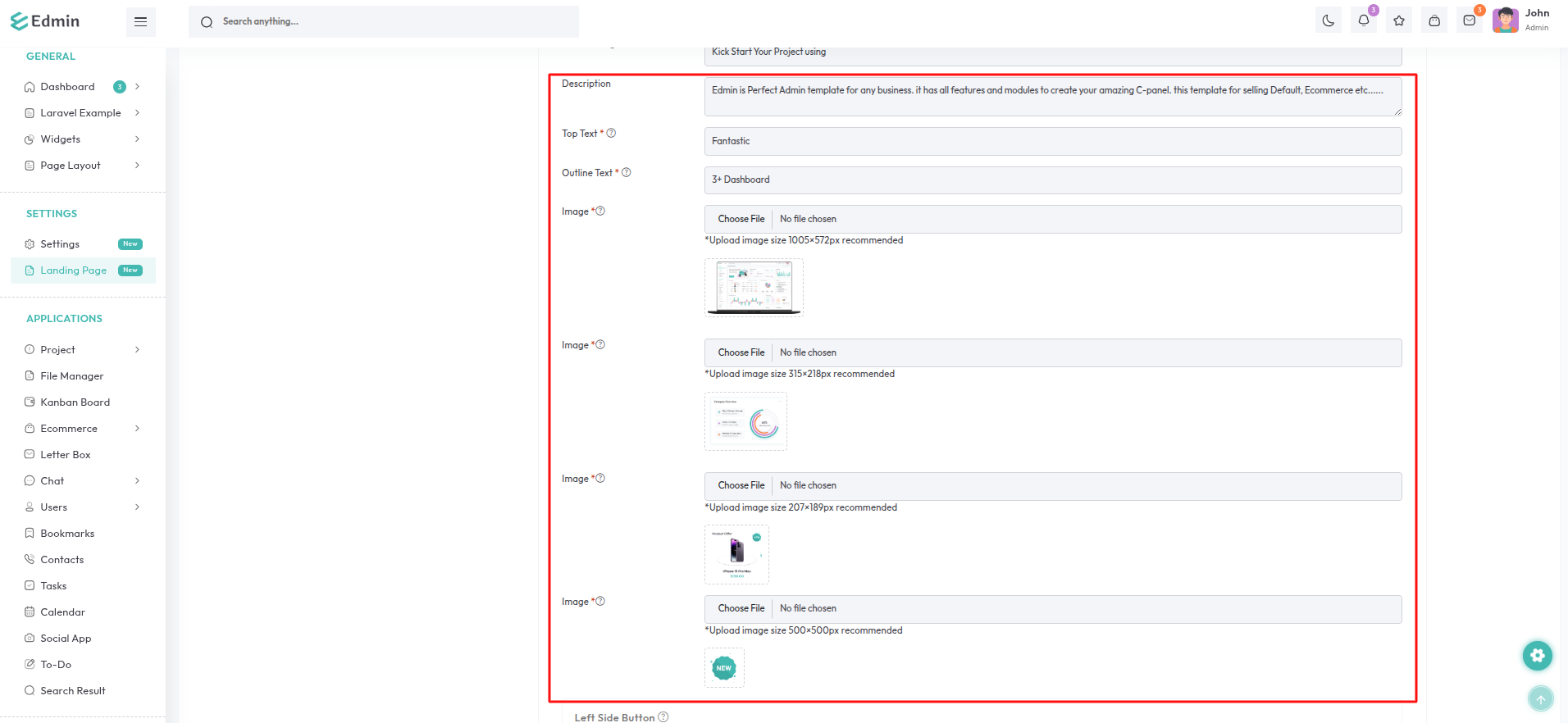
Description: Provide a short and descriptive text for the home section.
Top Text: Provide a text to be displayed on the top of the home section.
Outline Text: Provide a text to be displayed on the home section.
Image: Upload an image to be displayed on the home section.
(Recommended dimensions: 1005×572 pixels)
Image: Upload an image to be displayed on the top of the home section.(Recommended dimensions: 315×218 pixels)
Image: Upload an image to be displayed on the bottom of the home section. (Recommended dimensions: 207×189 pixels)
Image: Upload an GIF image to be displayed on the bottom of the home section. (Recommended dimensions: 500×500 pixels)
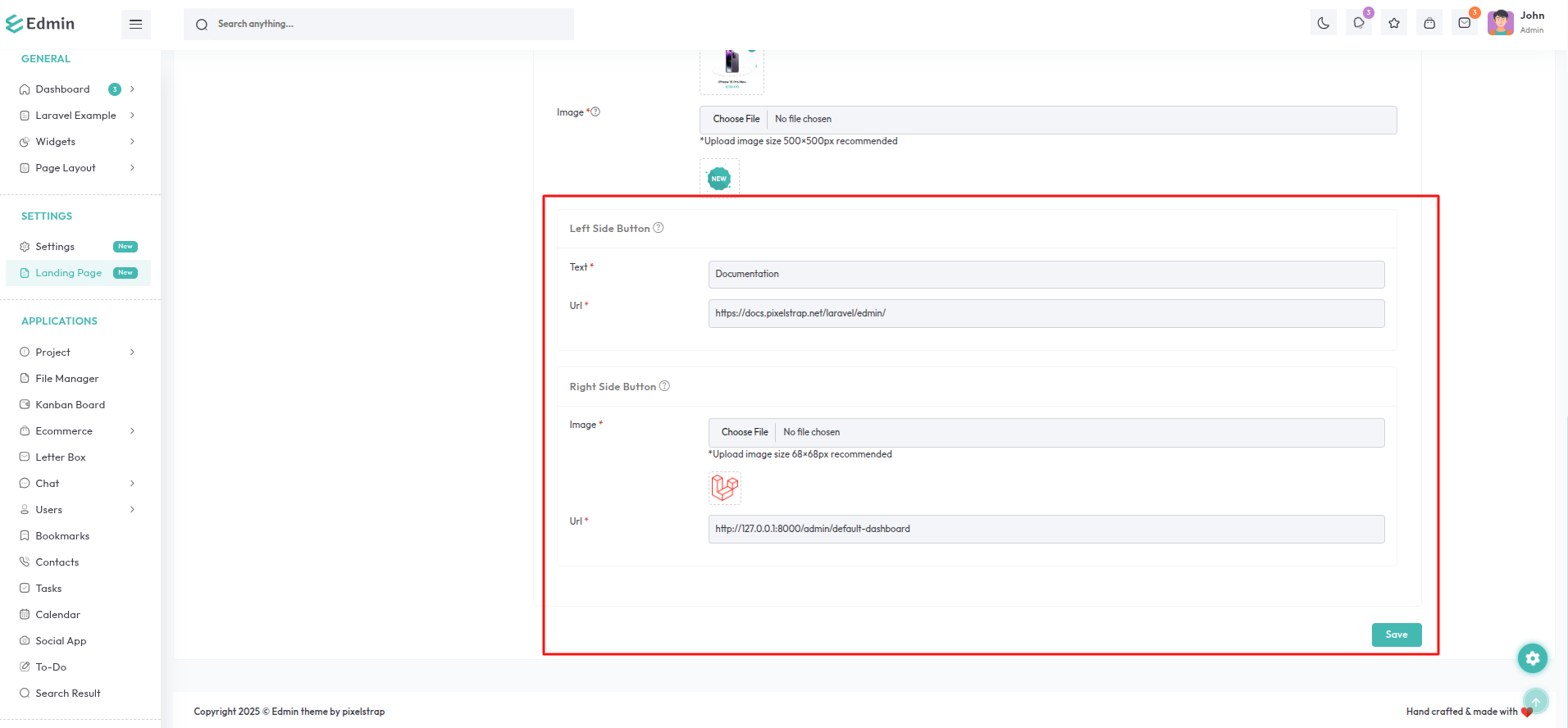
Left Side Button
Text: Specify the text to be displayed on the left side button of the home
section.
Url: Enter the destination URL for redirection when the button
is clicked.
Right Side Button
Image: Upload an image to be displayed on the right side button of the home
section.
(Recommended dimensions: 68×68 pixels)
Url: Enter the destination URL for redirection when the button
is clicked.
Cruds Section
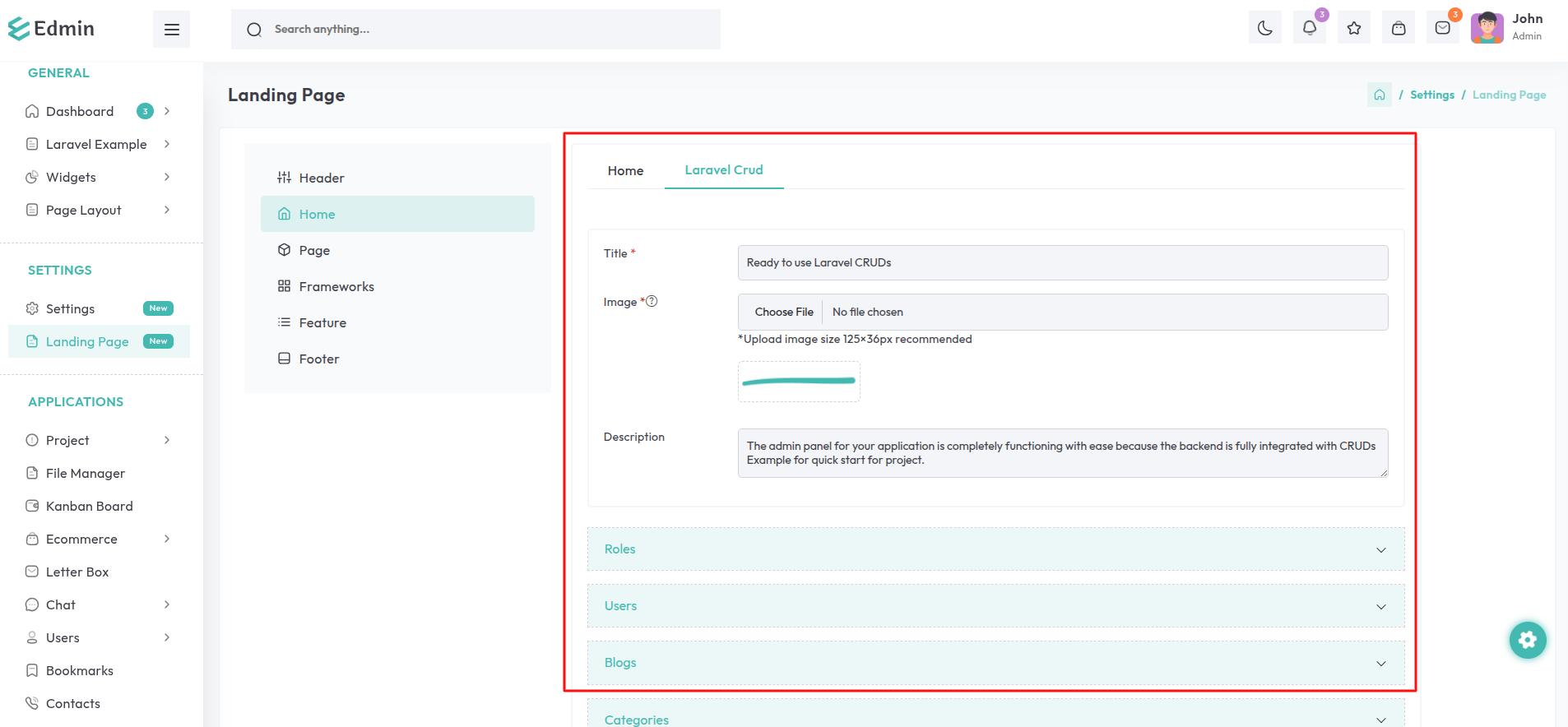
Navigate to the Landing Page option in the sidebar , select the Home Tab, and then choose the Crud sub-tab.
Title: Provide a descriptive title for the crud section.
Image: Upload an image to be displayed on the title of the crud section.
(Recommended dimensions: 125×36 pixels)
Description: Provide a short and descriptive text for the crud section.
Add Crud Banner Button: This button is used to add new banners to the crud section, each with customizable details.
Fields for Each Banner:
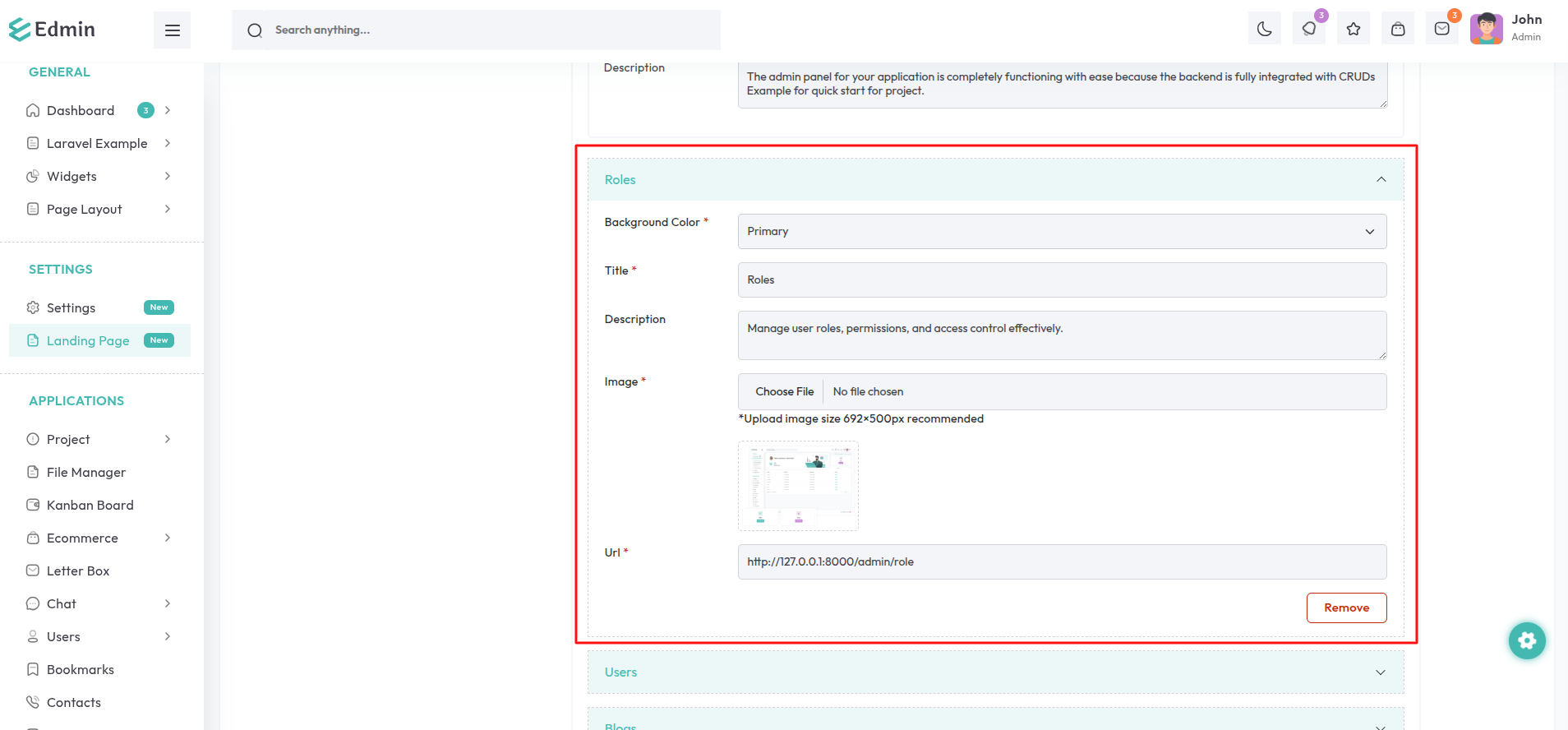
Background Color: Select the background color of the crud banner as per your choice.
Title: Provide a descriptive title for the crud banner.
Description: Include a short and descriptive text for the crud banner.
Image: Upload an image to be displayed on the crud banner.
(Recommended dimensions: 692 × 500 pixels)
Url: Enter the destination URL for redirection when the banner is clicked.
The Crud banners are displayed as shown. You also have the option to remove the banners.