 Deploy on Vercel
Fastkart Laravel API
Deploying the Laravel API on Vercel isn't possible due to compatibility issues. Instead, it's recommended to host the API on a separate server. We recommend using a VPS (Virtual Private Server)
To accomplish this, please follow the step-by-step instructions in the documentation starting from the beginning up to the API installation.
After successfully hosting the API, proceed with the next steps:
Fastkart Frontend & Admin
Note: The deployment steps on Vercel remain the same for both the frontend and admin projects. For demonstration purposes, we will specifically showcase the deployment process for the frontend.
1. Open nextjs-fastkart-frontend directory that you downloaded from CodeCanyon.
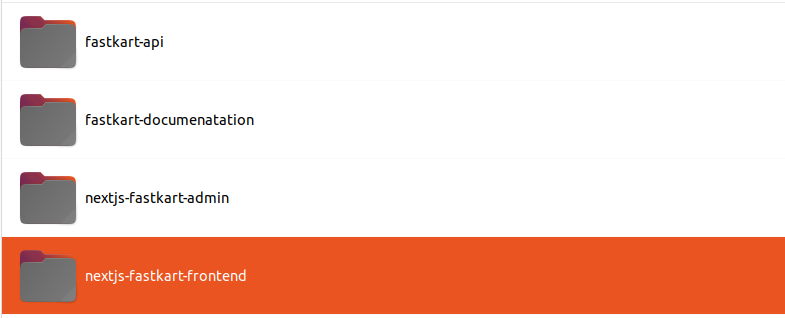
2 Environment Setting:
Open the next.config.js file in your code editor and adjust the URL based on the reference image.
Note: Make sure you change store.your-domain.com to your specific domain name or sub domain name and also same for your API domain as well
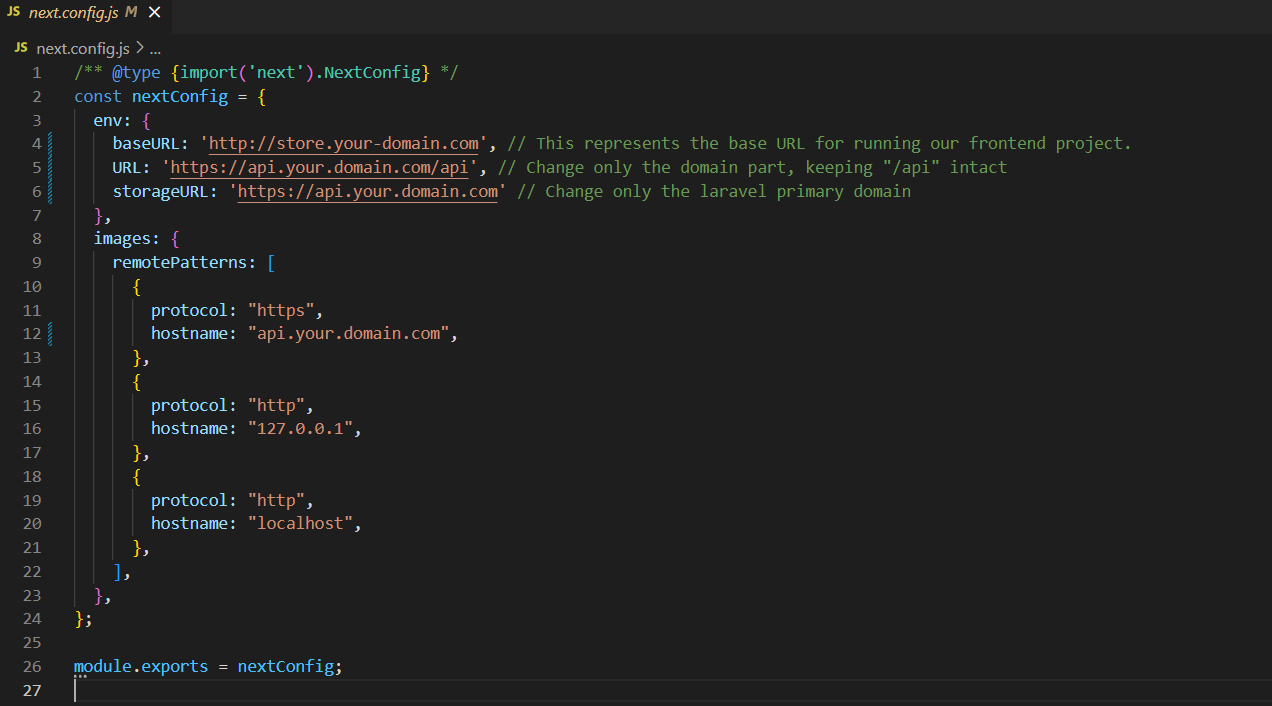
- baseURl: This represents the base URL for running our FastKart frontend project.
- URL: This represents the Laravel API server URL
- storageURL: Enter the laravel primary domain.
3 Install Vercel CLI:
Afterward, on your computer, install the Vercel CLI by running the provided command.
npm install -g vercel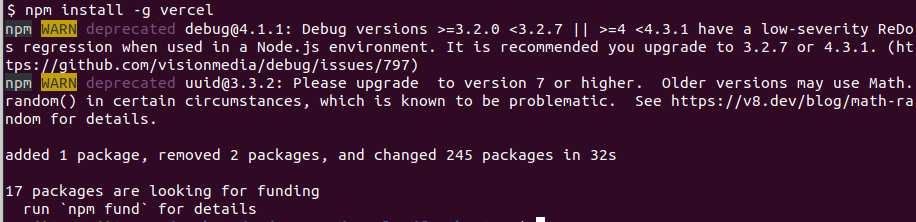
4 Login Vercel:
Following the installation, proceed to log in to Vercel by using the provided command.
vercel login

5 Deploy:
Afterward, In the nextjs-fastkart-frontend folder, run following command in the terminal to deploy.
vercel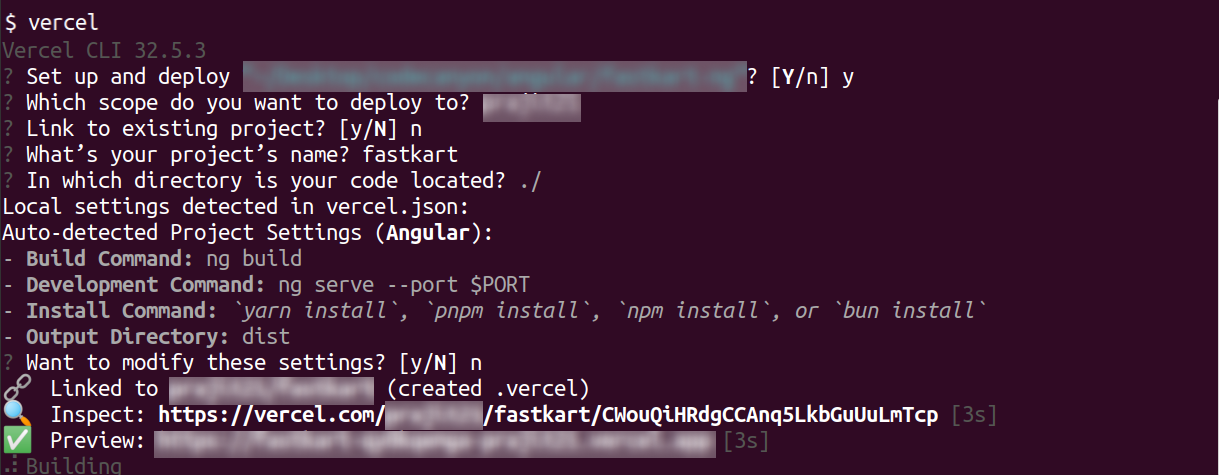
Default Credentials
Admin Credential:
- Url: https://admin.your-domain.com/auth/login
- Email: admin@example.com
- Password: 123456789
Vendor Credential:
- Url: https://admin.your-domain.com/auth/login
- Email: john.store@example.com
- Password: 123456789
Customer Credential:
- Url: https://store.your-domain.com/auth/login
- Email: john.customer@example.com
- Password: 123456789