 Facebook Admob :
NOTE :
- Before running the app make sure you have import Collection json in Firestore database which we have provided.
- Before import json in firestore database remember to give rule permission or
create Firestore Data.
See the Firebase Rules for create
Firestore
Database and how to give
permission
in firebase.
Also you can check below video for how to import json in firebase:
VIDEO URL :
https://youtu.be/Jd0sW8Wrc5Y?si=AxC6BmWBFwZfZU4a
- For Quick start about go to facebook developer do login if already signup or do signup https://developers.facebook.com/apps
- Now click on Create App if not created app or select your app

- After select your project or after created app dashboard will be open
-
In left handel panel click on Add Product in that click on Audience Network setup
button
-
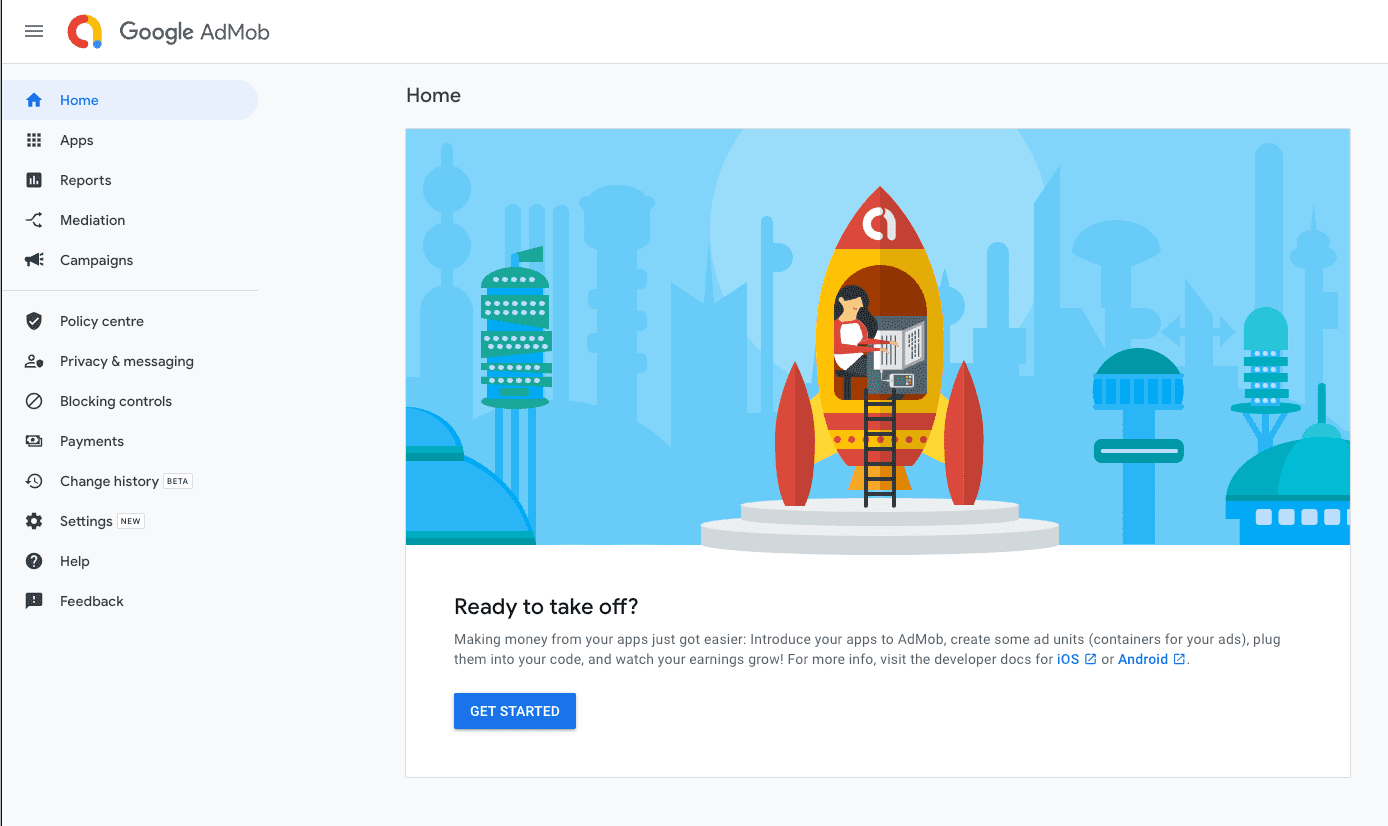
On left hand menu panel select Apps and click onADD YOUR FIRST APP

- Now click on Get started button
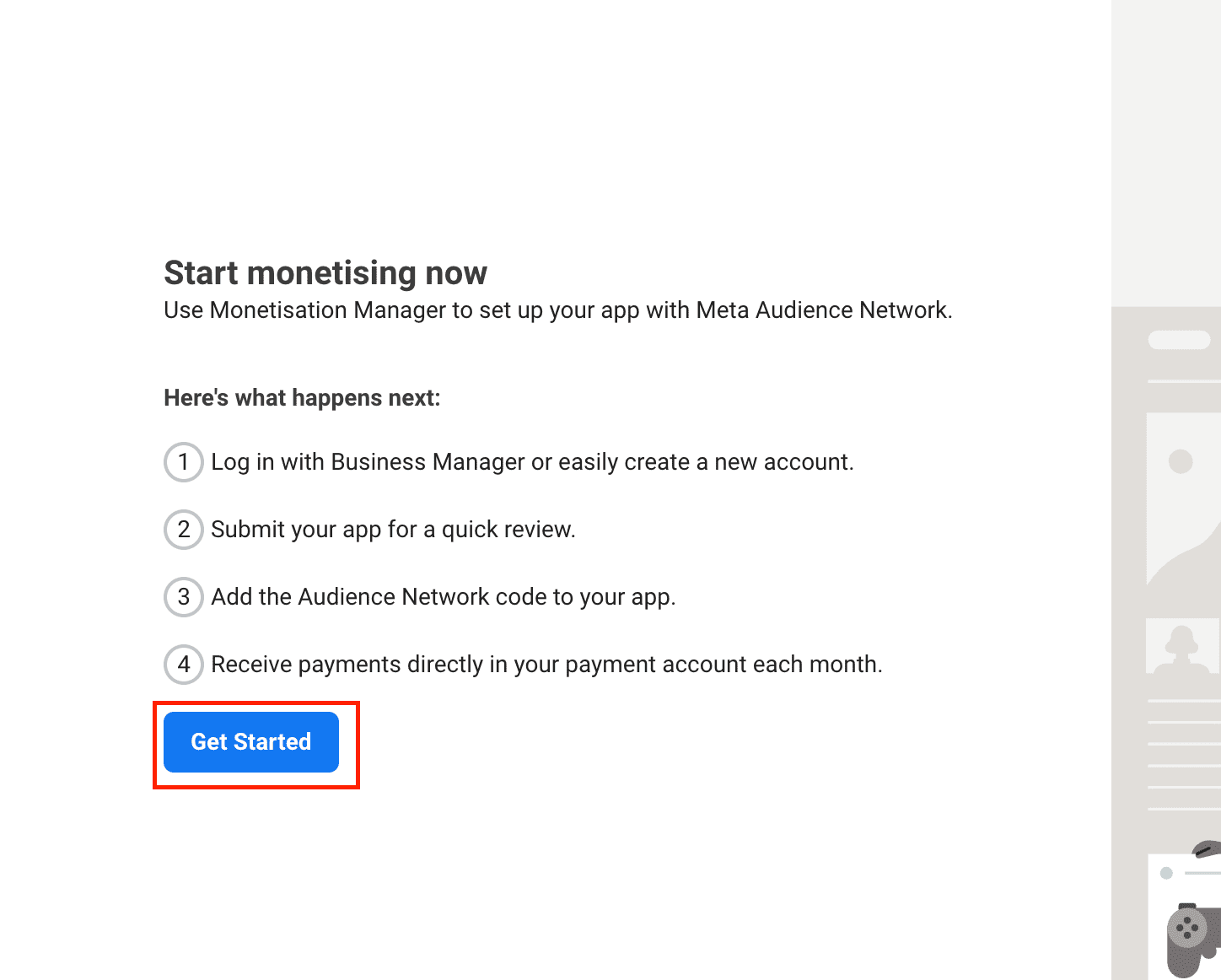
-
After click on Get started one pop up will be appear for login in Bussiness Manage in that click on
Create New Account
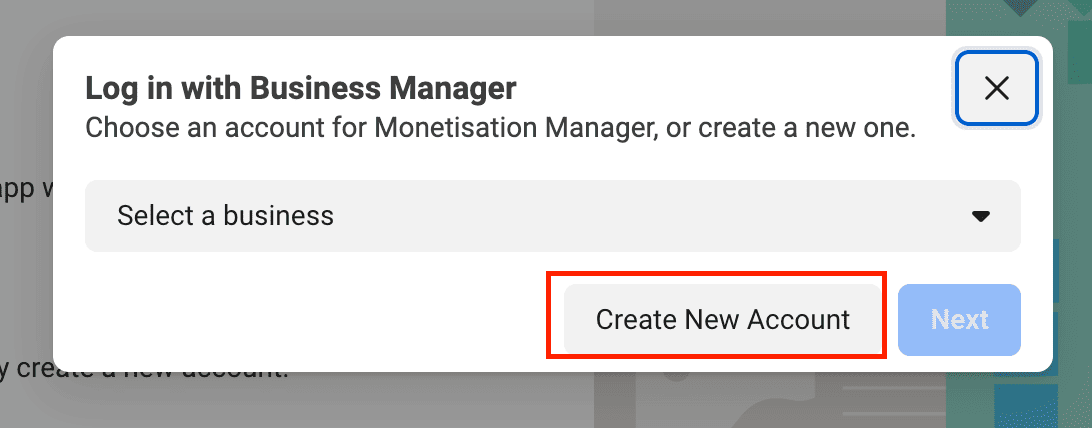
-
Click on Contiune button
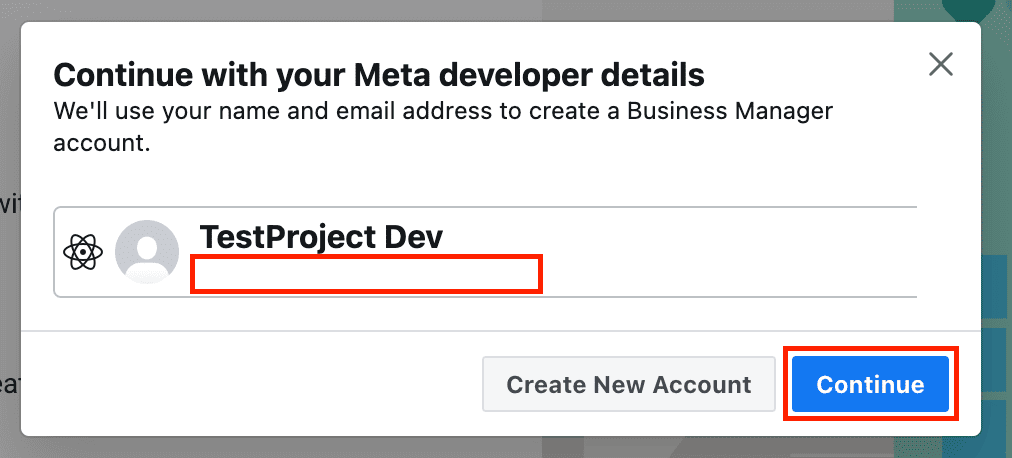
-
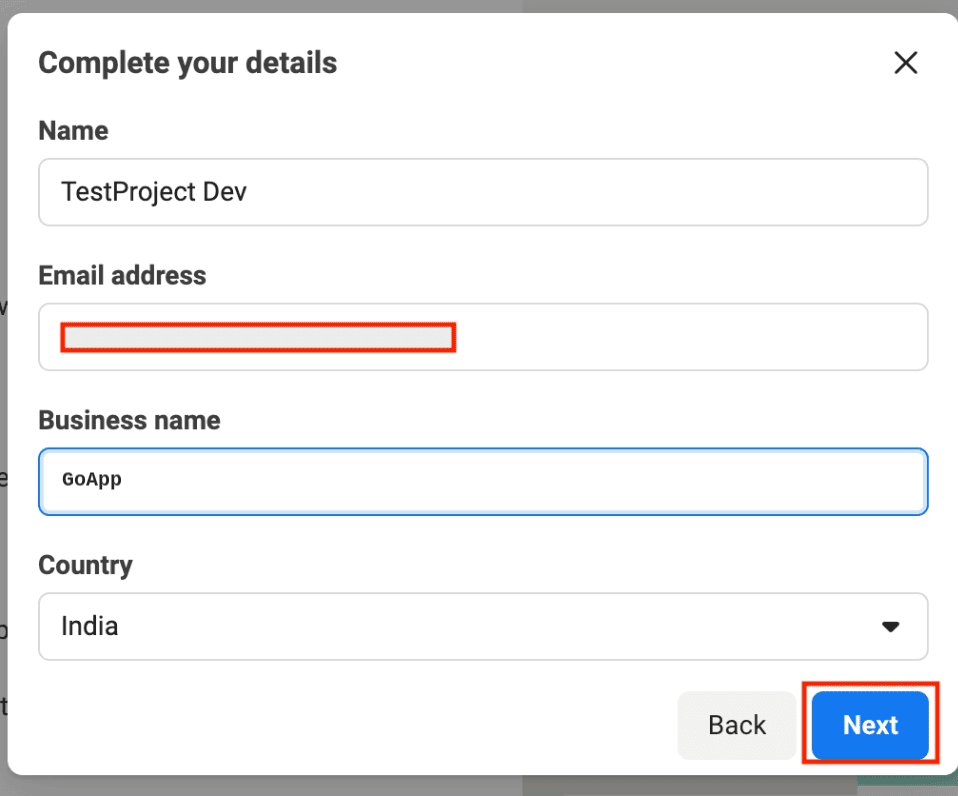
Fill all your details and click on Next button
-
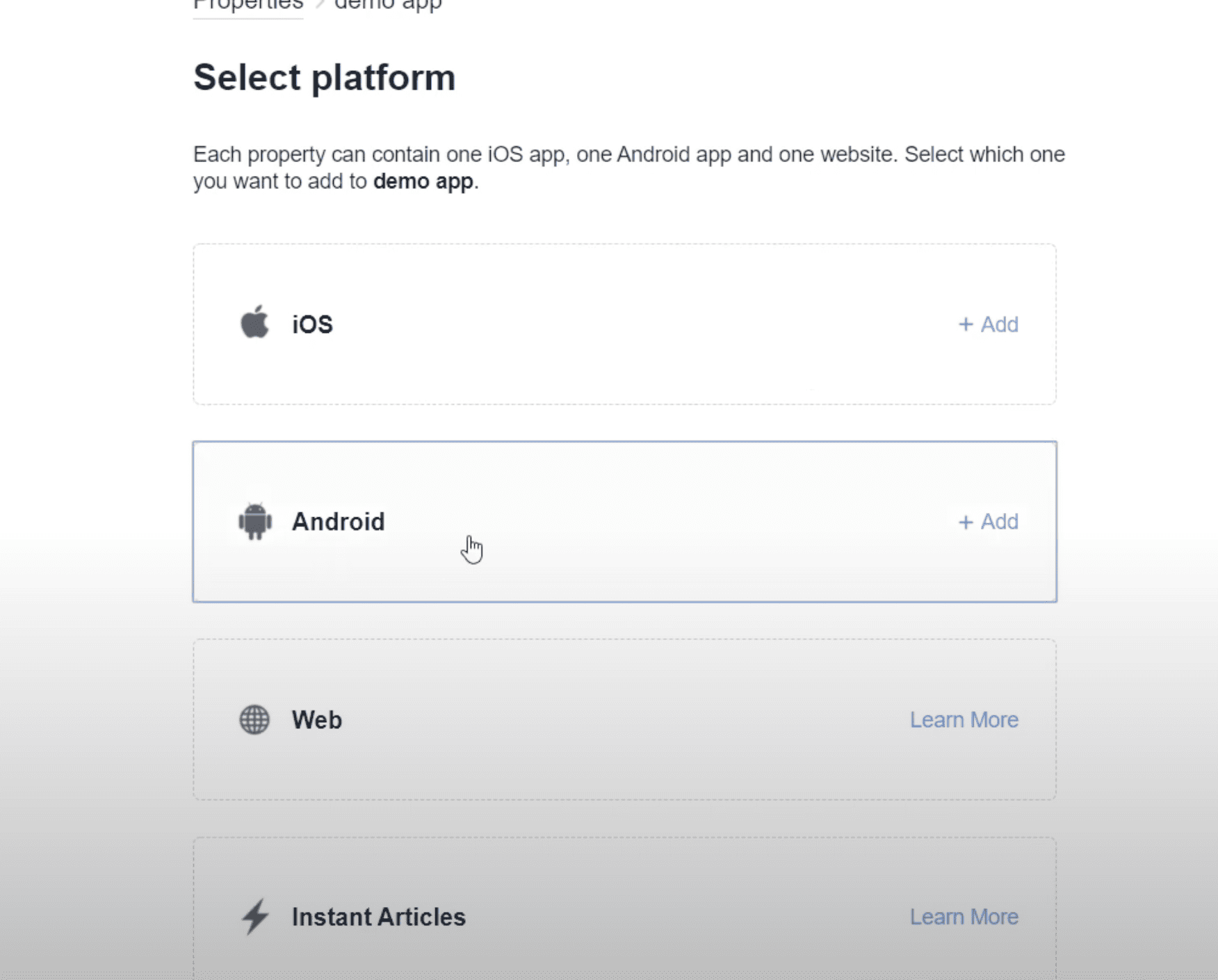
Now select Android platform for display add in Android
-
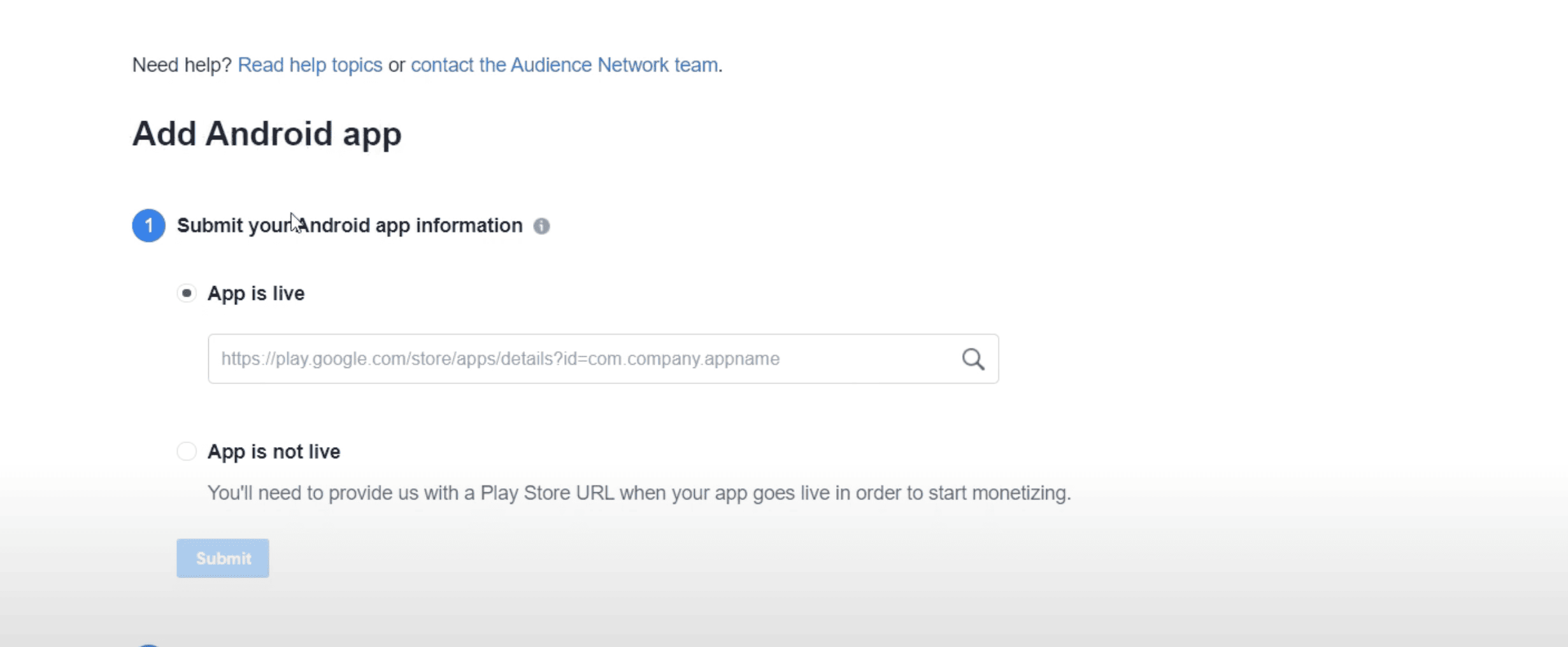
Select the option whether your app is live or not if it is live provide live app link
-
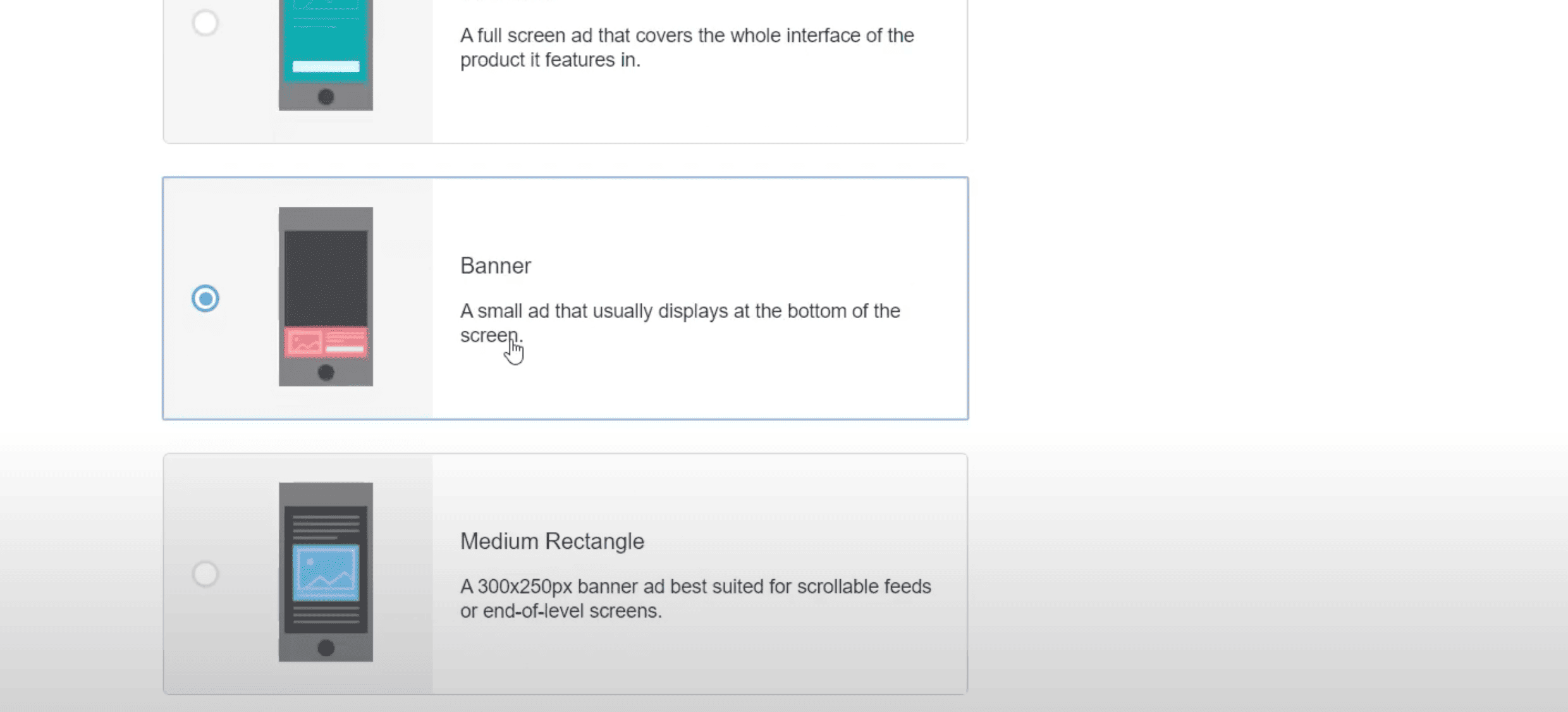
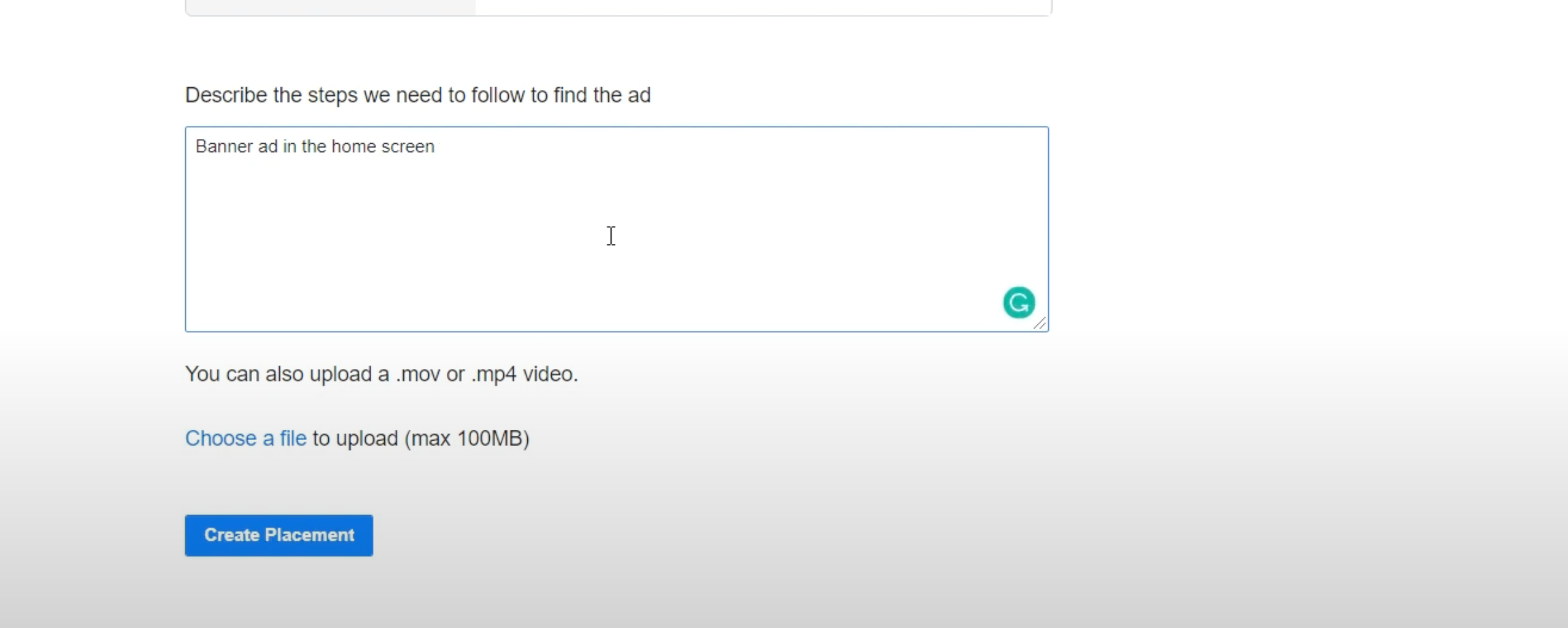
After that create Placement scroll down and select Banner, provide description
-
Now copy your Placement Id and paste it in firebase config or go to admin panel if you are using then go
to admin panel in general setting paste it in Facebook Android Id and update

NOTE: Setup your payments for earn
-
Now create Interstitial and Reward as same process and get Placement Id and paste it in firebase or
through admin panel
-
Now do create IOS same process as done for Android and paste Placement Id in Facebook IOS Id,
Interstitial and Reward
NOTE: For IOS your app should be live