 Change Your Project App Icon :
NOTE :
Before launching the app, ensure you have correctly set up the ReelEaseAI Node.js and have added all
necessary data through the admin panel.
- In Android Studio, open your Android folder. Then, right-click on Android and select "Open
Android
module."

- Alternatively, select File -> Open -> navigate to the Android project location -> select Open
(Mac) and select (Windows).
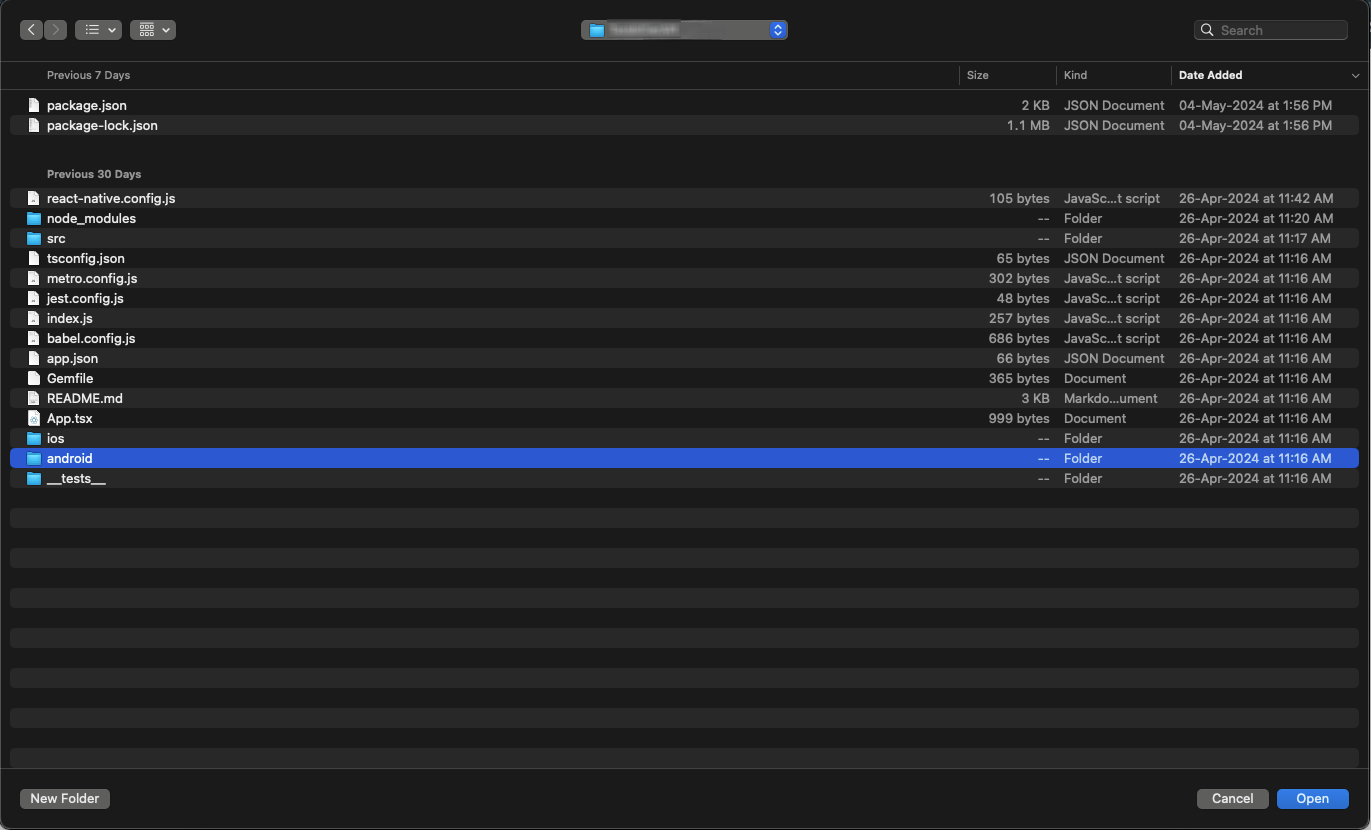
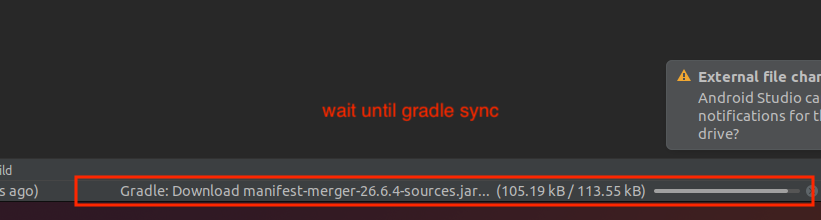
- Wait for your gradle to build now.
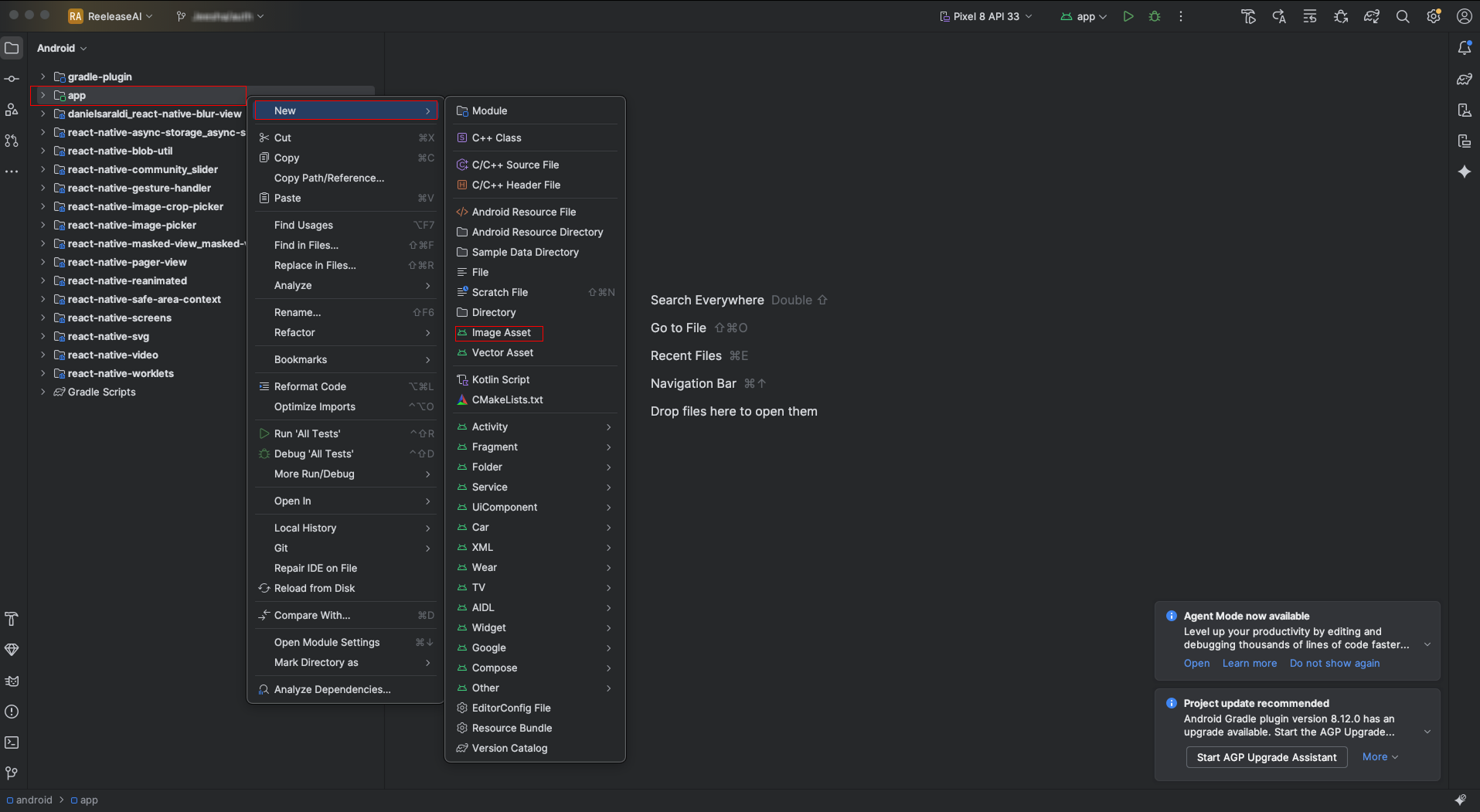
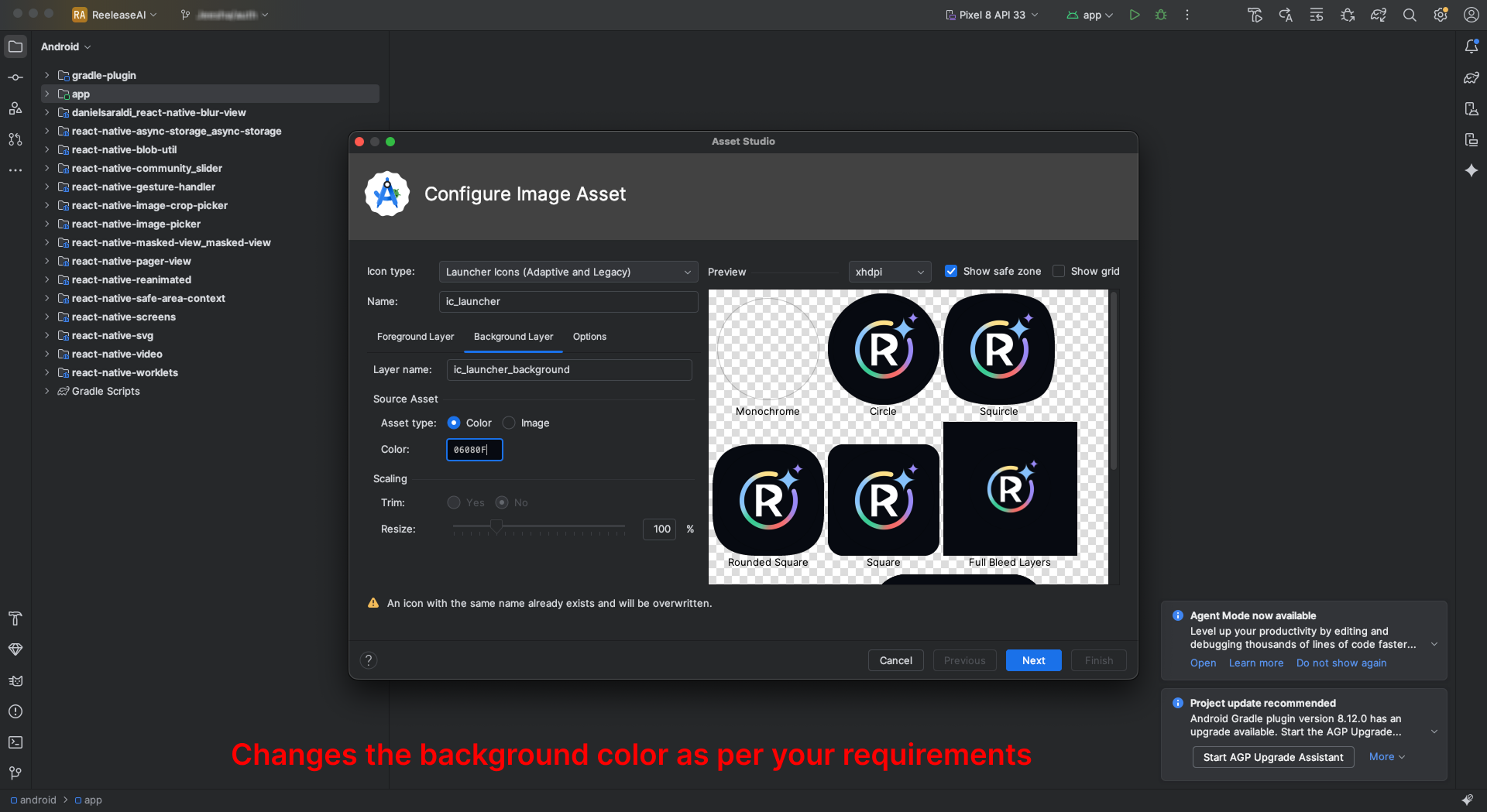
- Next, pick Image Assets by clicking on App -> New Image Assets
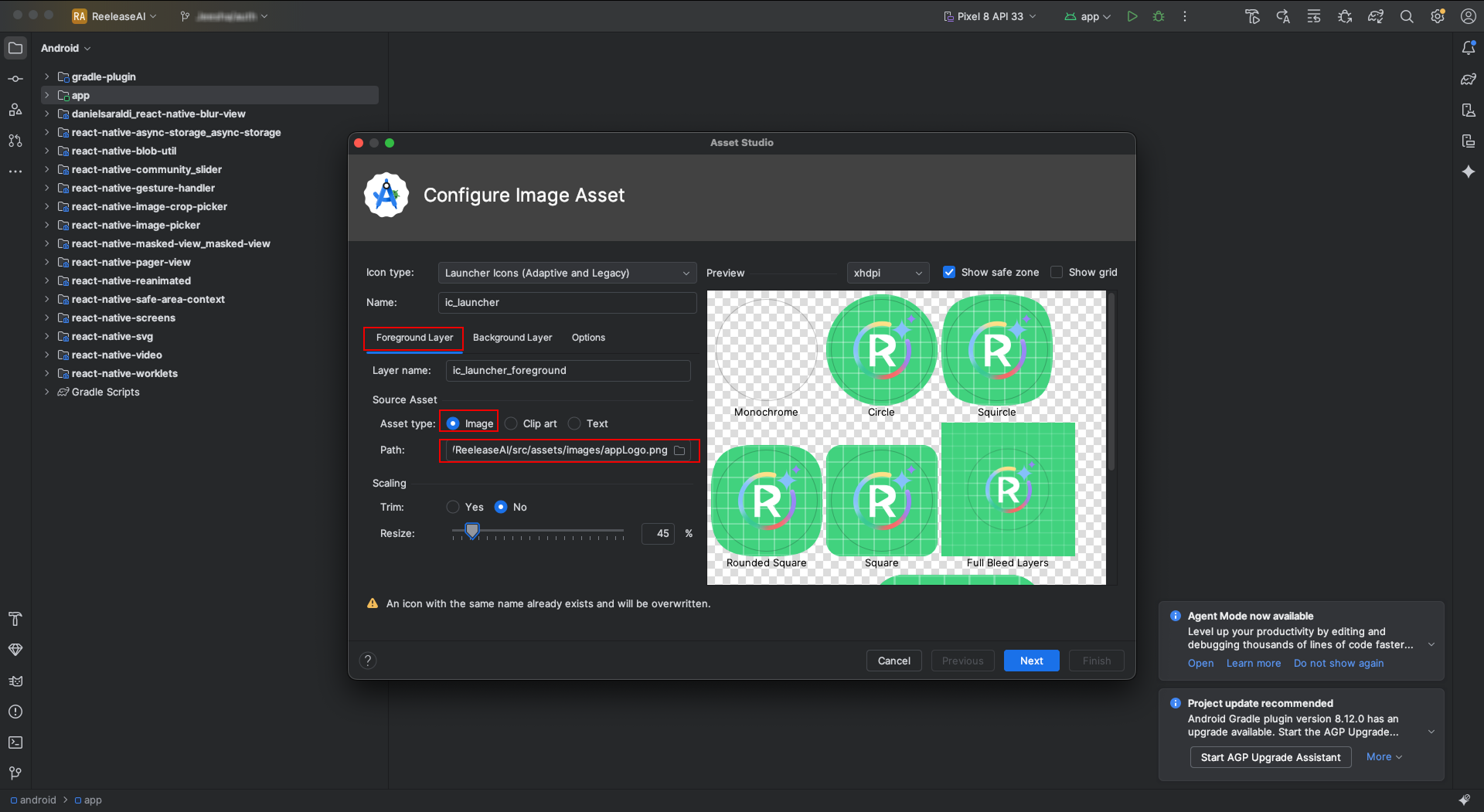
- Choose your app icon image path in the Foreground Layer from the pop-up that appears.
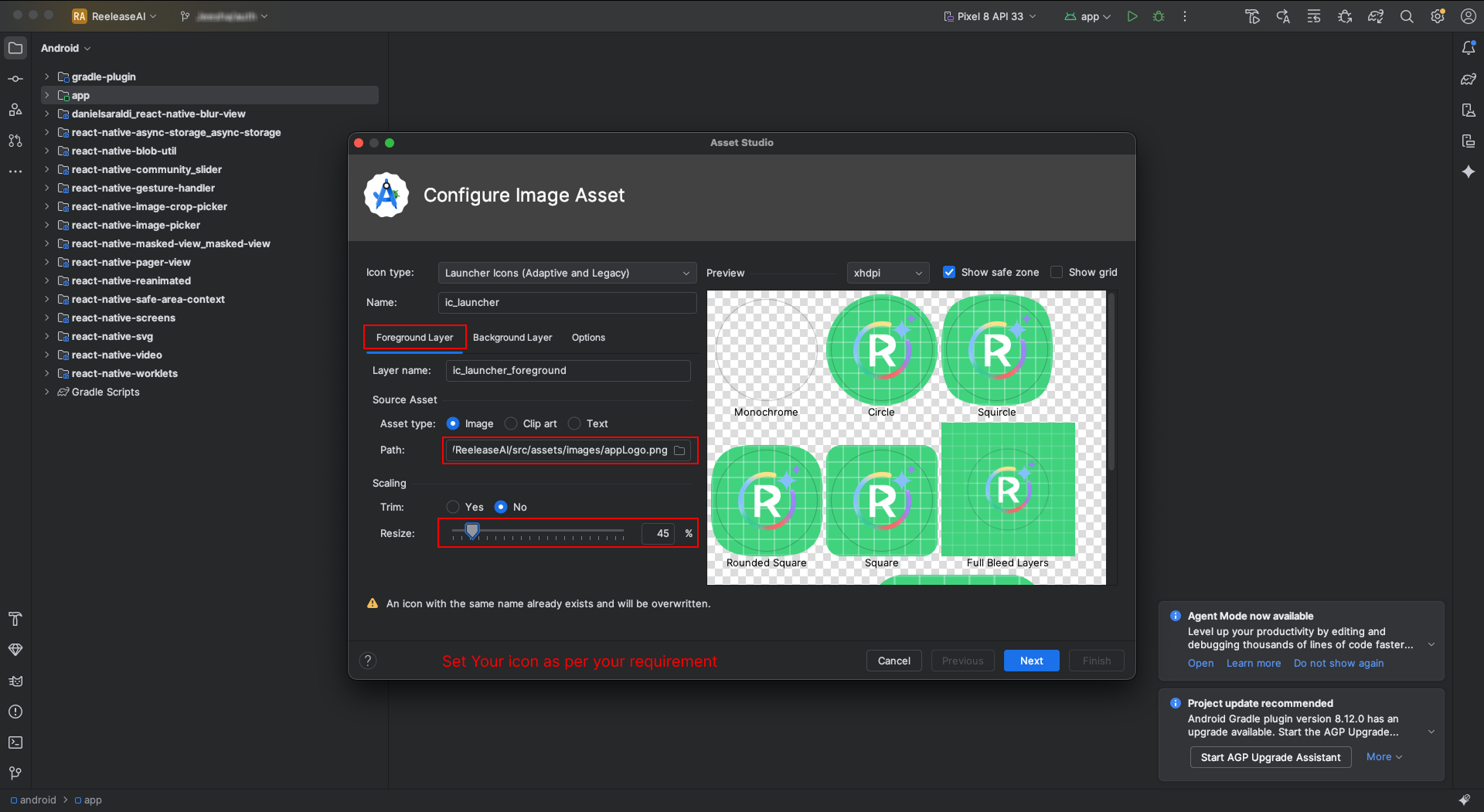
- Adjust the icon's size to suit your needs.
- Now click on Background Layer tab, and select background color as per your requirement.
- Now select releasein Res directory and click on Finish button.
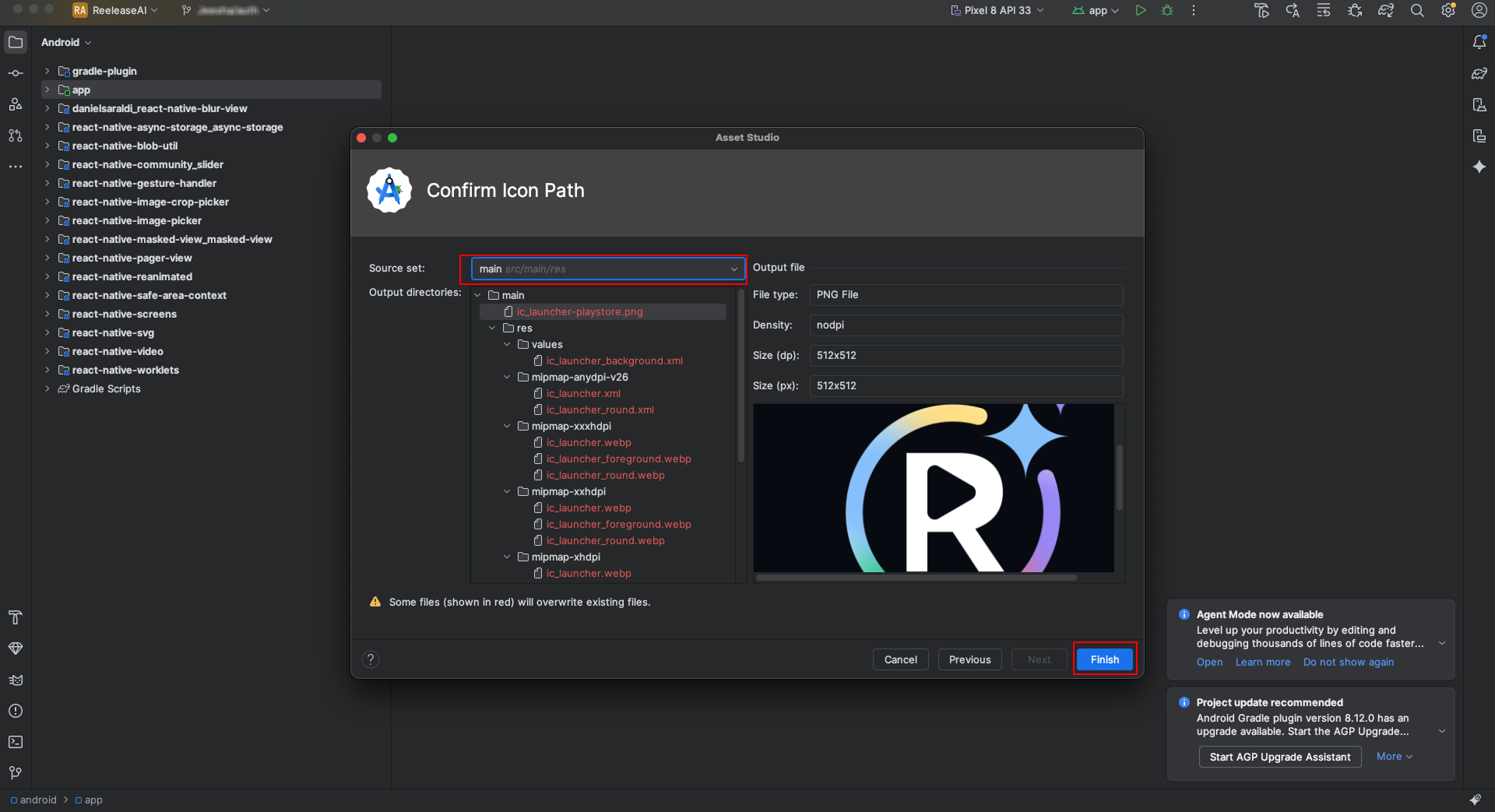
- After finish process, open your project and run it again.