Export Firebase Data :
NOTE :
- Before running the app make sure you have import Collection json in
Firestore database which we have provided.
- Before import json in firestore database remember to give rule permission or
create Firestore Data.
See the Firebase Rules for create
Firestore
Database and how to give
permission
in firebase.
Also you can check below video for how to import json in firebase:
VIDEO URL :
https://youtu.be/Jd0sW8Wrc5Y?si=AxC6BmWBFwZfZU4a
- Open your project in firebase projects
-
On left hand side panel click on setting icon. On click
Setting
button pop open open.
In that click on Project Settings

- Now click on Service account tab and click on Genearate new private
key

- On click Genearate new private key pop up will open for confirmation just
click on Generate key
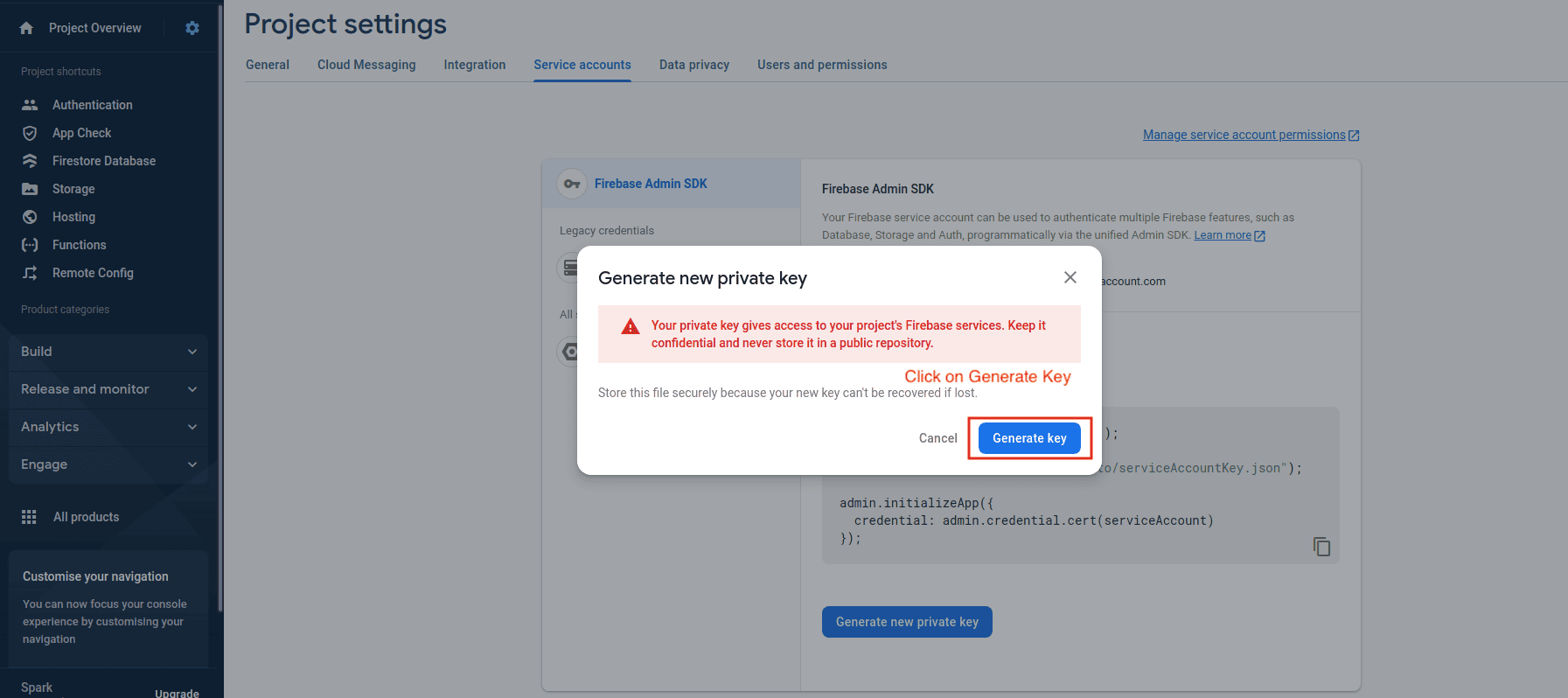
- After click on Generate key Your_Project_Name.json file download. Go to
the download path
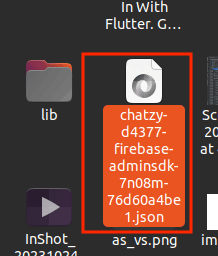
- Now change your json name so that while convert you can set name easily we kept
our project name you can keep as per your project name
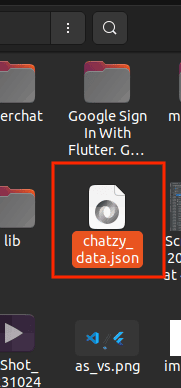
- Now open the path in terminal where your json is download
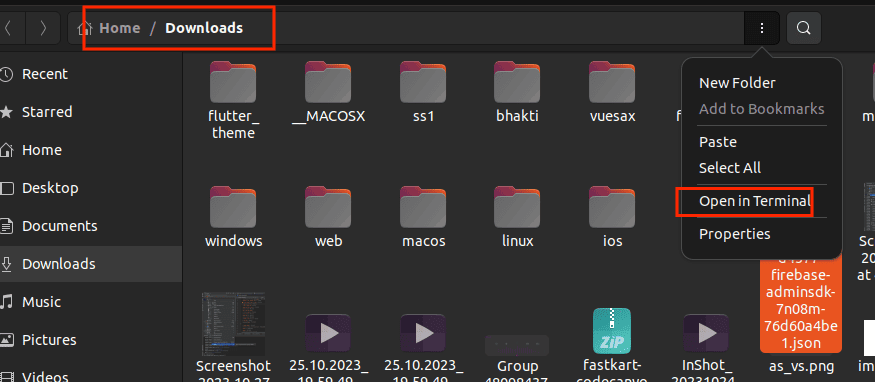
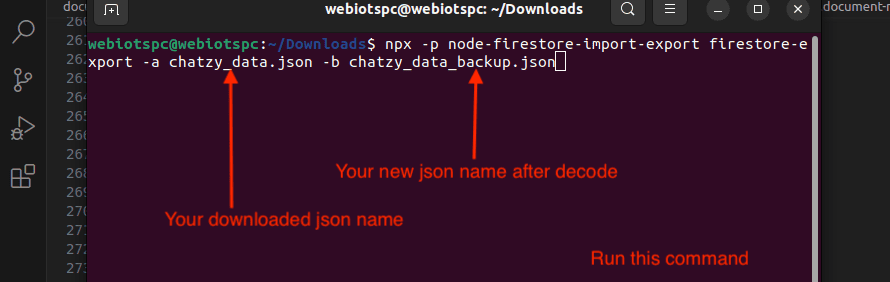
- Now run the below command for get data
Below command chatzy_data.json will be your download json which you have change the name as per above steps and chatzy_data_backup.json will be our new json in which your wille be decode and generate new file with new name we have given chatzy_data_backup.json name you can give as per your requirementnpx -p node-firestore-import-export firestore-export -a chatzy_data.json -b chatzy_data_backup.json