 Role Management (Dynamic RBAC)
Pixel AI features a flexible Dynamic Role-Based Access Control (RBAC) system. Create custom roles, define granular permissions per module/submodule (READ or WRITE access), edit role metadata, and delete roles with safety checks — ensuring precise control over what every user can see or do across the platform.
1. Roles List View
The main interface displays all roles in a searchable, paginated table. Columns show role name, description, creation date/time, number of assigned permissions, and quick action icons (view/edit permissions, edit role details, delete). Use the search bar to filter by name/description and adjust items per page as needed.

2. Add New Role
Click the “+ Add Role” button to open the creation modal. Enter a unique role name (e.g., "Moderator", "Content Creator") and an optional description explaining the role's purpose. After saving, the new role appears in the list with 0 permissions — ready for configuration.

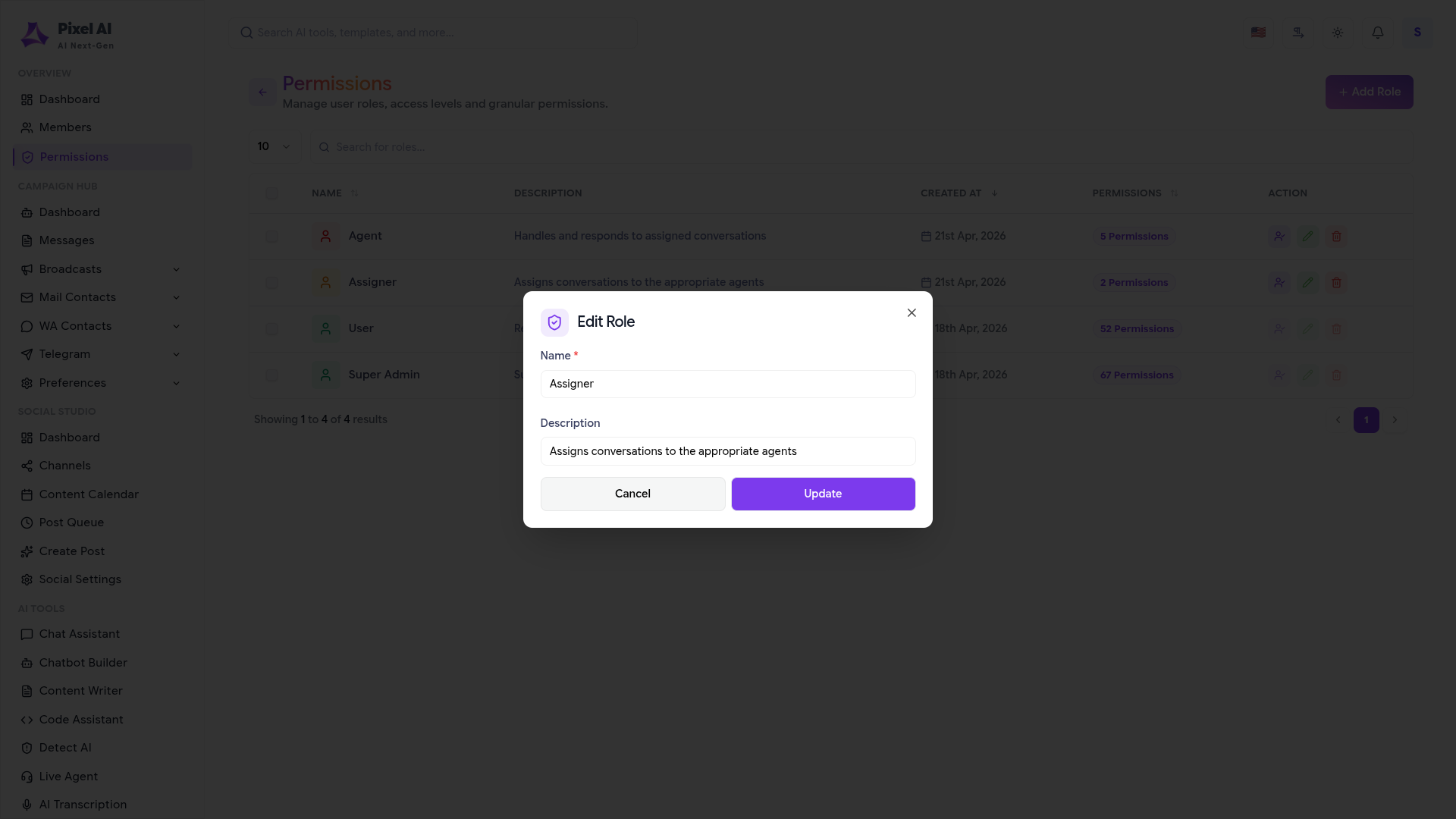
3. Edit Role Details
Click the pencil icon next to any role to open the edit modal. Update the role name (if not system-protected) and description. Changes are applied instantly and reflected in the list view without affecting current user sessions or permissions.
4. Assign / Edit Permissions
Click the shield/permissions icon to open the permission editor modal. Select a MODULE (e.g., User, AI Chatbot, Admin), then a SUBMODULE, and choose the ACCESS level: READ (view only) or WRITE (full create/edit/delete). Click “Add Permission” to assign it. Assigned permissions appear in a list below with removal options. Save to apply changes instantly platform-wide.

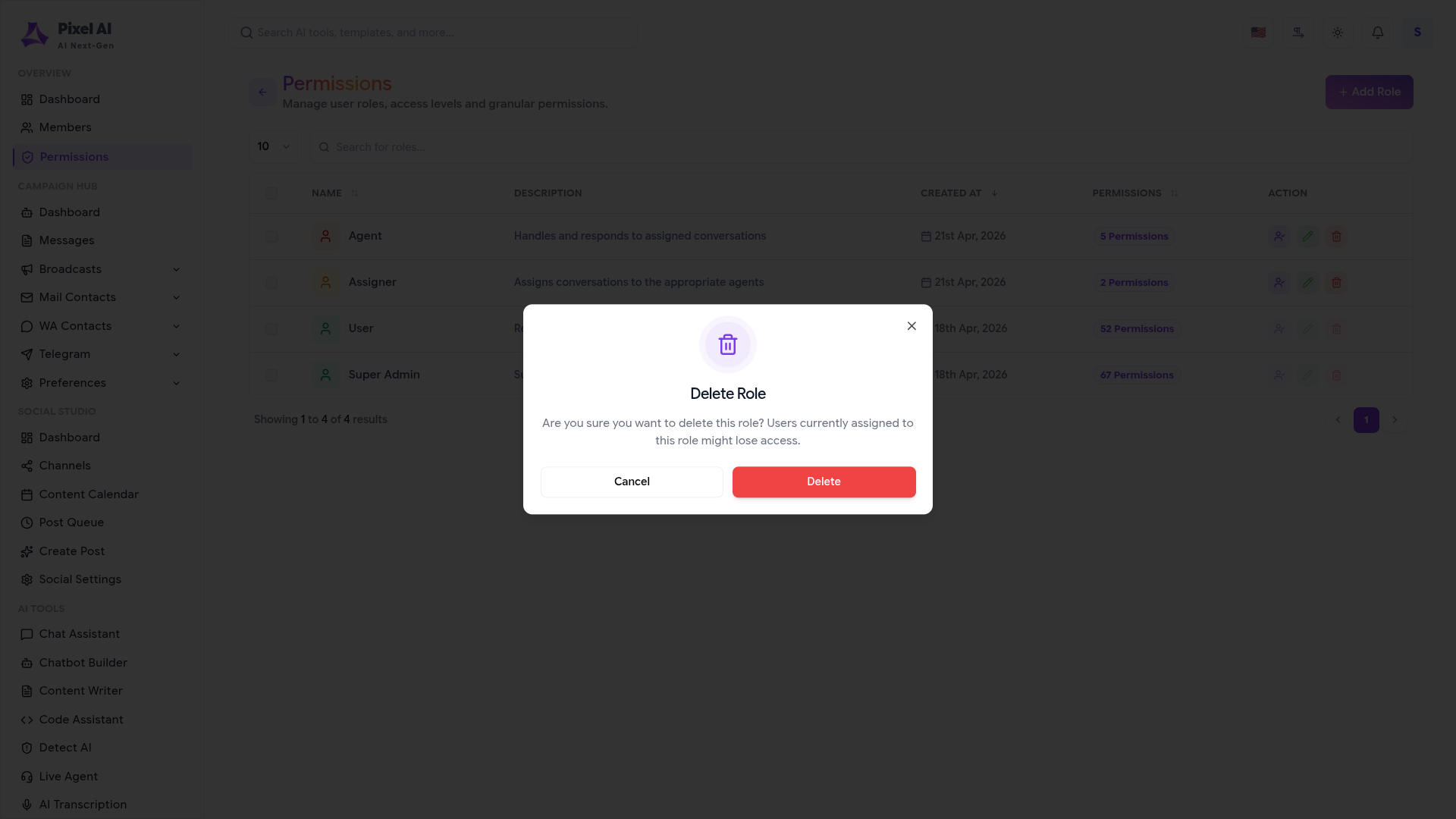
5. Delete Role
Click the trash icon on a role to trigger the delete confirmation modal. The system warns if users are currently assigned to this role and explains potential access loss. Confirm deletion only after reassigning affected users if necessary. Deleted roles are permanently removed; this action cannot be undone.
Key Points
- Permissions are granular: READ vs WRITE per submodule — no global "admin" override unless explicitly assigned.
- Role changes and permission updates apply instantly to all assigned users without requiring logout/login.
- Deleting a role is protected with a confirmation modal highlighting risks to assigned users.
- System-protected roles (e.g., super_admin) may restrict name editing or deletion to prevent lockouts.
- Use descriptive role names and clear descriptions to maintain good governance and audit readability.
What's Next?
Continue exploring the Admin Module tools.


