 Pages Management
The Page Management module enables administrators to maintain static informational content, legal policies, and help center articles with localized support.
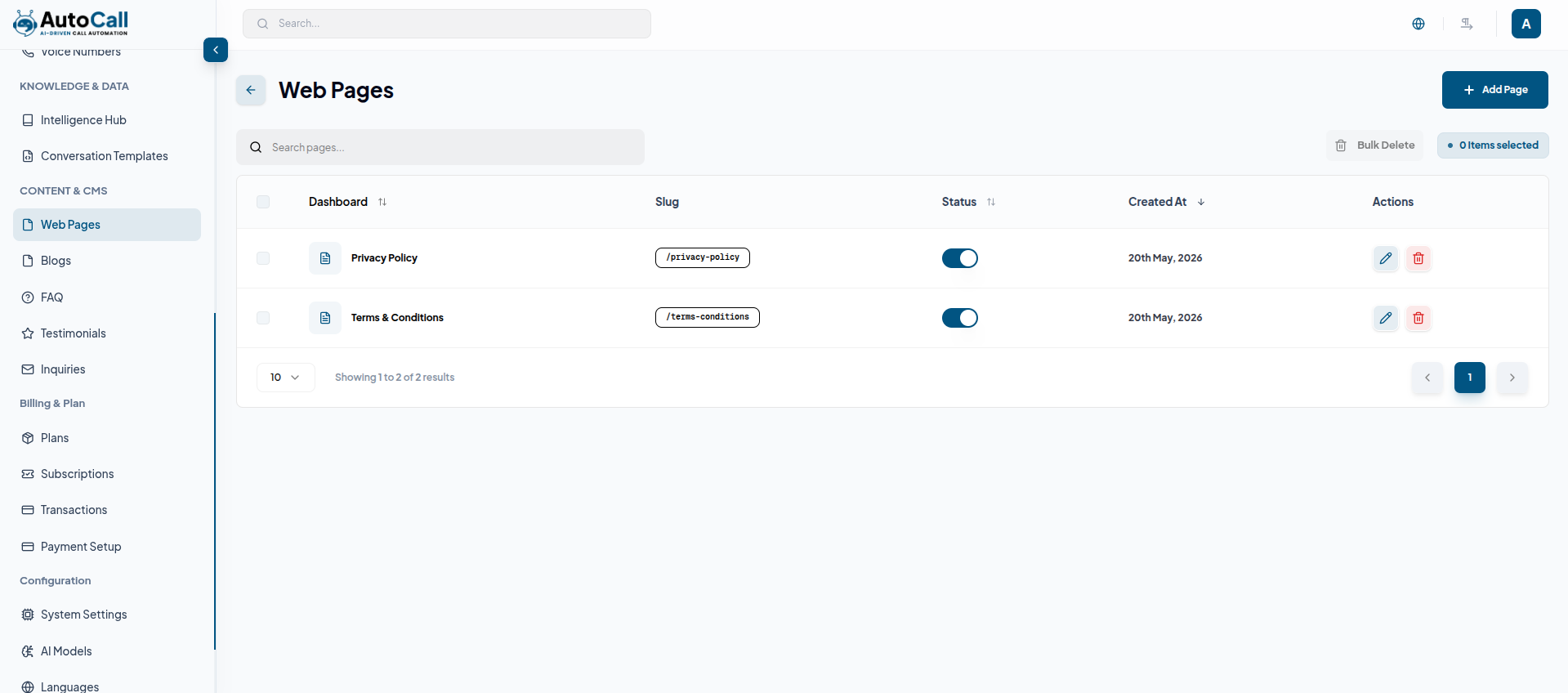
1. Pages List View
The Pages table displays all created pages with details such as page title, slug, status, created date, and quick action options. Admins can quickly view, manage, edit, or preview pages directly from the list for easier content management and organization.
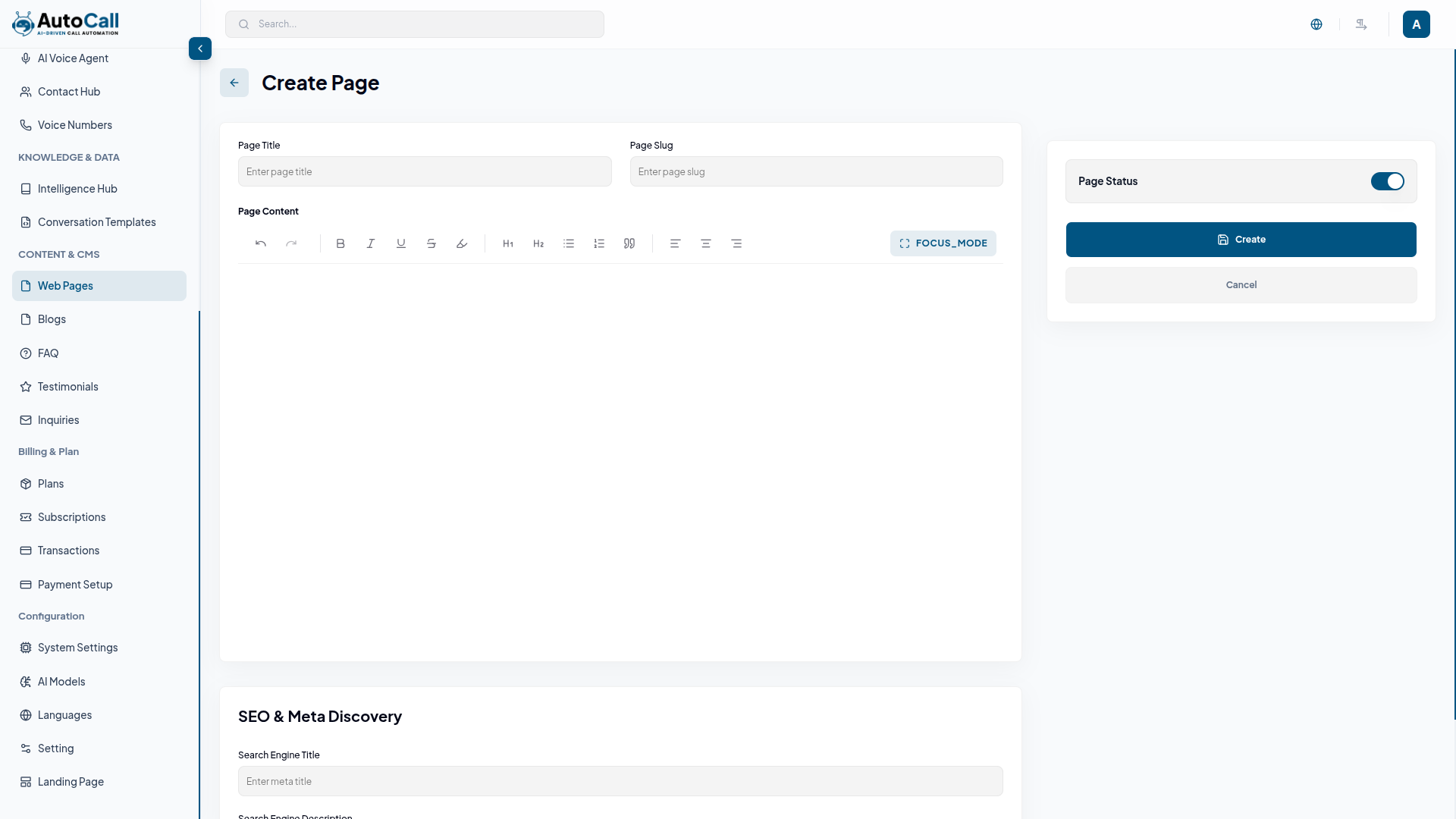
2. Create Page
Create and manage system pages with Page Title, Page Slug, and custom page content. Admins can also configure SEO settings, meta information, and control page visibility by enabling or disabling page status for user access and preview.
3. Status Controls
Page status badges such as Draft and Published can be updated directly from the pages list. Before changing the status, a confirmation modal appears to verify the action
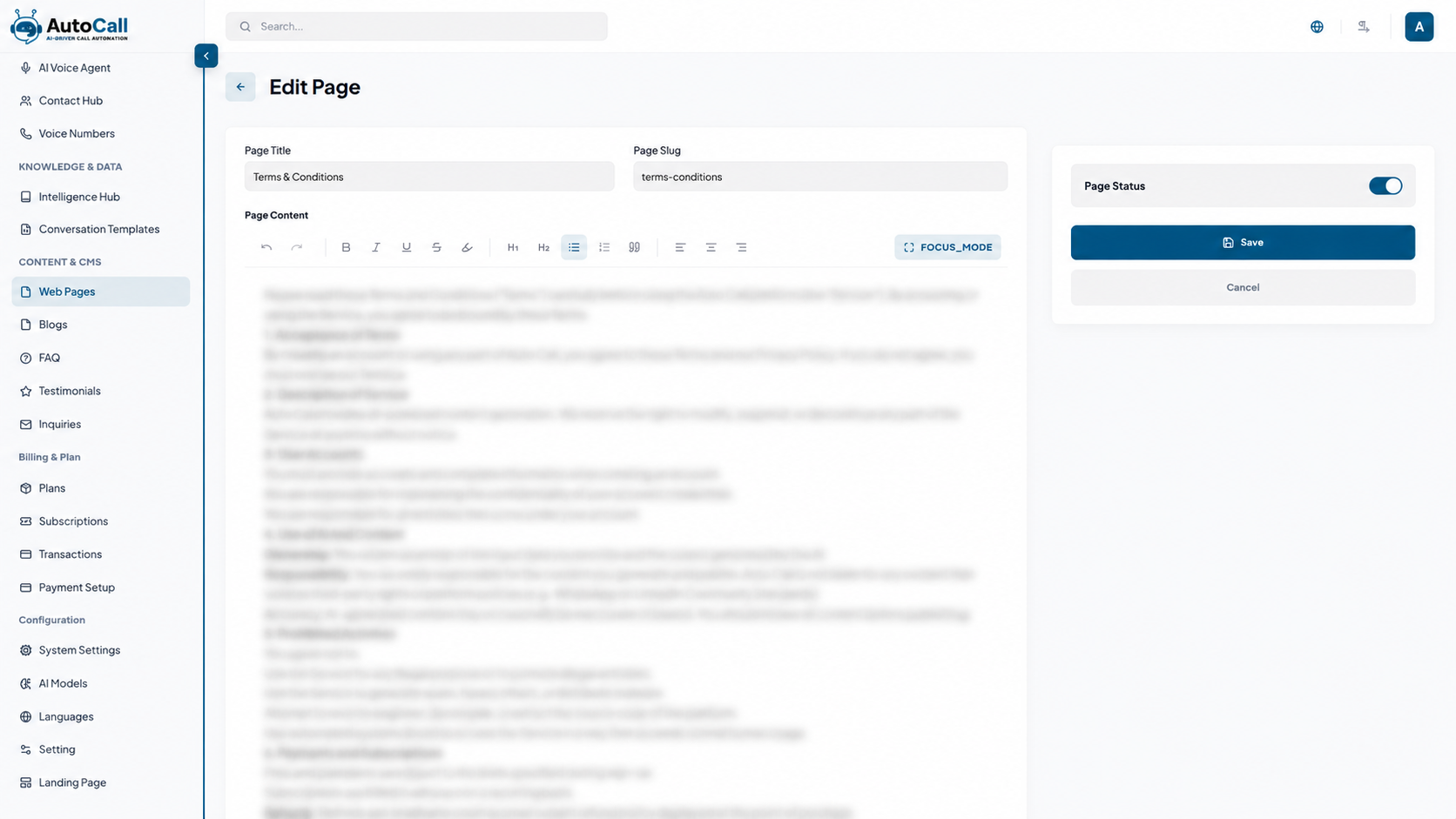
4. Edit Page
Opens the Page Form where admins can update the page title, page slug, page content, SEO settings, meta tags and manage the page status configuration.
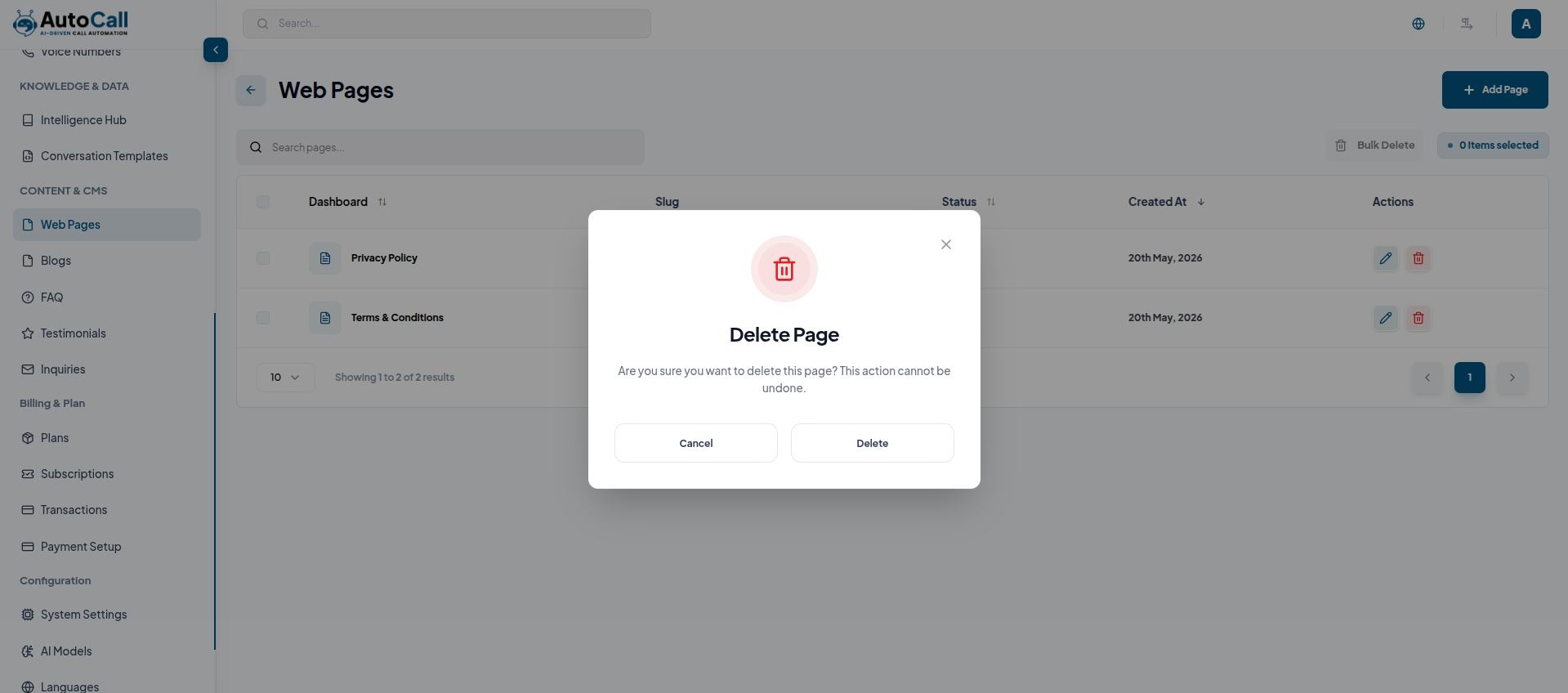
5. Delete Page
Delete action opens a secure confirmation dialog before permanently removing the selected page from the platform.
Key Points
- Every destructive or status-changing action requires explicit confirmation to prevent accidental publishes/removals.
- Toast notifications report success or failure after each action.
- Draft pages remain invisible to end users until published.
- Duplicated pages inherit SEO metadata but keep analytics separate once published.
- Deleting a page removes it from navigation, but restoration is possible through backend backups if needed.
What's Next?
Continue exploring the Admin Module tools.


