 Lead Capture
Forms
Lead Capture
Forms
Overview
The Lead Capture Forms module helps collect customer and lead information through dynamic forms integrated with AI calling workflows, campaigns and conversational interfaces. These forms are used to gather user details during AI voice calls, chat interactions, registrations, surveys, inquiries, bookings and other lead generation processes.
The system automatically stores booked appointments, manages scheduling details, and helps organize all bookings in one place. It also reduces manual coordination by enabling direct appointment confirmation during campaign calls.
Dashboard
Access the Lead Capture Forms module from:
- Toolbox Hub > Lead Capture Forms > Configure
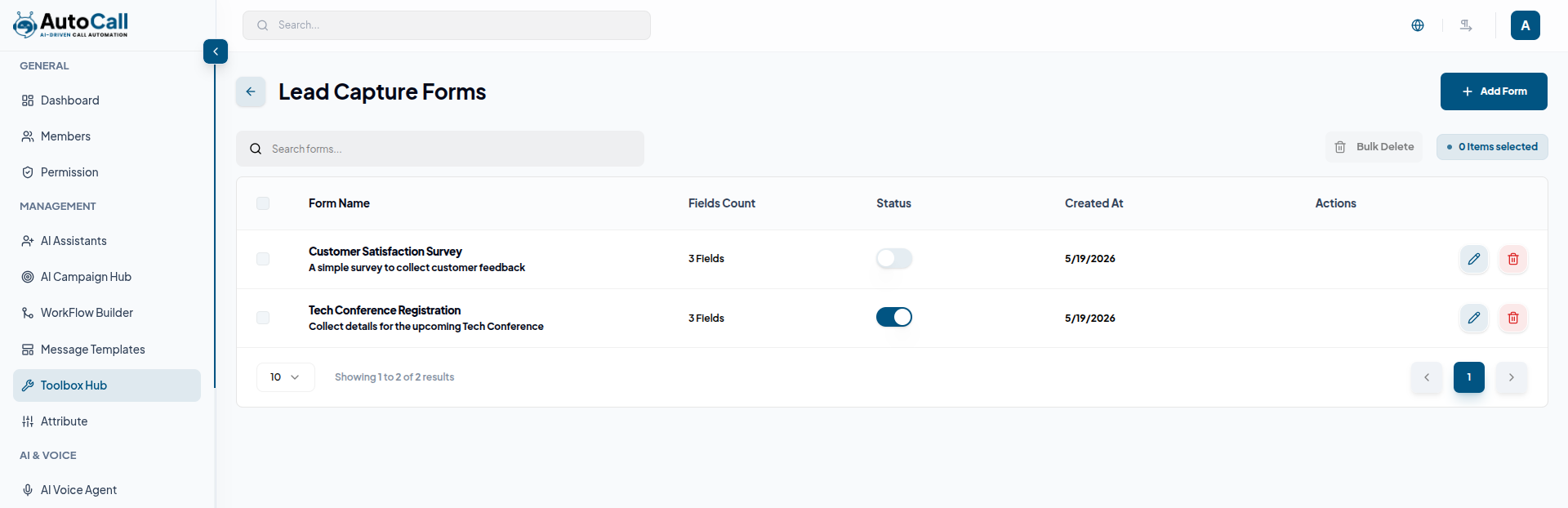
The dashboard displays all created forms with details such as:
- Form Name
- Description
- Fields Count
- Status
- Created Date
- Actions
Users can:
- Create new forms
- Search forms
- Edit form configurations
- Delete forms
- Perform bulk delete operations
1. Create Lead Capture Form
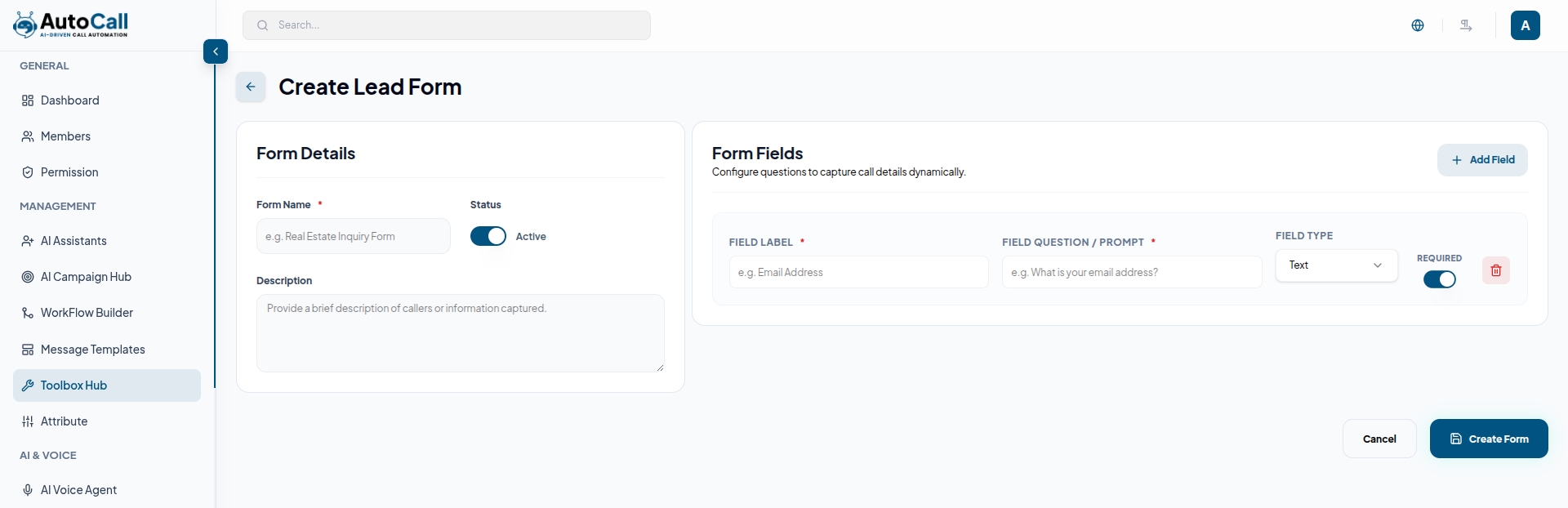
Click the Add Form button to create a new lead capture form.
Form Details
Users can configure:
- Form Name
- Status
- Description
Form Fields
Click Add Field to create custom questions for data collection.
Each field supports:
- Field Label
- Field Question or Prompt
- Field Type
- Required Toggle
- Delete Field Option
Example:
- Field Label: Email Address
- Field Prompt: What is your email address?
- Field Type: Text
After entering all required information, click the Create Form button to save the form.
2. Edit Lead Capture Form
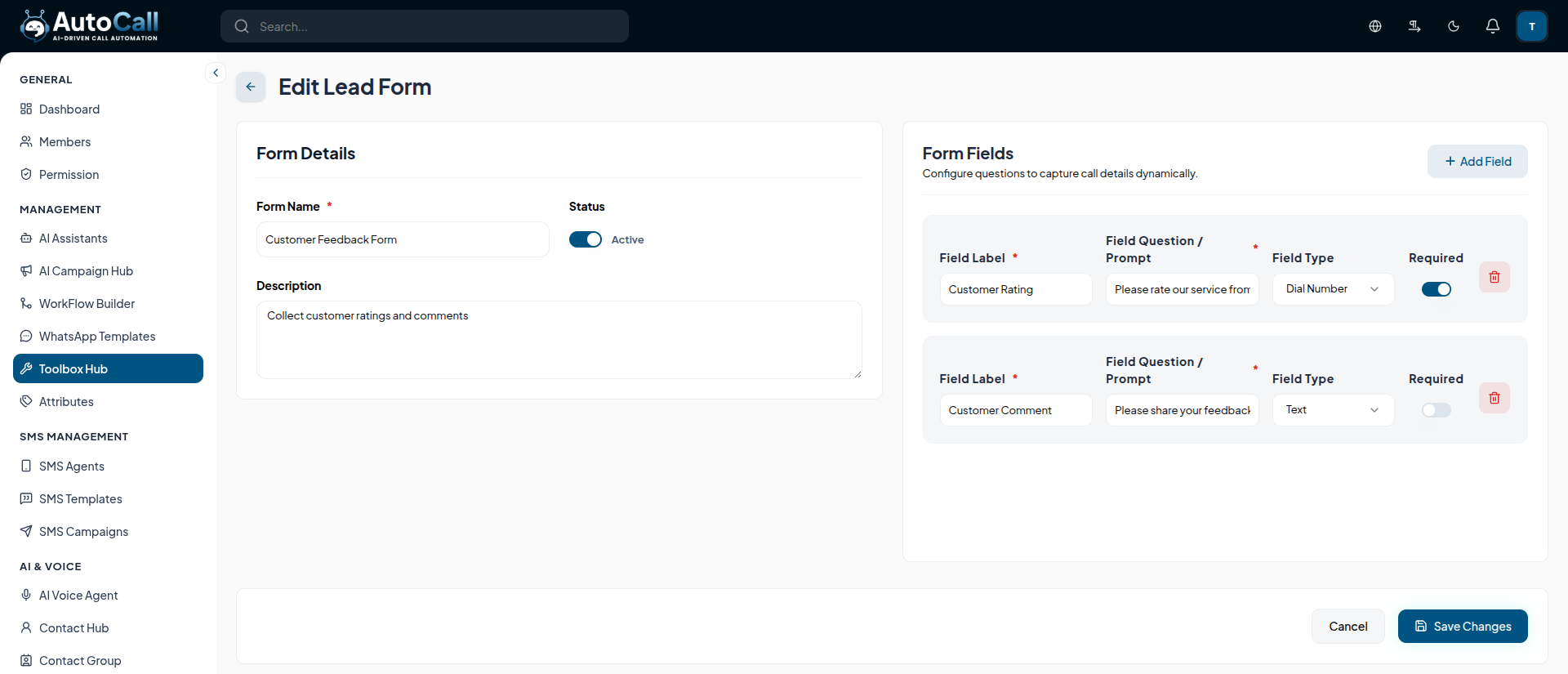
Click the Edit (pencil icon) of any form to update its configuration. Users can modify the form name, description, status and form fields.
You can also add new questions, update existing prompts, change field types or remove unnecessary fields.
Once changes are completed, click Save Changes to apply updates.
3. Delete Lead Capture Flow
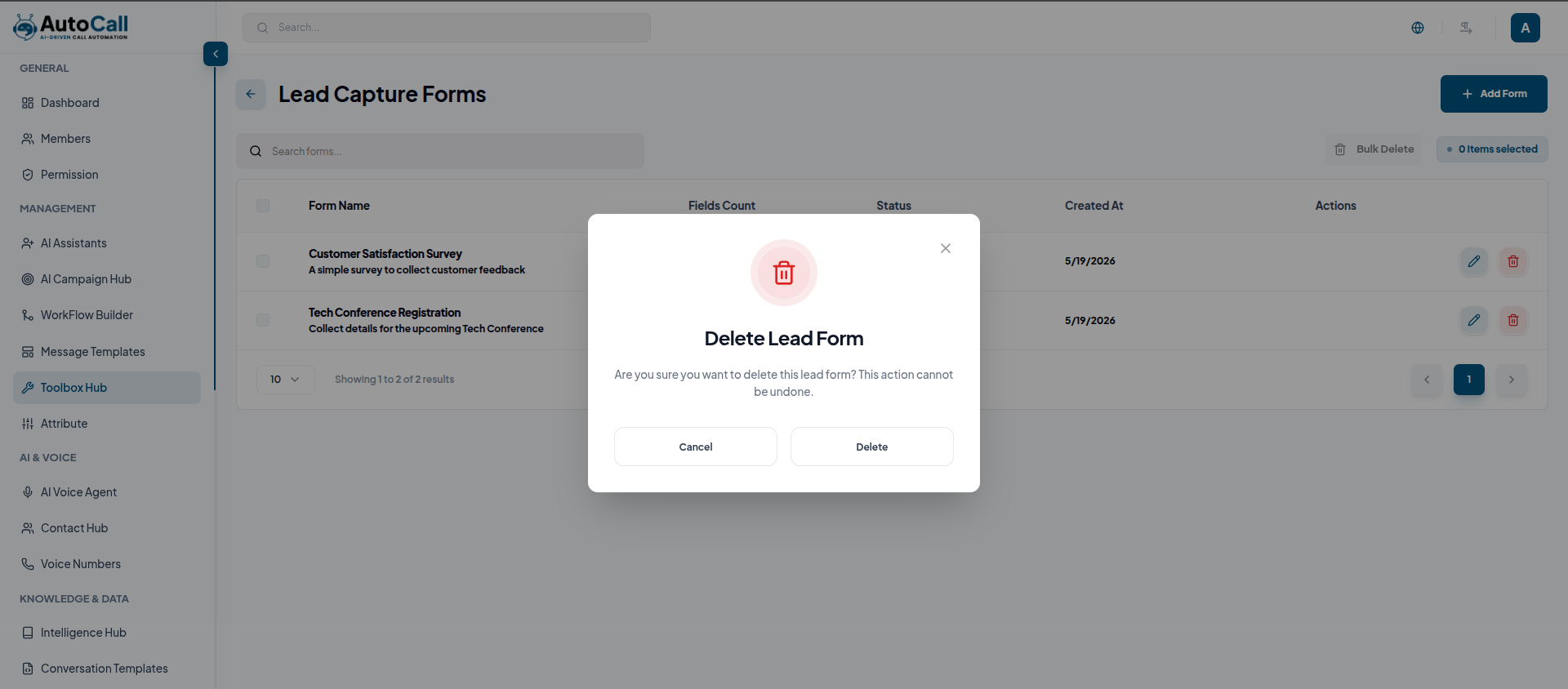
Click the Delete (trash icon) to any form to permanently remove it from the system. A confirmation prompt will appear before deletion to prevent accidental removal.
Once deleted, the form will no longer be available for campaigns, AI workflows, or lead collection processes.
Key Points
- Dynamic Form Builder allows custom field creation easily.
- Multiple Field Types support flexible data collection.
- Bulk Delete Option manages multiple forms efficiently.
- Campaign Integration connects forms with AI workflows.
What's Next?
Let's get started — your journey with AutoCall begins here!


