 API Integration
The API Integration module provides secure, programmatic access to the AutoCall platform. Here, you can generate, manage, and revoke API Keys to securely connect external systems with the platform's core features while strictly enforcing module-level permissions.
1. API Key Dashboard & Documentation
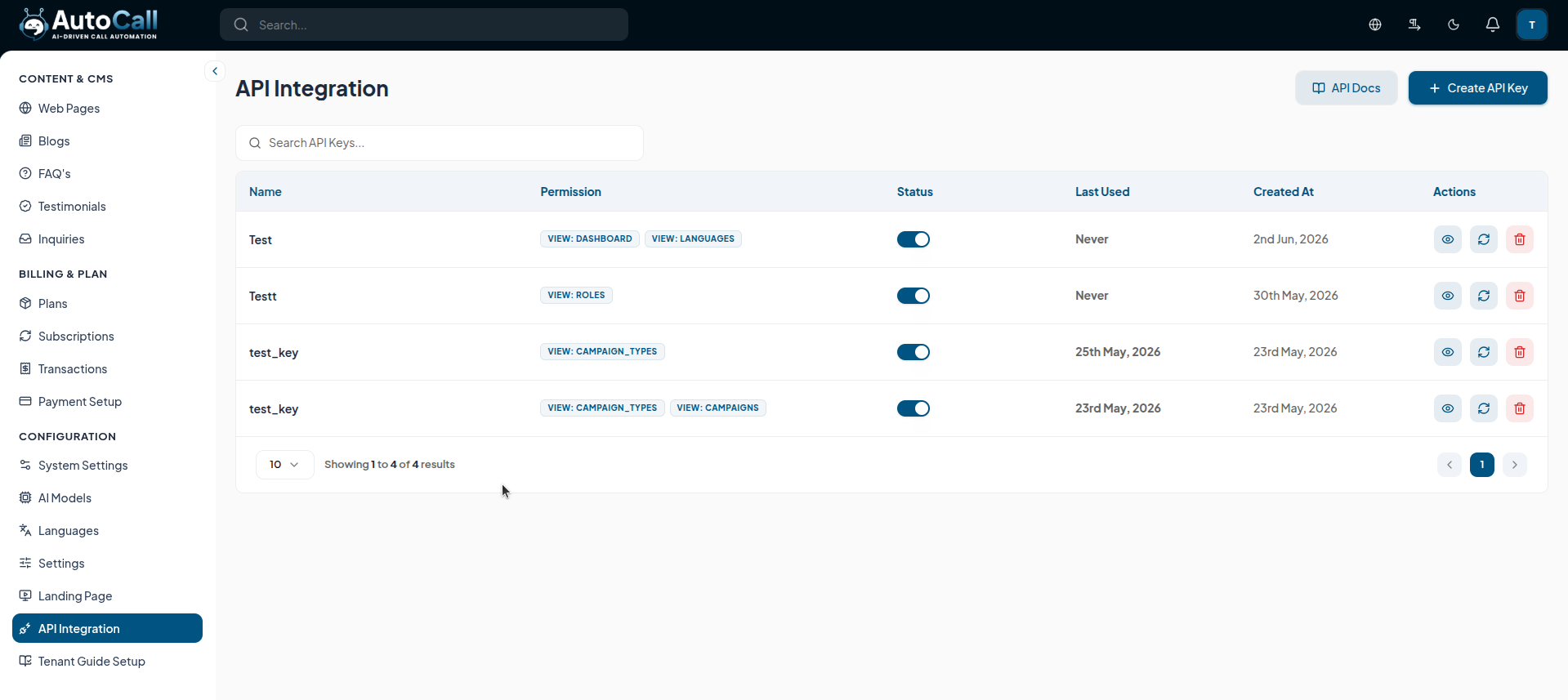
The main dashboard displays all active and inactive API keys, their assigned permissions, status, and usage history. Use the API Docs button at the top to view the comprehensive endpoint guides created via the Tenant Guide Setup.
2. Developer API Reference (API Docs)
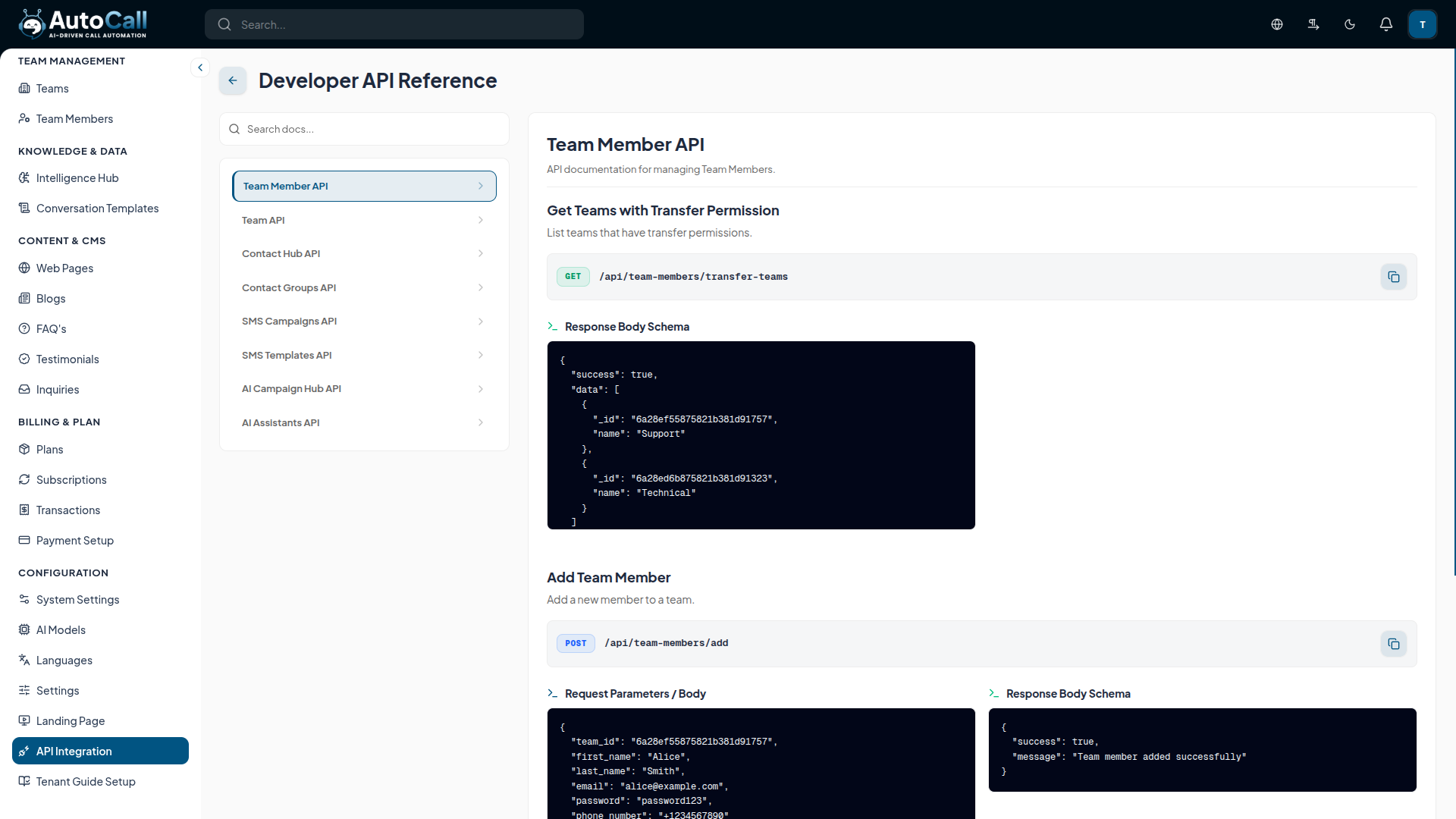
Clicking the API Docs button opens the Developer API Reference. This interface presents the structured documentation compiled directly from your Tenant Guide Setup.
- Endpoint Navigation: Easily switch between different API categories (e.g., Team Member API, SMS Campaigns API) using the left sidebar menu.
- Detailed Specifications: Each endpoint explicitly details its HTTP method, URL path, and comprehensive JSON schemas for Request/Response payloads, giving developers everything they need for integration.
3. Creating a Secure API Key
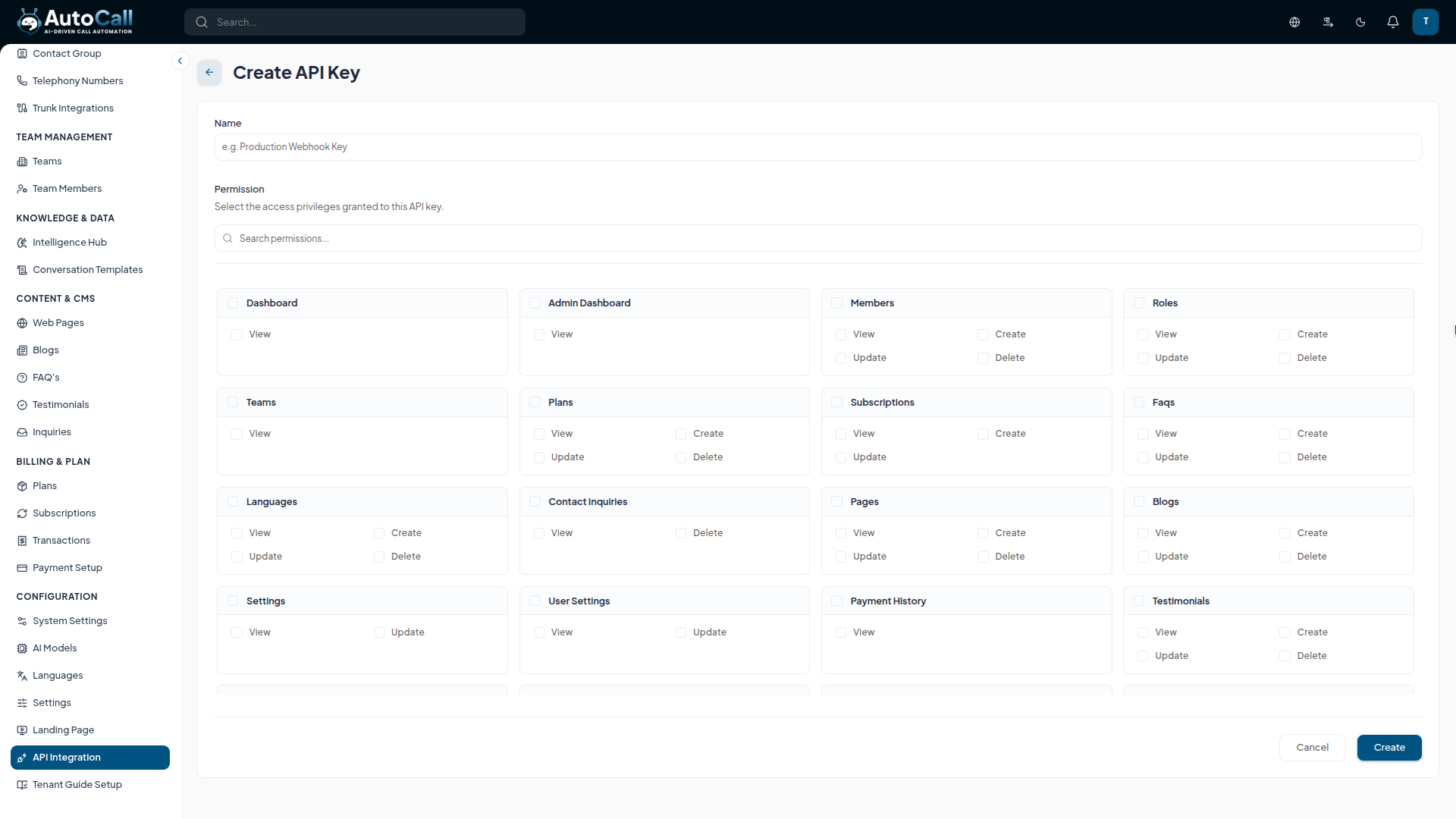
Click Create API Key to generate a new authentication token. You must provide a descriptive name and granularly select the permissions (e.g., View Campaigns, Create Members) to ensure the principle of least privilege.
4. Viewing and Regenerating Keys
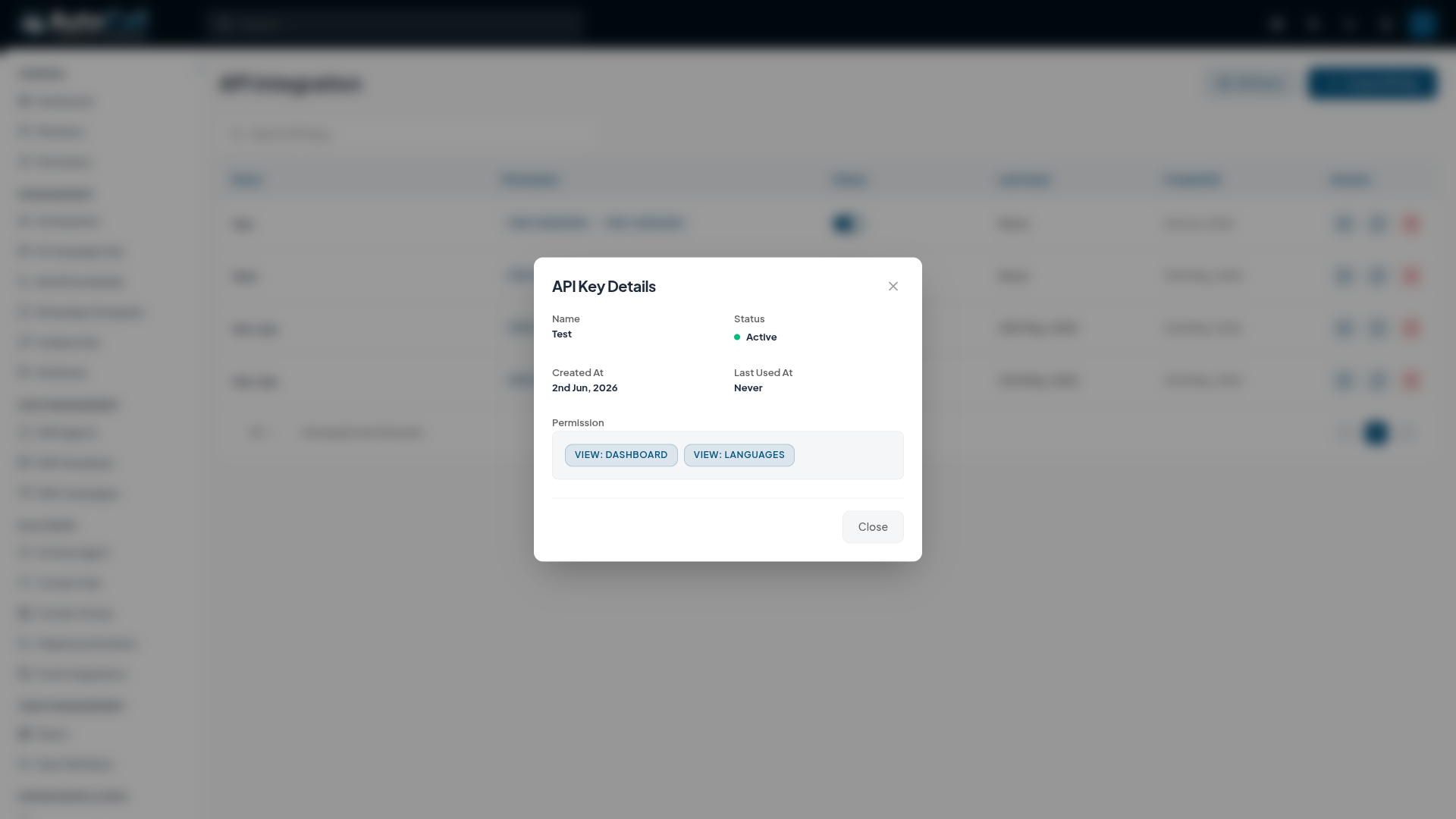
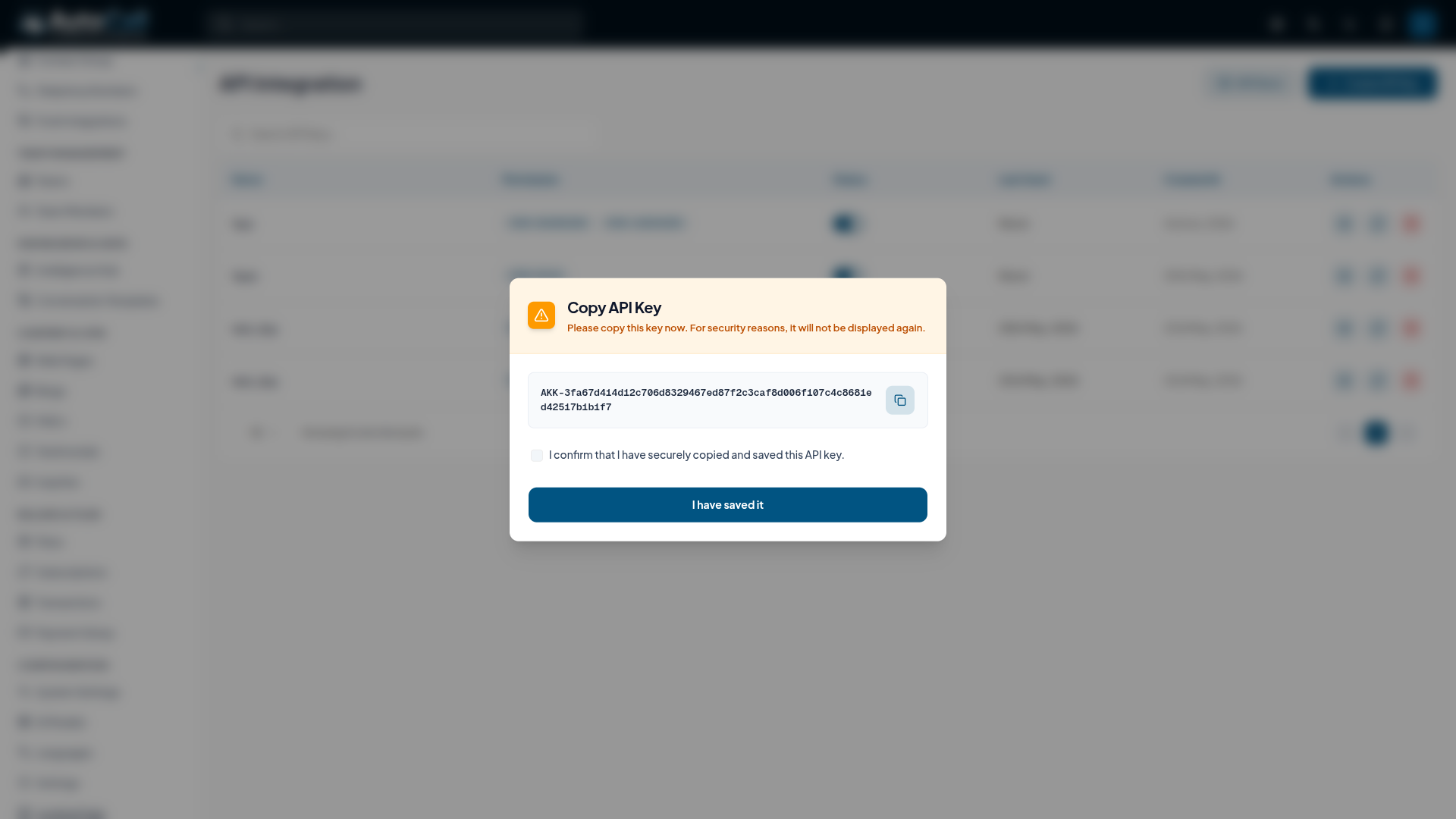
For security, the actual API key string is only shown once. However, you can manage the key's lifecycle:
- View Key Status: The eye icon lets you view the configured permissions (though not the key string itself).
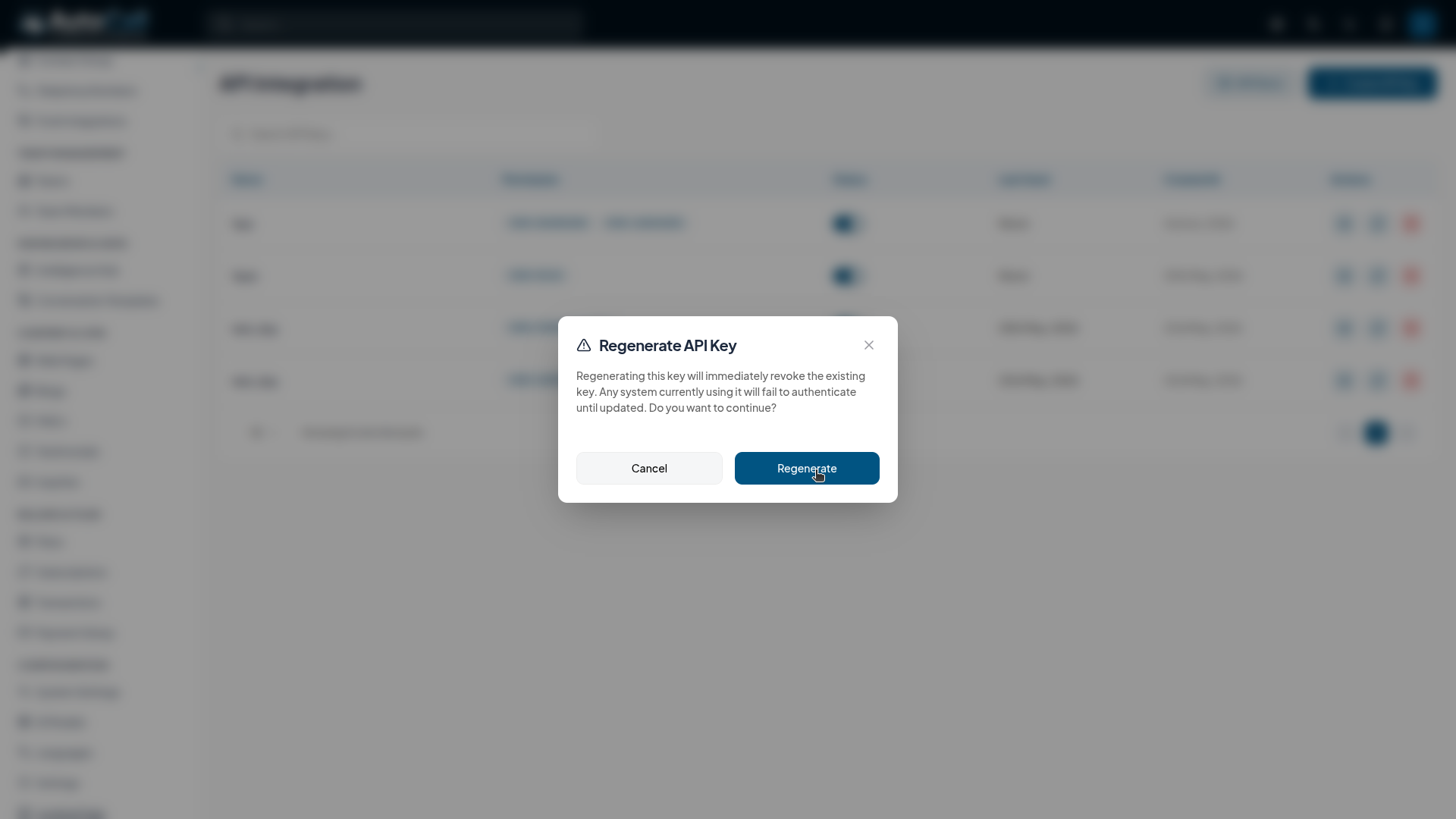
- Regenerate Key: If a key is compromised, use the regenerate button (sync icon). This will immediately revoke the old key and issue a new one, breaking any integrations relying on the old token.
5. Deleting API Keys
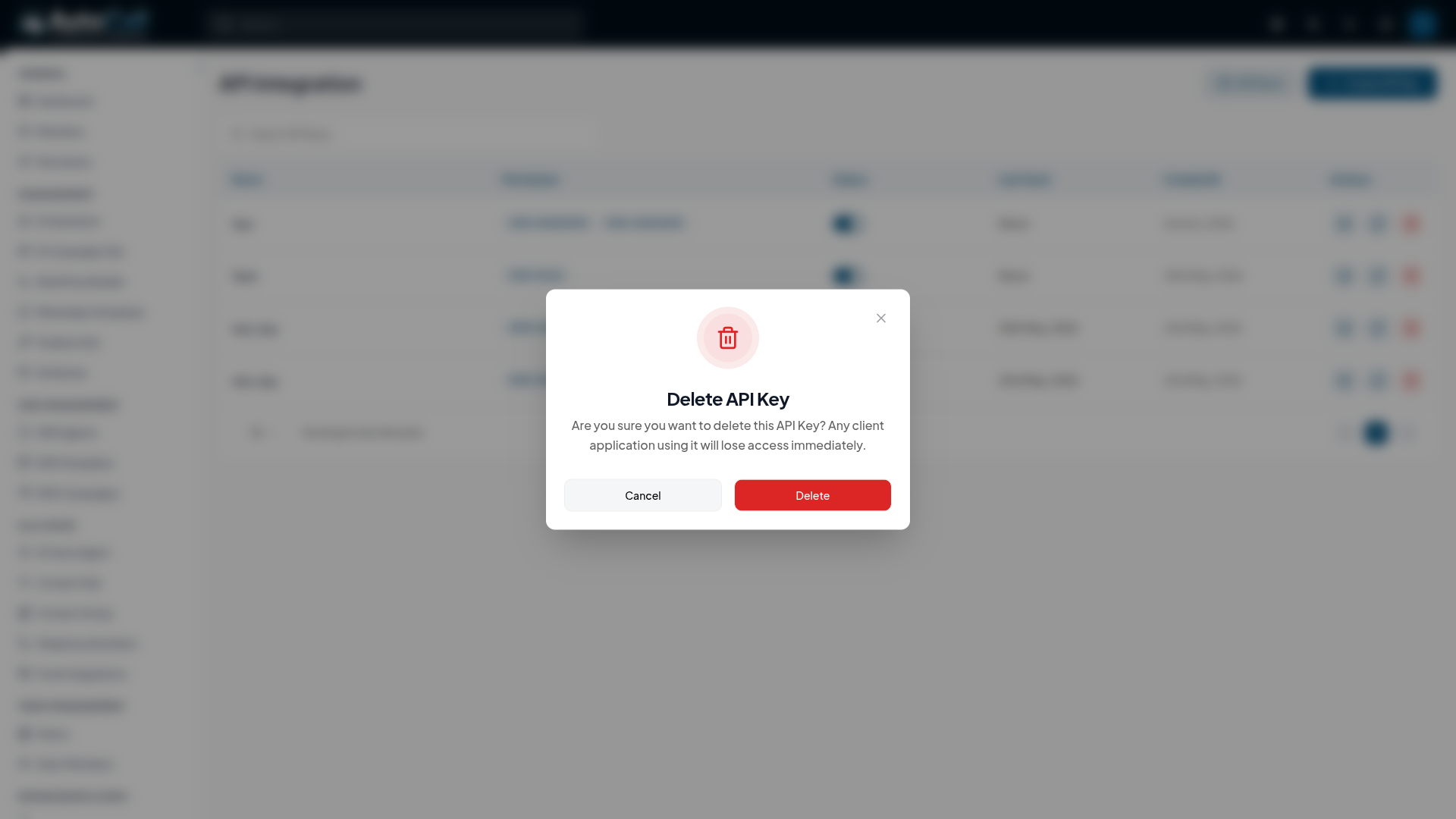
If an integration is permanently retired, use the red trash icon to delete the API key. This action permanently removes the key and immediately revokes access for any associated client application.
Key Points for Administration
- One-Time Display: When a key is created or regenerated, securely copy and store it immediately; it will not be displayed again.
- Least Privilege: Only grant the specific View, Create, Update, or Delete permissions required by the third-party application.
- Instant Revocation: Regenerating or deleting a key takes effect instantly. Ensure your connected applications are updated to avoid downtime.
What's Next?
Continue exploring the Admin Module tools.

