 Intelligence
Hub
Intelligence
Hub
Overview
The Intelligence Hub allows you to manage the specific knowledge bases that power your AI Agents. By centralizing information, your agents can answer queries intelligently, drawing directly from your uploaded data or structured text.
Intelligence Hub List
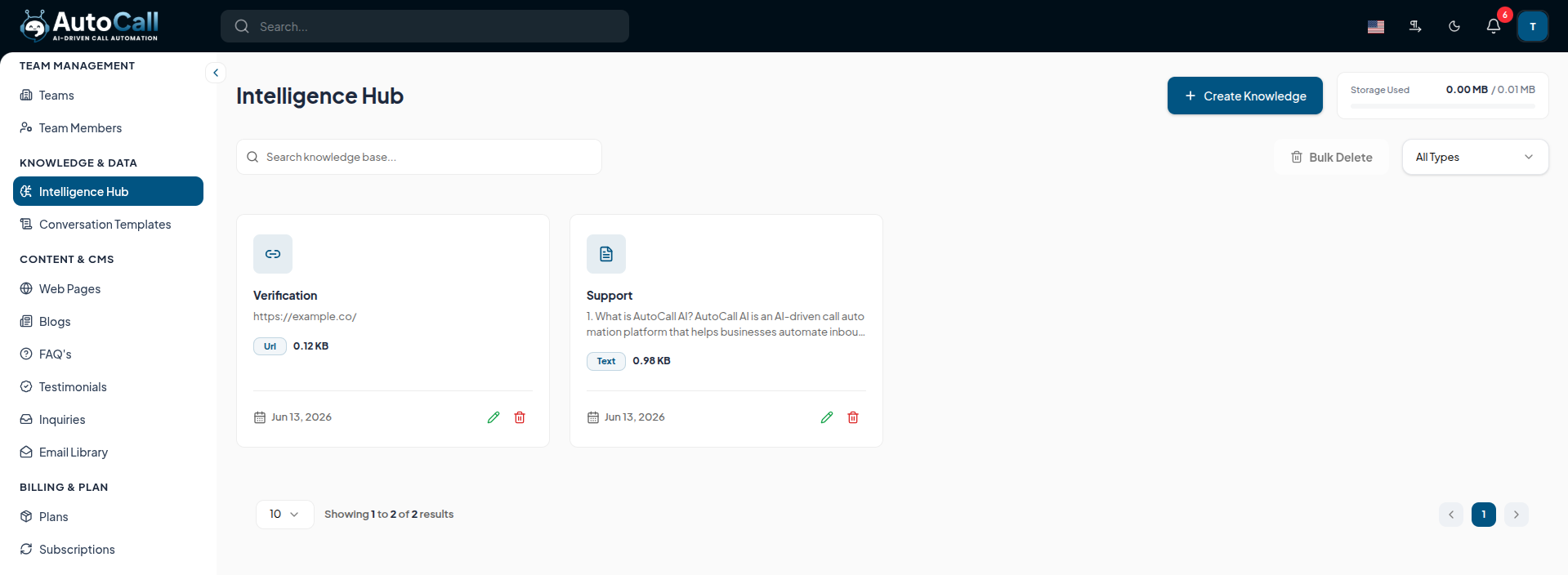
The dashboard displays all existing knowledge bases:
- Name: The title of the knowledge base.
- Description: Details about the content stored within it.
- Status: Indicates whether the knowledge base is currently active.
- Actions: Options to Edit or Delete the specific knowledge record.
1. Create Intelligence
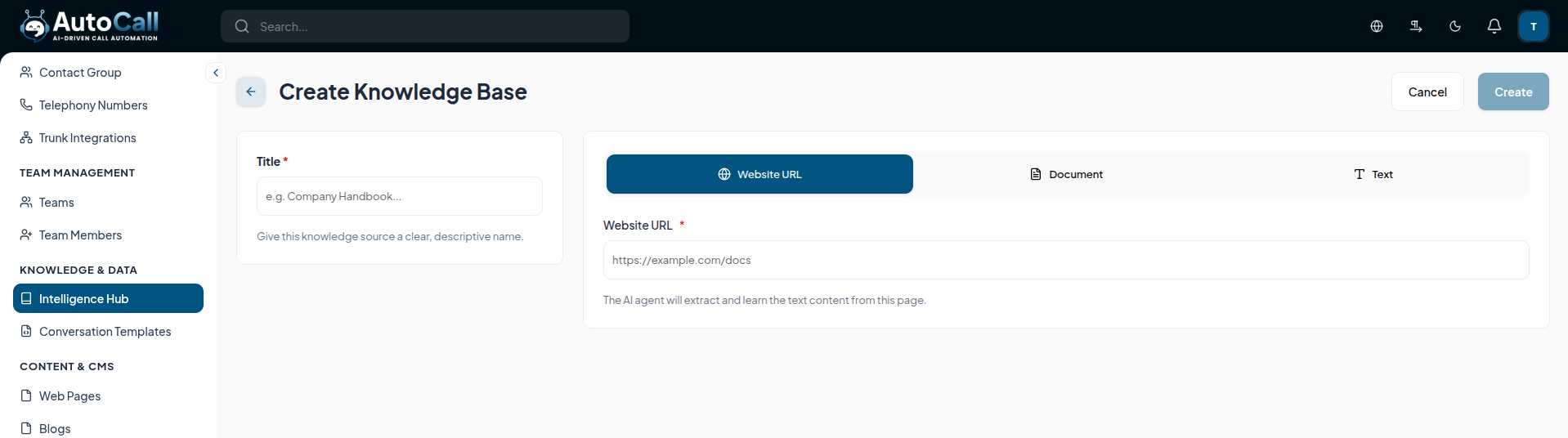
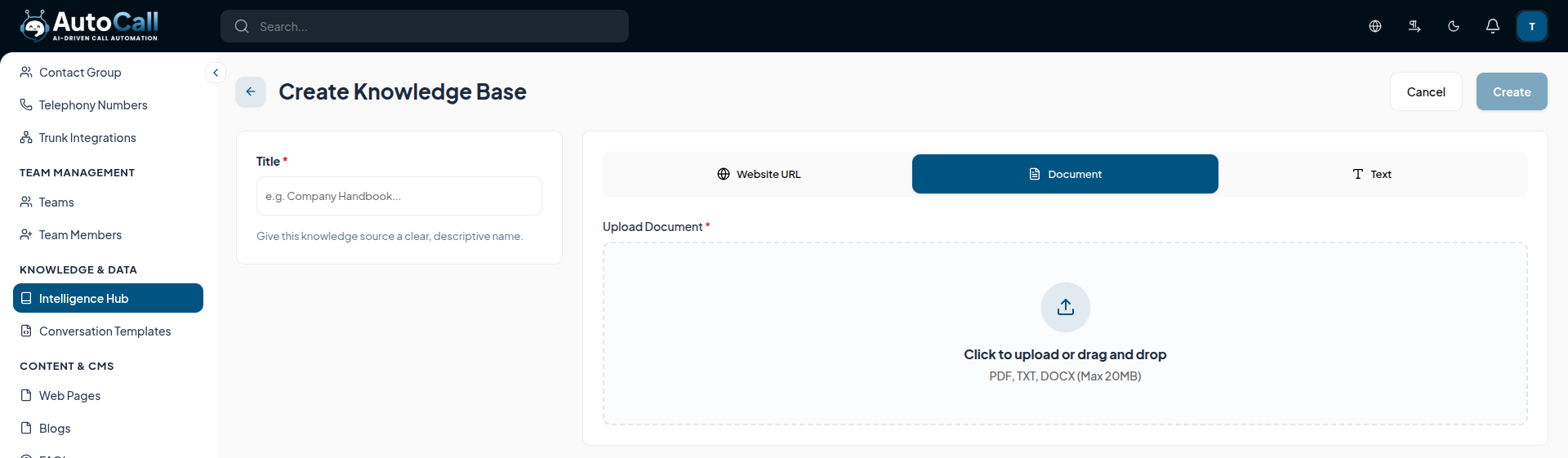
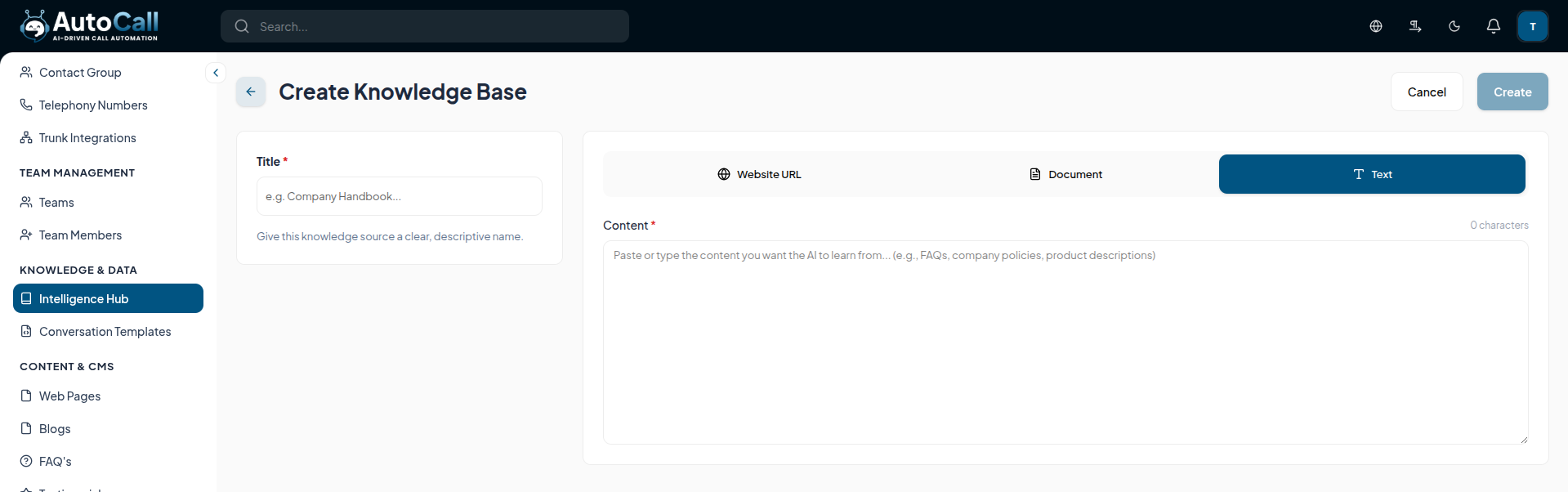
Click the + Create button to add a new set of data to your Intelligence Hub.
You will be prompted to enter the Name and Description, and to provide the core text/data that the AI will utilize as its knowledge source.
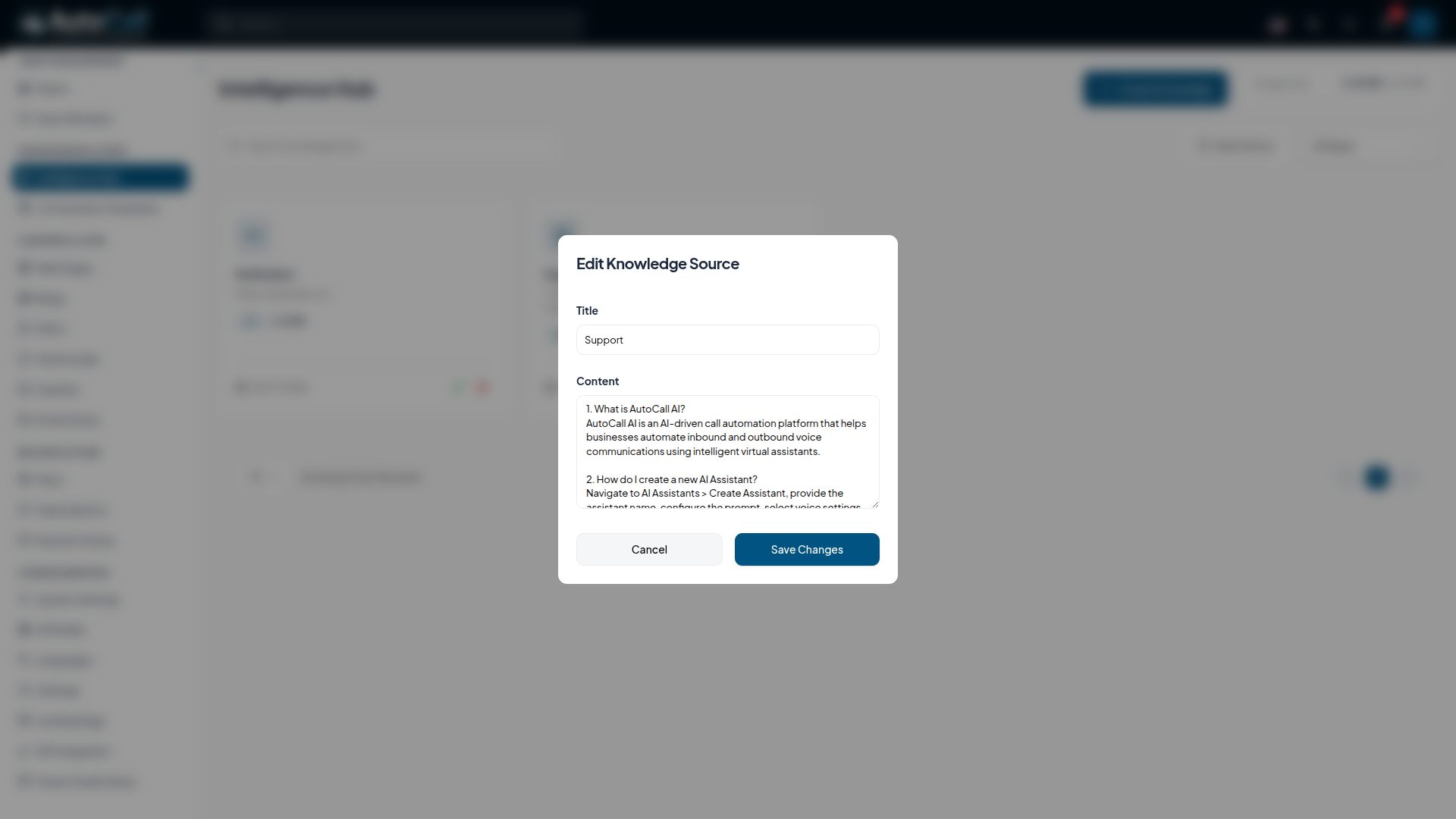
2. Edit Intelligence
Click the Edit (pencil icon) to update the information stored in the Intelligence Hub. Ensure you click Save Changes to apply the new data to your agents.
3. Delete Intelligence
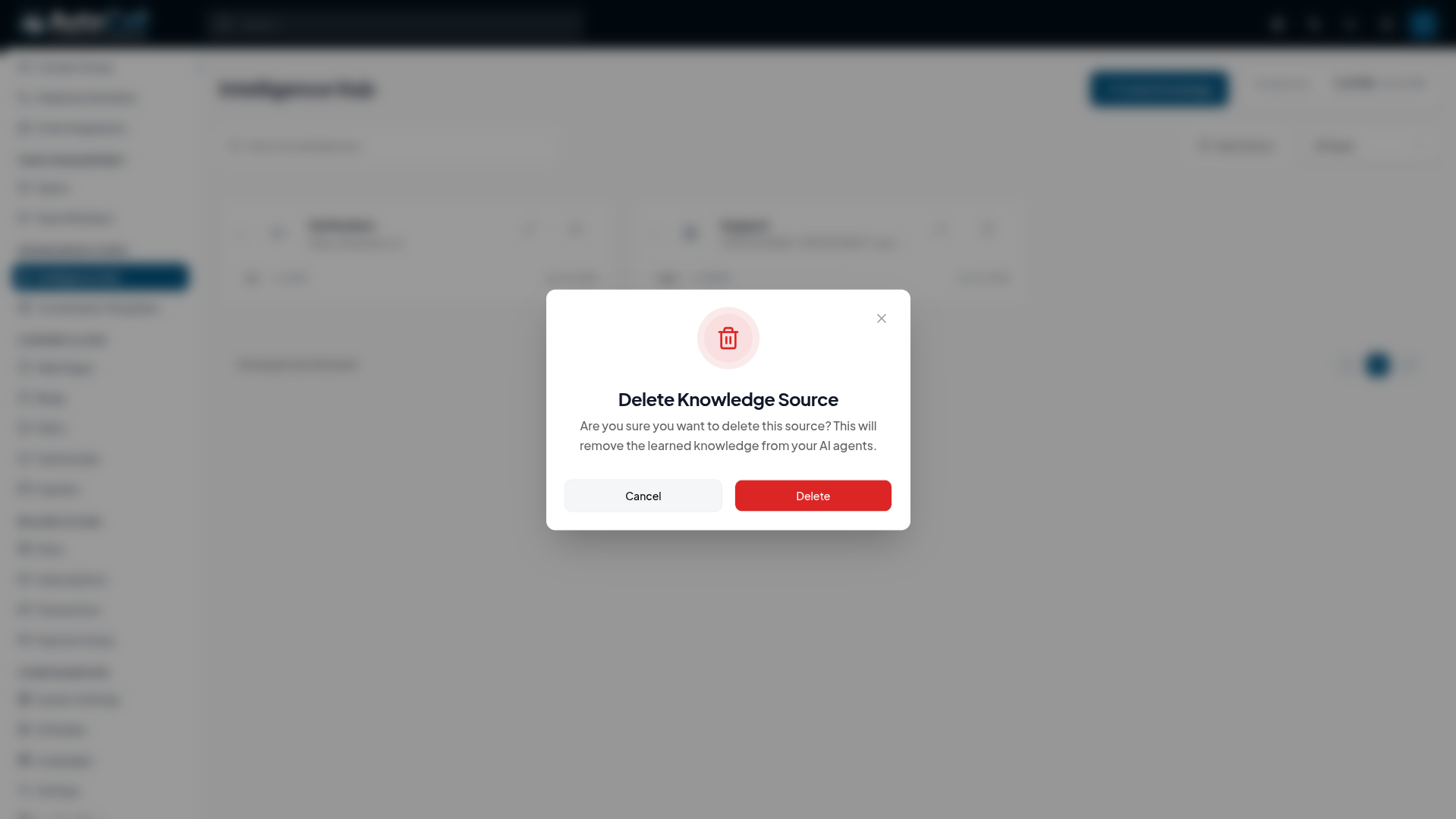
Click the Delete (trash icon) button to remove a knowledge base entirely. This will bring up a confirmation modal.
Note: Make sure that no active agents rely on this knowledge base before confirming deletion.
Key Points
- Easily inject custom domain knowledge into your AI voice agents.
- Update information centrally to instantly reflect changes across all related campaigns.
- Safeguard operations with clear delete confirmations to prevent accidental data loss.
What's Next?
Let's get started — your journey with AutoCall begins here!


