 WhatsApp
Business
WhatsApp
Business
Overview
Unlock scalable, automated conversational commerce through direct WhatsApp Business API connectivity. By integrating WhatsApp Business, you can easily connect your WhatsApp Business Account (WABA) and provision phone numbers for your SMS and voice campaigns seamlessly within AutoCall.
WhatsApp Business Dashboard
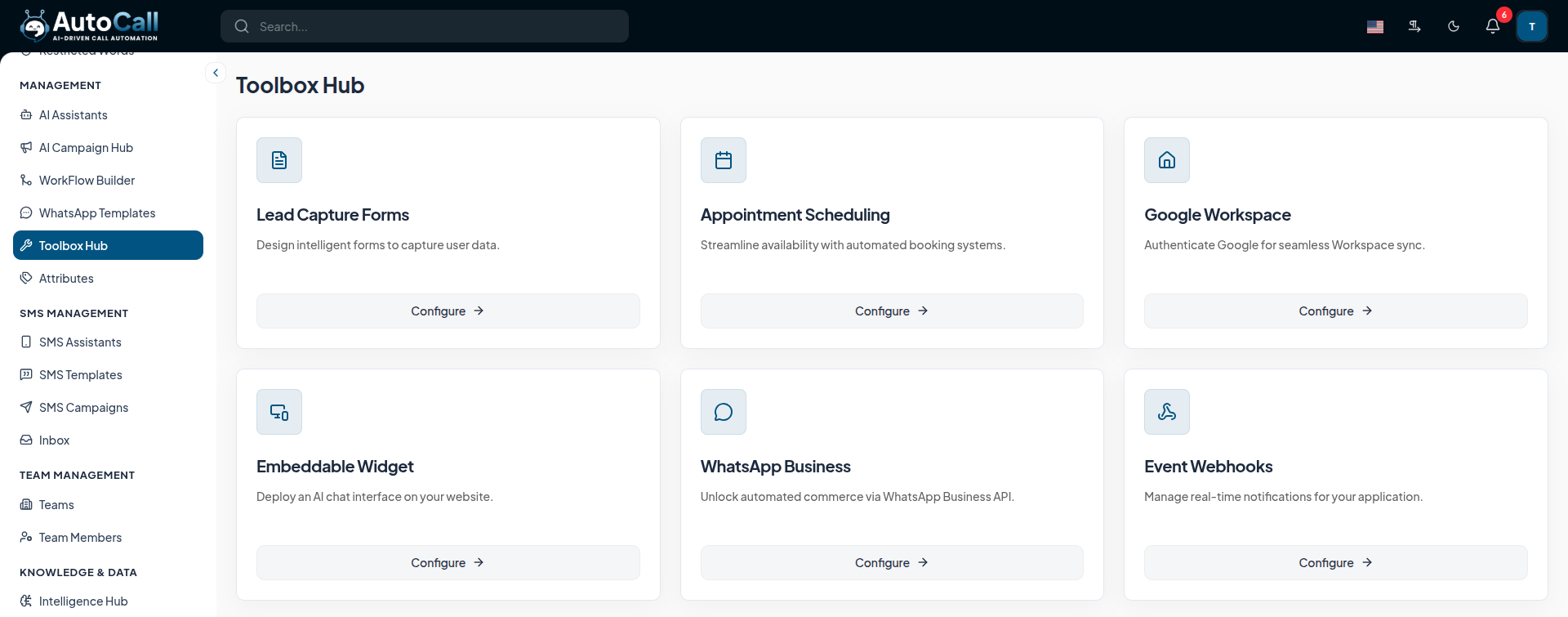
Access the WhatsApp Business module from:
- Toolbox Hub > Configure > WhatsApp Business
The main configuration page allows you to manage your connected WhatsApp Business Account (WABA) and webhook settings.
The configuration includes:
- WhatsApp Business (Cloud API) : Use the Embedded Signup flow to quickly connect your WABA and provision numbers.
- Webhook Configuration : Setup your Webhook URL and Verification Token to receive incoming messages and status updates.
- WABA Phone Numbers : View a list of phone numbers registered under your connected WhatsApp Business Account, including their Verified Name, Quality Rating, and Status.
Key Points
- Frictionless Sync: Keep your leads and call data in perfect harmony with your Google Workspace.
- Direct Creation: Generate properly formatted Google Sheets directly from the AutoCall interface.
- In-App Editing: Make quick data adjustments without ever needing to open a new tab for Google Sheets.
- Safe Deletion: Protect your data by choosing whether to delete files entirely or just unlink them.
What's Next?
Let's get started — your journey with AutoCall begins here!


