 Tenant Guide Setup
The Tenant Guide Setup module allows platform administrators to document and
define custom API endpoints dynamically. These guides serve as the reference documentation presented
to users for platform integration.
Note: Any guide set up in this
module will be automatically rendered and visible to end-users within the API Integration
section of the API Docs.
1. Creating a New Guide
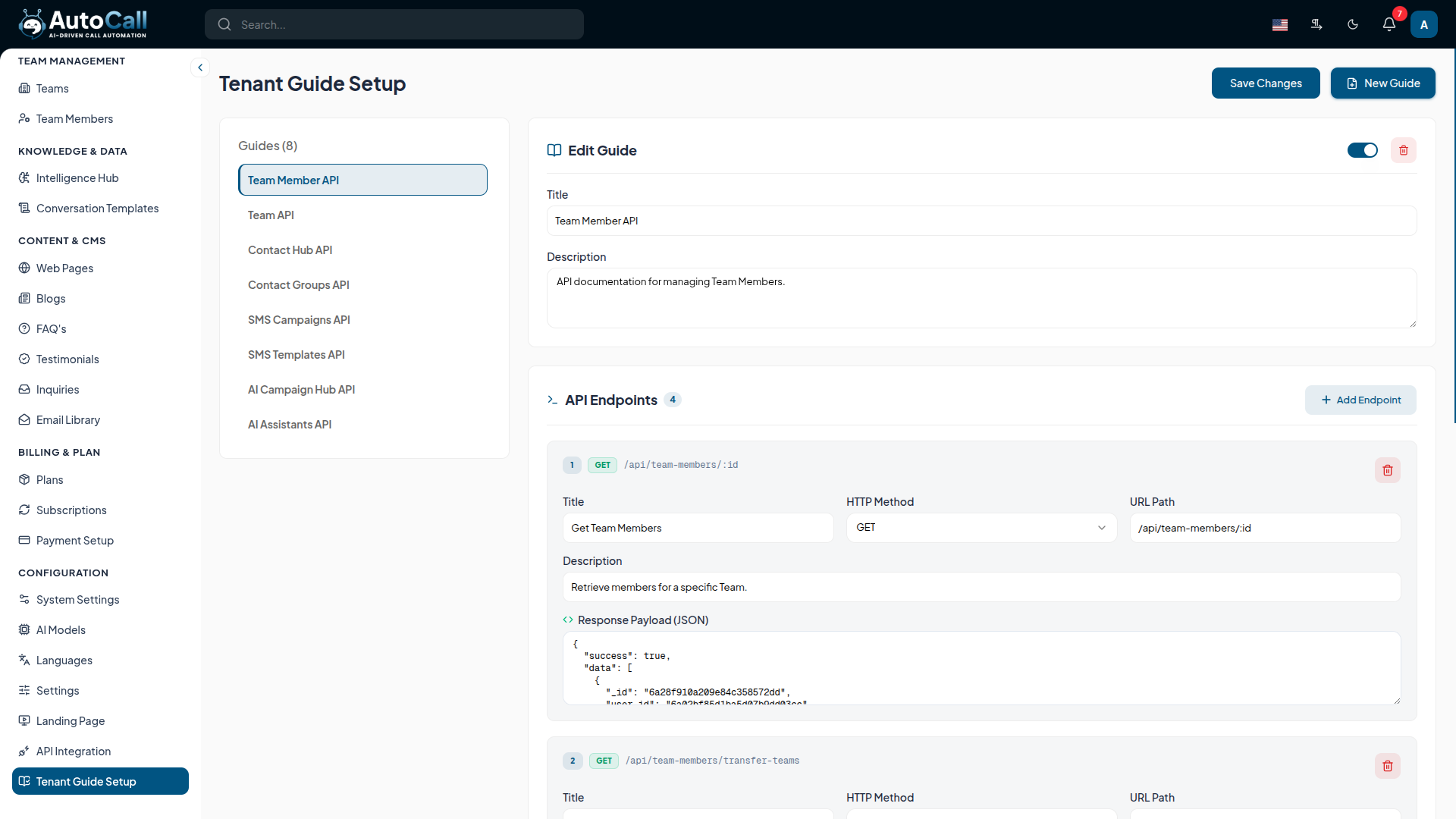
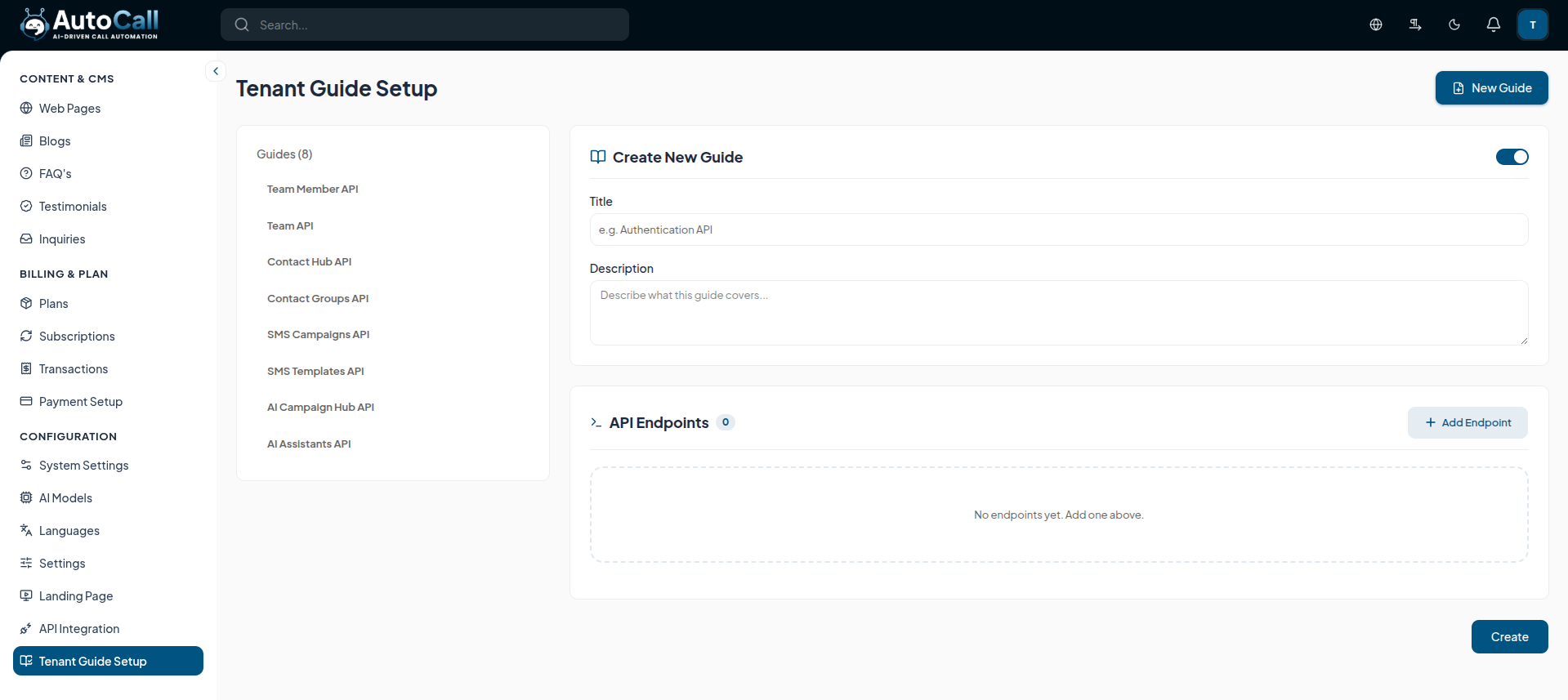
Begin by creating a new category or collection of APIs. You must specify a descriptive Title and Description to clarify the guide's purpose.
- Title: The name of the API grouping (e.g., "SMS Campaigns API").
- Description: A brief summary of what functionalities these endpoints provide.
2. Managing API Endpoints
Once a guide is created, you can document its specific endpoints by adding them sequentially.
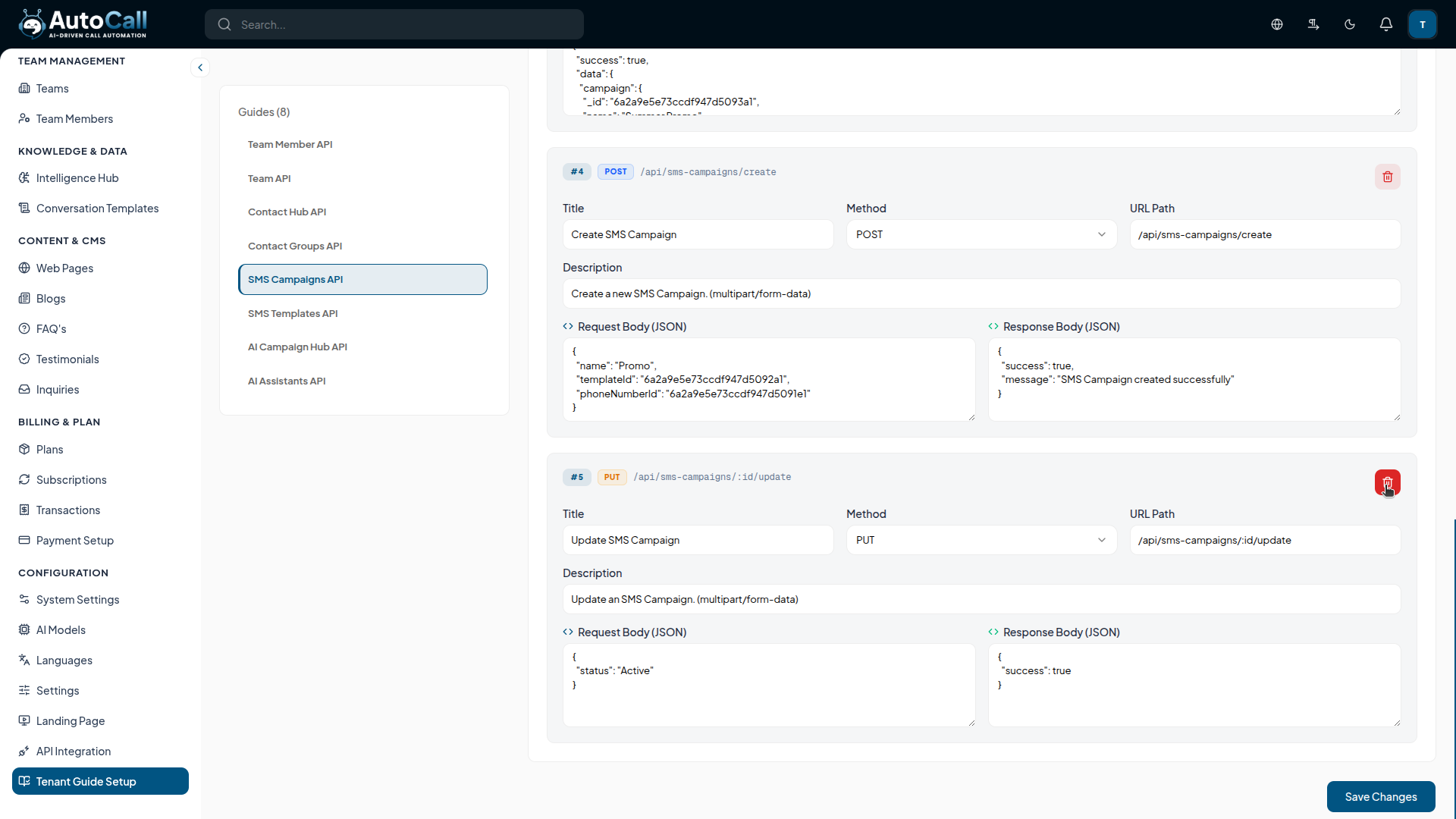
- Method & URL: Define the HTTP Method (GET, POST, PUT, DELETE) and the corresponding URL Path.
- Description: Explain the purpose of the endpoint and any expected parameters.
- Request & Response JSON: Provide structured examples of the expected Request Body and Response payload to assist developers.
3. Deleting Endpoints and Guides
You can manage outdated documentation by individually removing endpoints or deleting entire guides.
- Individual Endpoint Deletion: Click the red trash icon next to a specific endpoint to remove it without affecting the rest of the guide.
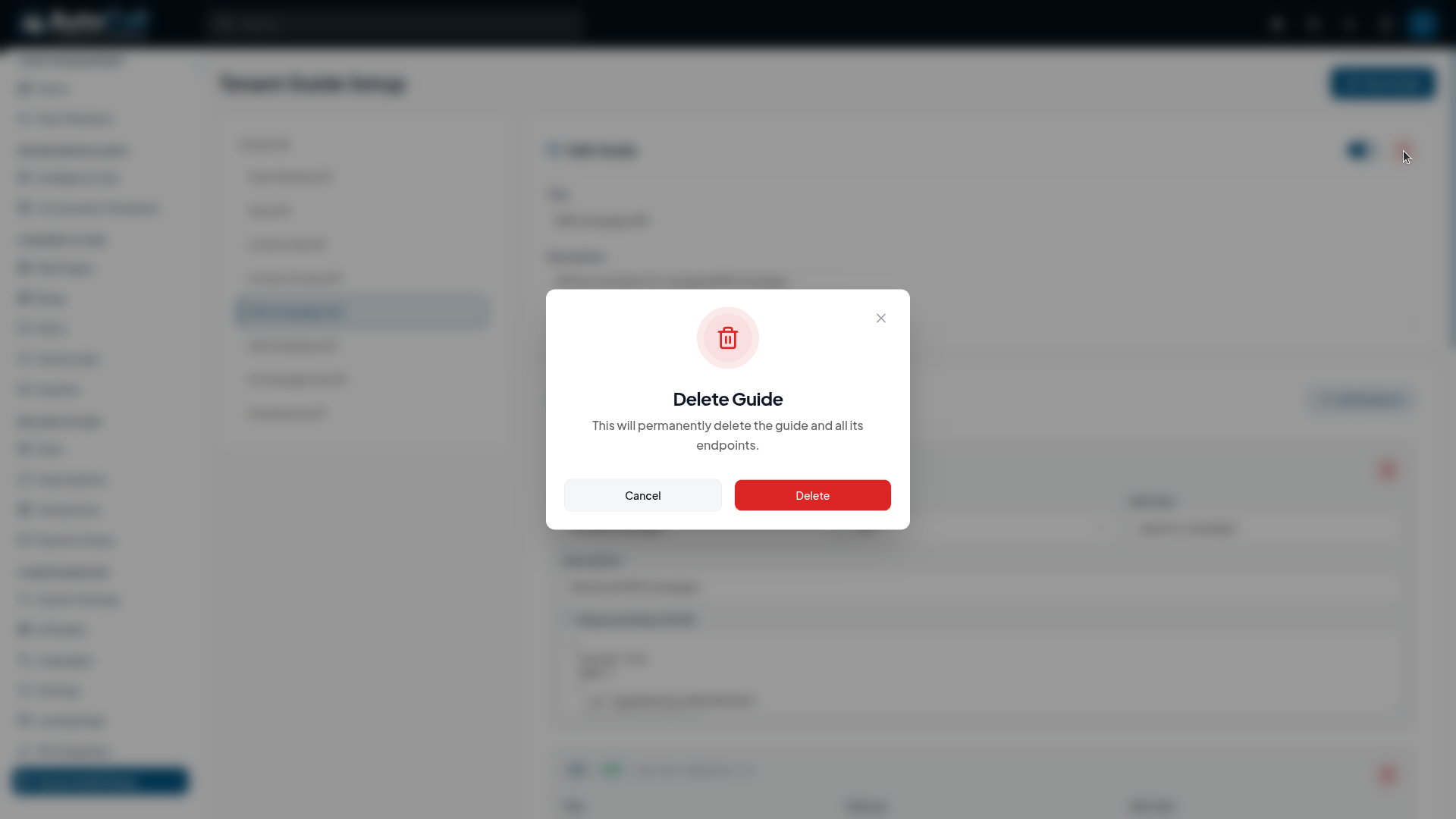
- Guide Deletion: Use the delete button at the top of the guide editor to permanently remove the entire guide and all its associated endpoints.
Key Points for Administration
- API Integration Visibility: All guides created and configured here will be seamlessly displayed in the API Integration section.
- JSON Validation: Ensure your Request and Response examples are valid JSON structures to provide clear guidance to developers.
- Permanent Deletion: Removing a guide or endpoint is irreversible. Always verify before clicking the delete button.
What's Next?
Continue exploring the Admin Module tools.

