 Event Webhooks
Overview
Manage real-time notifications for your application. Event Webhooks allow you to receive instant HTTP callbacks when specific events occur within AutoCall, keeping your external systems perfectly synchronized.
Event Webhooks Dashboard
Access the Event Webhooks module from:
- Toolbox Hub > Event Webhooks > Configure
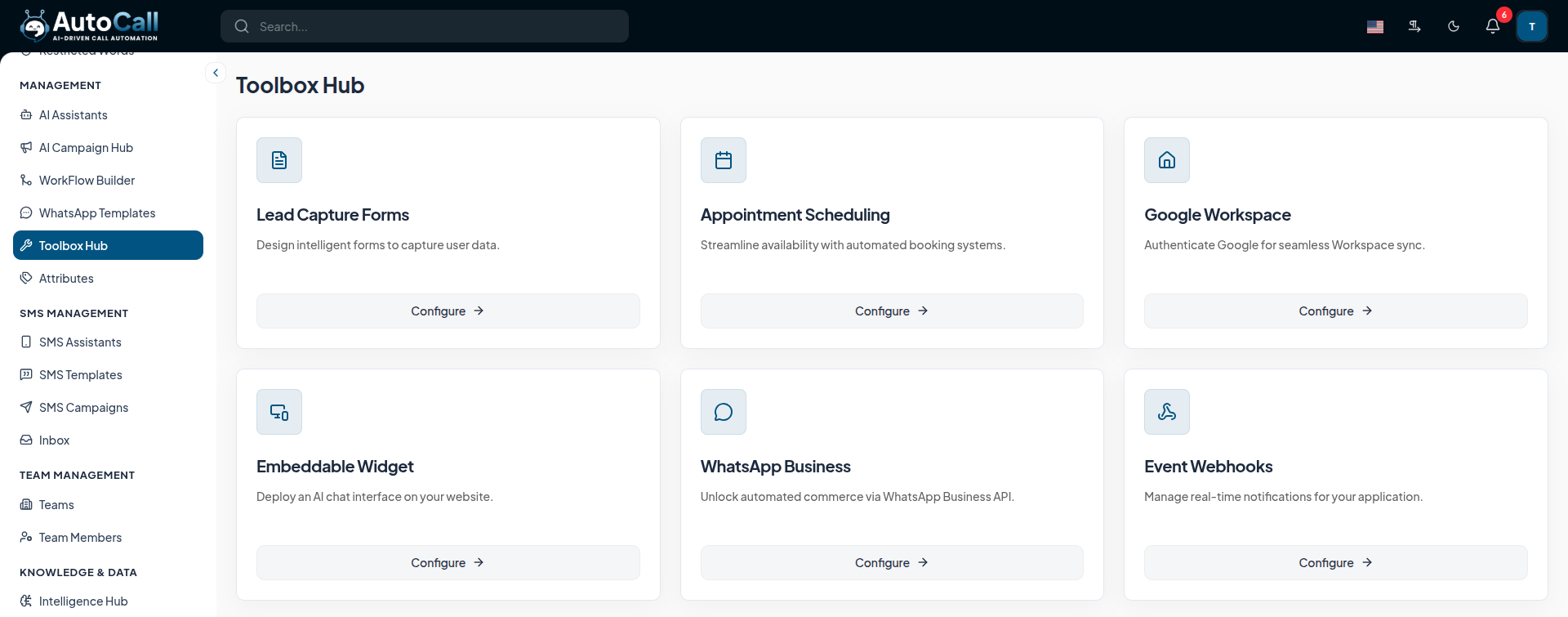
The main configuration page allows you to manage and monitor your webhook endpoints.
The configuration includes:
- Endpoint URL : Specify the secure HTTPS destination where AutoCall will send the event payloads.
- Event Selection : Choose which specific events (e.g., Call Completed, SMS Received) should trigger the webhook.
- Authentication : Secure your webhooks using signature tokens or custom headers.
Adding a Webhook Endpoint
To add a new webhook endpoint, navigate to the webhooks dashboard and click on Add Webhook. You will need to provide the following details:
- Name: A descriptive name for the webhook (e.g., CRM Sync).
- Endpoint URL: The secure HTTPS URL that will receive the webhook payloads.
- Status: Toggle the webhook status to Active or Inactive.
Once saved, AutoCall will immediately begin dispatching the selected events to your endpoint.
Webhook Delivery Logs
The Webhook Delivery Logs provide full visibility into all webhook events sent by AutoCall. You can monitor the success and failure rates directly from the dashboard.
- Payload Inspection: View the exact JSON payload sent to your endpoint.
- Response Details: See the HTTP status code and response body returned by your server.
- Manual Retry: If a delivery fails, you can manually trigger a retry from the logs interface.
Supported Event Types
You can configure your webhooks to listen to a wide variety of events across the AutoCall platform. Some of the most common events include:
call.completed: Triggered when an AI or manual call concludes.call.transferred: Triggered when an active call is transferred to a human agent.sms.received: Triggered when an incoming SMS is received.contact.created: Triggered when a new contact is added to the Contact Hub.appointment.booked: Triggered when a new appointment is scheduled via AI.
Key Points
- Real-Time Sync: Push data instantly to your CRM or custom application.
- Secure Payloads: All webhook requests are signed cryptographically for verification.
- Retry Logic: Built-in retry mechanisms ensure delivery even during temporary outages.
- Delivery Logs: Review successful and failed webhook deliveries in the dashboard.
What's Next?
Let's get started — your journey with AutoCall begins here!


