 Settings
Overview
The Settings module centralizes the configuration of all essential third-party integrations and API credentials. Ensure these keys are inputted correctly to guarantee seamless functionality across AI models, telephony services, messaging APIs, and Google integrations.
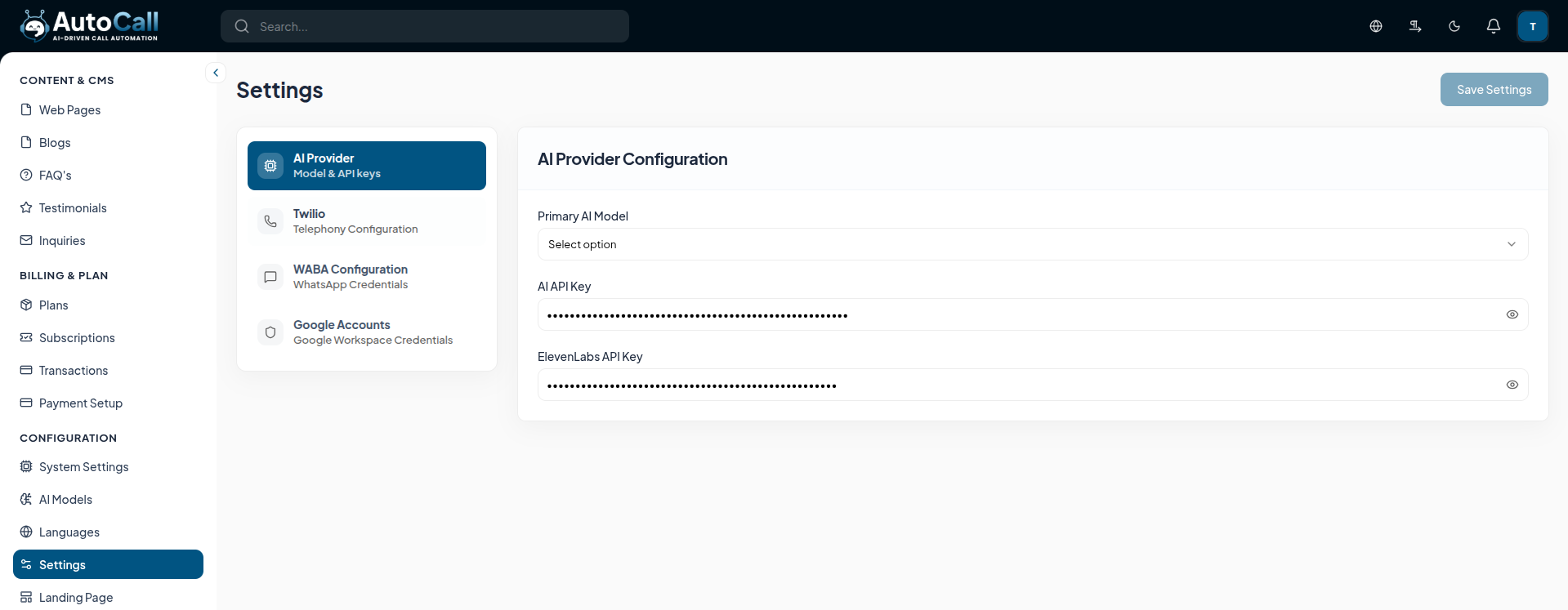
1. AI Provider Configuration
Configure the core models powering your voice agents and text generation.
- Primary AI Model: Select the default conversational AI model from the dropdown.
- AI API Key: Enter your primary provider's secure API key (e.g., OpenAI or Anthropic).
- ElevenLabs API Key: Enter your ElevenLabs key to enable high-quality text-to-speech voice generation.
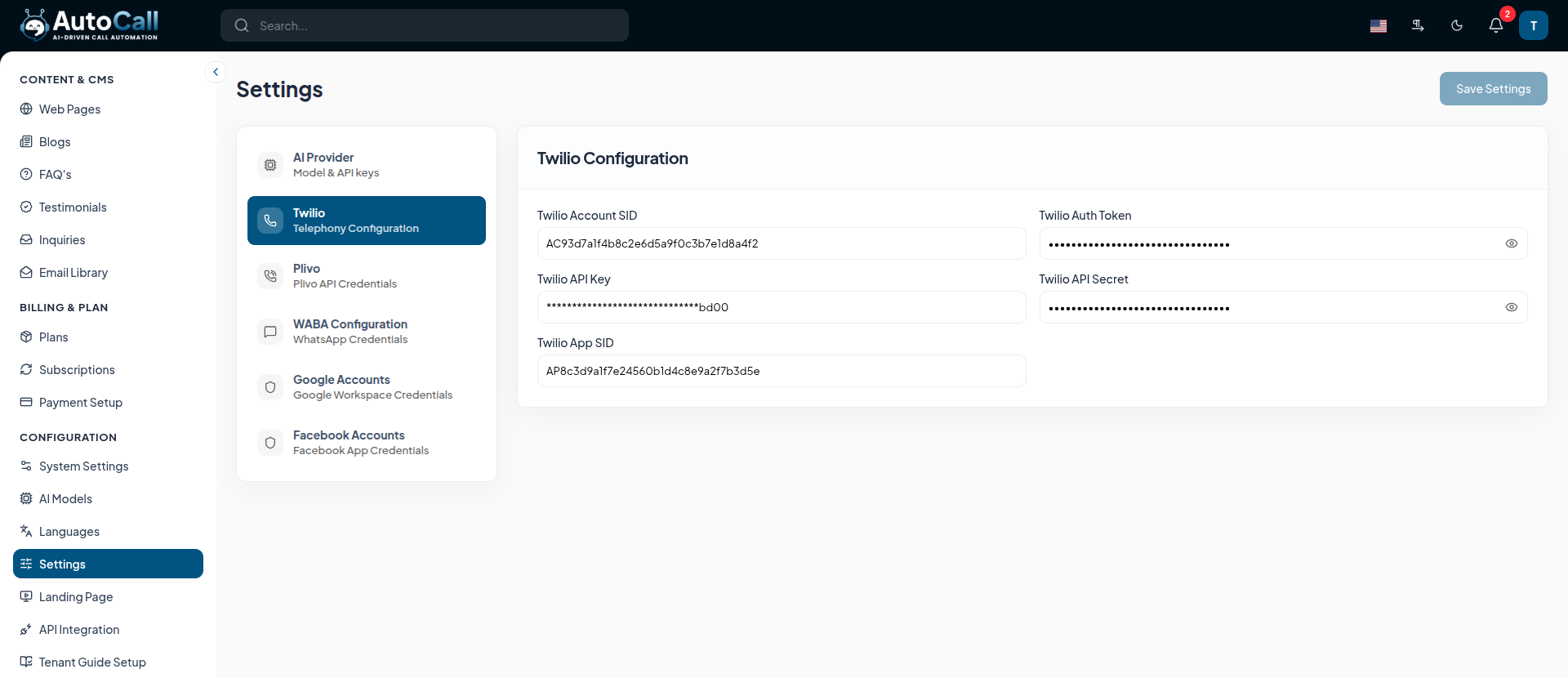
2. Twilio Configuration
Link your Twilio account to handle global telephony services.
- Twilio Account SID: Your unique Account identifier from the Twilio Console.
- Twilio Auth Token: The secret authentication token corresponding to your Twilio Account SID.
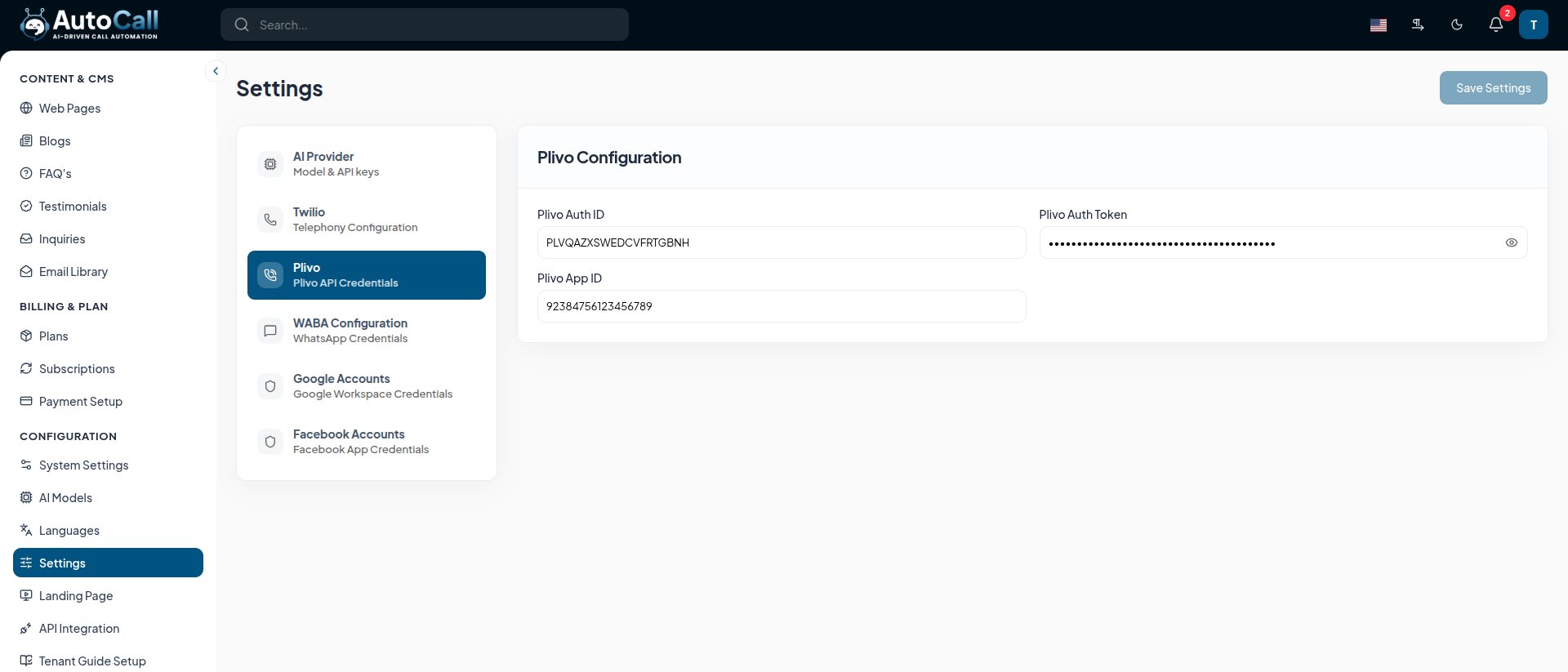
3. Plivo Setup
Link your Plivo account to handle alternate global telephony services.
- Plivo Auth ID: Your unique authentication identifier from the Plivo Console.
- Plivo Auth Token: The secret authentication token corresponding to your Plivo Auth ID.
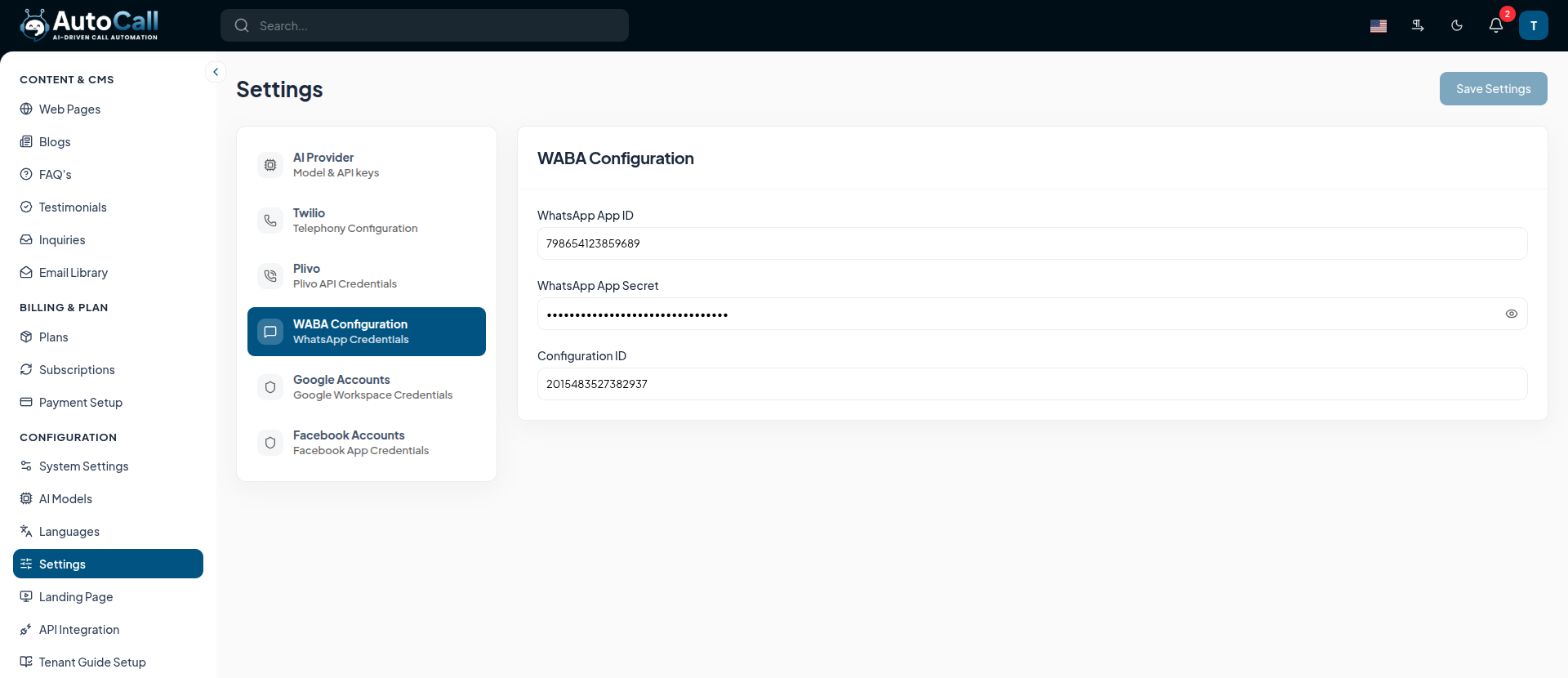
4. WABA Configuration
Set up WhatsApp Business API credentials for direct messaging capabilities.
- WhatsApp App ID: The Application ID from your Meta Developer Dashboard.
- WhatsApp App Secret: Your secure App Secret to authenticate API requests.
- Configuration ID: The specific WABA Configuration ID linked to your business account.
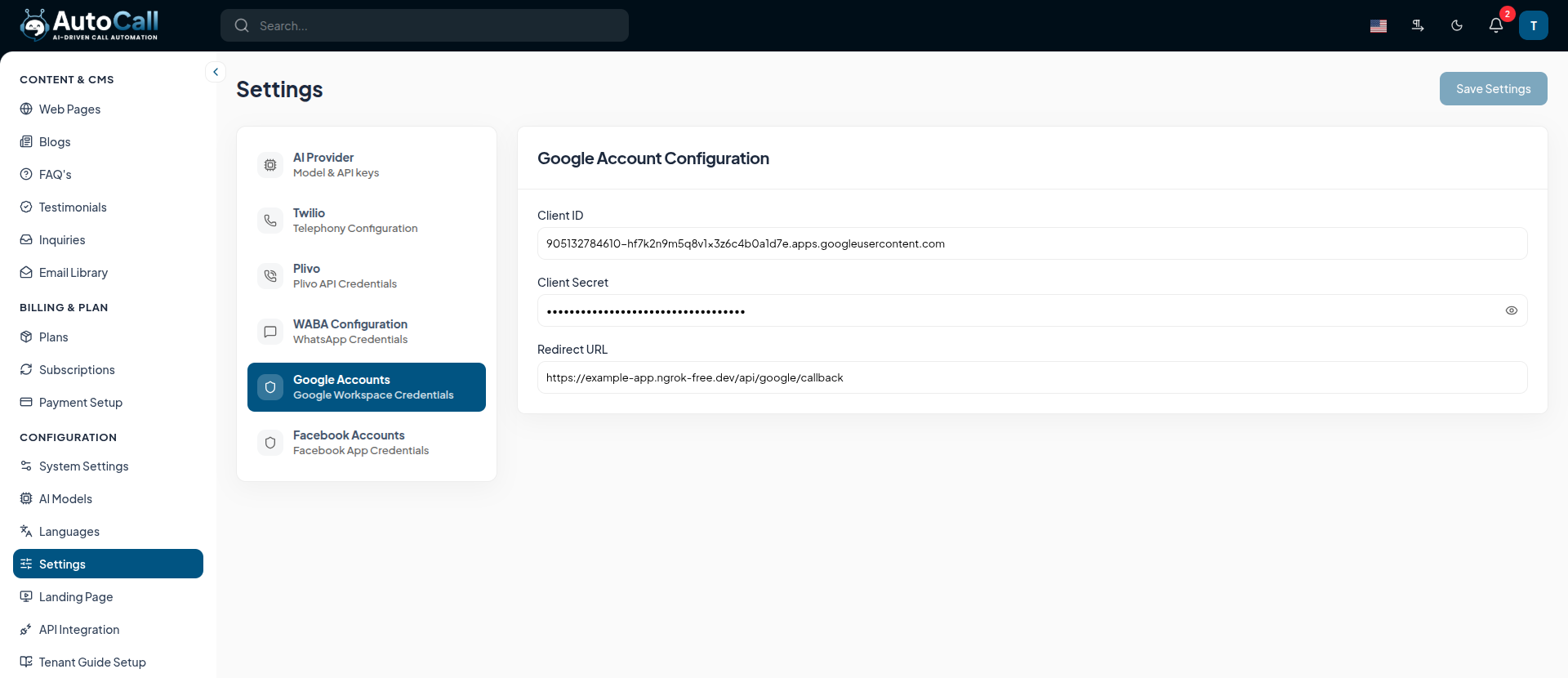
5. Google Accounts Configuration
Enable calendar scheduling and Google Workspace integrations.
- Client ID & Client Secret: Generated from the Google Cloud Console for OAuth 2.0.
- Redirect URI: The callback endpoint URL. Ensure this strictly matches the URI registered in your Google Cloud OAuth credentials.
6. Facebook Account
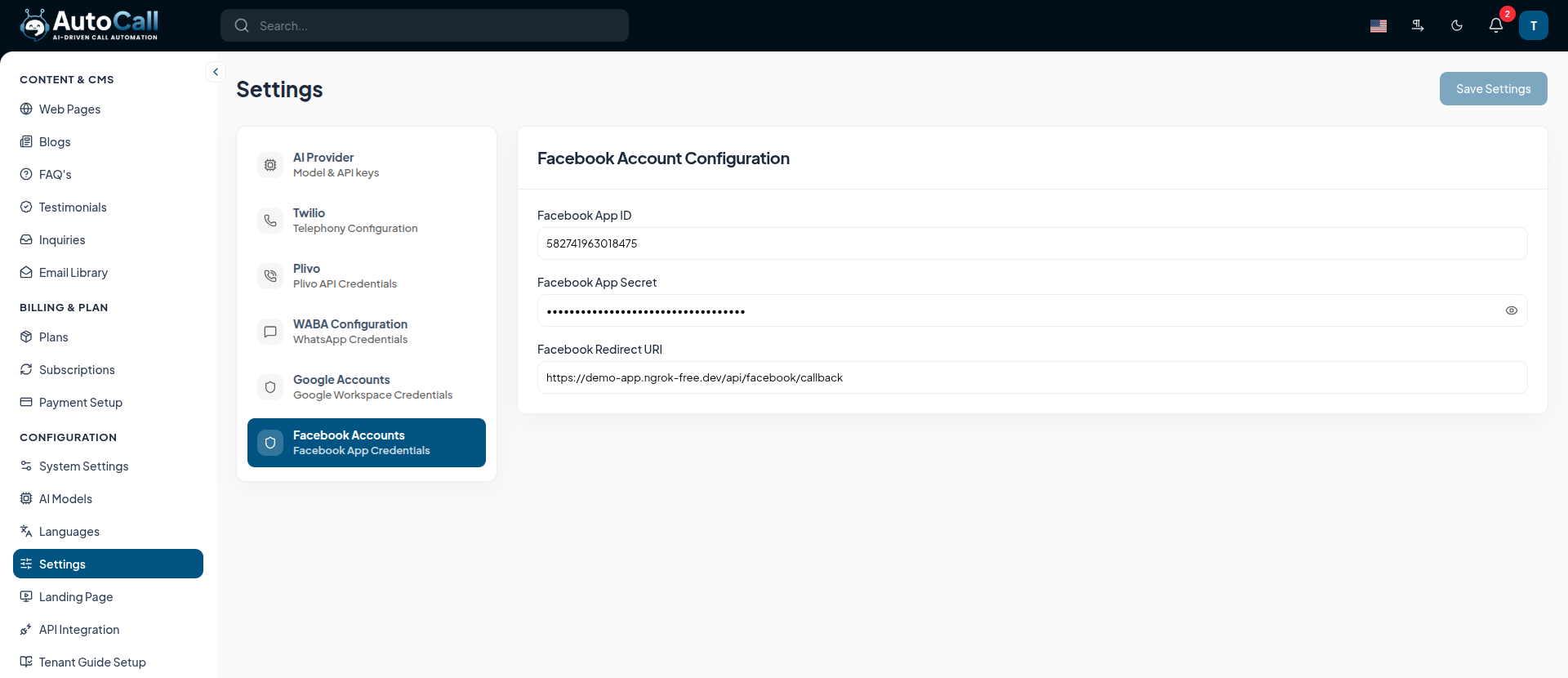
Configure Facebook integration for social media workflows and lead capture.
- App ID & App Secret: Generated from your Meta Developer Dashboard.
- Access Token: The secure token for API access.
Key Points
- Always click the Save Settings button in the top right corner after modifying any tab. Unsaved changes will display a warning.
- Ensure API keys are copied without any leading or trailing whitespace to avoid authentication errors.
- Re-verify the Google Redirect URI carefully if users experience OAuth login or scheduling failures.
What's Next?
Let's get started — your journey with AutoCall begins here!


