 SMS Templates
Overview
SMS Templates in AutoCall allow you to create, manage and store pre-defined text messages. These templates ensure consistency, save time and streamline your SMS campaigns by allowing you to quickly reuse standardized message content across different campaigns.
Using templates is highly effective for sending event invitations, feedback requests, delivery updates, special offers and payment confirmations.
SMS Templates Dashboard
The SMS Templates Dashboard displays all your configured templates in a clean, organized layout. Each entry provides key details and quick actions to manage your message content.
The dashboard features include:
- Search Bar : Quickly locate specific templates by name or content.
- Template Details : View the template name, preview the message content and see when it was last updated.
- Active Status Toggle : Enable or disable templates instantly.
- Action Buttons : Easily edit or delete individual templates using the quick action icons.
Click on the + Create SMS Template button at the top right to build a new template.

1. Create SMS Template
To add a new template, click + Create SMS Template. This opens a modal where you must specify:
- Name : A descriptive title for the template (e.g., "Event Invitation").
- Description : Internal notes explaining the template's purpose.
- Content : The actual text message to be sent. You can use
dynamic variables like
{{name}}or{{company}}for personalization.

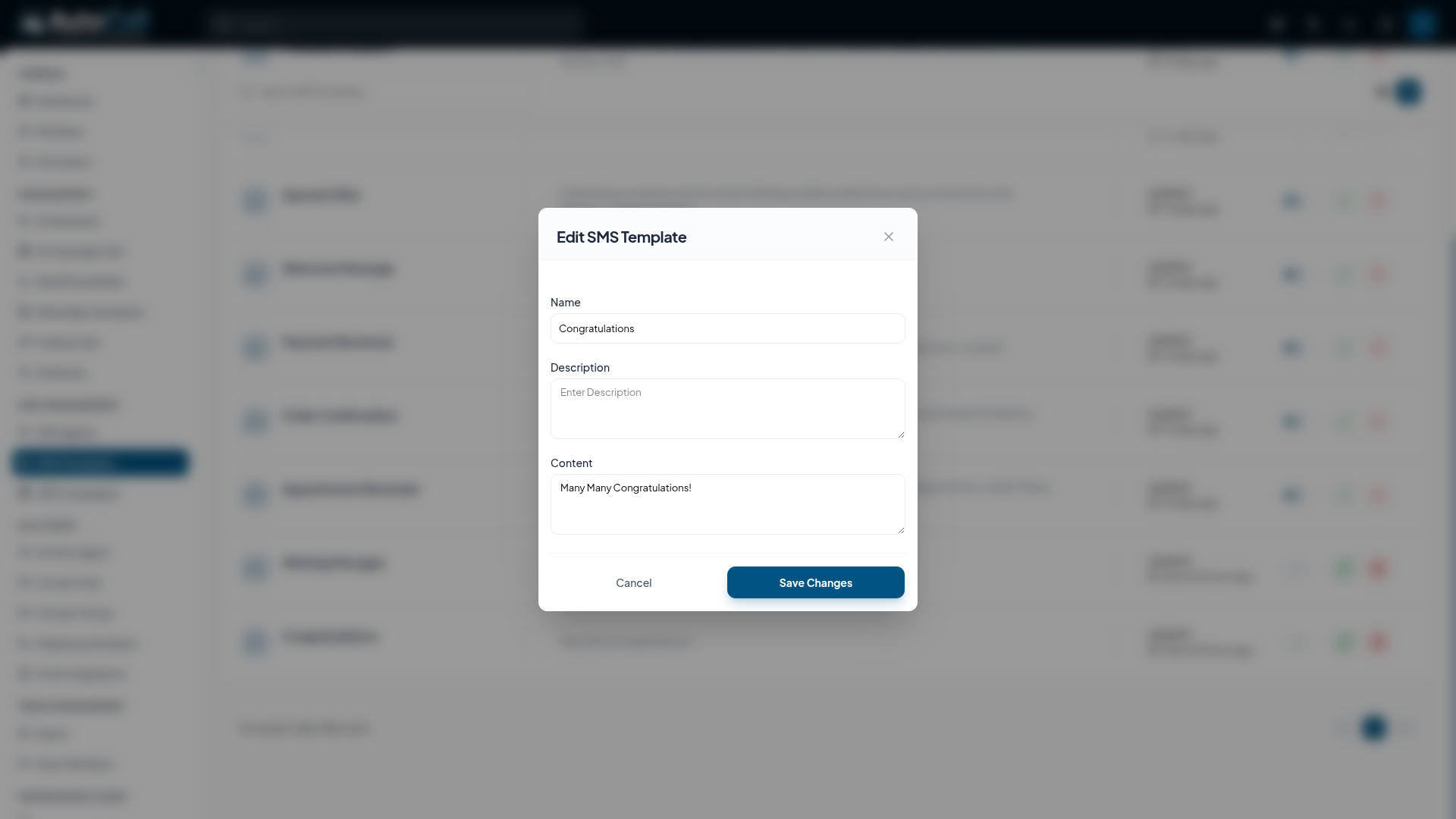
2. Edit SMS Template
To modify an existing template, click the Edit (Pencil) icon next to it. You can update the name, description or content structure. Click Save Changes to apply the updates.
3. Delete SMS Template
If a template is no longer needed, you can remove it by clicking the Delete (Trash) icon. A confirmation modal will appear to prevent accidental deletions.

Key Points
- Standardized Messaging: Ensure consistent communication across all campaigns by using pre-defined message templates.
- Time Efficiency: Save significant time by reusing approved message structures instead of writing them from scratch.
- Dynamic Personalization: Seamlessly integrate custom variables (like name or order number) to keep messages personalized while using templates.
- Easy Management: Quickly enable, edit or remove templates directly from the centralized dashboard.
What's Next?
Let's get started — your journey with AutoCall begins here!


